Check the acquisition promise
Read the store headline, screenshots and description. What problem is the app promising to solve?
Study the storefront ↗
LastPass US LP · iOS
Explore the ad evidence, study the storefront, and build your next acquisition hypothesis.
01 / Creative research
Read the store headline, screenshots and description. What problem is the app promising to solve?
Study the storefront ↗Explore apps with direct store-link matches. Compare their hooks and formats without assuming the same approach works here.
Browse observed advertisers ↗Store rankings and revenue estimates describe market context. They do not establish ad spend, conversions or ROAS.
Review the market context ↗02 / Storefront & product
Study the product story and store experience behind the acquisition funnel.




03 / Market context
Keep revenue, downloads and store rankings separate from advertising performance.
At first I had an issue when I setup the Authenticator that it used the wrong email address that I never typed in anywhere. It locked me out of my account on my phone and tried to create a fresh account under the new email address with nothing in it (no credentials). I tried a phone reset several times through SMS and it said the codes I entered were wrong but they were clearly not. So obviously I was really nervous. FORTUNATELY I never closed my browser window and I was able to deactivate two factor. I contacted LastPass tech support. They asked me to take a video of what I was doing. I was going to send them screenshots because I didn’t feel comfortable typing my master password on video. But in that process of taking screenshots it magically worked. I tested it again and it worked again. So I wrote them back and said have a nice day. A few minutes later I go to use it for real, I get a similar error about using the wrong email. Of course after I wrote that it works. Note that the Authenticator shows the wrong email still even when it worked. So I tried it again and it mysteriously worked, I changed nothing. I tried it again today and it worked again. So I guess it’s working? Nonetheless, setup a second two factor first in case this locks you out. Also, leave your browser open after setting up just in case your phone doesn’t let you sign in. Good luck! When it works, it works well.
Upon constantly receiving the error “app needs to be restarted” or something along those lines over the course of about a week I attempted to troubleshoot. I found an update was available so I applied the update but to my misfortune it provided no resolve. I could not remember the last time I restarted my phone and thinking something may be cached I decided to give it a restart, still no resolve. As a last ditch effort I uninstalled and re-installed the app confident my keys would be there as to my knowledge I had taken every step necessary when I set up the app including linking my account to my last pass account so that cloud backups would be in place. But when I reinstalled the app and linked it back to my existing last pass account I was told there was nothing to restore. Pretty frustrated as I do not remember off the top of my head which accounts were linked to this Authenticator but I know it was more than a few since I had been slowly migrating my MFA options to this Authenticator since I pay for the subscription and u would like to keep as many accounts as possible from using SMS as my authentication method to protect from sim swapping. Here’s to hoping that I can access my accounts in the future and for anyone currently or thinking of using this app let this be a warning to not keep all your eggs in one basket or in this case keys in one app.
I have used about 3-4 other password managers. I use them both on windows as well as iOS devices. This one is HANDS DOWN the absolute best! It works flawlessly and will auto fill on both windows and iOS. I used Dashlane for a long time but more times than not, it would not catch a new updated password even though it said it did. So I was locked out of a regularly used app… not good. The neat thing about this one besides being a fair price is that it comes free with a subscription to Webroot AV. I use that both at home and work. It’s lightweight and cloud based and has great protection. The big A online store has the best prices on that. I am a 30 year IT veteran so I feel like I am well positioned to evaluate this product. Hope this helps you in your search.
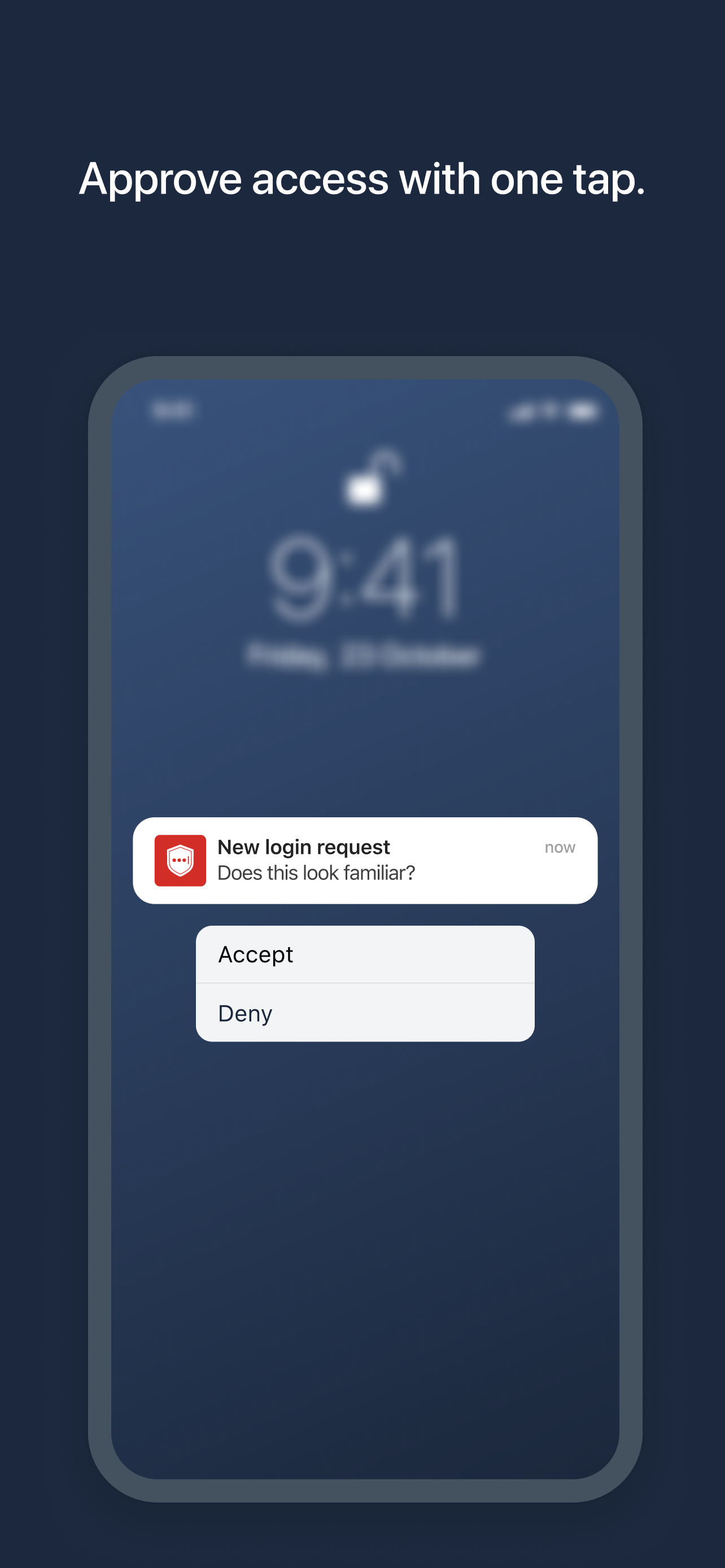
LastPass Authenticator offers effortless two-factor authentication for your LastPass account and other supported apps. With one-tap verification and s...