App Profile: Flash Brain Training Game
Android / Games / Puzzles
Flash Brain Training Game
Installs:
Rating:
0.00
Total Reviews:
0
Top Countries:
JP, GB, BO
< $5k
/mo
< 5k
/mo
Reviews: What People Think About Flash Brain Training Game
About Flash Brain Training Game
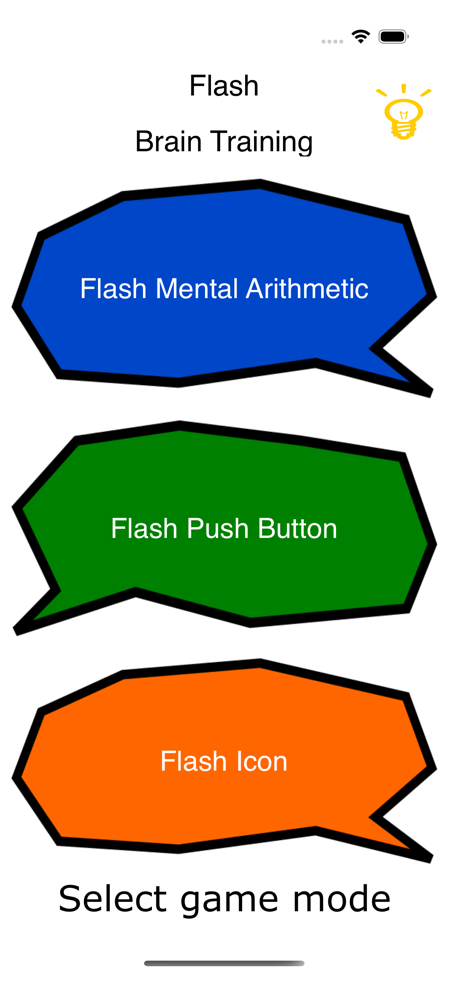
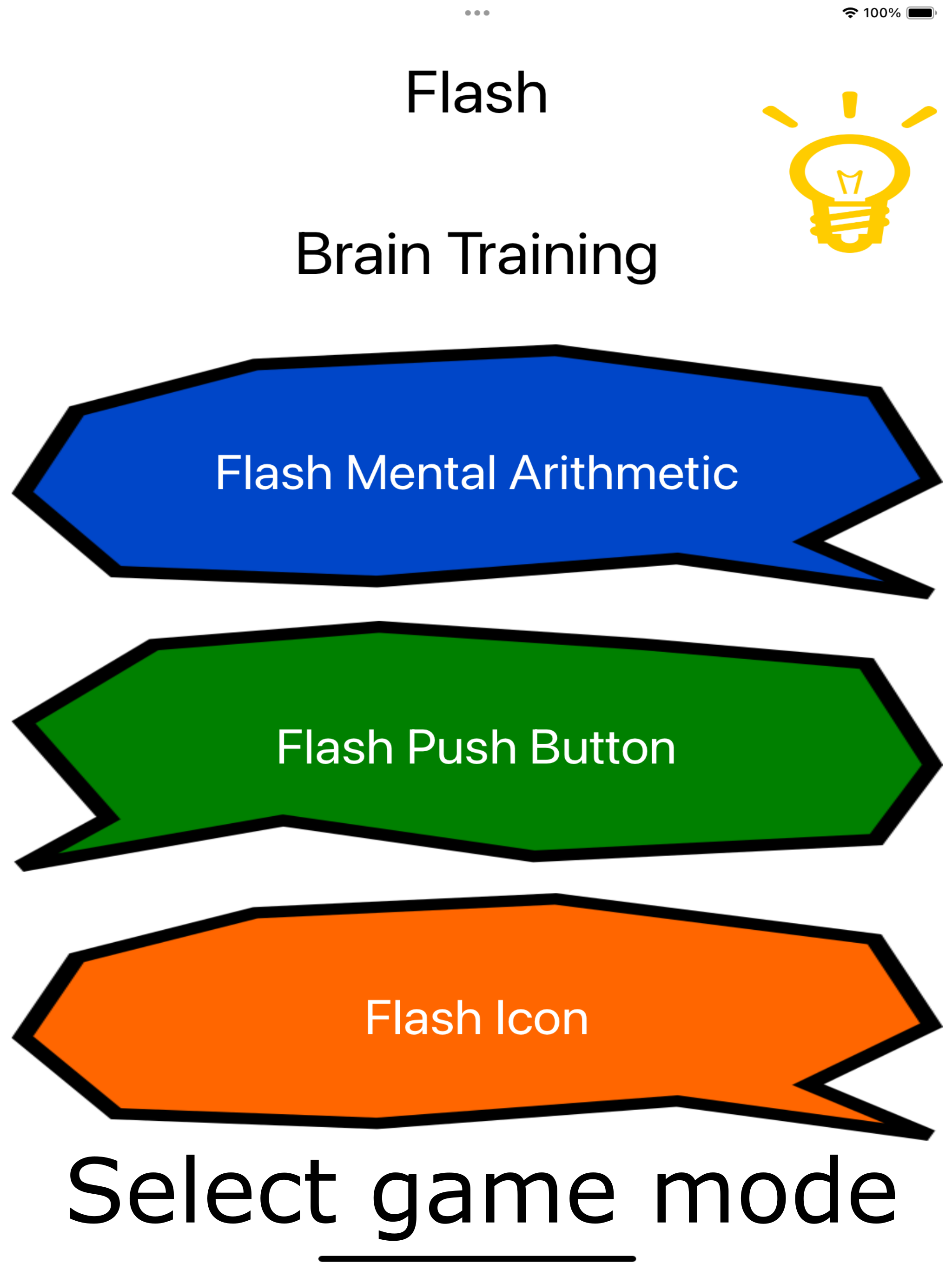
How to play "Flash Push Button".
1. Set game setting.
Button Num :This means the number of displayed button.
Speed : This means switching speed for displayed button
2. Select "Start!!"
3. Displaying a button at random by above setting.
Press displayed button.
4. Show result.
If you want to exit the game, you select "Exit" button. And then, back to game setting.
if you want to retry the game, you select "Retry" button. And then, displaying a button by same setting.
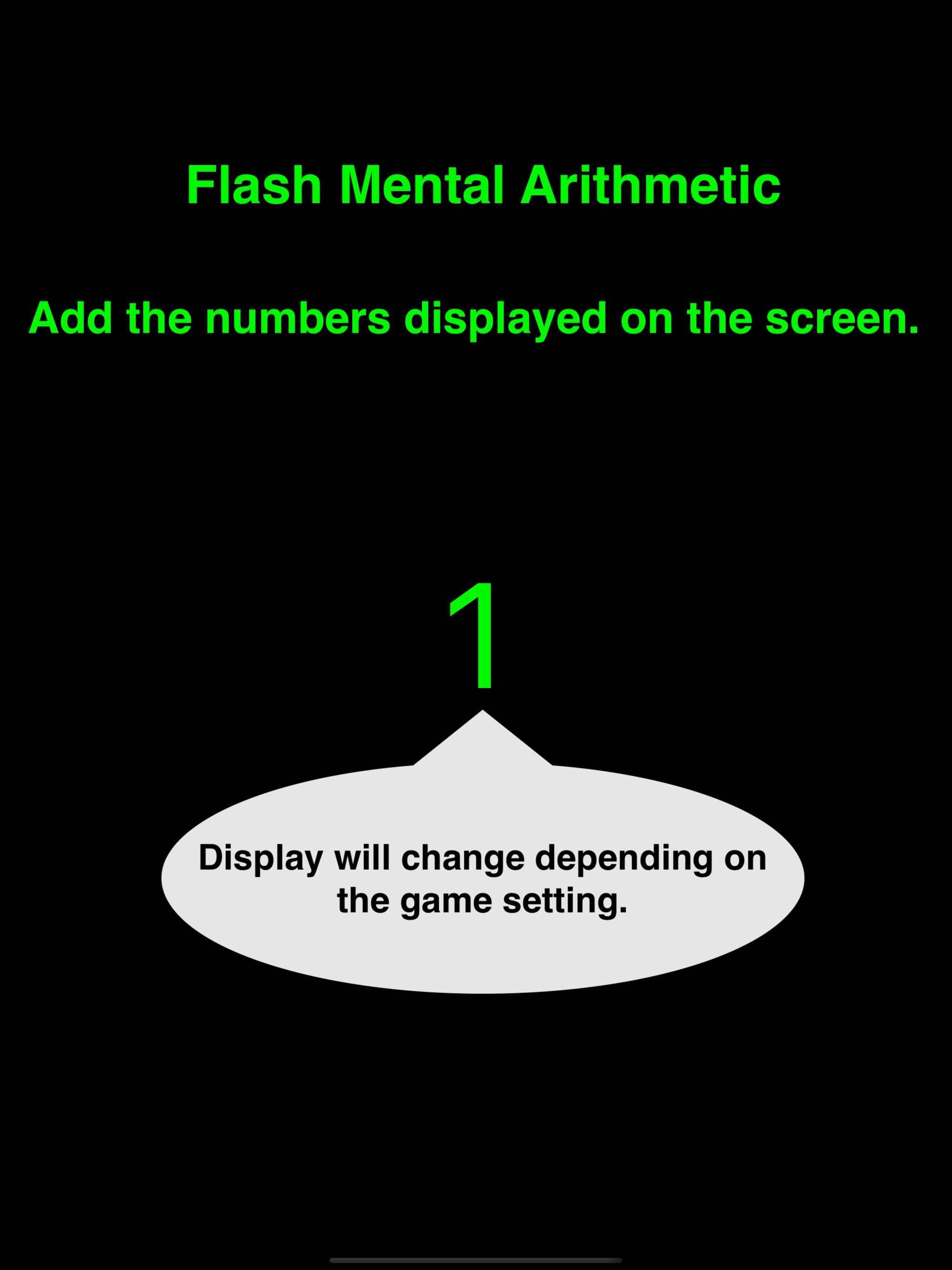
How to play "Flash Mental Arithmetic".
1. Set game setting.
Figure : The number of figures. If 1 is set on this, the displayed number is either of 1 ~ 9.
Item :This means the number of data.
Speed : This means switching speed for the number
2. Select "Start!!"
3. Displaying the number by above setting.
You must add displaying the number.
4. Input you answer.
5. Show result.
If you want to exit the game, you select "Exit" button. And then, total result is showed.
if you want to continue the game, you select "Next" button. And then, displaying the number by same setting.
1. Set game setting.
Button Num :This means the number of displayed button.
Speed : This means switching speed for displayed button
2. Select "Start!!"
3. Displaying a button at random by above setting.
Press displayed button.
4. Show result.
If you want to exit the game, you select "Exit" button. And then, back to game setting.
if you want to retry the game, you select "Retry" button. And then, displaying a button by same setting.
How to play "Flash Mental Arithmetic".
1. Set game setting.
Figure : The number of figures. If 1 is set on this, the displayed number is either of 1 ~ 9.
Item :This means the number of data.
Speed : This means switching speed for the number
2. Select "Start!!"
3. Displaying the number by above setting.
You must add displaying the number.
4. Input you answer.
5. Show result.
If you want to exit the game, you select "Exit" button. And then, total result is showed.
if you want to continue the game, you select "Next" button. And then, displaying the number by same setting.
File size: 14145536
Launched countries: USAUCACNFRDEGBITJPKRRUDZAOARATAZBBBYBEBMBRBGCLCOCRHRCZDKDOECEGSVFIGHGRGTHKHUINIDIEILKZKEKWLBLTLUMOMGMYMXNLNZNGNOOMPKPAPEPHPLPTQAROSASGSKSIZAESLKSECHTWTHTNTRUAAEUYUZVEVNBOKHEELVNIPYMZYEBHCYMT
Minimum OS version: 14.0
Release Date: 1541746393000
Published by Toru Shinnae
Website url: https://chonbo-dev.web.app
Publisher country: