Check the acquisition promise
Read the store headline, screenshots and description. What problem is the app promising to solve?
Study the storefront ↗
Pearce Media Limited · iOS
Explore the ad evidence, study the storefront, and build your next acquisition hypothesis.
01 / Creative research
Read the store headline, screenshots and description. What problem is the app promising to solve?
Study the storefront ↗Explore apps with direct store-link matches. Compare their hooks and formats without assuming the same approach works here.
Browse observed advertisers ↗Store rankings and revenue estimates describe market context. They do not establish ad spend, conversions or ROAS.
Review the market context ↗02 / Storefront & product
Study the product story and store experience behind the acquisition funnel.
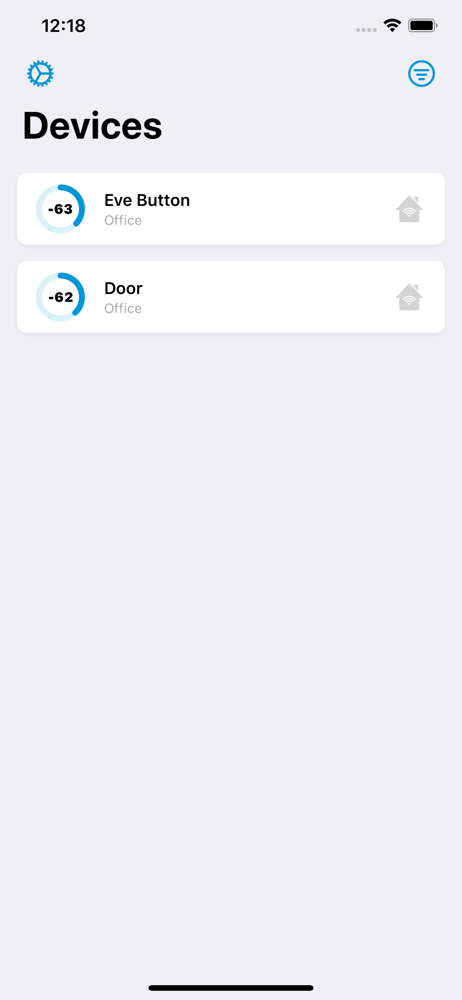


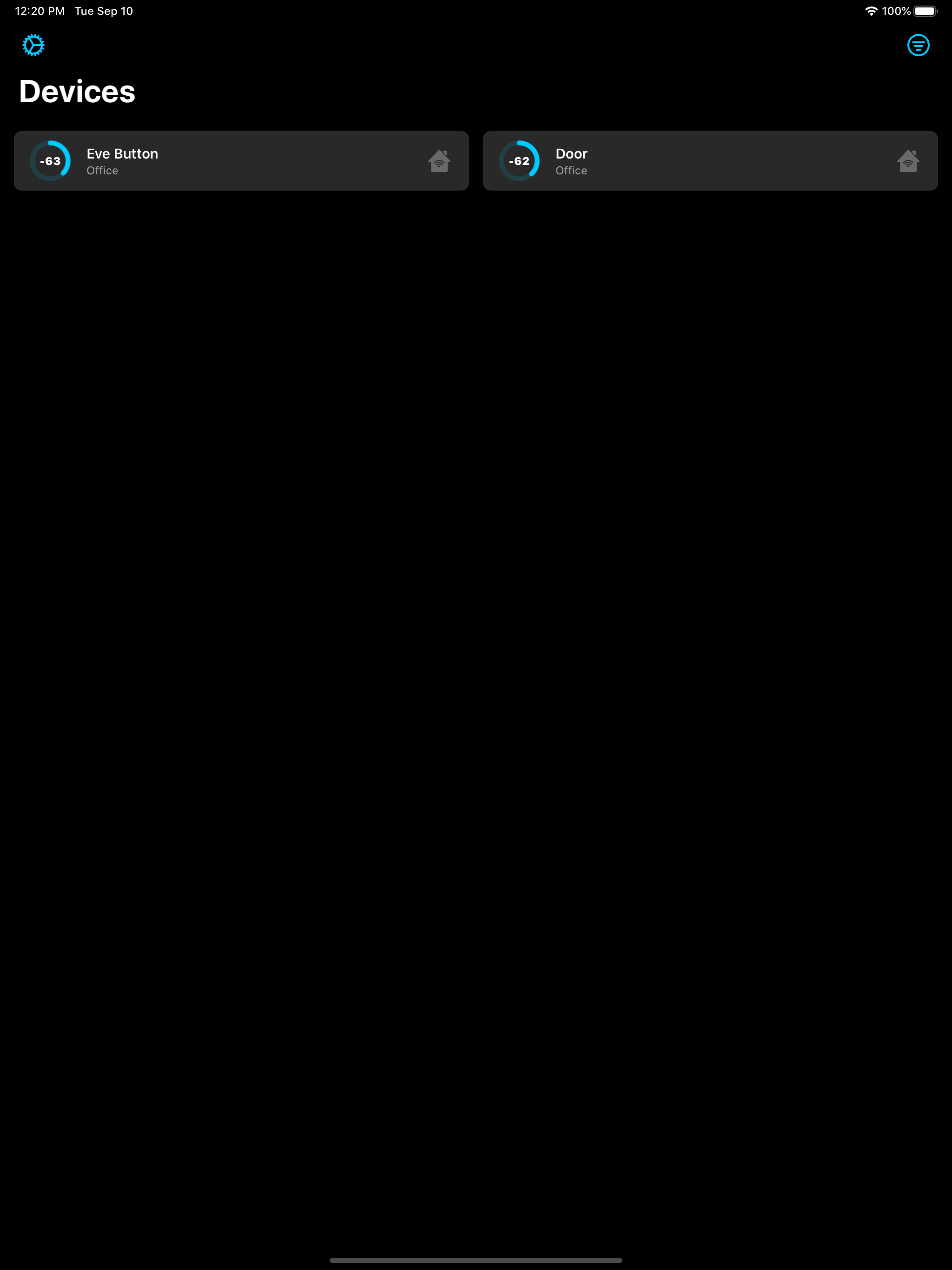

03 / Market context
Keep revenue, downloads and store rankings separate from advertising performance.
What use is it when there’s no way to identify nearly any device; nor does it limit it to my devices - and my network is *definitely* secured against anything that isn’t mine connecting. Make this app make sense; be user friendly; have some use… I really do like some of your apps a lot, so clearly you know what your doing. I’m also IT-literate, but the app description & the actual app —> absolutely unrelated. I actually purchased the 4 app bundle (which this app is contained in); of the 4 apps: 2 I find actually innovative, user friendly (ish), and super-useful (as I’ve yet to find anything analogous that’s as well designed - aesthetically and practically - and has cross-device comparability (iPad, iPhone, Apple Watch); the 3rd app in the bundle I’m fairly indifferent to (as, how many “replacements” for Apple’s native Home app are really needed). And I don’t regret purchasing the bundle, as even with only 2 of the apps being to my standards it’s still worth it price wise. So, thank you, for actually following a good-business pricing practice and not doing monthly subscriptions b/c that’s just evil. But please, please: whatever you were attempting to do with *this* particular app —— [“if you don’t have something constructive to say, don’t” which I’m following here] —— but please bring whatever this is supposed to be to your usual good-standards. It promises so much, and delivers only bafflement, confusion, and (inaccurate) doubt in my linguistic comprehension skills… (and that’s a mean thing to do to actual linguists ^_^*) —> description should match the product. Also, it confuses me why some of your apps are amazing and some are … well ___ [not].
So I agree with the other reviewers in that it absolutely NEEDS the ability to sort by signal strength and to be able to show MAC addresses.... since a list of several dozen “no name” devices is entirely unhelpful. As of now I feel like I definitely wasted $0.99. This app could, one day, be exactly what we all have been needing. I just don’t understand why such basic features that seem simple to add weren’t included to begin with. I see no technical limitation that would impede adding “Sort by Strength”. And also, I could be wrong, but MAC addresses just seem 100% necessary here and shouldn't be too hard to add either. As of now it only tells me how many Bluetooth devices are in range of my phone with no way of telling which ones are which. I really want to love this app and I want it to work out but until those issues are addressed, it's useless to me. I'll be happy if the developer is able to improve it and of course I'm always happy to help support independent developers. I really hope this app ends up on the 2021 Must-Have Apps list.... it certainly has lots of potential and if improved it could become essential for HomeKit users. One day maybe...? Update: Turns out there are technical limitations likely due to Apple’s sandboxing which doesn’t allow access to MAC addresses. This particular fault apparently lies with Apple. I do wish there were some way around it to create any form of usable identifier that could help me narrow down which devices are which even if I have to create my own nicknames for each device. The only real way that I know of to remedy this on the user’s end is to manually power-down or physically move BT devices and reenable them one-by-one which is not very practical but would make this app a lot more usable. Just would take more effort than should be necessary due to the iOS sandboxing. I will be giving this a try.
It would be useful if I could set the output to be sorted by signal strength. That would let me get right next to a device so it appears at the top of the list, and then select it so I can monitor the signal as I move around the house. Also, instead of ‘Unknown’ it would be good to see a device’s MAC address (if it’s available) so I can tell one device from the next. The “Support” link off the App Store doesn’t take me to an actual support page.
Diagnose signal issues and improve responsiveness of your Bluetooth based HomeKit devices with HomeScan. • Improve your HomeKit accessories signal st...