Check the acquisition promise
Read the store headline, screenshots and description. What problem is the app promising to solve?
Study the storefront ↗
Pearce Media Limited · iOS
Explore the ad evidence, study the storefront, and build your next acquisition hypothesis.
01 / Creative research
Read the store headline, screenshots and description. What problem is the app promising to solve?
Study the storefront ↗Explore apps with direct store-link matches. Compare their hooks and formats without assuming the same approach works here.
Browse observed advertisers ↗Store rankings and revenue estimates describe market context. They do not establish ad spend, conversions or ROAS.
Review the market context ↗02 / Storefront & product
Study the product story and store experience behind the acquisition funnel.


03 / Market context
Keep revenue, downloads and store rankings separate from advertising performance.
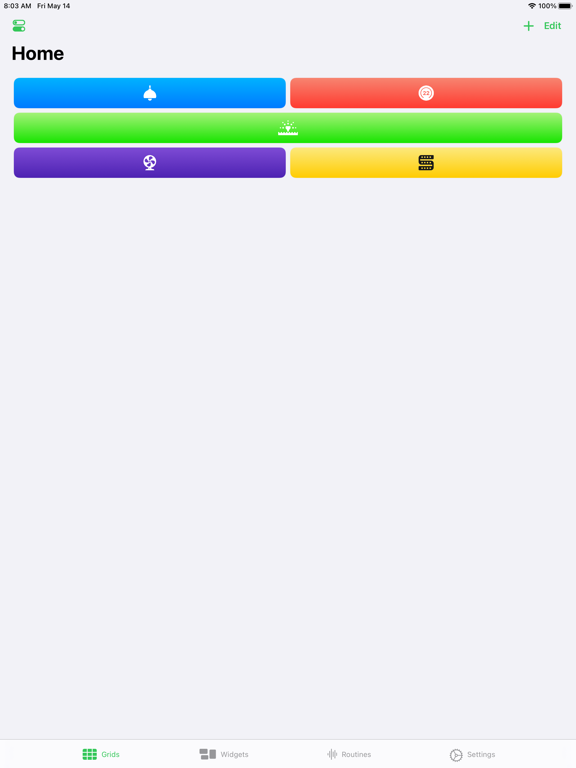
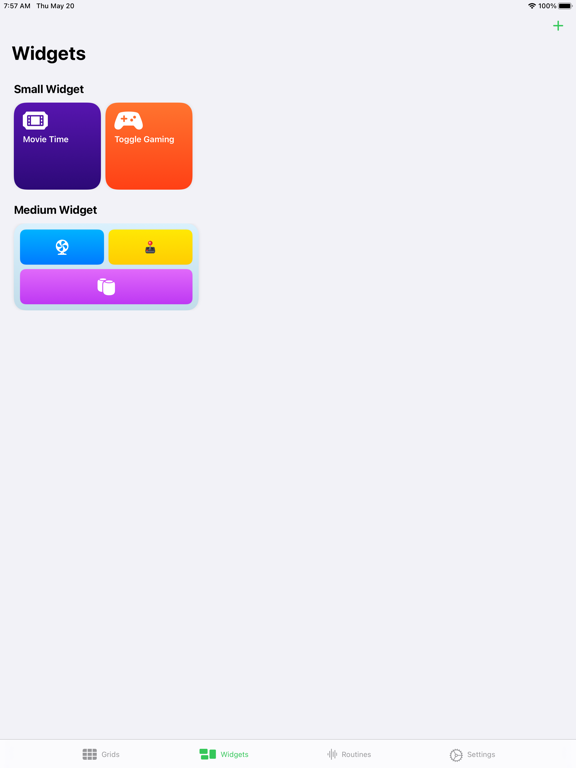
Grabbed this to set up a HomeKit widget in my iPhone. Generally works well but it doesn’t let you actually use text to label your widget buttons, just a single icon. I have four buttons that control different lights and for the life of me I can’t keep track of which icon does what.
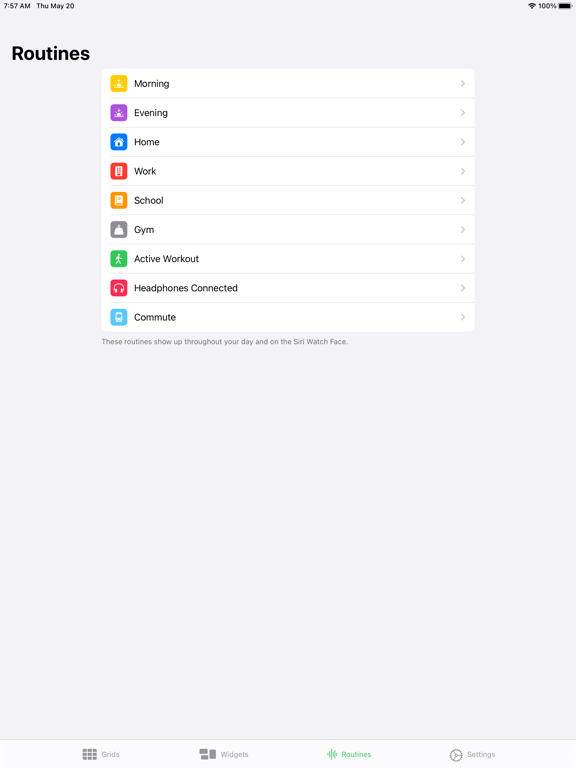
I cannot get the complications to work at all. I can’t even figure how they're supposed to work. How about some instructions?? I can find anywhere at all. All I can set up is the HomeRun app icon as a complication - the infograph complication doesn’t work. Update: thanks for the response, Developer. A reboot did the trick. I’m still figuring out how to set the complications to change over time (I’ll get there in the end, but some instructions somewhere would have been welcome…!). Nice app though.
The original version of this app was probably the most used app on my watch, so I was excited to grab this sequel to it. Sadly, this one needed a bit more time in beta. There are several annoying interface bugs, including it being nearly impossible to arrange actions in your grid, and glitches on the complication ring schedule tool (if you rotate things enough the icon in the arc will start glitching around). Several other features just straight up don’t work despite restarts and reinstalls. Fingers crossed this gets ironed out, but I’d hold off on a sub until it gets polished.
HomeRun 2 puts the power of HomeKit onto your wrist and Home screen with complications and widgets that do what you need them to do, when you need the...
| Name | Price | Type |
|---|---|---|
| HomeRun Plus (Monthly) | $0.49 | Monthly |
| HomeRun Plus (Annual) | $4.99 | Yearly |
| HomeRun Plus (Annual) | $4.99 | Yearly |
| HomeRun Plus Lifetime | $14.99 | One-time |