Check the acquisition promise
Read the store headline, screenshots and description. What problem is the app promising to solve?
Study the storefront ↗
Pearce Media Limited · iOS
Explore the ad evidence, study the storefront, and build your next acquisition hypothesis.
01 / Creative research
Read the store headline, screenshots and description. What problem is the app promising to solve?
Study the storefront ↗Explore apps with direct store-link matches. Compare their hooks and formats without assuming the same approach works here.
Browse observed advertisers ↗Store rankings and revenue estimates describe market context. They do not establish ad spend, conversions or ROAS.
Review the market context ↗02 / Storefront & product
Study the product story and store experience behind the acquisition funnel.





03 / Market context
Keep revenue, downloads and store rankings separate from advertising performance.
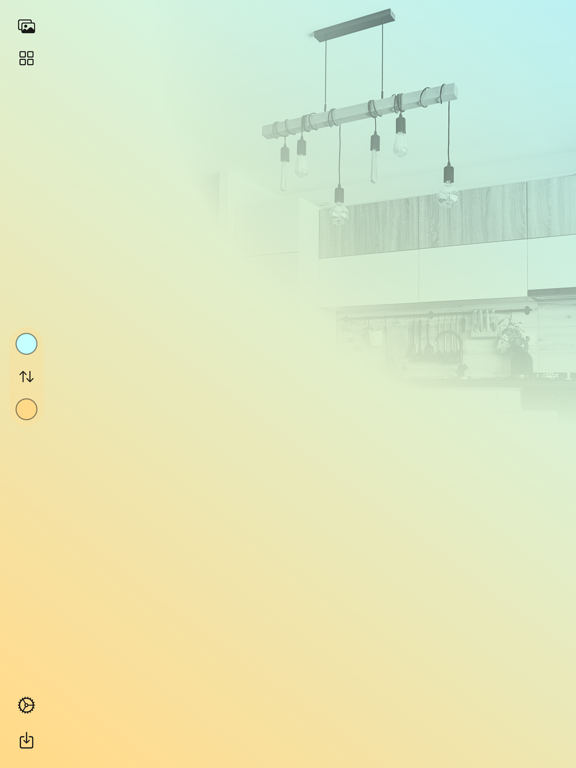
For anyone that has their eyes in the Home app on a regular basis, anyone that takes pride in the SmartHome, this app makes your Home app go from looking like a mess to looking likes high-gloss professional interface equal to your sophisticated home. What’s crazy is that it does this in mere seconds per room. You will spend more time looking for the right photo then you will getting it ready to incorporate. I strongly recommend the $0.99 add on to export unlimited photos, both because you will quickly see having options for different times of the year and because this app is so great you will feel guilty over the otherwise free price!
I love this. Had to ask people on Reddit for help with this in the past and now this I can do on my own. The only thing I’d ask for, which another reviewer mentioned, is to have the ability to resize and move the pic around (similar to how you’d do for Memoji or other picture applications). Sometimes the import feature makes the picture tiny in the upper right corner, even if the pic is a huge resolution. Sometimes it cuts off what you want to see. If we had the option to move it around on the x and y axis, to get the position where we want. And then also to zoom in and out to make it larger or smaller. That would make this perfect!
This is exactly what I’ve been looking for. I love the fact that my own personal pictures can turn into professional pics with ease. HomePaper has shot to the top of my “must have” HomeKit apps, and honestly, most others are from this developer. Thank you for doing such good work in the HomeKit community.
HomePaper will allow you to beautify your Home app with graceful backgrounds using images from Unsplash or your photo library. Combine said images wit...
| Name | Price | Type |
|---|---|---|
| Unlimited Exports | $0.99 | One-time |