
Check the acquisition promise
Read the store headline, screenshots and description. What problem is the app promising to solve?
Study the storefront ↗
Victor Pavlychko · iOS
Explore the ad evidence, study the storefront, and build your next acquisition hypothesis.
01 / Creative research
Read the store headline, screenshots and description. What problem is the app promising to solve?
Study the storefront ↗Explore apps with direct store-link matches. Compare their hooks and formats without assuming the same approach works here.
Browse observed advertisers ↗Store rankings and revenue estimates describe market context. They do not establish ad spend, conversions or ROAS.
Review the market context ↗02 / Storefront & product
Study the product story and store experience behind the acquisition funnel.


03 / Market context
Keep revenue, downloads and store rankings separate from advertising performance.
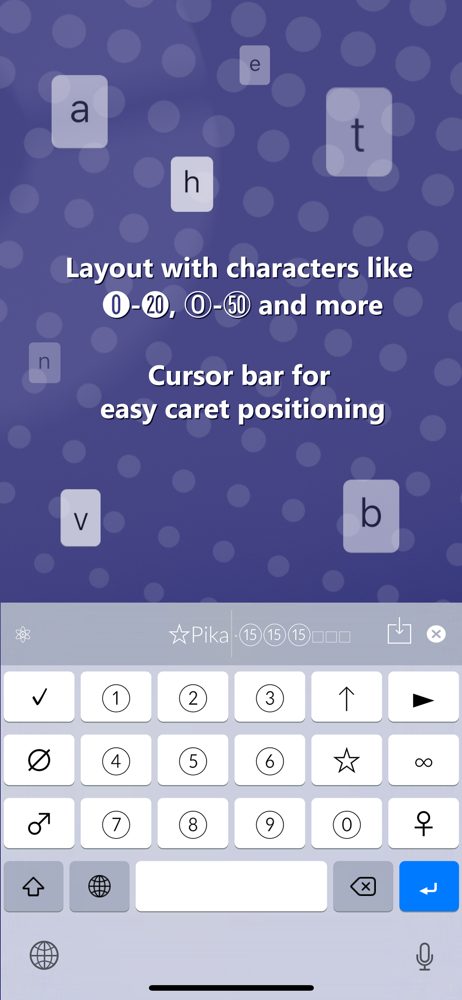
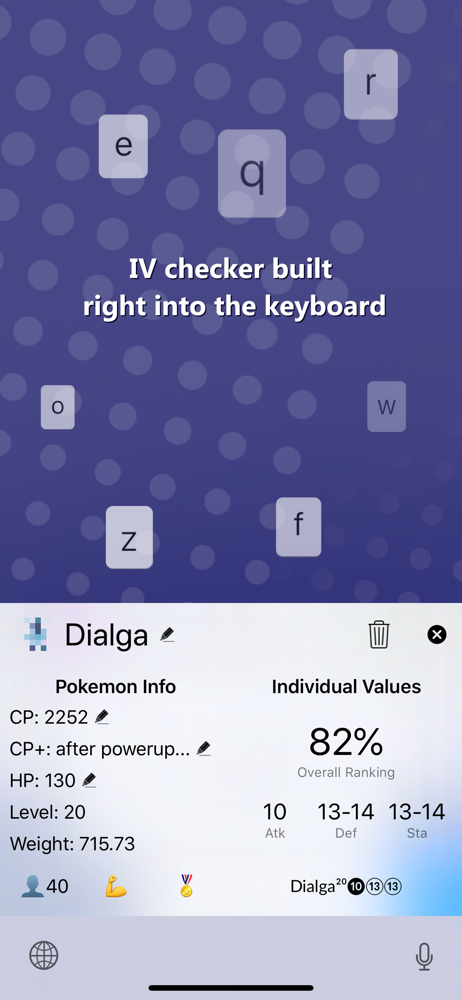
Awesome features to help Pokémon GO players. I’ve been procrastinating with IV checking all my Pokémon in my storage to trash the bad IV ones for the longest time but after trying this app, I got started and it’s a game changer. The live check using the screen recording broadcast feature is genius because now I don’t have to screenshot all of everything, replaced with a simple swipe action to the next Pokémon. The keyboard works fantastic and I can check the IV, put in the appraisal for a deeper IV check, and rename all with one hand and in less than 10 seconds for each Pokémon. The Help section was helpful to learn how to find info and query what I wanted. I could have stuck with the free features but after I saw the keyboard feature to see a Pokémon’s counters, I was really impressed and I got the developer a donut because they deserve it (and I like donuts too). Great job! I’m looking forward to using it more and more especially after Community Day!
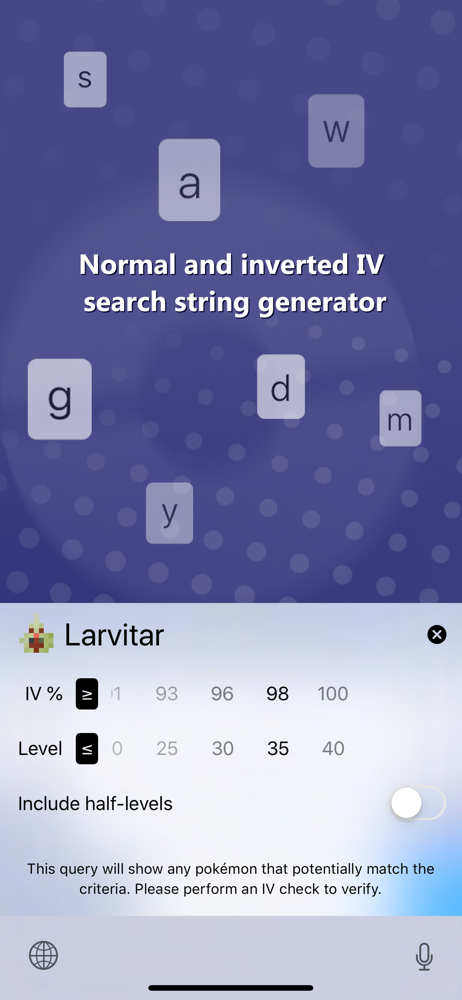
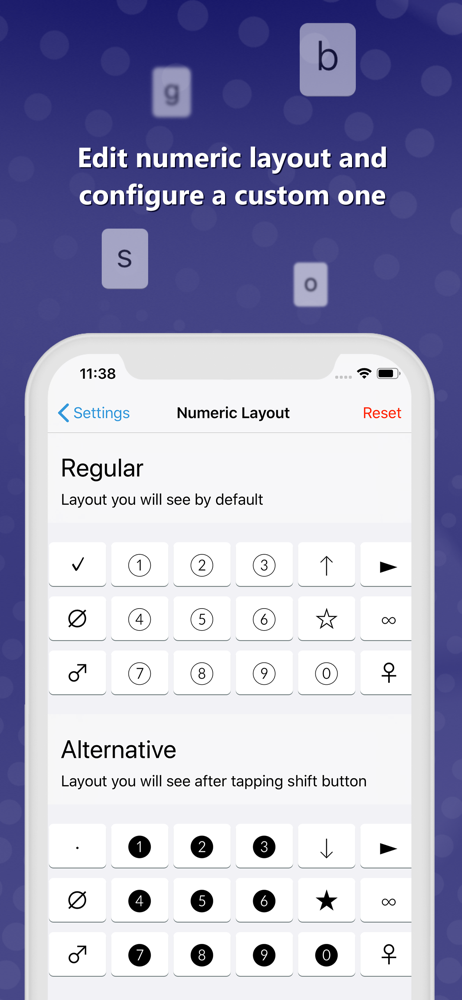
I use PokéGenie for all of my more advanced Pokémon Go analysis (Battle Simulator for Raids, moveset ratings, power ups etc etc). But this app is lightweight and makes naming/searching in the POGO app itself and absolutely lifesaver. For little things I no longer have swipe between Genie and POGO, which is super helpful. The IV calculation and auto-generated naming convention is fantastic. Plus, the built in search terms and replacement options are now things I couldn’t live without. A better Help/Getting Started guide would be nice too - there’s a little bit of a learning curve figuring out all it can do. Sorry for the wall of text upcoming but: My only compliant, which absolutely isn’t the developers/app’s fault, is that POGO search isn’t contextual. This means when I search by move based on the naming conventions (Unicode icons) it will only populate if the first character in a ‘mons name is that symbol. I like to add the quick move and then the charge move’s type as a Unicode symbol for easy browsing when building a quick team. This means I have to add the move symbols in the front of the ‘mons name, which is an eye sore. But on top of that, if I search for a Normal type move using 〇 and it’s the Charge Move, it won’t populate. For instance, Flying quick and Normal charge looks like this: ➤〇 so you have to type both using and/or operators. This forces you to use two search terms minimum when I only want to show all results with one certain move type. Am I missing something? Also why are there two different types of symbols for each element that are toggled by shift key? (for instance Normal 〇 and then Shift-Normal ㉧). Just cosmetic or?
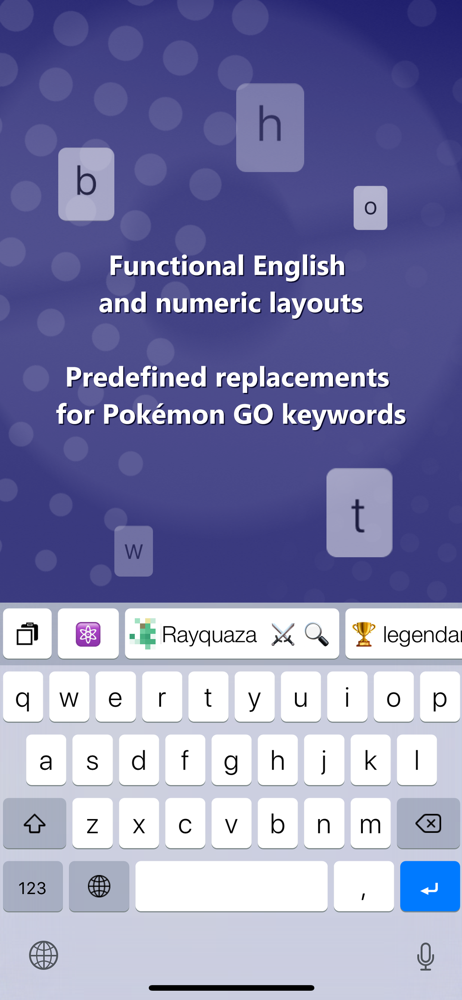
So, I picked up this keyboard to see if it rivaled the one that came with a certain IV checker app, and I must say it has impressed me to the point that I removed the other one from my keyboard list. I particularly like the custom text replacement feature. I have many setup, especially for adding nicknames to friends to keep track of when we hit various friendship tiers. Saves sooo much repetitive typing! One thing I wish it had was an easy way to see how many characters you had available in a Pokémon name, but the developer has said that this is on its way. 👍🏻
PokéKeys is the most innovative companion app for Pokémon GO. PokéKeys is proud to be the first app that introduced: • In-keyboard IV checking • IV ch...


