Check the acquisition promise
Read the store headline, screenshots and description. What problem is the app promising to solve?
Study the storefront ↗
Phu Tan Ta · iOS
Explore the ad evidence, study the storefront, and build your next acquisition hypothesis.
01 / Creative research
Read the store headline, screenshots and description. What problem is the app promising to solve?
Study the storefront ↗Explore apps with direct store-link matches. Compare their hooks and formats without assuming the same approach works here.
Browse observed advertisers ↗Store rankings and revenue estimates describe market context. They do not establish ad spend, conversions or ROAS.
Review the market context ↗02 / Storefront & product
Study the product story and store experience behind the acquisition funnel.



03 / Market context
Keep revenue, downloads and store rankings separate from advertising performance.
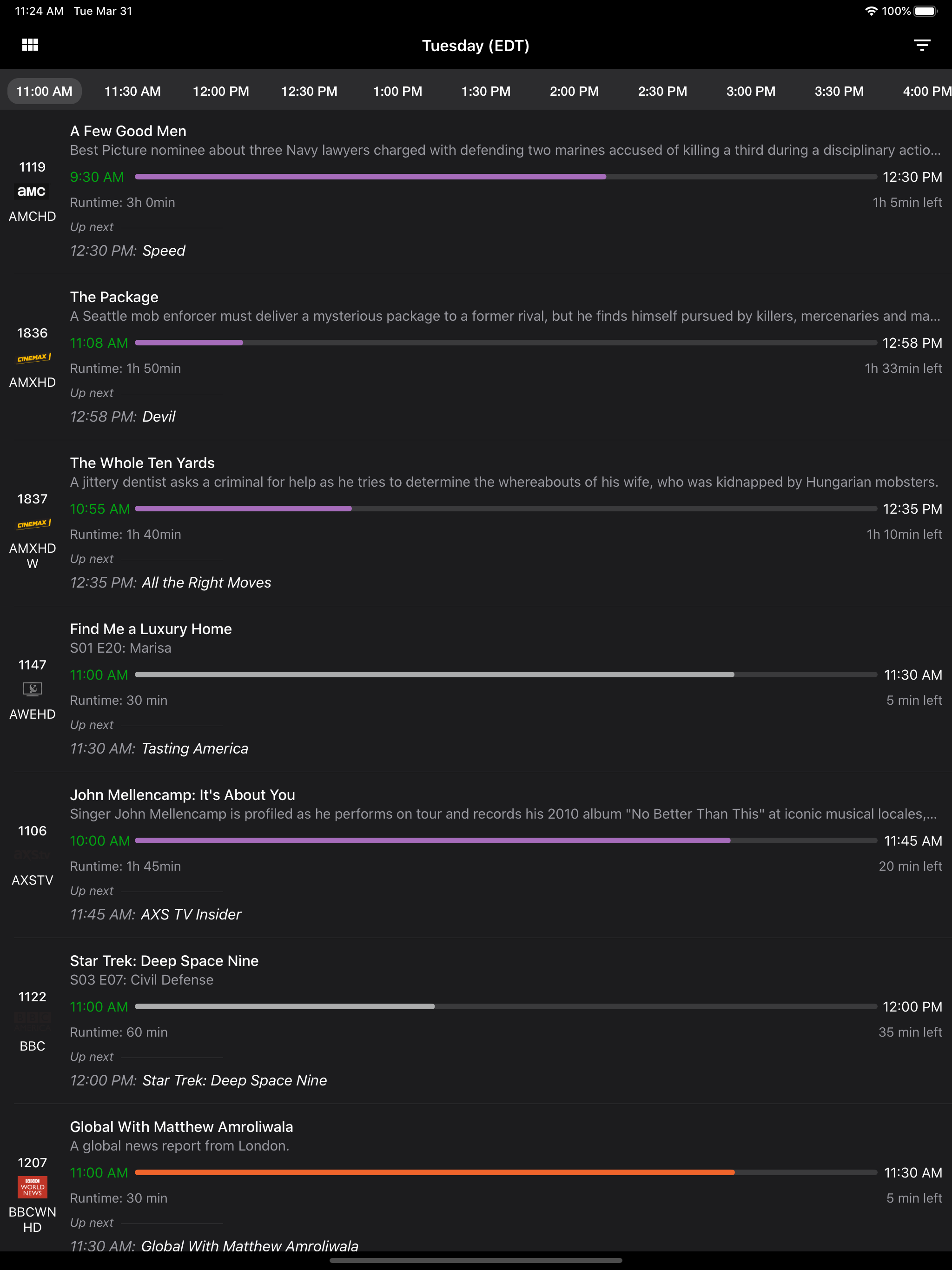
I am quite happy with the accuracy of the program listings and episode descriptions available on this app. The interface works well for seeing which programs are on currently; and, for the next couple hours across all selected stations. However, no TV listings app I’ve encountered is perfect. For me, this app’s “Achilles’ heel” is that it is not as easy and intuitive when looking ahead to the next day — especially if one doesn’t know what station the desired program is on. (Such as when trying to determine which network is airing your favorite team’s NFL broadcast, and at what specific time.) One must select a specific station, then press “Tomorrow,” then scroll down through to to the desired hour(s), beginning from 12 AM (which takes awhile if it is airing during Primetime). If not found on that channel, one can’t stay within that timeframe and view all channels; nor simply switch between channels to check other channels for the desired program. S/he must more laboriously go back/return to the current day, then select one specific other channel, again must press “Tomorrow,” etc. — repeating the entire process, until finally successful. Still, for me, this is an app I appreciate, use regularly, and feel is worth having.
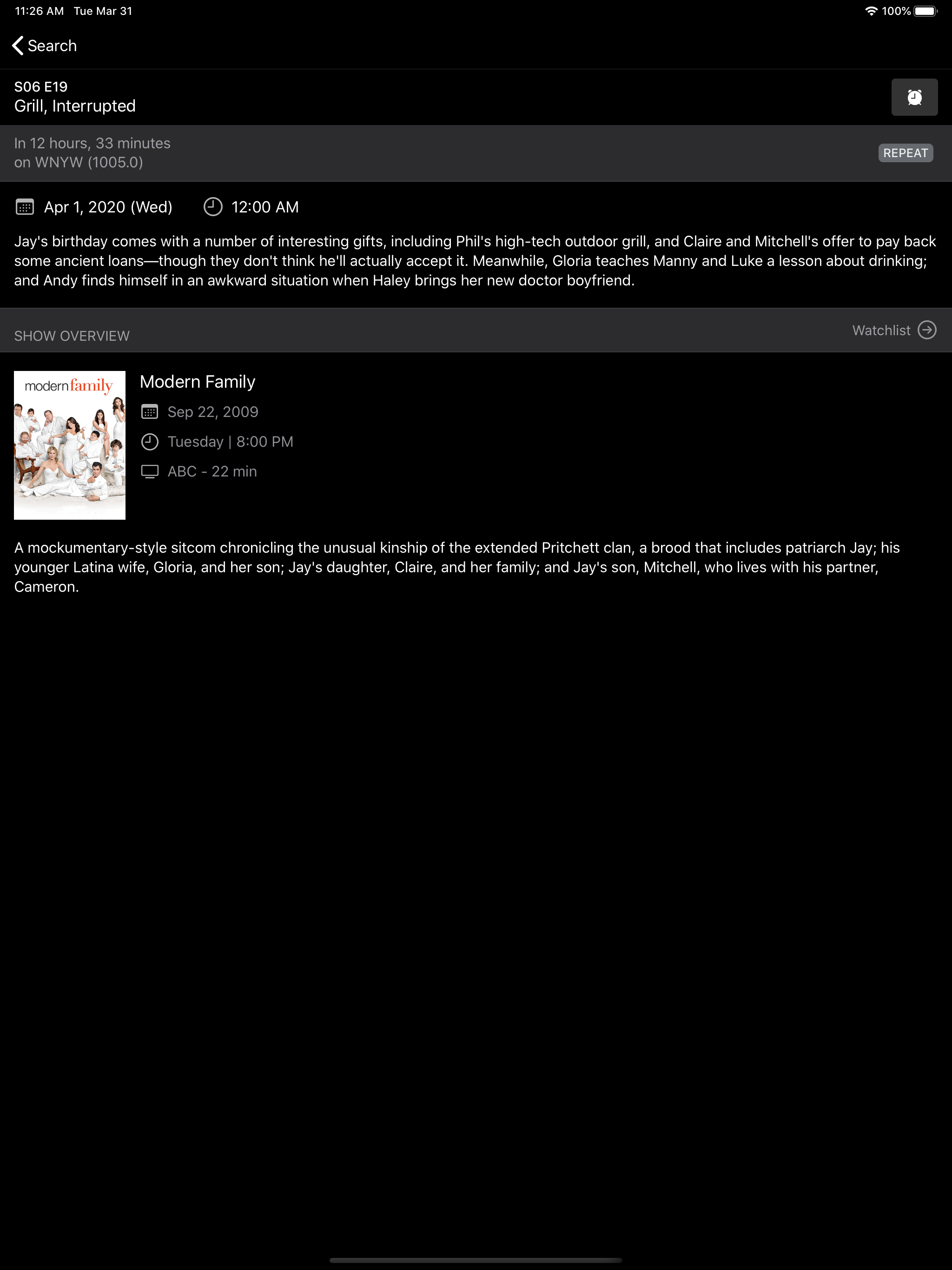
While I enjoy this TV listings app, there are some improvements, suggestions I would add. With upcoming premieres of many fall programs, including new ones & some of my favorites(!), I wish when searching for programs to add to your Watchlist, there would not be just a 7 day timeframe. If there could be an unlimited timeframe or just a search for programs in general that would be wonderful (I’ve used other apps before, this is possible and it was great!). Again, this would eliminate missing any of the upcoming premieres and people might even be able to catch some of the reruns they may have missed in the previous season. Also, it would be nice to be able to view your channel list in the order you prefer instead of by the options given or by holding and dragging each individual channel/Network. I’ve done this for a few but it is time consuming to do it for a full list. I hope these all makes sense and if not, well, the developer can contact me and I’ll be happy to explain it to them 😊***Update 3/23 I was noticing I was missing some new episodes of some shows/series and upon investigation I realized not all shows have “show overview”, then option to click on “following” where it takes you to another page. Here you are able to add the program to your watchlist and set a timer for viewing, creating the green encircled ✅ . Since not every show has this option that’s why I was not receiving alerts and missing the new episodes. The first page where you can set alerts does not alert you to an episode, ***BOTH reminders must be set in order to receive a notification.***This ERROR needs updating and fixed.***
I was using another App for TV listings for years, it’s probably the biggest guide with lots of advertising, the TV G**** App, but it was updated and they dropped any description except the show name, at least for the shows I watched. With re-runs so common, I had to watch the beginning of each show to see if it was a show I hadn’t seen, or seen in awhile. With the “TV Listing App”, it is well organized, & simple to use. Once I find a show I might want to watch, by clicking on the show, I get a long list of the programs broadcasts that follow on that day, with a short description, and if the program is a new release. Looking above, I can continue to “ Tomorrow” and see move programming for that channel.
TV Listings Plus is FREE and help you get quick and reliable TV listings for all the major TV channels, networks and providers in the USA, Canada,......