
Check the acquisition promise
Read the store headline, screenshots and description. What problem is the app promising to solve?
Study the storefront ↗
AssaAbloy · iOS
Explore the ad evidence, study the storefront, and build your next acquisition hypothesis.
01 / Creative research
Read the store headline, screenshots and description. What problem is the app promising to solve?
Study the storefront ↗Explore apps with direct store-link matches. Compare their hooks and formats without assuming the same approach works here.
Browse observed advertisers ↗Store rankings and revenue estimates describe market context. They do not establish ad spend, conversions or ROAS.
Review the market context ↗02 / Storefront & product
Study the product story and store experience behind the acquisition funnel.




03 / Market context
Keep revenue, downloads and store rankings separate from advertising performance.
Devs should be ashamed of the steaming crap pile they created. My biggest complaints: - app has difficulty connecting to locks even when devices are within a foot of each other. Often have to kill and restart app to get it to connect. It will get stuck attempting to connect or read settings and there is no way to navigate away or retry without fully restarting app - firmware updates are complicated by the above issues and are unreliable (often don’t work and have to be reattempted multiple times, involving restarting the app..which gives me little confidence that it won’t end up bricking a lock one day) - app navigation is clunky with lots of modal dialogs, often requiring a restart in order to back out to a previous screen - what is the purpose of that stupid poka-dot screen with the Yale logo that shows up when you swipe down and is often impossible to navigate away from without restarting the app?! Does someone think it’s cute or trendy? It’s pointless. Remove it. - usability-wise, there should be a way to centrally manage pin codes for all locks in a household. It is a common use case to have all exterior locks respond to the same codes ~200 USD per lock and this is the kind of experience I get... what a disappointment
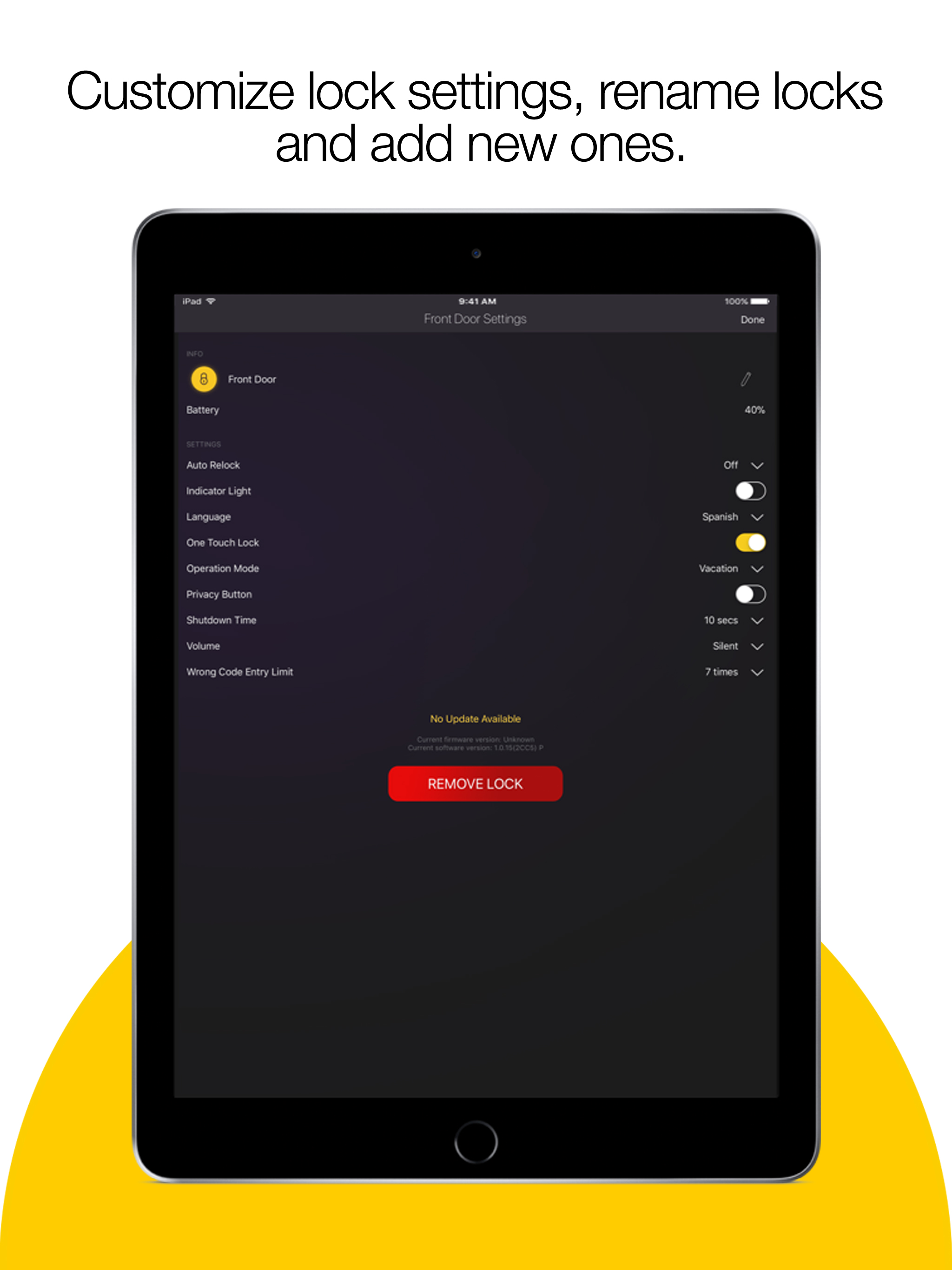
Because of the app, I stopped buying Yale locks for my home. I have one lock that can no longer be found. The second lock is found but the app refuses to connect to it, so I cannot change any settings such as auto-lock, which is a KEY feature. Can’t set pins, timeouts, operation mode, privacy, etc. Don’t buy these locks, the features they advertise aren’t available due to the app. I’ve tried to uninstall, reinstall on iPhone XS, iPad Pro, iPhone 6s, and iPad mini in case the software was different and they all fail. I will continue to send my complaints to the company as well until they resolve their issues or issue me a refund. It is abhorrent that they charge this much for a lock and can’t get a single decent app developer to create such a simple application.
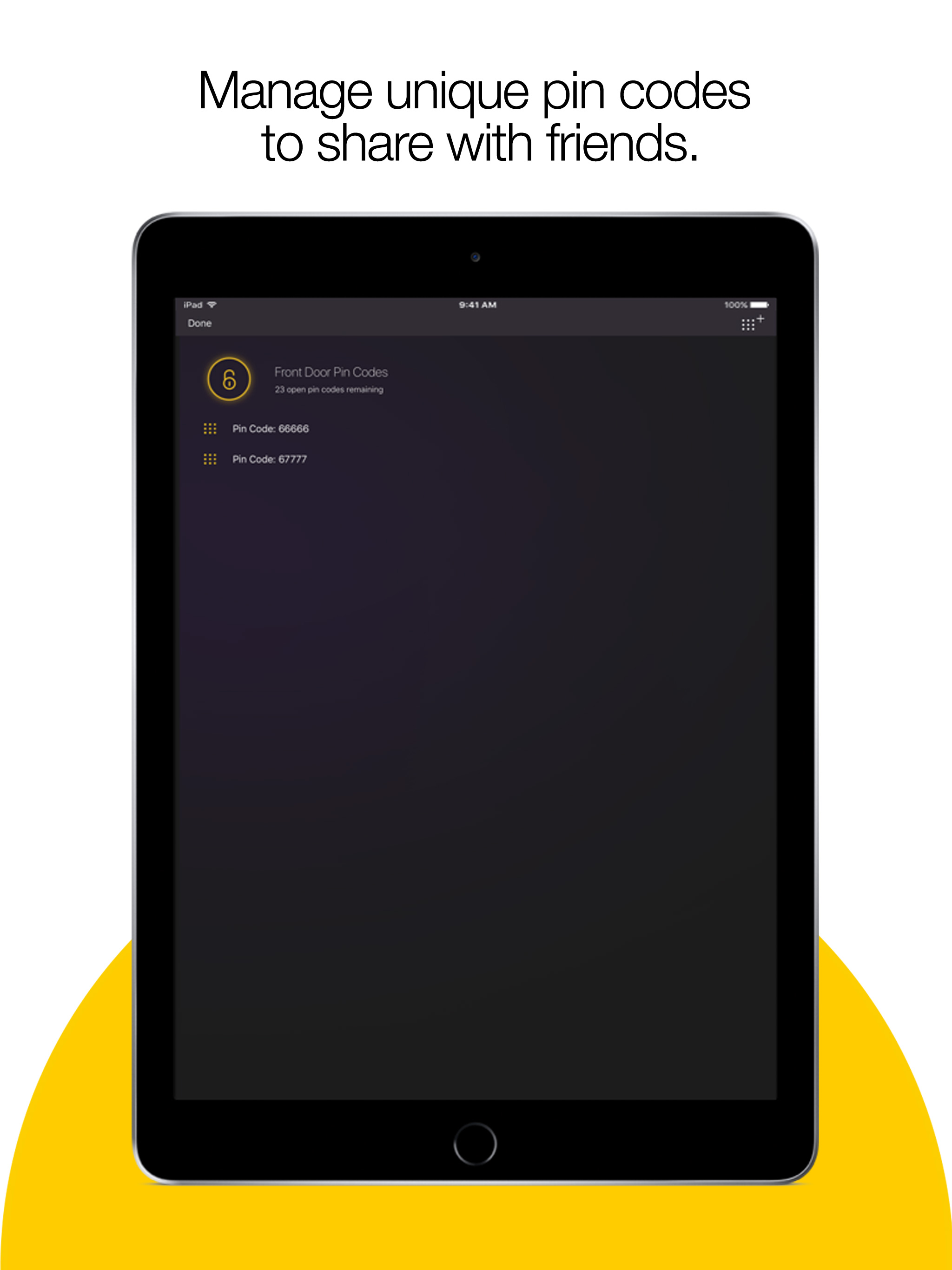
The app is finally usable again in iOS 13. I can now properly check the lock settings and now have access to the PINs saved on it and can label them and view their usage history. I was also able to update the firmware are on my lock. Not giving it five stars because the post-firmware usage is a bit clunky for a minute or two. I couldn’t read settings until I waited about two minutes and the app didn’t tell me anything about a wait time after the update. It eventually worked, though. Also, the UI could be better. It’s the same as it’s been for at least a year, and it’s definitely not the worst interface, but it could be a bit more user friendly.
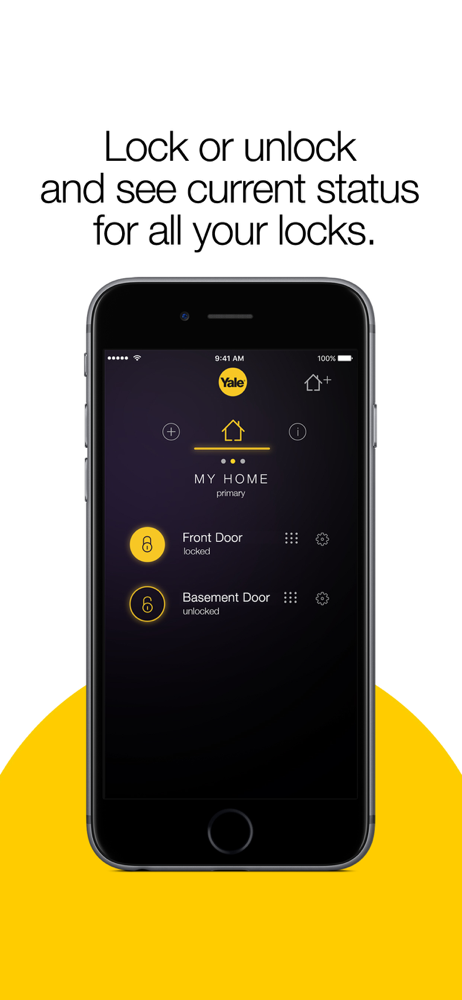
*Requires Yale Assure Lock with iM1 Network Module (YRD256-iM1)* Lock and unlock your home without the hassle of keys using the Yale Secure app and yo...


