
Check the acquisition promise
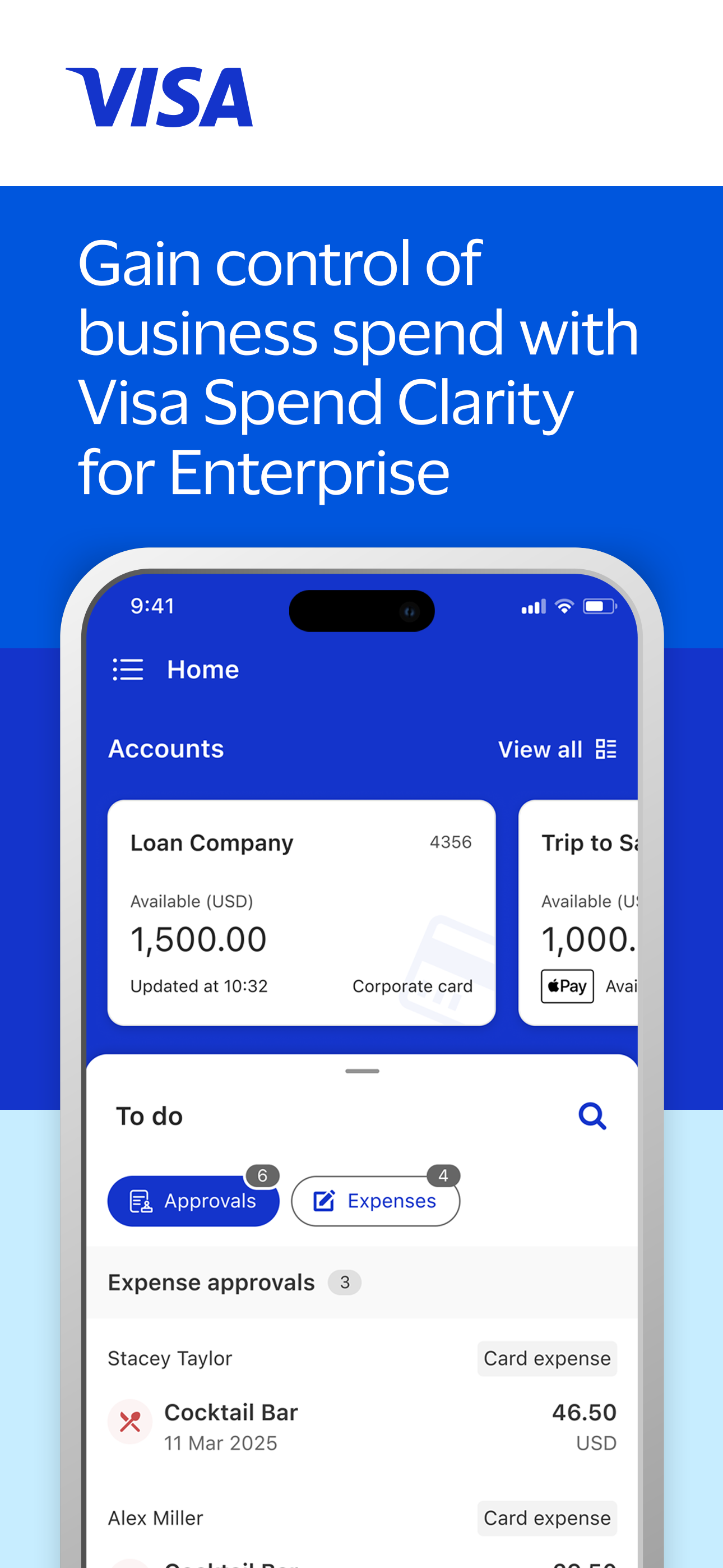
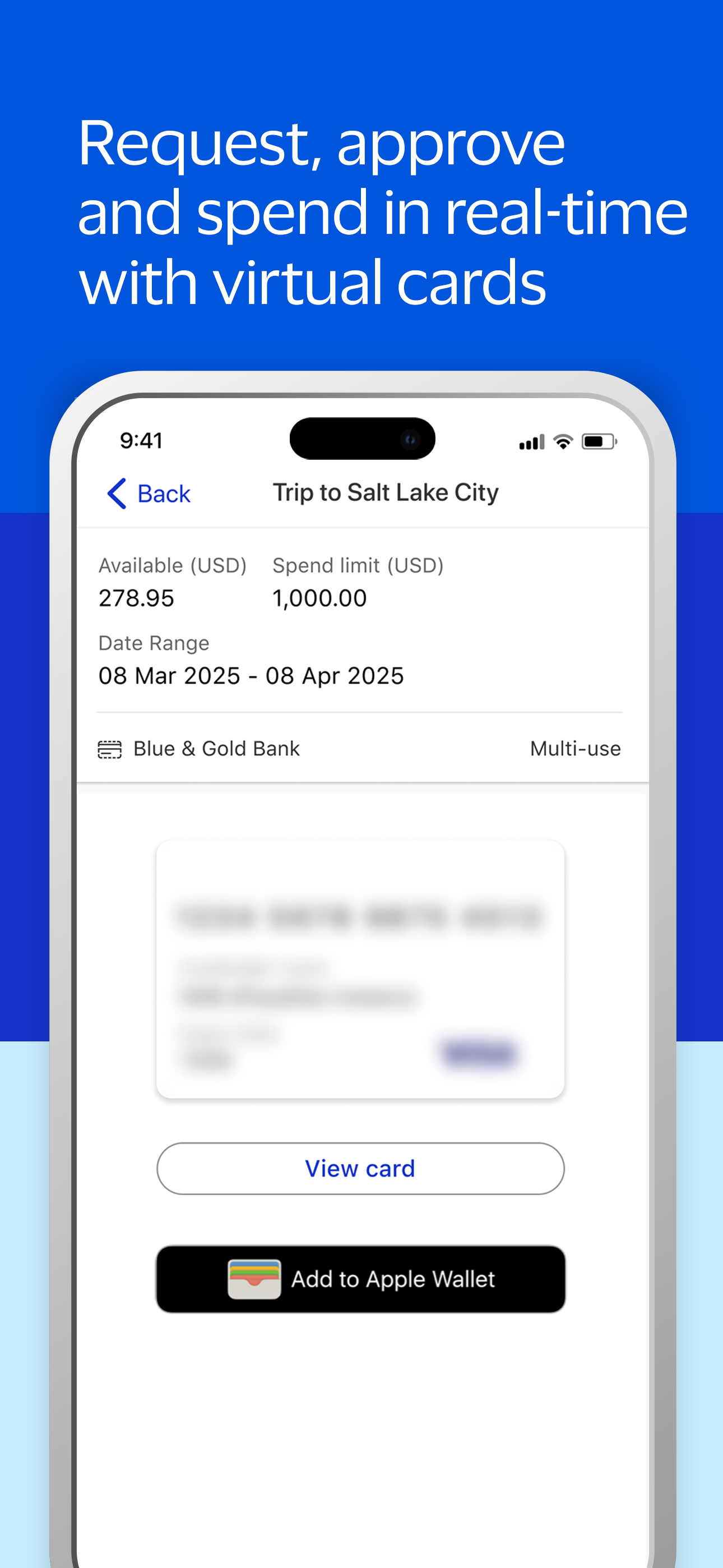
Read the store headline, screenshots and description. What problem is the app promising to solve?
Study the storefront ↗
Visa · iOS
Explore the ad evidence, study the storefront, and build your next acquisition hypothesis.
01 / Creative research
Read the store headline, screenshots and description. What problem is the app promising to solve?
Study the storefront ↗Explore apps with direct store-link matches. Compare their hooks and formats without assuming the same approach works here.
Browse observed advertisers ↗Store rankings and revenue estimates describe market context. They do not establish ad spend, conversions or ROAS.
Review the market context ↗02 / Storefront & product
Study the product story and store experience behind the acquisition funnel.


03 / Market context
Keep revenue, downloads and store rankings separate from advertising performance.
I like the app, but it does come up short in some ways. For our organization they have set travel as the default coding which causes issues if you forget to change it. For my department we generally buy meals, it would be nice if it allowed each user to set their own default. Also if you are not careful and you attach a receipt first it will complete the expense and you have to go find the expense again and finish setting the other needed info.
I agree with the user that has this title. The idea is fantastic but execution is terrible. We are always having have trouble with it. When trying to log in we get the message something went wrong on a frequent basis. Seems to be at the beginning of every month when you are trying to posted transactions from the month before. This causes a delay in our company financials. Also as a administrator the desktop is not intuitive. The help instructions don’t stay up with the changes. Really love the idea but it is frustrating.
Dear Visa team, Letting you know that ever since the last update was released every time I want to upload a receipt app closes and takes me to the home screen of the phone. Receipt does get uploaded but I have to open twice the app to do only one expense(!!!) I had 20 expenses an hour ago so I had to open 40 times the app... I am using iPhone 6s. Never had this issue in the past. Hoping this can be fixed. It worked amazing until last week. Appreciate you support.
Save time and money by managing your spend on the go. Get expense management at your fingertips by using the Visa Spend Clarity for Enterprise app to...


