
Check the acquisition promise
Read the store headline, screenshots and description. What problem is the app promising to solve?
Study the storefront ↗
Adam Fowler · iOS
Explore the ad evidence, study the storefront, and build your next acquisition hypothesis.
01 / Creative research
Read the store headline, screenshots and description. What problem is the app promising to solve?
Study the storefront ↗Explore apps with direct store-link matches. Compare their hooks and formats without assuming the same approach works here.
Browse observed advertisers ↗Store rankings and revenue estimates describe market context. They do not establish ad spend, conversions or ROAS.
Review the market context ↗02 / Storefront & product
Study the product story and store experience behind the acquisition funnel.



03 / Market context
Keep revenue, downloads and store rankings separate from advertising performance.
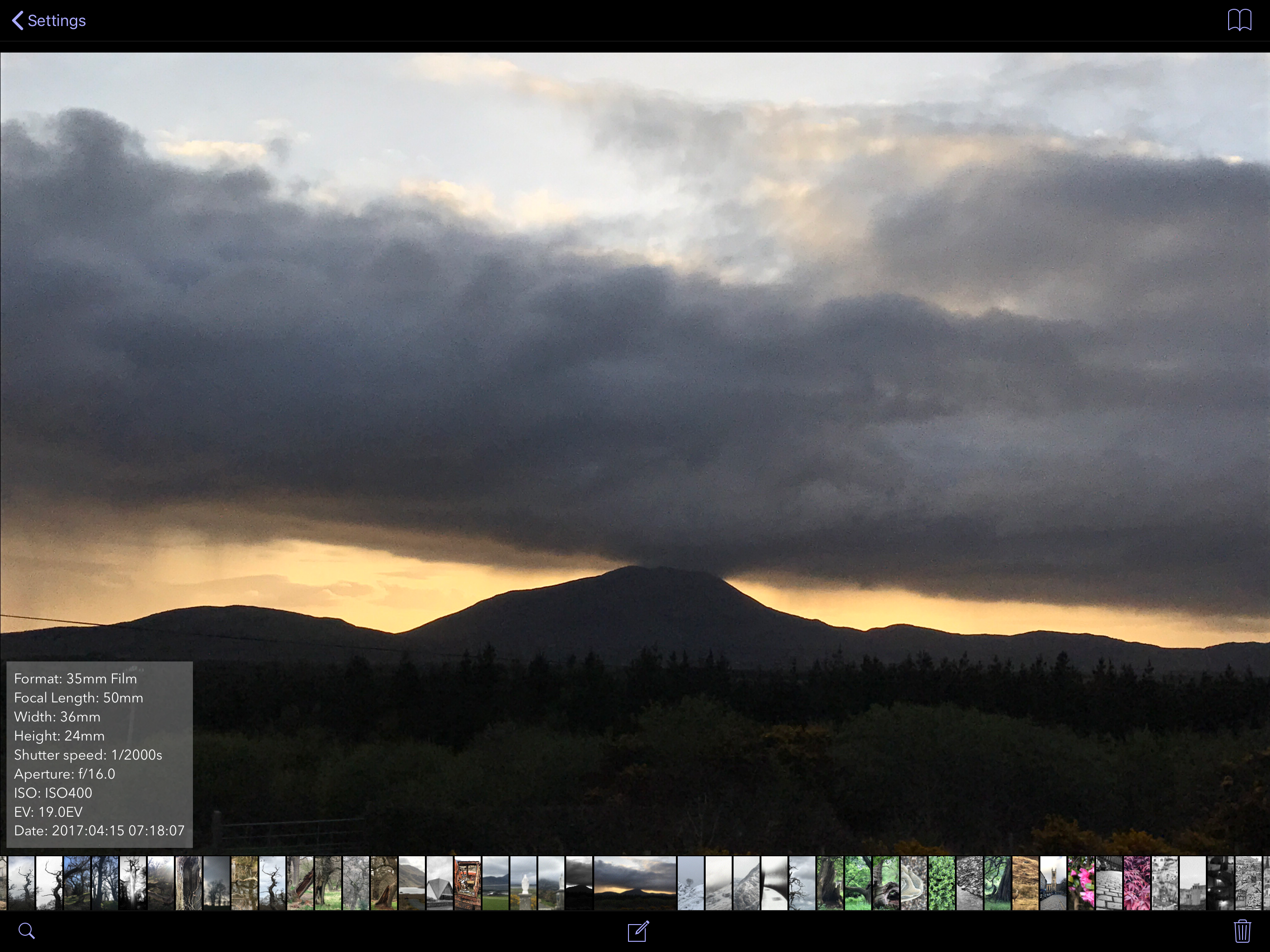
although I spend some money on it but in fact this is the app I want for a long time. when I was taking film pictures I need a app can preview the lightmeter sets so much .not mentioned it also can record it to the gallery. one little suggestion: maybe we can add a config to choose whether the config automatically show on the side of pictures.
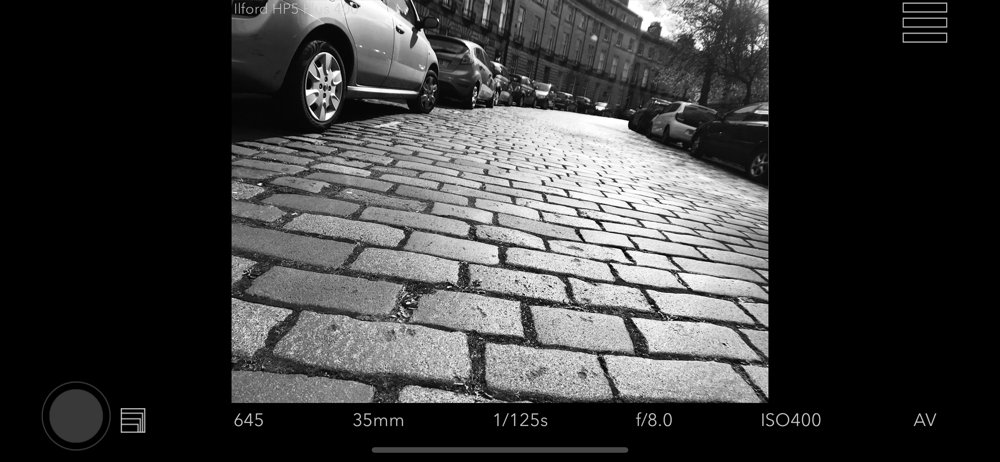
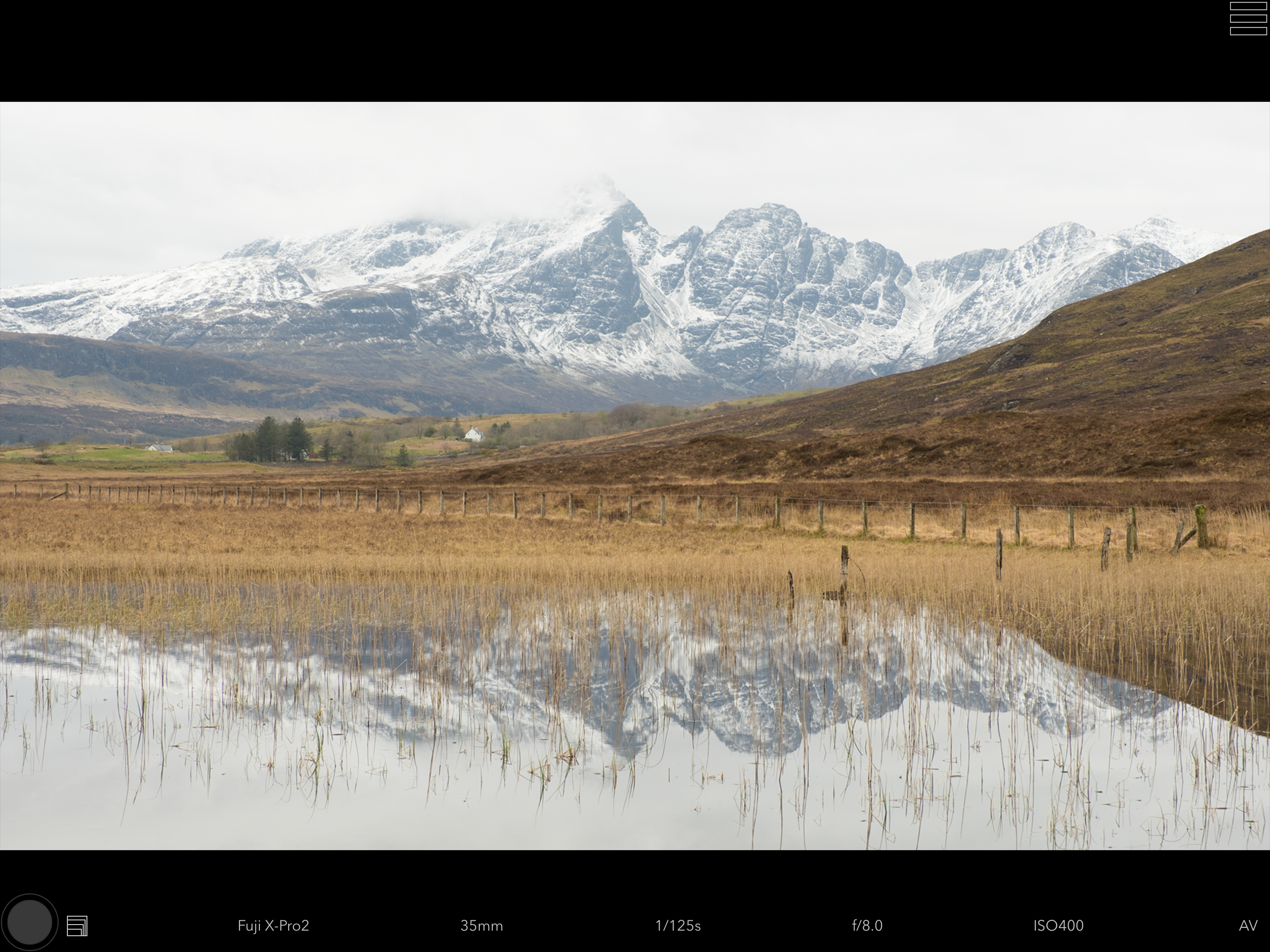
I just bought this app. Primarily to see how it compares to Artist Viewfinder Mark II. Viewfinder Preview’s focus seems to be as much on visually the film used as it does on camera format lens selection. For many people this would be a useful tool at 15% of the cost of Artist Viewfinder. But personally, I find its camera selection system limited and lens selection process clunky. Everybody is different and use apps differently. Bottom line, these viewfinder apps are a tremendous God send. They make set up much easier and make you a more measured thoughtful photographer. You can’t go wrong!!
I am an architectural photographer and this app streamlines scouting and exploring options before I really get down to the business of shooting the job. I really like the flexibility of the “rangefinder” mode. But I can think of something that would make this app much more valuable to my scouting process. Since I almost exclusively use “shifting” lenses in my work, it would be fantastic if in the rangefinder mode, I could shift those series of focal length frames, with maybe a ‘hold & drag’ with one finger gesture. In that way, at most focal lengths I can incorporate my intended shifts into my scouting shots! That would be a great boon to the architectural shooters out there. Of course such a feature would only be possible for focal lengths inside of the iPhone max focal length (which I think is about 13mm). I’d love to hear from the developers if this is a feature they would consider... or if this is already possible, but I haven’t found how to do it. It would make this the perfect app for my pre shoot scouting. Thanks!
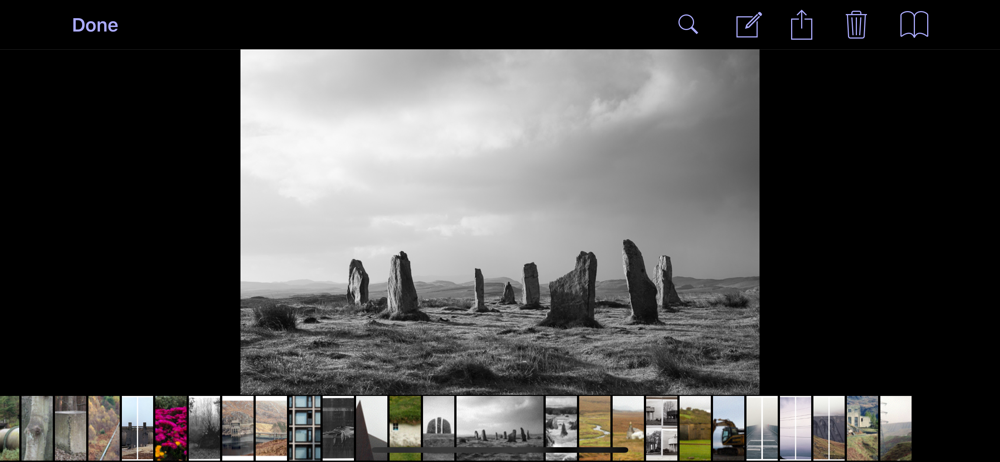
Viewfinder Preview is an iPhone app for previewing camera framing for any combination of camera and lens. Instead of spending all that time setting up...


