Check the acquisition promise
Read the store headline, screenshots and description. What problem is the app promising to solve?
Study the storefront ↗
James Grote · iOS
Explore the ad evidence, study the storefront, and build your next acquisition hypothesis.
01 / Creative research
Read the store headline, screenshots and description. What problem is the app promising to solve?
Study the storefront ↗Explore apps with direct store-link matches. Compare their hooks and formats without assuming the same approach works here.
Browse observed advertisers ↗Store rankings and revenue estimates describe market context. They do not establish ad spend, conversions or ROAS.
Review the market context ↗02 / Storefront & product
Study the product story and store experience behind the acquisition funnel.





03 / Market context
Keep revenue, downloads and store rankings separate from advertising performance.
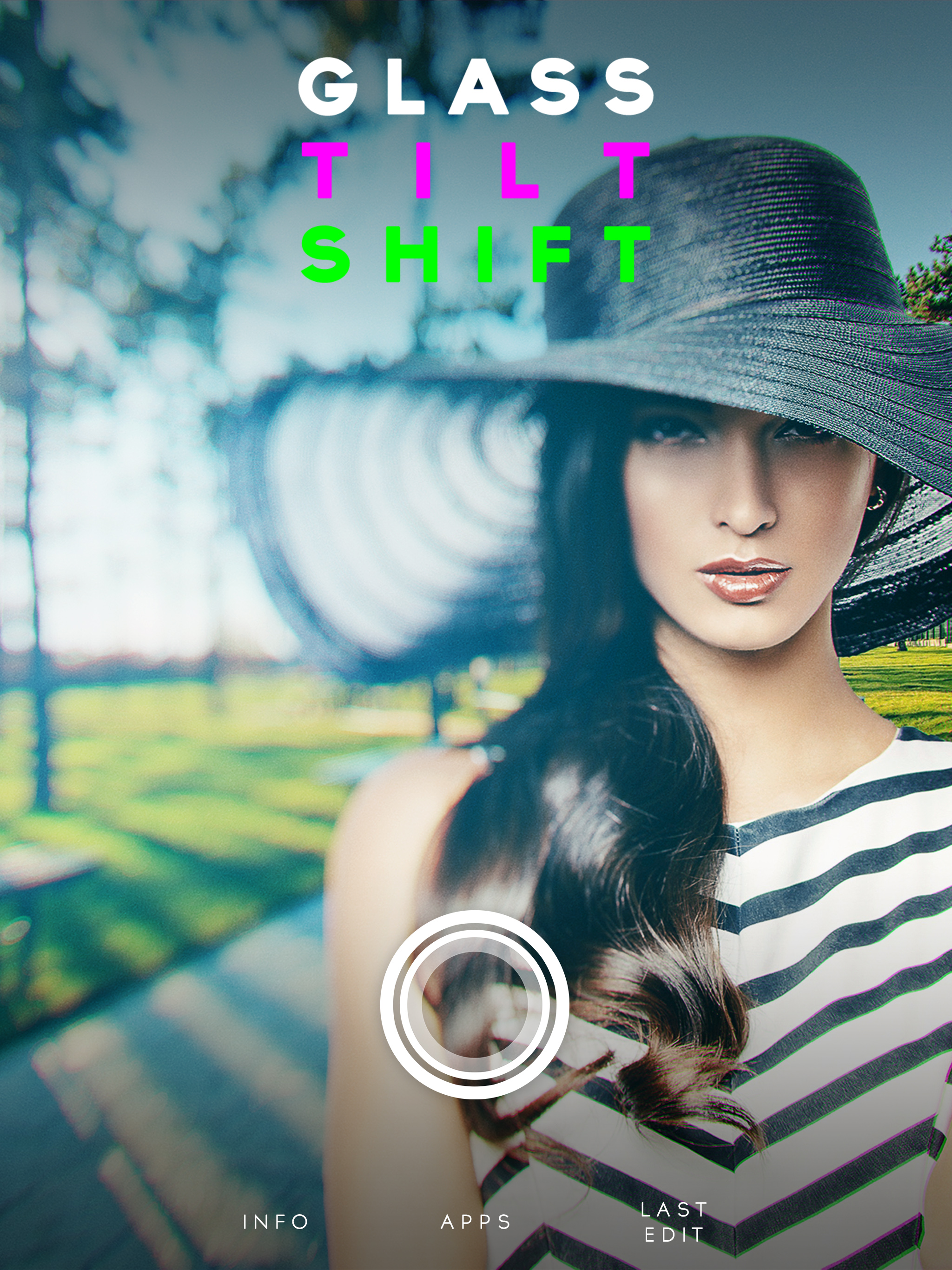
The good: Really quite excellent photographic tilt shift or blur vignette effects. Pops highlights well, and the bokeh are very nicely detailed. Chromatic abberation, option to add grain. Really good stuff. Quite often even desktop applications don't all of this well. The bad: The controls/UI are not terribly intuitive. You won't really know you can move the focal point until you try it. The glow (really should be a secondary effect) is controlled by the slider, which is all you try initially. The different modes along the bottom are not indicated in any helpful way. You really have to play around with this for a bit to get a handle on what it can do. But if you put in a little time, it really is powerful, offering quite good quality. Very organic looking.
Great for playing around with DoF, and based on other apps I have that are similar, this app is definitely unique. I don't think the low star reviews are fair at all - it does exactly what it's supposed to do. It's definitely useful to me, but may not be everyone's cup of tea, especially if you're not a serious photographer and don't understand what this app is for.
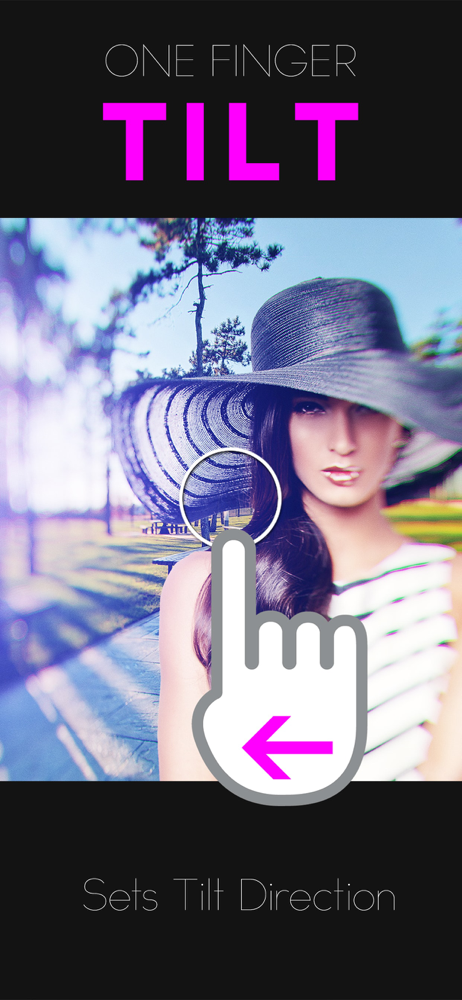
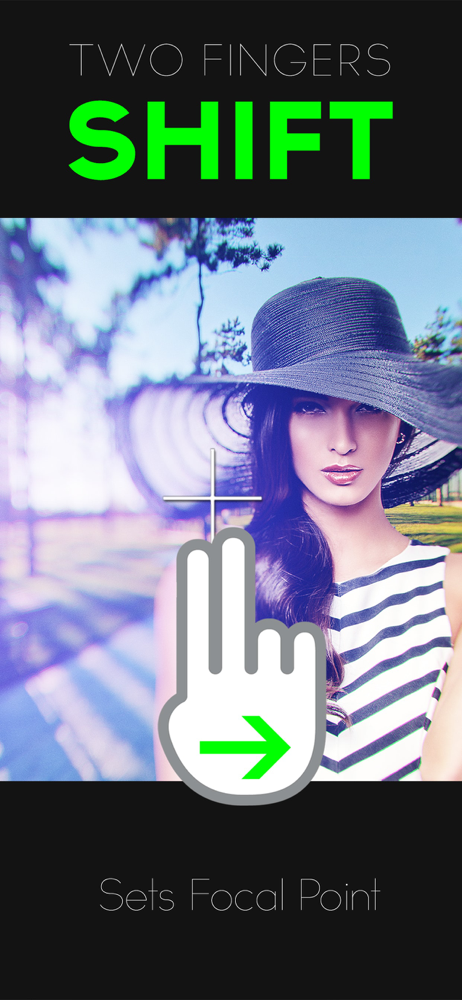
Firstly, I need to say that you MUST understand the interface to get the most out of this app. But if you play with the one and two-finger moves and you watch closely what happens with the mask you will soon grasp the power of this tool. Each preset mask behaves differently, and everything resets if you pick a different preset. This makes it difficult to quickly jump between presets, but it also means that each preset is a unique tool for your experimentation. If you like filters that do everything for you, look elsewhere. If you are serious about iPhone photography this app gives you amazing tools you can't get anywhere else. Easily a five star app in my photo editing toolbox.
Say hello to Glass, the first true TILT SHIFT app. Glass doesn't just blur the edges but uses a complex algorithm to accurately simulate a real glass...