Check the acquisition promise
Read the store headline, screenshots and description. What problem is the app promising to solve?
Study the storefront ↗
James Grote · iOS
Explore the ad evidence, study the storefront, and build your next acquisition hypothesis.
01 / Creative research
Read the store headline, screenshots and description. What problem is the app promising to solve?
Study the storefront ↗Explore apps with direct store-link matches. Compare their hooks and formats without assuming the same approach works here.
Browse observed advertisers ↗Store rankings and revenue estimates describe market context. They do not establish ad spend, conversions or ROAS.
Review the market context ↗02 / Storefront & product
Study the product story and store experience behind the acquisition funnel.



03 / Market context
Keep revenue, downloads and store rankings separate from advertising performance.
I’ve had this app for 3 days now and I’ve already got multiple solar systems of gorgeous tiny planets and the few multiple image designs I’ve played with are stunning. Fun, intuitive and with endless editing possibilities. I see galaxies in my future. I’ve purchased the 8 app bundle and tossed several unsatisfactory apps from other developers (all of which have at least one very annoying flaws). I may need a 12-step program if this keeps up. Brainfever Anonymous anyone?
First, this is probably the most versatile and creative app out there for jumping into the realm of phone photography. It can take the most mundane objects, and with a little creativity and two thumbs, create mind boggling images and wonderful visual puzzles. Love this app! Oh, and if you are someone who is prone to “user error,” you can rely on top flight, first person assistance in walking you through the dumbest of neophyte blunders. Mr. Grote was patient, curious to find the problem, and generally pretty kind considering the error remedy was right in front of this reviewers eyes all along. The short of it... 5 STARS!!!
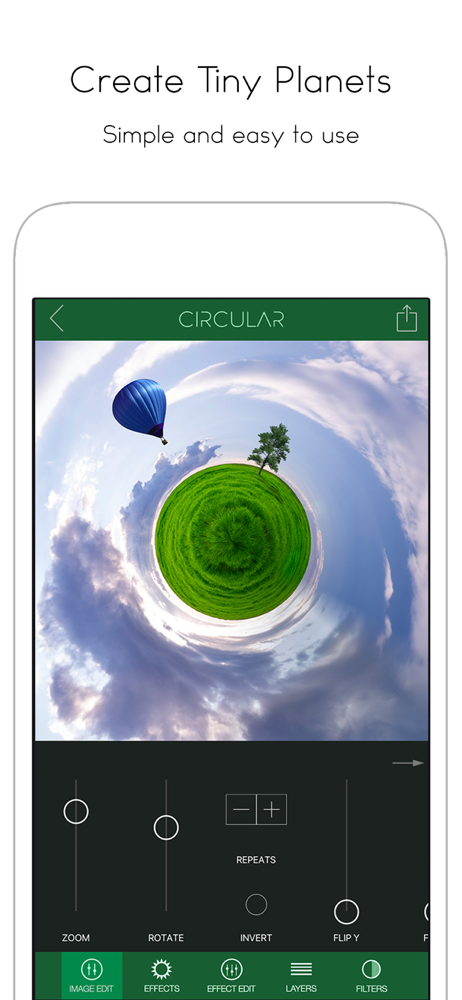
Nothing but fun! If you are a creative person that’s always looking for a creative thing to do then get this app. Just snap pictures every once in a while. Import into this app and start playing with it. If you see something that has a bunch of pretty colors then snap a picture of it and import it into this app. Twist and turn and spin it all over the place and you’ll come up with something cool. There was a negative review posted saying that this does not have an intuitive UI. I’m not sure she/he really tried. It can’t be simpler. Import a picture then move left to right using the controls along the bottom. If you want to add elements then you use the layer function located at the bottom of the screen. I actually haven’t been using this for tiny world stuff lately. I create abstract art in other apps then important to this app to create some twisted visuals. I then import into a final editing app for touchups. If you are a creative then you’ll have fun just taking snapshots of random things and then twisting them in this app to see what you can create. It’s a great app that offers a lot of spontaneity to your creativity. This developer also offers some other great apps to do some wild things to your images so don’t stop here. Get super creative. And, no, I am not paid to write this review. I actually studied photography in college and like screwing around with photography apps on my phone.
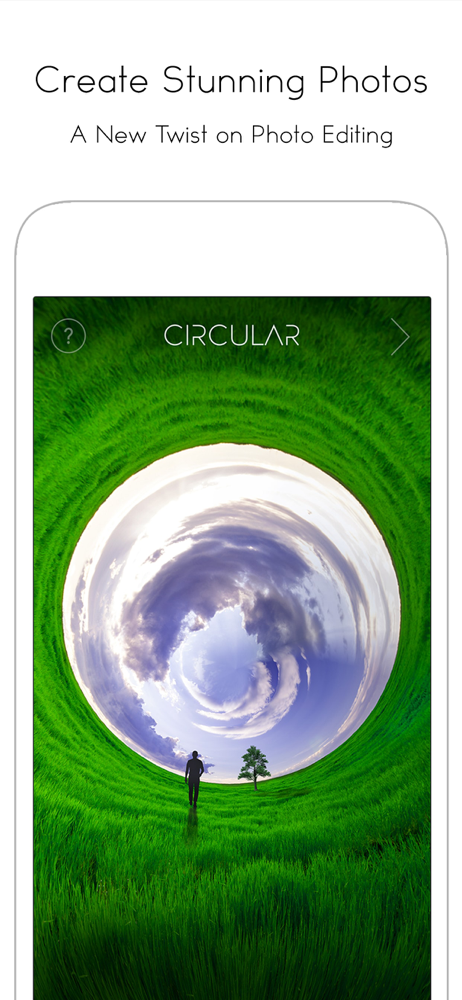
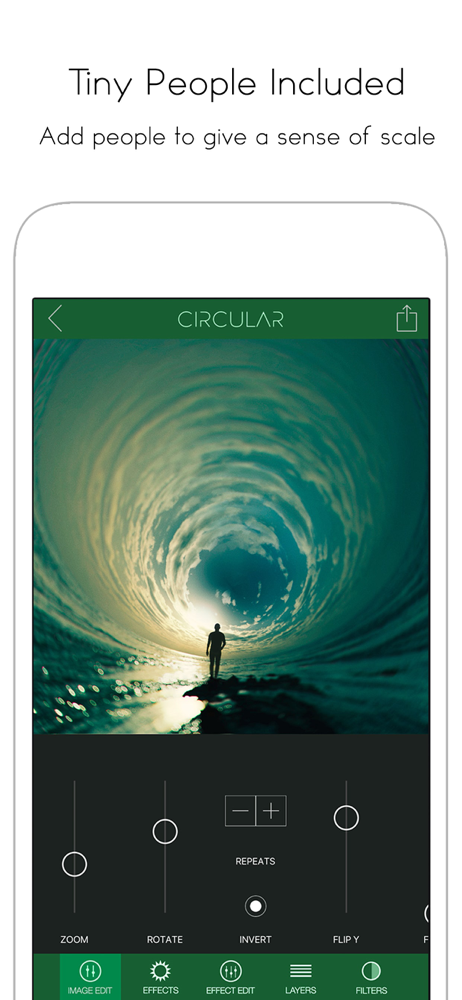
Now supports 360 degree photos! - A new twist on photo editing. Turn your photos into amazing circular images with Circular+. Circular+ is a fun ap...