Check the acquisition promise
Read the store headline, screenshots and description. What problem is the app promising to solve?
Study the storefront ↗
Qrayon, LLC · iOS
Explore the ad evidence, study the storefront, and build your next acquisition hypothesis.
01 / Creative research
Read the store headline, screenshots and description. What problem is the app promising to solve?
Study the storefront ↗Explore apps with direct store-link matches. Compare their hooks and formats without assuming the same approach works here.
Browse observed advertisers ↗Store rankings and revenue estimates describe market context. They do not establish ad spend, conversions or ROAS.
Review the market context ↗02 / Storefront & product
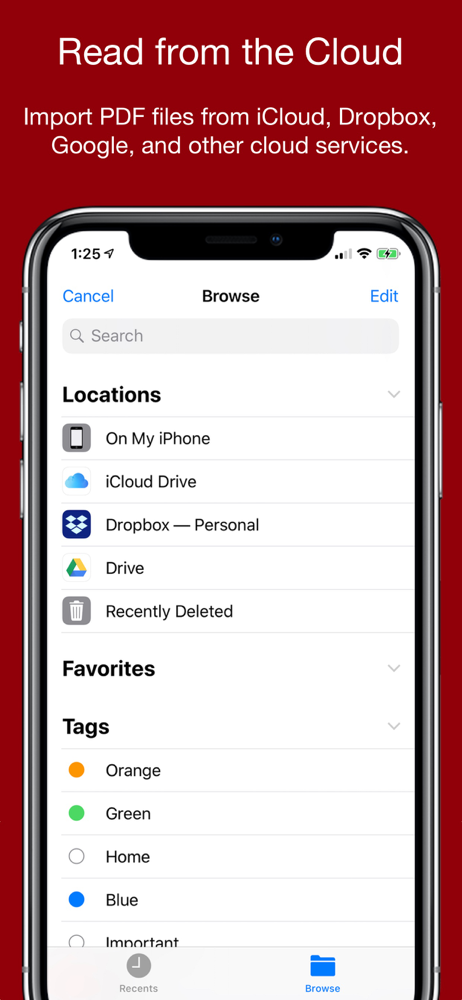
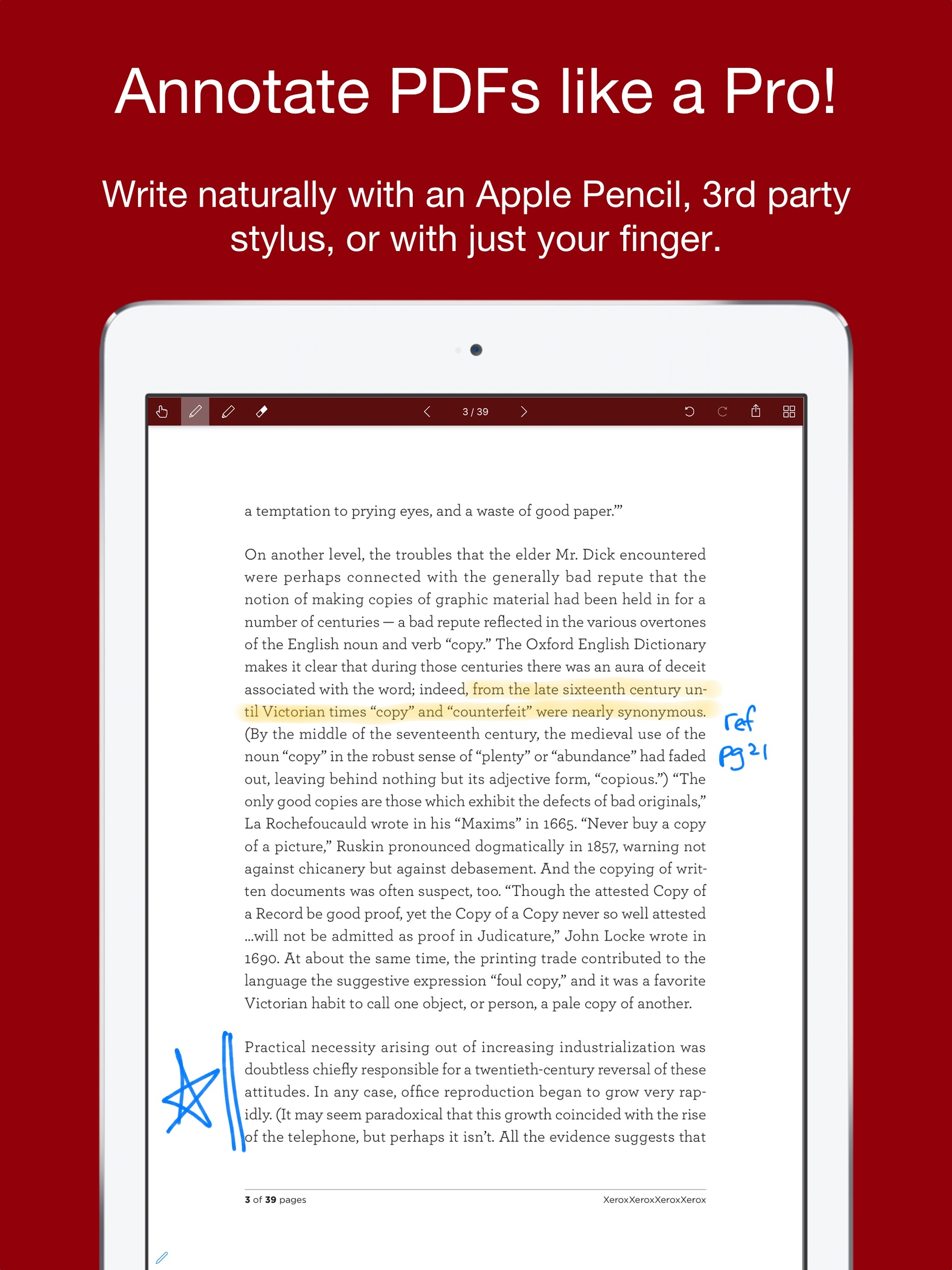
Study the product story and store experience behind the acquisition funnel.




03 / Market context
Keep revenue, downloads and store rankings separate from advertising performance.
This app is very user friendly, however sometimes when I email the document, it can take more than a day to arrive in my inbox. Please fix this glitch
I loved this for the iPad because I could make edits with the pen. And it works fine.... until the app crashes. Can’t even swipe multiple pages without it crashing. Makes it useless and frustrating.
This app works as advertised. The bonus is that if you take a protected PDF like a bank statement that you want to annotate, this app works where adobe doesn't. The exported results can then be annotated by adobe as the protection stuff is stripped out. Well done and recommended.
Smart PDF is a PDF editor specially optimized for ink annotations. Use it with an Apple Pencil for the ultimate ease in note taking. Great for profe...