Check the acquisition promise
Read the store headline, screenshots and description. What problem is the app promising to solve?
Study the storefront ↗
Content Office · iOS
Explore the ad evidence, study the storefront, and build your next acquisition hypothesis.
01 / Creative research
Read the store headline, screenshots and description. What problem is the app promising to solve?
Study the storefront ↗Explore apps with direct store-link matches. Compare their hooks and formats without assuming the same approach works here.
Browse observed advertisers ↗Store rankings and revenue estimates describe market context. They do not establish ad spend, conversions or ROAS.
Review the market context ↗02 / Storefront & product
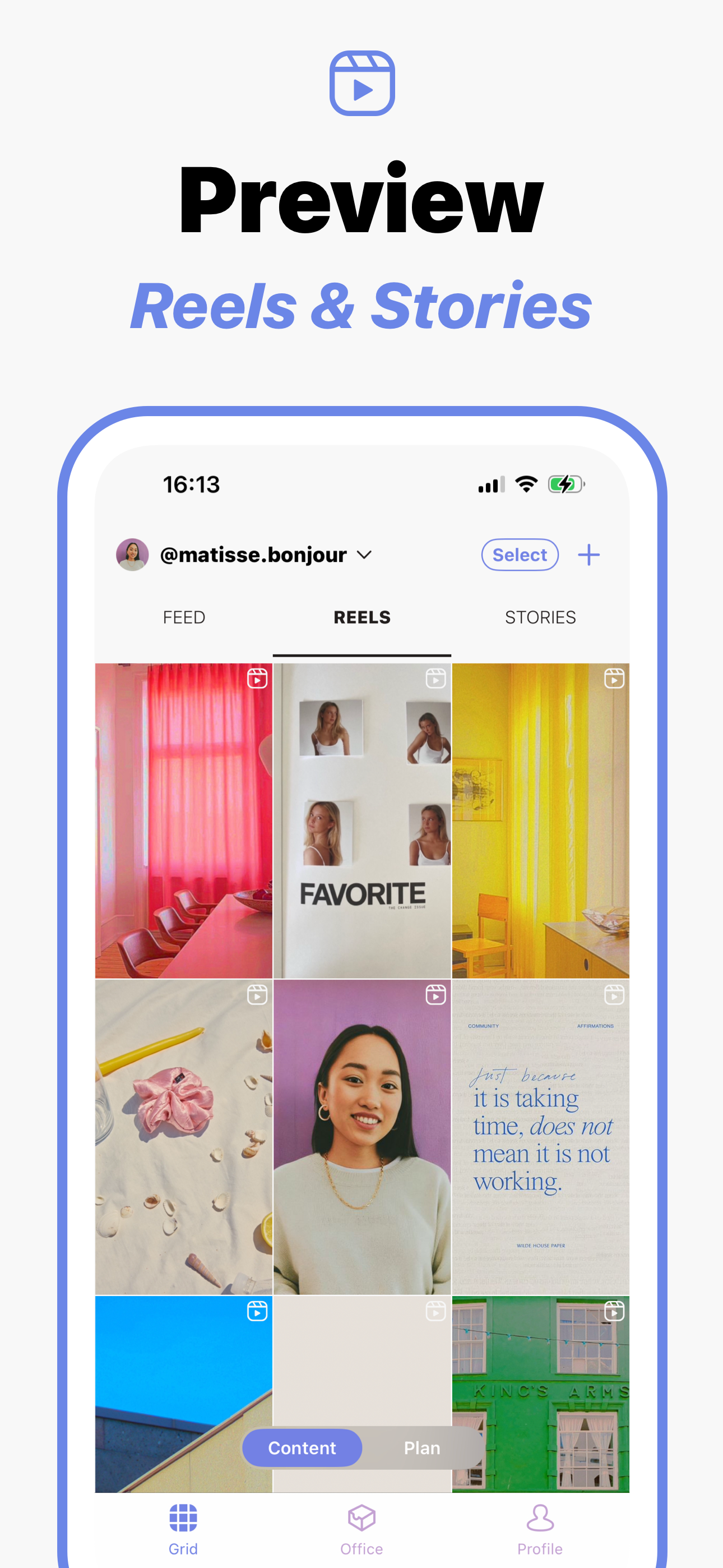
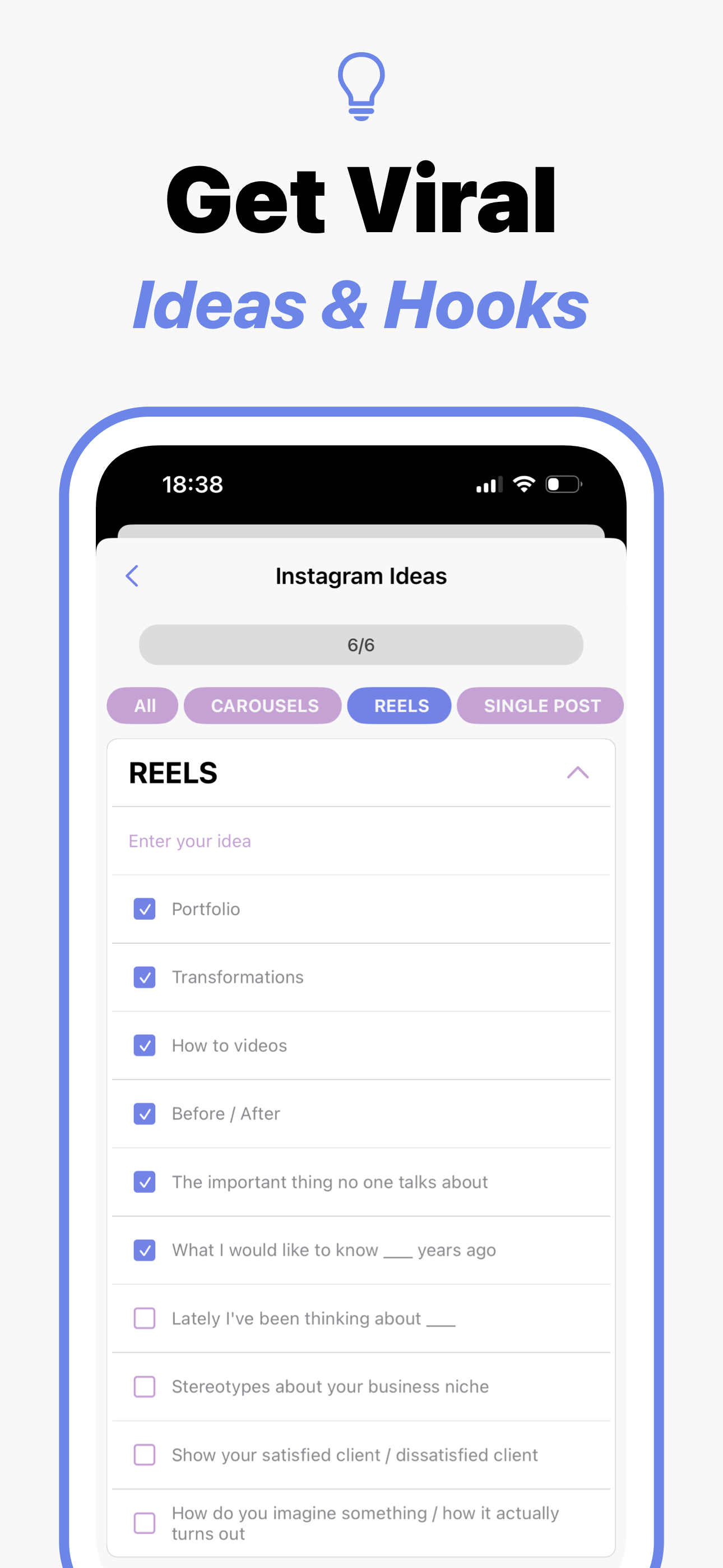
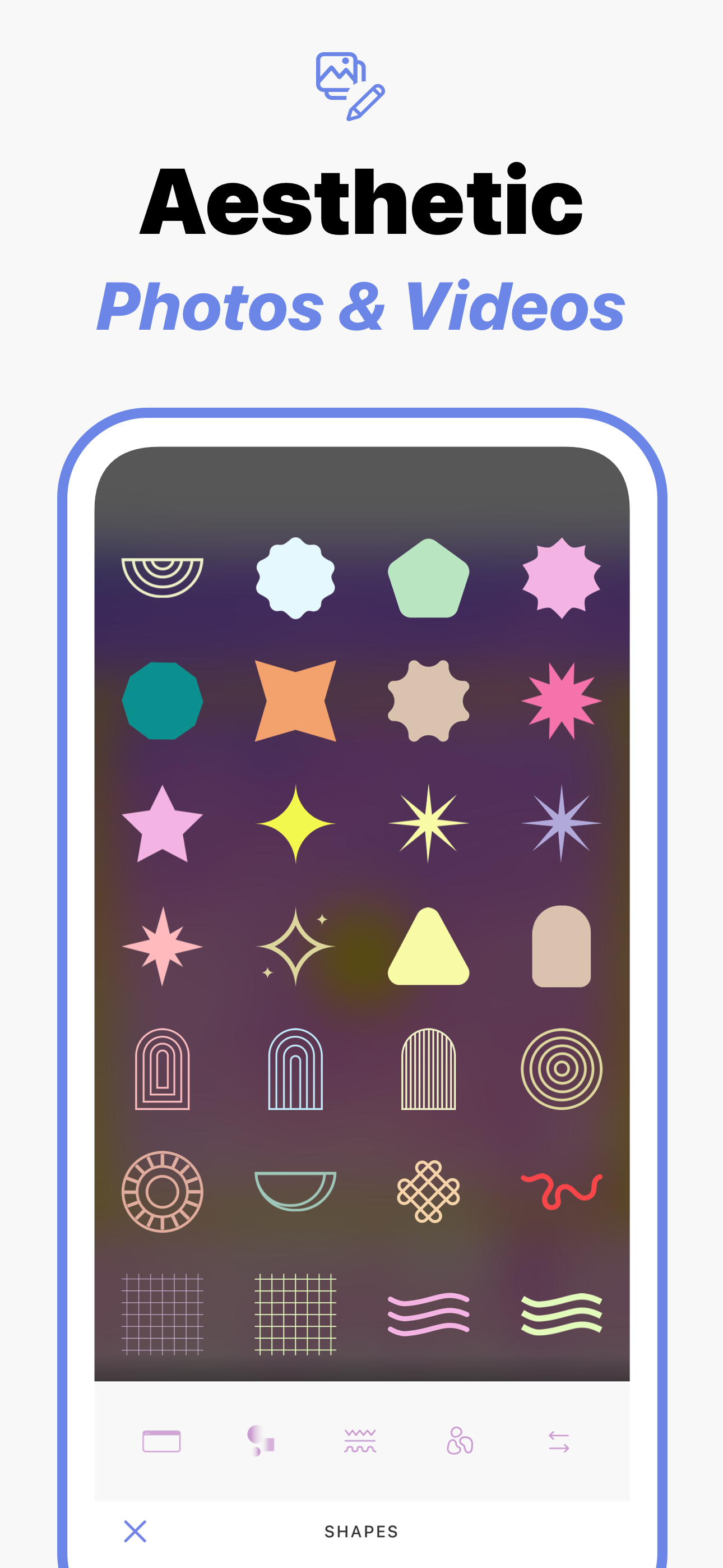
Study the product story and store experience behind the acquisition funnel.

03 / Market context
Keep revenue, downloads and store rankings separate from advertising performance.
I have had nothing but trouble with all other well known Instagram planning apps I’ve ever used. They are all glitchy and the auto posting never worked. But this app WORKS! I love it and so glad to have found it.
I am surprised of how much I liked this app. I’m handling various Instagram accounts and this has become my favorite tool. I can control everything and let’s me plan ahead. It’s really amazing. What I loved the most is the the templates. Setting up captions and hashtags for future use it’s very efficient. The tips and ideas are awesome. Just within the three days of use for the free trial I decided to get the whole year. That’s how amazing this app is.
I’ve tried a lot of these stupid bs apps that claim they do what I need. I just want to preview how it might look with and that’s it. This app lets u write caption for them too. The one great thing that stands out from the rest is that I don’t have to log in with my Instagram. I can just use it EDIT: I am redacting this review and it’s stars because after a week of use I can’t add more photos just to look at. I can’t even move around the top photos anymore without it telling me to buy a subscription which is incredibly unreasonable. $60 a year so I can just look at move own photos and organize them myself? No thanks...I can just create my own app at this point or just simply view them on my computer. Just thought it would be nice to have a simple app that does this for me. If it were a one time payment of like $3 then sure but not worth it. I recommend offering a simple “light” version that just lets you move ALL of you’re photos around just to get an idea of how it will look on the gram. That’s ALL I need.
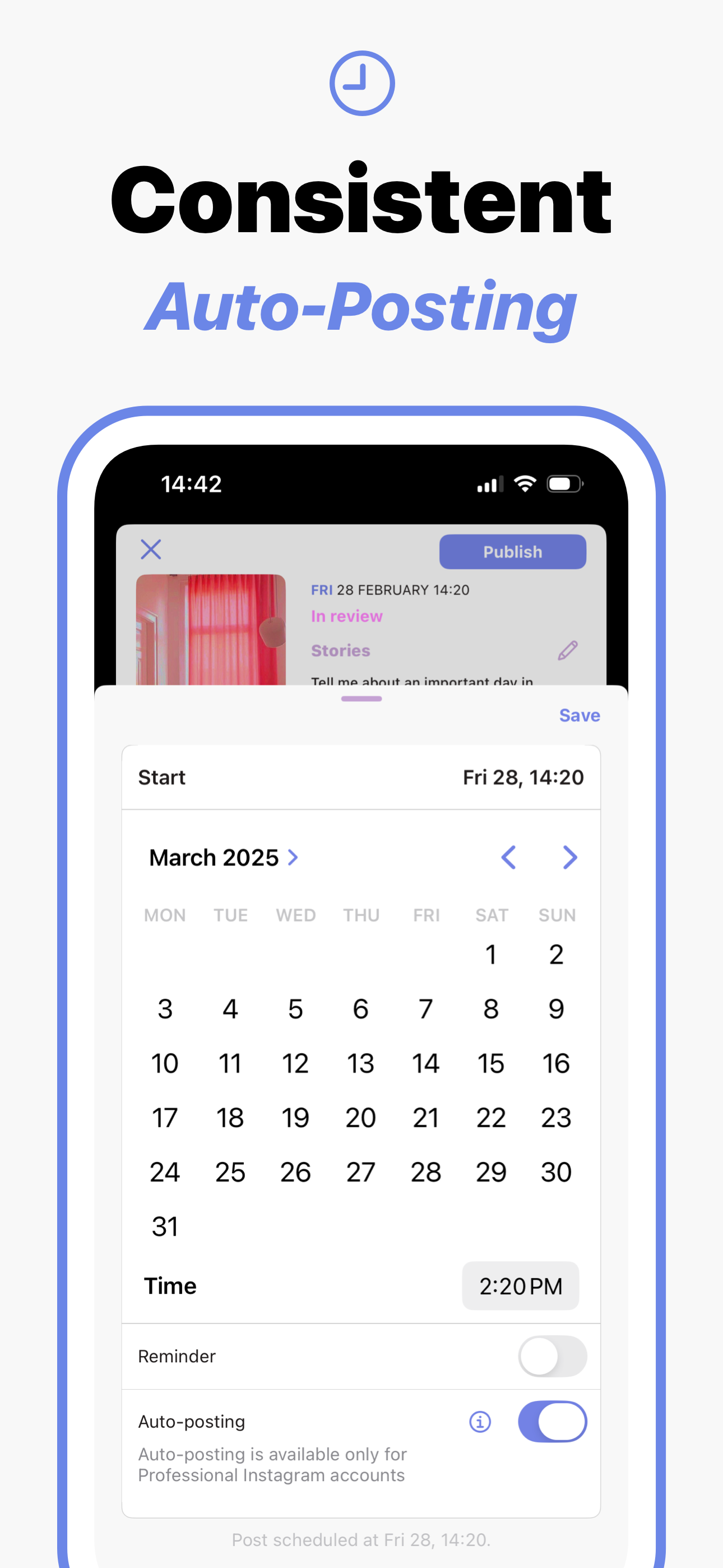
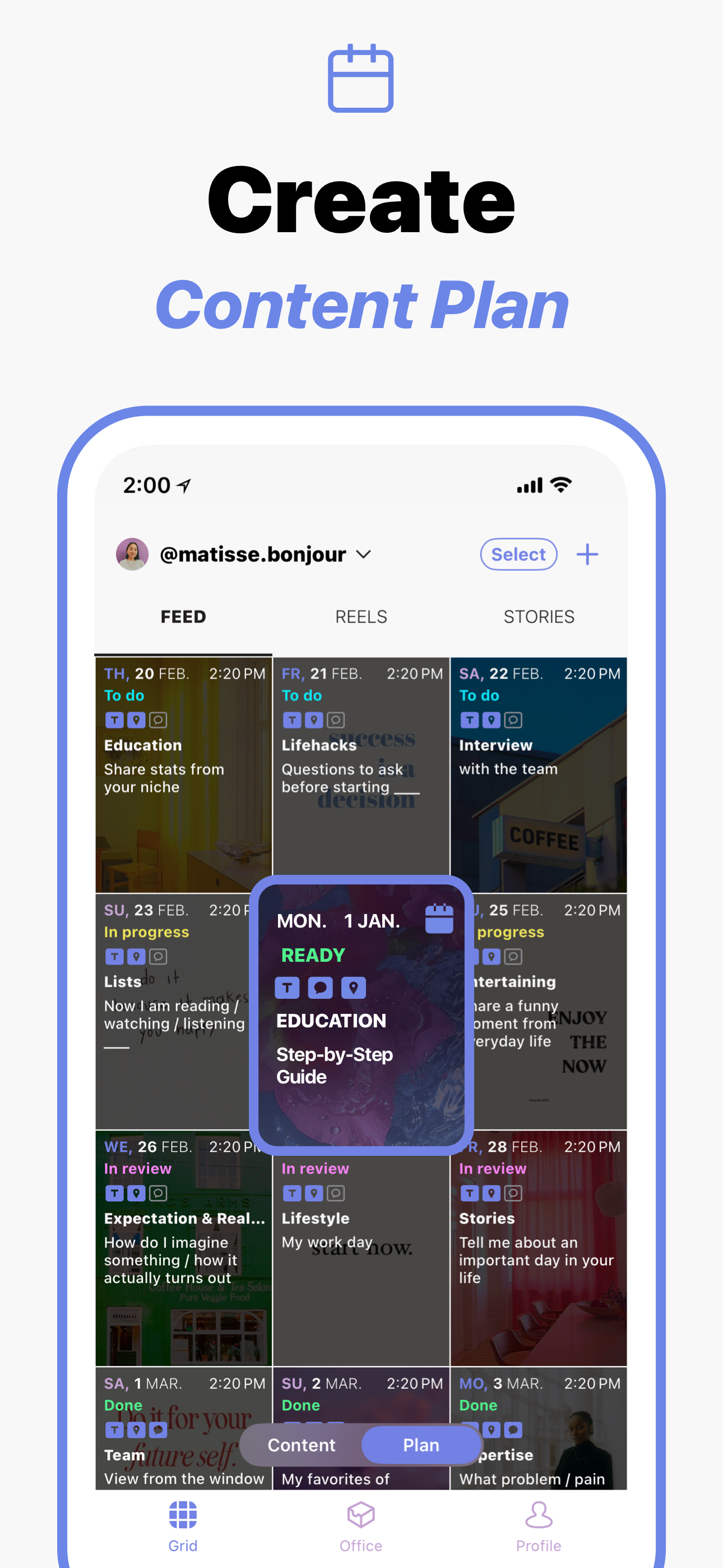
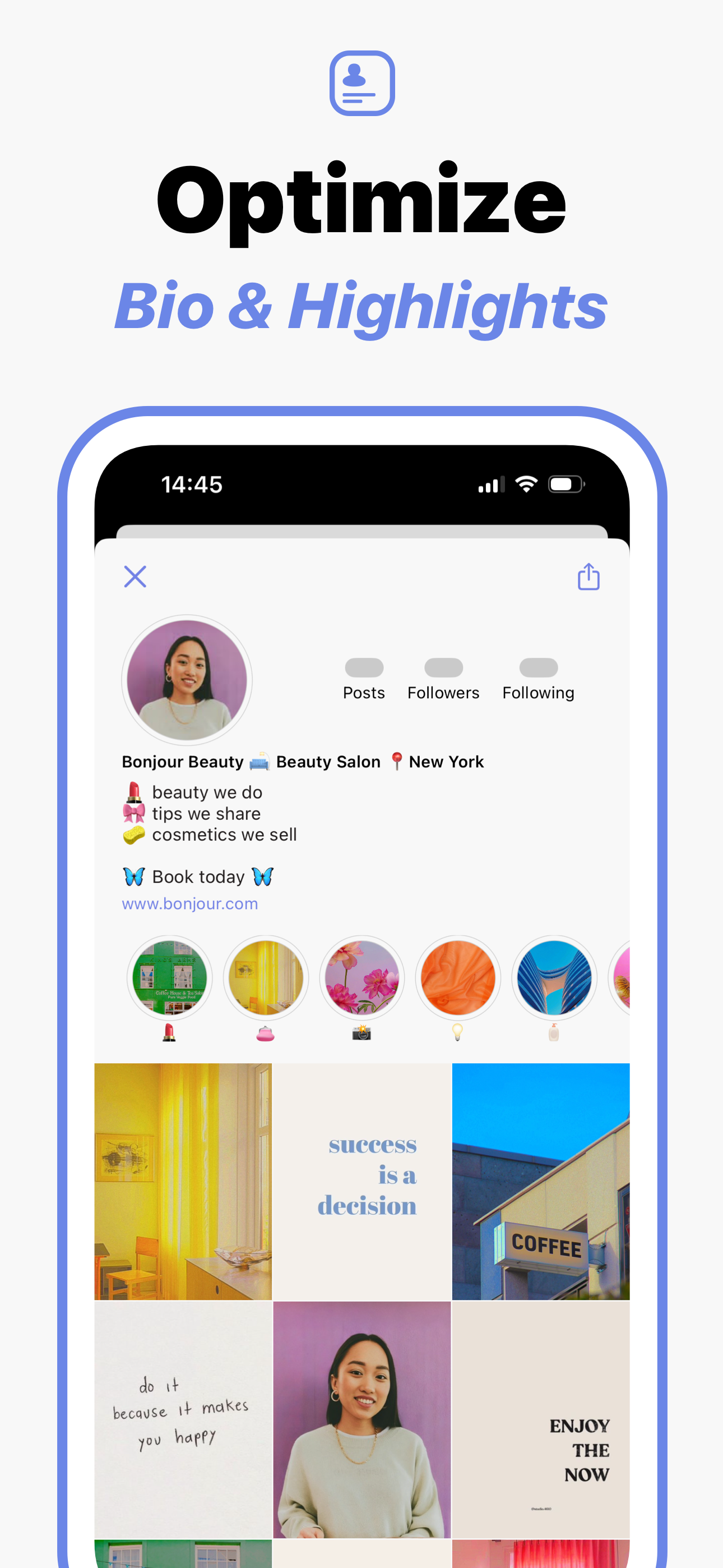
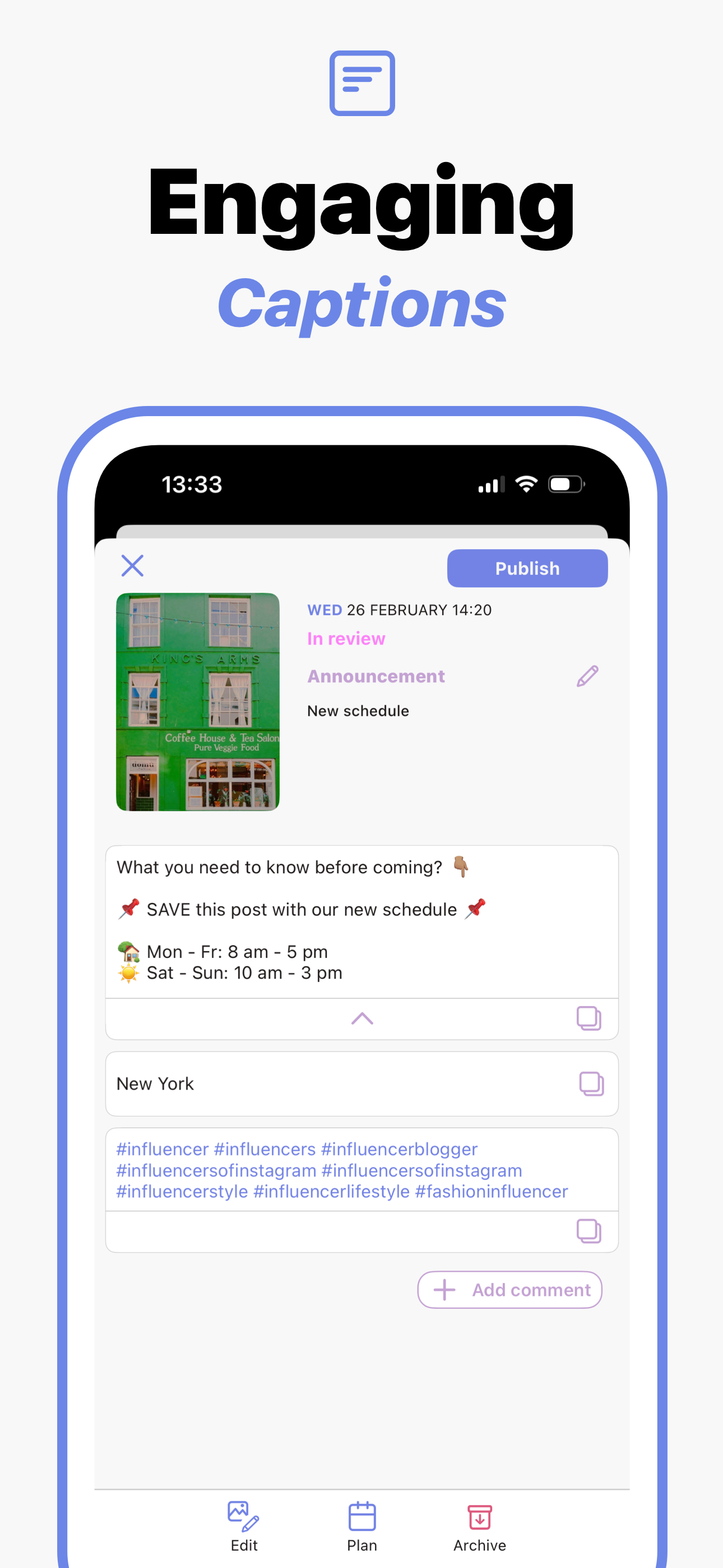
Content Office - All-in-One Planner for Instagram Feed, Stories, Reels, Profile Bio and Highlights covers. If you're a content creator, social media...
| Name | Price | Type |
|---|---|---|
| Solo (1 month) | $2.99 | Monthly |
| Business (1 month) | $4.99 | Monthly |
| Creator (1 month) | $7.99 | Monthly |
| Premium (1 month) | $7.99 | Monthly |
| Pro (1 month) | $11.99 | Monthly |
| Solo (1 year) | $29.99 | Yearly |
| Creator (1 year) | $49.99 | Yearly |
| Business (1 year) | $49.99 | Yearly |
| Pro (1 year) | $59.99 | Yearly |
| Premium (1 year) | $69.99 | Yearly |