
Check the acquisition promise
Read the store headline, screenshots and description. What problem is the app promising to solve?
Study the storefront ↗
IBN Software GmbH · iOS
Explore the ad evidence, study the storefront, and build your next acquisition hypothesis.
01 / Creative research
Read the store headline, screenshots and description. What problem is the app promising to solve?
Study the storefront ↗Explore apps with direct store-link matches. Compare their hooks and formats without assuming the same approach works here.
Browse observed advertisers ↗Store rankings and revenue estimates describe market context. They do not establish ad spend, conversions or ROAS.
Review the market context ↗02 / Storefront & product
Study the product story and store experience behind the acquisition funnel.




03 / Market context
Keep revenue, downloads and store rankings separate from advertising performance.
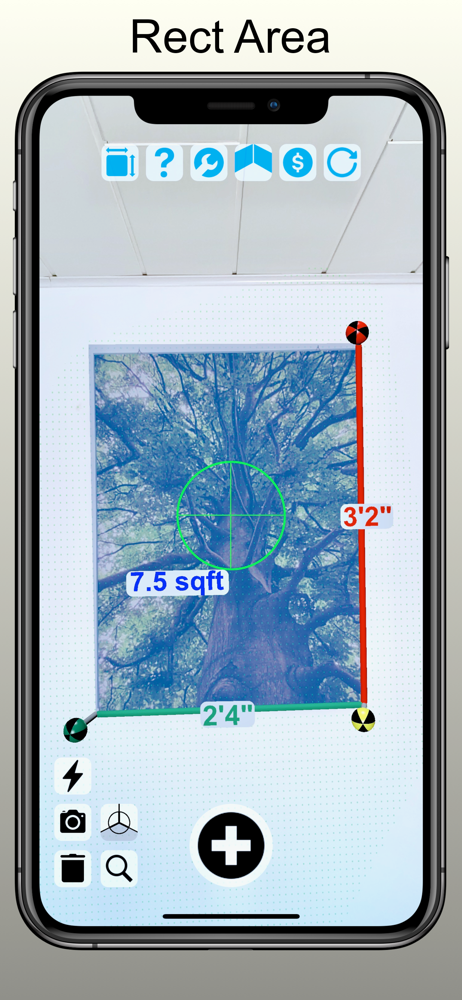
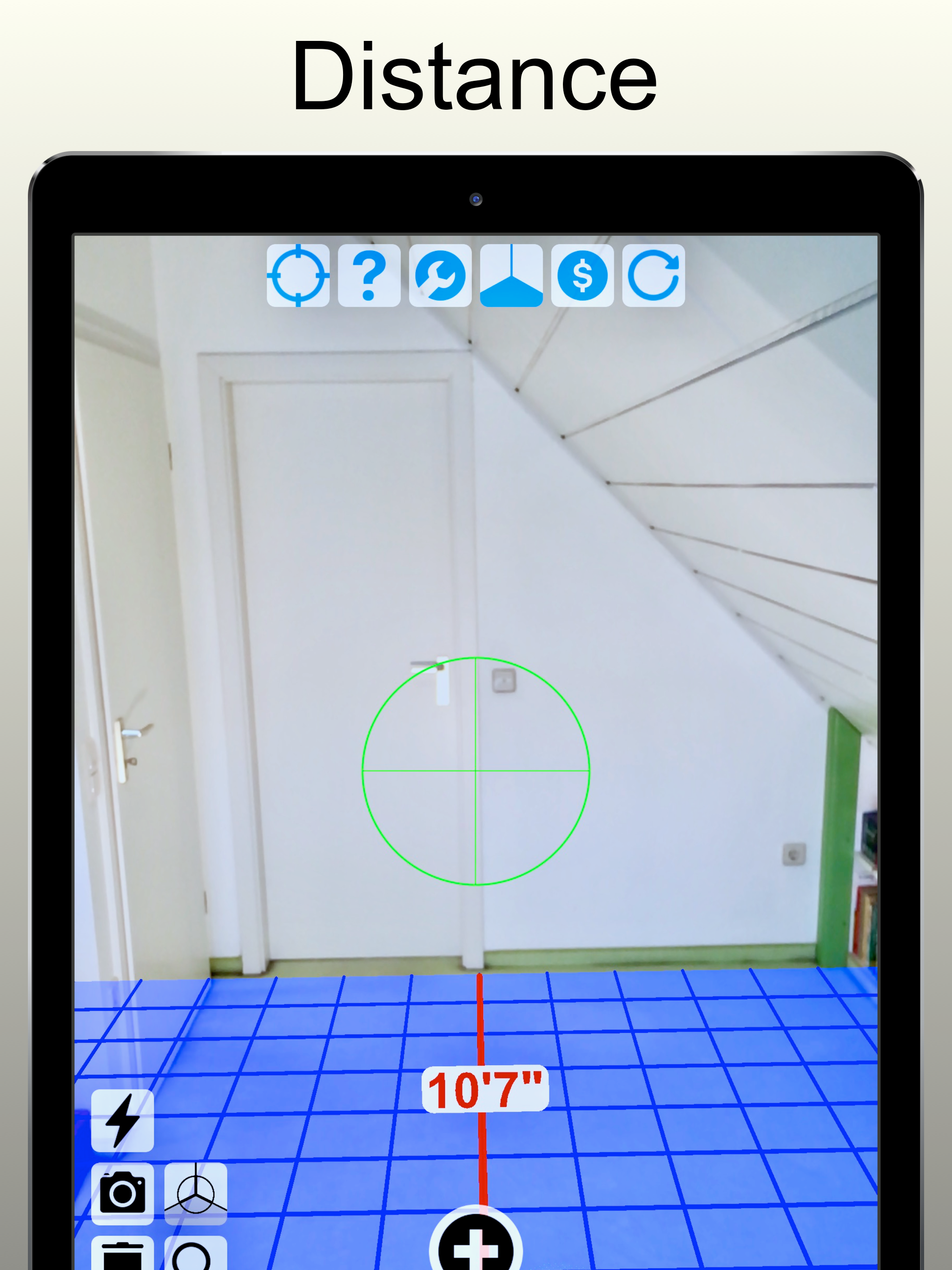
I’ve read all the documentation on the website and the user manual in the app. I also bought the Pro upgrade. This app has several nice features, but getting them to work is a problem. I’m a retired engineer, so I certainly understand the underlying concepts, but an not an iOS developer. Measuring rooms starts off with determining the horizontal plane - establishing the green dots, and setting pegs at the corners. Unfortunately, documentation doesn’t address how to handle corners which are obstructed by furniture, although there is an icon suggesting corner definition. When it starts, the message says “initializing AR session”. What am I supposed to do? I see the icons with the ruler icon, and press it to see Ruler, which shouldn’t require establishing a ground plane. Certainly, distance to camera shouldn’t need it if there is LIDAR, as in my iPhone 12 Pro. In fairness to the developer, similar apps are also poorly documented, for the most part.
The interface is the best of the four iPhone apps I tried but this app has severe troubles recognizing vertical and horizontal planes - indoors or outdoors. When it finally does, the results are inconsistent- three times it correctly indicated ceiling height of 8 feet, the other time it read over 400 feet. Similar problems when trying to measure the peak of a roof. One last note: the evaluation version provides only a few measurements before flooding you with ads. C’mon guys, let folks at least learn the app before disabling it with spam.
I purchased and update now but it is not work I see but why don’t you turn off mesage
Easily measure the floor area of rooms with our completely rewritten 'AR Tape Measure Camera' app or measure dimensions like height, length, width, si...
| Name | Price | Type |
|---|---|---|
| Camera Measure Pro - Weekly | $3.99 | Weekly |
| Tape Measure Camera Ruler Pro | $4.99 | One-time |
| Tape Measure Pro - Monthly | $7.99 | Monthly |
| Camera Measure Pro - Yearly | $12.99 | Yearly |


