Check the acquisition promise
Read the store headline, screenshots and description. What problem is the app promising to solve?
Study the storefront ↗
keang david · iOS
Explore the ad evidence, study the storefront, and build your next acquisition hypothesis.
01 / Creative research
Read the store headline, screenshots and description. What problem is the app promising to solve?
Study the storefront ↗Explore apps with direct store-link matches. Compare their hooks and formats without assuming the same approach works here.
Browse observed advertisers ↗Store rankings and revenue estimates describe market context. They do not establish ad spend, conversions or ROAS.
Review the market context ↗02 / Storefront & product
Study the product story and store experience behind the acquisition funnel.




03 / Market context
Keep revenue, downloads and store rankings separate from advertising performance.
Used to use this app all the time for releases on IG, and it’s worked great for me, and the app is very user friendly. Unfortunately, there’s an issue when ads pop up (typically right after you make your selection before saving the grids), and the “x” to close the ad is so far up in the corner that it can’t be tapped on iPhones X and up, due to the shape of the screens. Even tapping the ad won’t make it go away. It lingers and there is theoretically no way to get past the ad, even though the X is right there. This is all assuming you’re using the unpaid version.
First of all, I used to have a designer split images into grids. Now that I have my own business I don't really have a dedicated resource or the budget to keep asking someone to do this in top of photo shoots and other marketing ops costs. It is worth paying for pro to remove the watermark. I mean, $.99 for a lifetime of social content is really nothing. Happy to support the developer community! My only pro tip would be to take a screen shot of the numbered grid before it all flies into your camera roll. Once it hits your camera roll it's not always in order.
Amazing. People are complaining about paying 99 cents or tolerate a watermark for an app that automated splitting pictures quickly into multiple rows. I just got it and was impressed how quickly and easily it works.
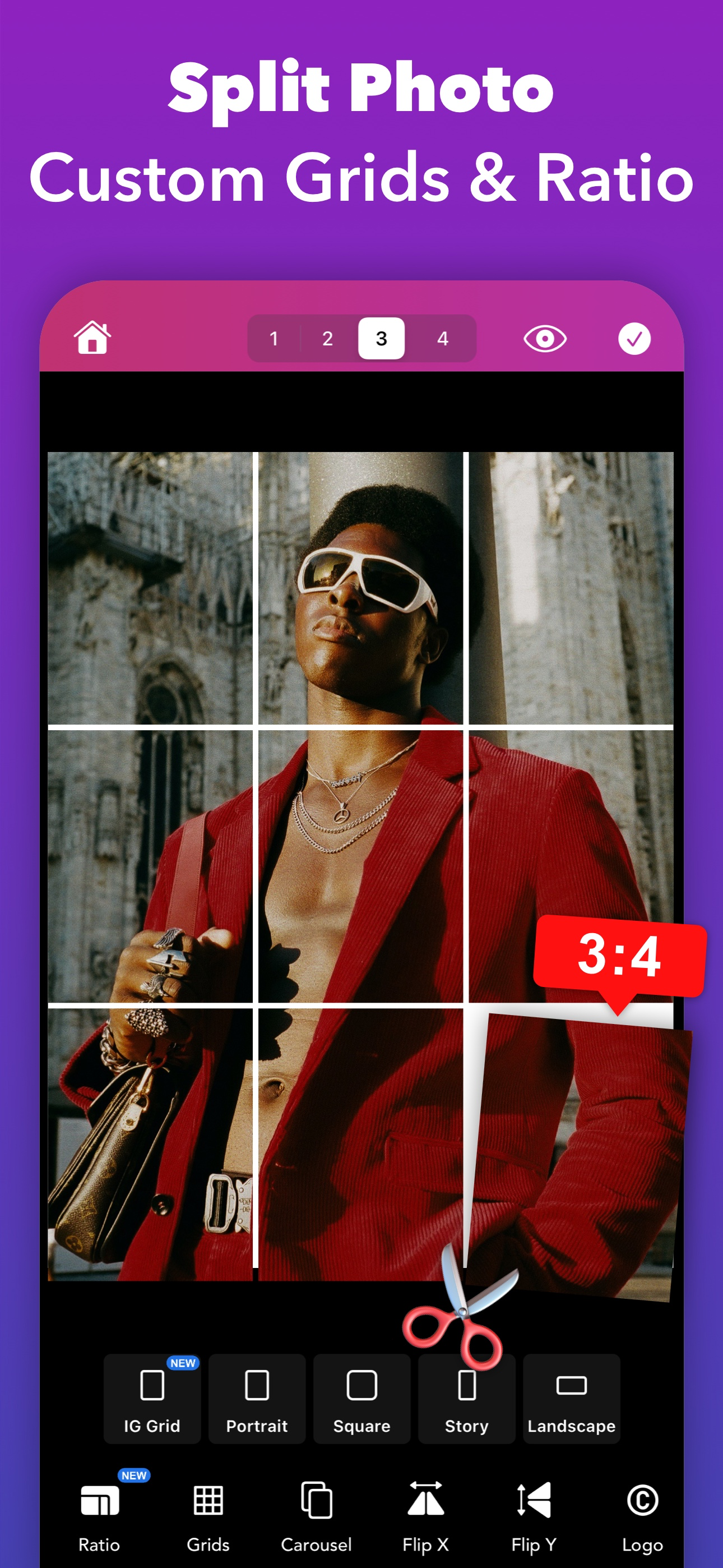
Transform your Instagram Profile into a professional look with Griddy – the All-In-One tool for creating grid posts, seamless carousel layouts, engagi...
| Name | Price | Type |
|---|---|---|
| Griddy Pro (LifeTime) | $4.99 | One-time |
| Premium Monthly | $6.99 | Monthly |
| Yearly Premium | $19.99 | Yearly |
| Premium Yearly | $34.99 | Yearly |
| Premium Lifetime | $89.99 | One-time |