Check the acquisition promise
Read the store headline, screenshots and description. What problem is the app promising to solve?
Study the storefront ↗
PlainsCapital Bank · iOS
Explore the ad evidence, study the storefront, and build your next acquisition hypothesis.
01 / Creative research
Read the store headline, screenshots and description. What problem is the app promising to solve?
Study the storefront ↗Explore apps with direct store-link matches. Compare their hooks and formats without assuming the same approach works here.
Browse observed advertisers ↗Store rankings and revenue estimates describe market context. They do not establish ad spend, conversions or ROAS.
Review the market context ↗02 / Storefront & product
Study the product story and store experience behind the acquisition funnel.



03 / Market context
Keep revenue, downloads and store rankings separate from advertising performance.
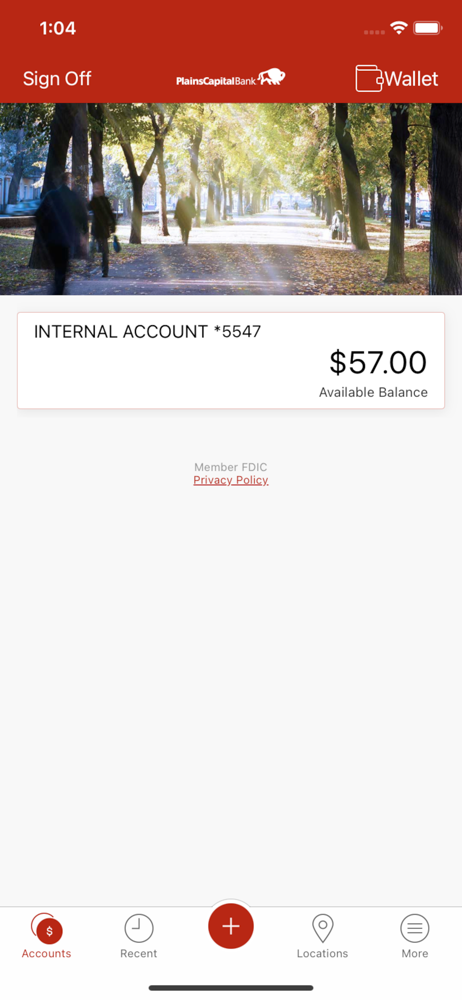
The app lets you check your balance and deposit checks, which is very useful. However, every single time you want to deposit a check, no matter how many times you’ve done it, it will always make you dismiss two screens explaining how to use the mobile deposit feature. There is no way to disable this pop up. I understand the need to have the instructions appear the first time I use a feature, but I should be given the option to disable that message after I’ve seen it once, with an option in settings to reset all instructional messages.
I cannot rate this app five stars because it never saves my password. Every time I log in I have to use my password every time. I enabled the Touch ID and it used to work before for a while but then it would automatically reset and I would have to do it all over again . Lately it doesn’t even store it . Every time I go on I have to use my password. It’s frustrating. The touch of feature needs to be fixed.
I actually like the app. My information is always available when I need it and I never have a hard time opening the app. or have issues getting updated information on transactions. I like that I can get a text message anytime payments hit my account and can keep an eye out for payment that should not be hitting my account and can stop those transactions before they wipe or hit my account instead of having to deal with the fraud department to get my money back.
Start banking wherever you are with PlainsCapital Mobile Banking for mobile banking! Available to all PlainsCapital Bank consumer online banking cust...