Check the acquisition promise
Read the store headline, screenshots and description. What problem is the app promising to solve?
Study the storefront ↗
Tangy Laboratories Inc · iOS
Explore the ad evidence, study the storefront, and build your next acquisition hypothesis.
01 / Creative research
Read the store headline, screenshots and description. What problem is the app promising to solve?
Study the storefront ↗Explore apps with direct store-link matches. Compare their hooks and formats without assuming the same approach works here.
Browse observed advertisers ↗Store rankings and revenue estimates describe market context. They do not establish ad spend, conversions or ROAS.
Review the market context ↗02 / Storefront & product
Study the product story and store experience behind the acquisition funnel.


03 / Market context
Keep revenue, downloads and store rankings separate from advertising performance.
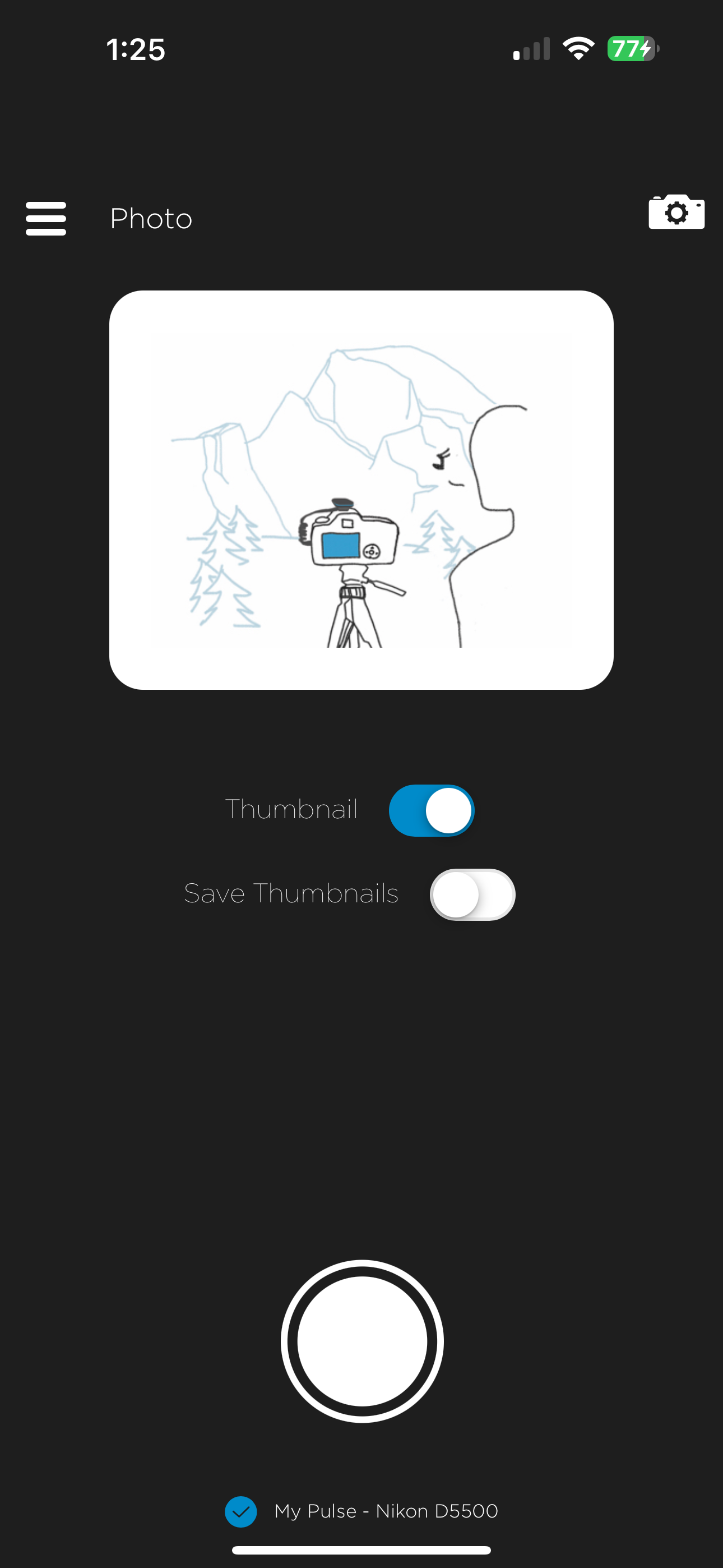
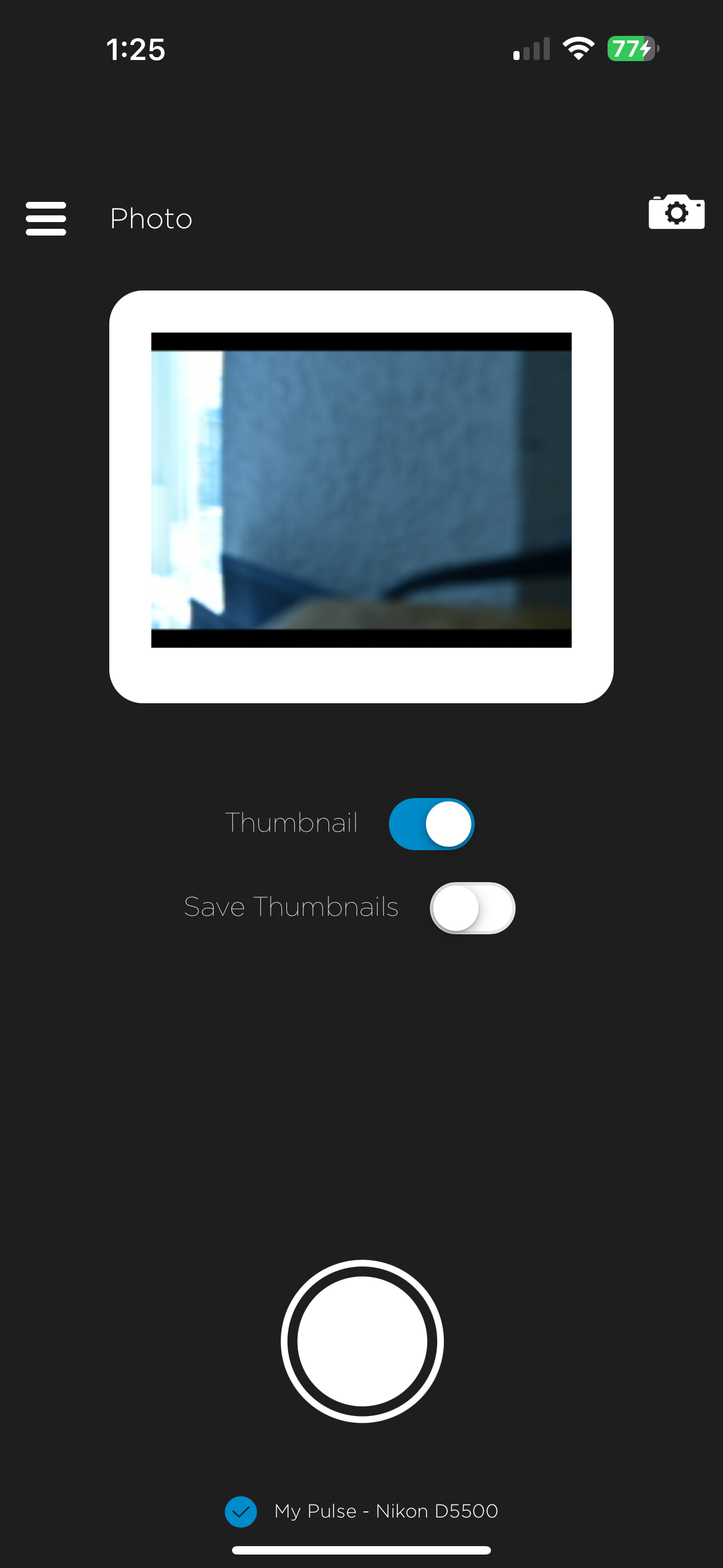
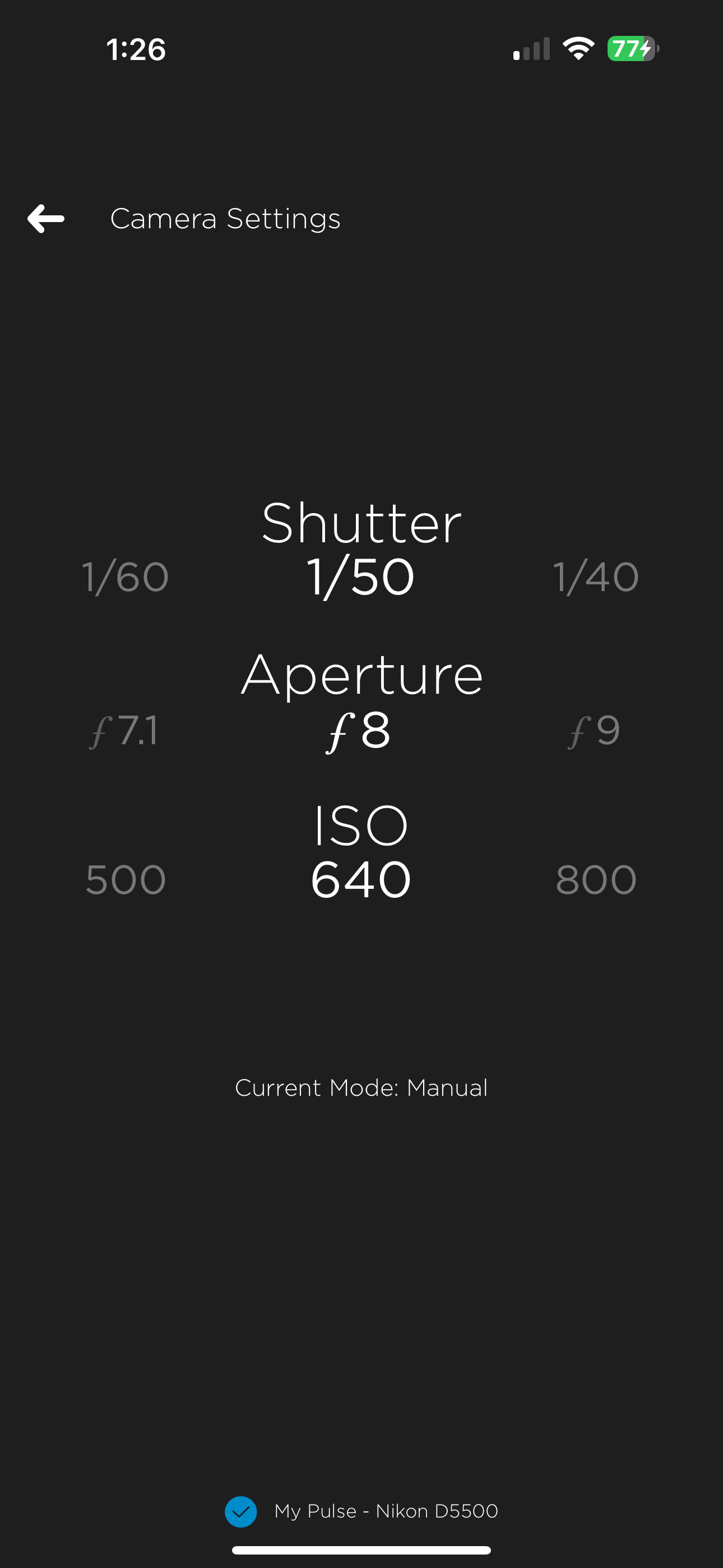
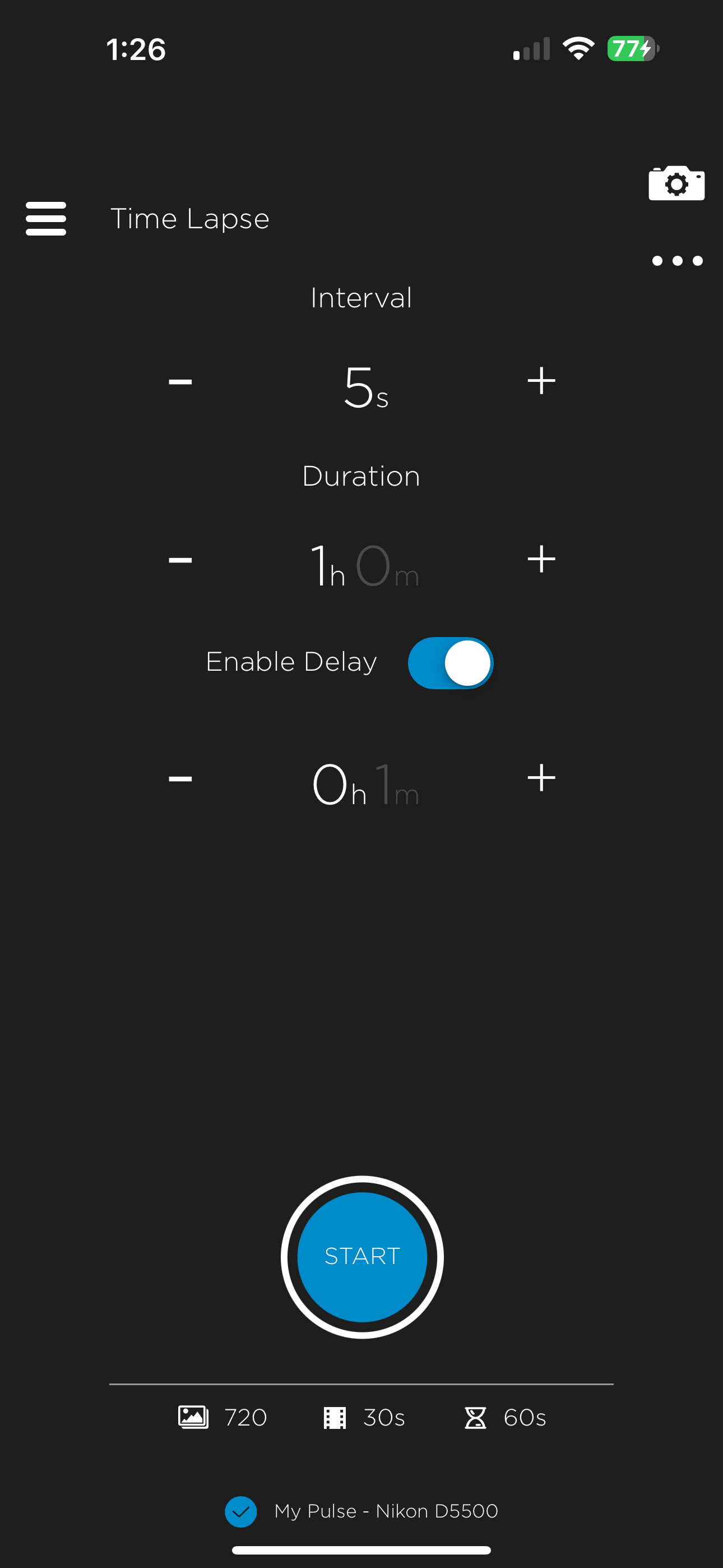
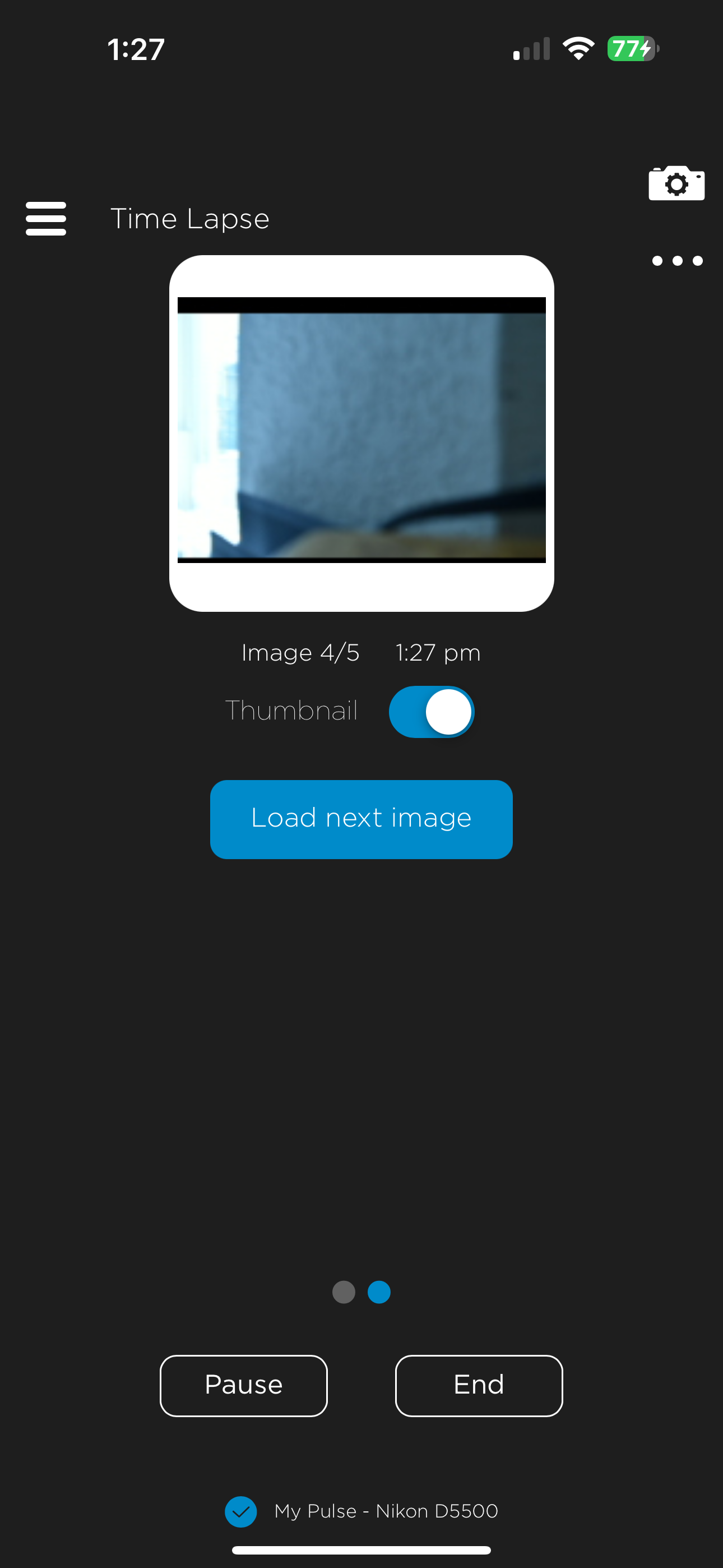
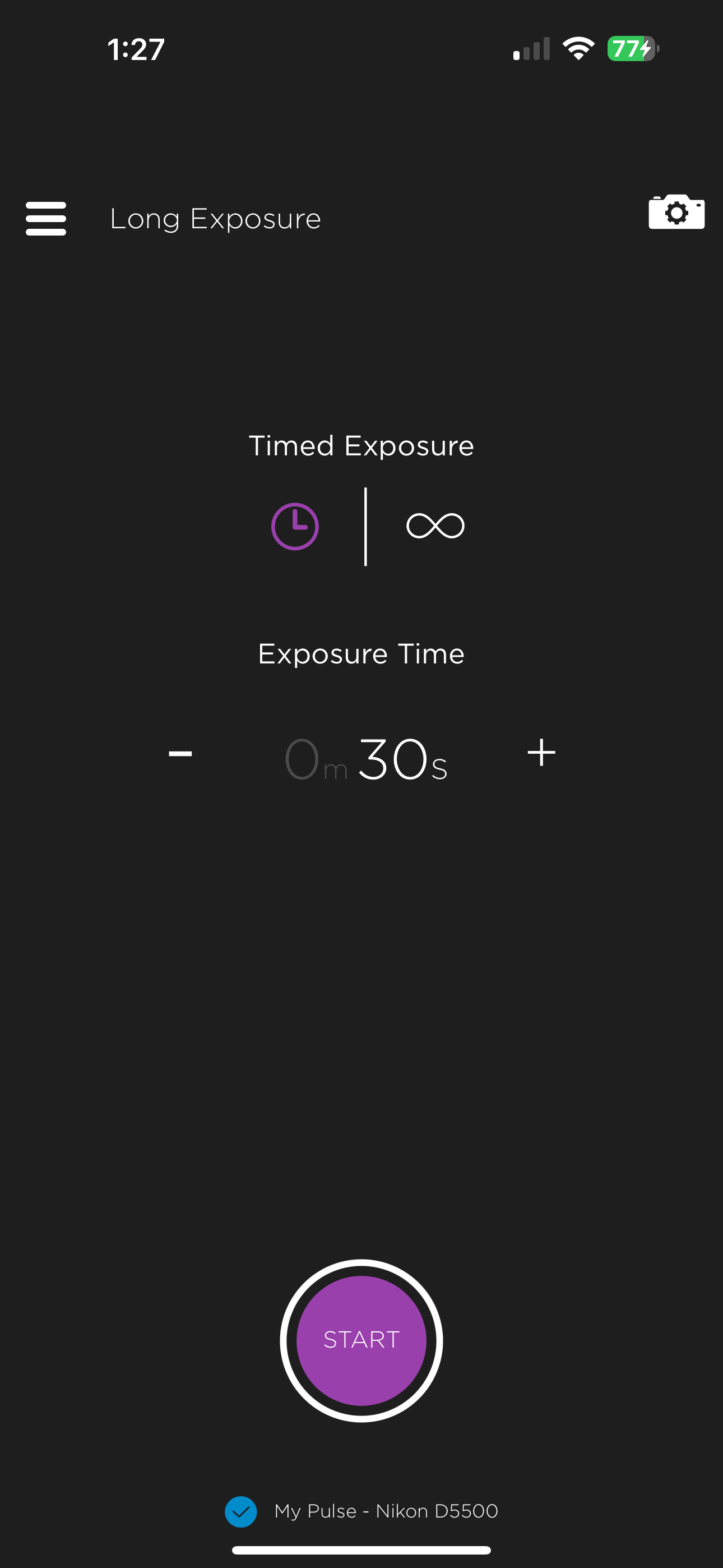
I own a Nikon D3400 DSLR. As some may know, the only intervalometer available is an infrared point and click one. Not very useful for astrophotography. After looking everywhere online for another option I finally found the solution. The Pulse. Despite having some issues early on, it seems that Alpine Labs has come through and made a good product. I can now take astrophotography photos with multiple long exposure shots without clicking the shutter on the camera. Bluetooth connectivity is perfect, I have not had any disconnects yet. The only issue I’ve seen is occasional clipping with the onscreen text and numbers. Timelapse’s are super easy to set up and they even have preset ones you can try. I was afraid to try this out based on the reviews but I’m so glad I did!
This set up is connected to a Canon 77D. Depending on the settings on the camera connection can be unreliable. The set up is also very specific and the unit has to be disconnected then reconnected to recognize the camera. The initial setup didn’t work and the Bluetooth connection had to be reset and deleted from the phone.
It took some time to get my Pulse working, and it needs to be activated in very particular way, namely: Turn on camera (Canon 6DMk2) Turn on Pulse Connect Pulse via USB Open iOS app Otherwise it won’t work at all. HDR doesn’t work (presents an error message) and long exposure doesn’t either (takes a shot at a shutter speed besides what I specified). Bluetooth preview image is hit or miss too. I also verified that I’m at the latest firmware :-/ I got this for time lapses, which do work though.
This is the smartphone control app for Pulse. Pulse is a device that attaches to your Canon or Nikon DSLR and allows you to wirelessly take photos,...