Check the acquisition promise
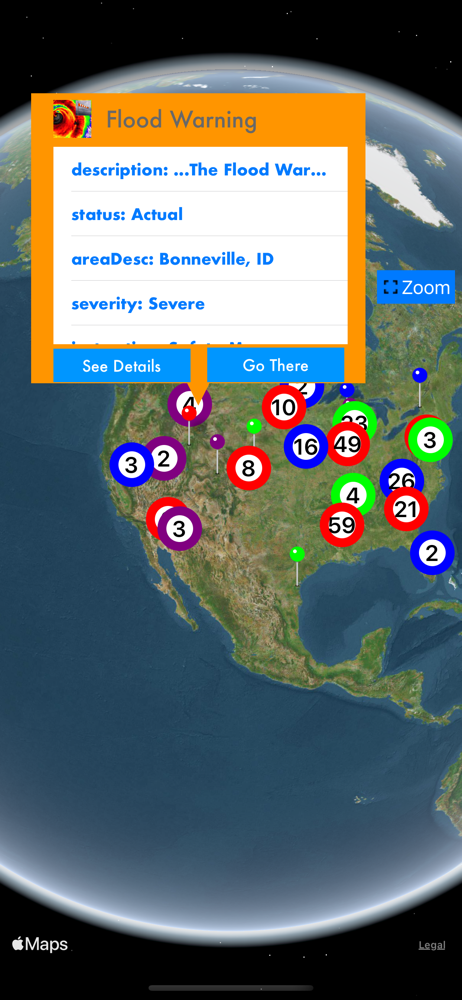
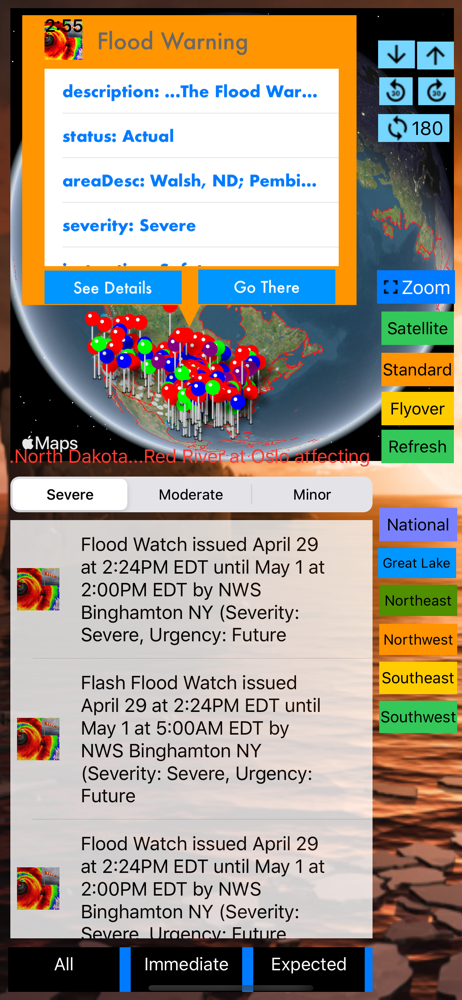
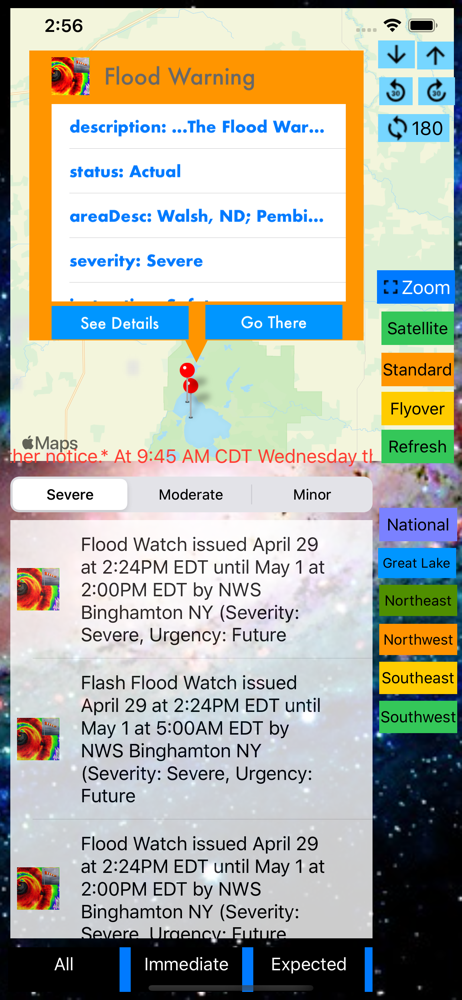
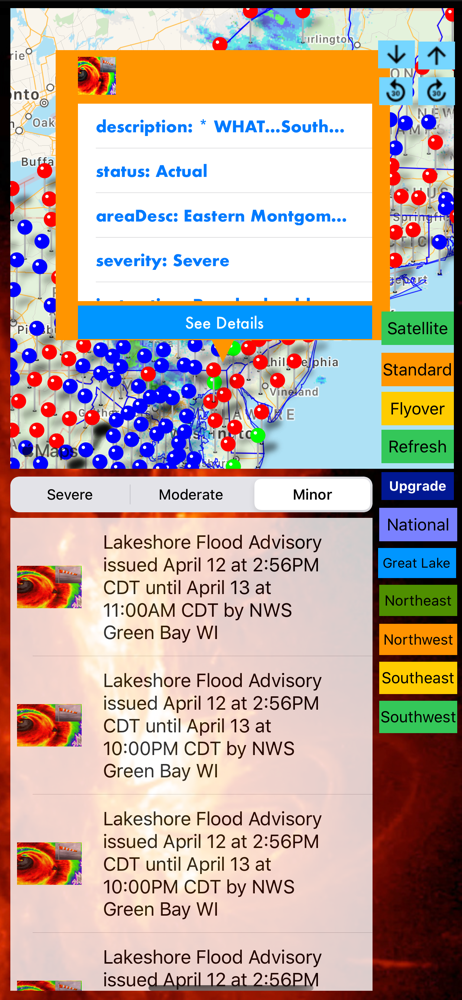
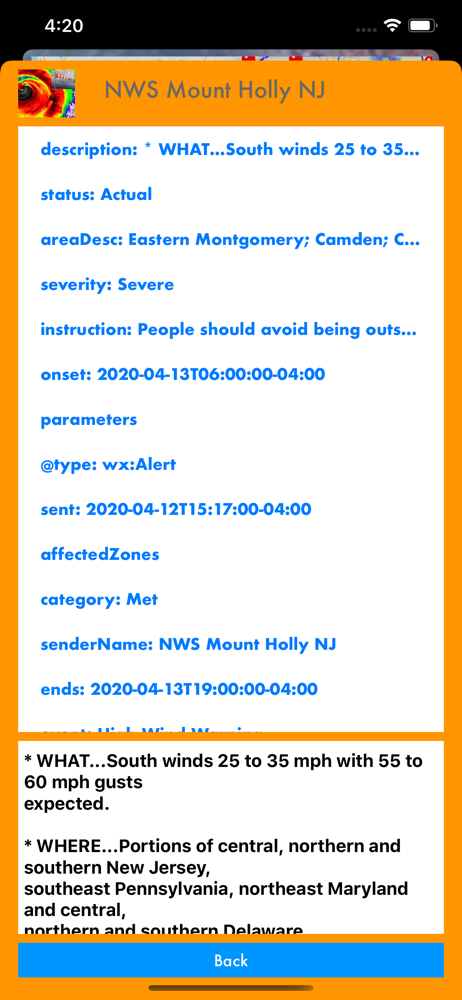
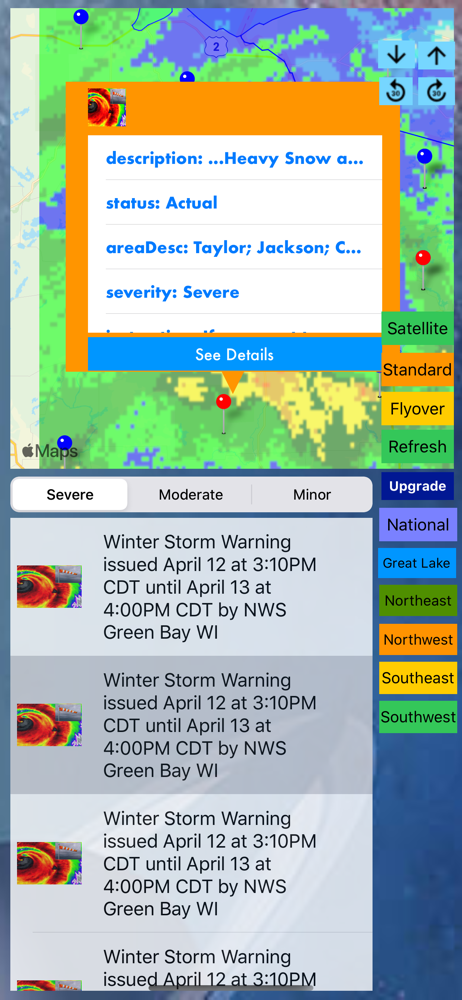
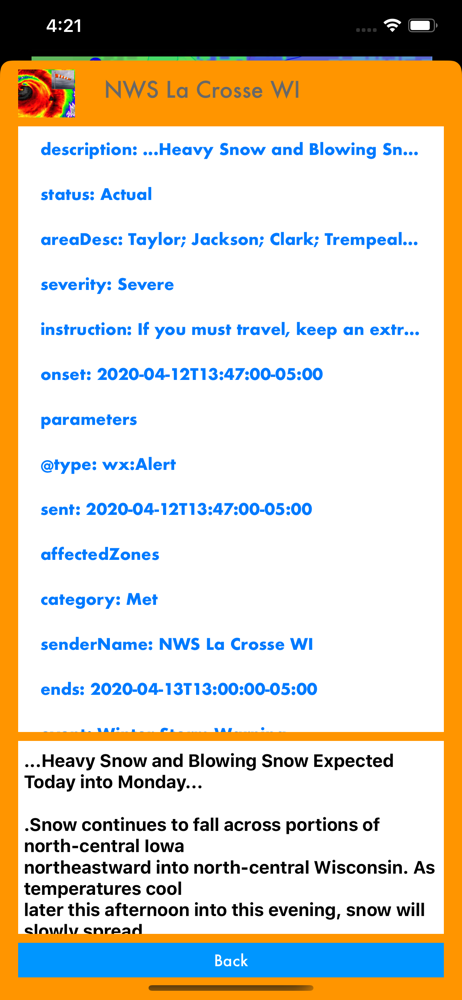
Read the store headline, screenshots and description. What problem is the app promising to solve?
Study the storefront ↗
Jufen Chang · iOS
Explore the ad evidence, study the storefront, and build your next acquisition hypothesis.
01 / Creative research
Read the store headline, screenshots and description. What problem is the app promising to solve?
Study the storefront ↗Explore apps with direct store-link matches. Compare their hooks and formats without assuming the same approach works here.
Browse observed advertisers ↗Store rankings and revenue estimates describe market context. They do not establish ad spend, conversions or ROAS.
Review the market context ↗02 / Storefront & product
Study the product story and store experience behind the acquisition funnel.
03 / Market context
Keep revenue, downloads and store rankings separate from advertising performance.
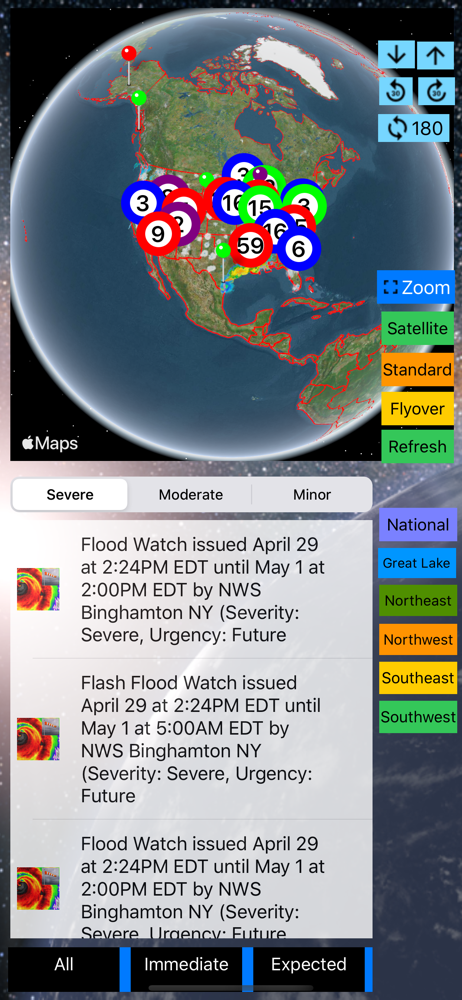
UPDATED Comments in parentheses of my prior review. Thank you for quick update of last release. LOVE the new filtering enhancements. 1. Landscape support needed. Can only view in portrait view. (FIXED - thanks!) 2. Viewing categories below the main menu still not working on iPad pro on latest release. On the single cog at bottom in map view, I see the list but can't go beyond that. Same effect under settings - can't go beyond main categories to see items. Everything is greyed out. 3. Please add last view saved. (FIXED - thanks!) 4. NEW suggestion. Add contact support option from app. I can supply screen shots showing what problem I am having in item 2 above.
The Next Generation of NOAA Alerts and NOAA Radar app is here (This app is part of the Universal Purchase. With one purchase, you will be able to see...