Check the acquisition promise
Read the store headline, screenshots and description. What problem is the app promising to solve?
Study the storefront ↗
Jufen Chang · iOS
Explore the ad evidence, study the storefront, and build your next acquisition hypothesis.
01 / Creative research
Read the store headline, screenshots and description. What problem is the app promising to solve?
Study the storefront ↗Explore apps with direct store-link matches. Compare their hooks and formats without assuming the same approach works here.
Browse observed advertisers ↗Store rankings and revenue estimates describe market context. They do not establish ad spend, conversions or ROAS.
Review the market context ↗02 / Storefront & product
Study the product story and store experience behind the acquisition funnel.



03 / Market context
Keep revenue, downloads and store rankings separate from advertising performance.
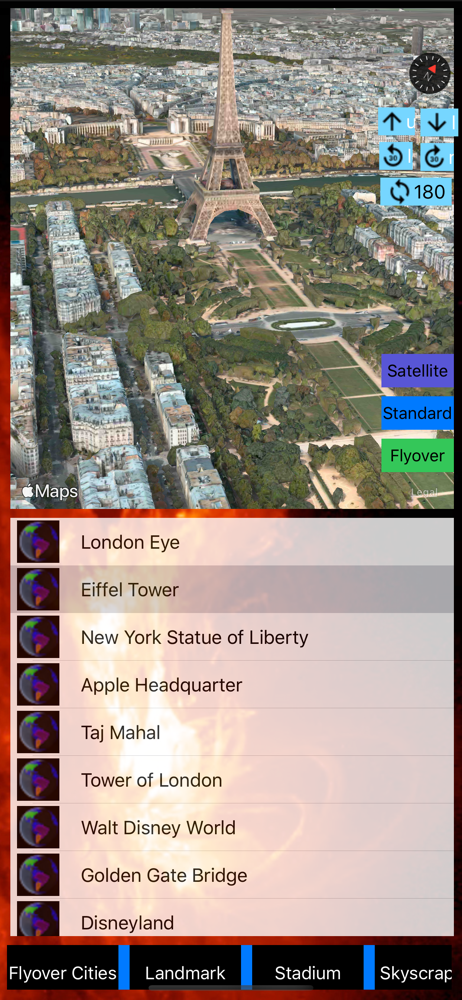
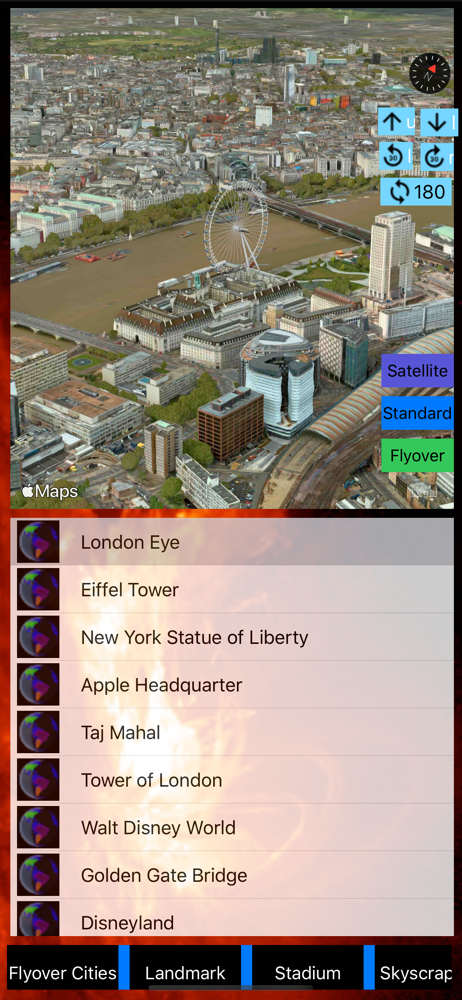
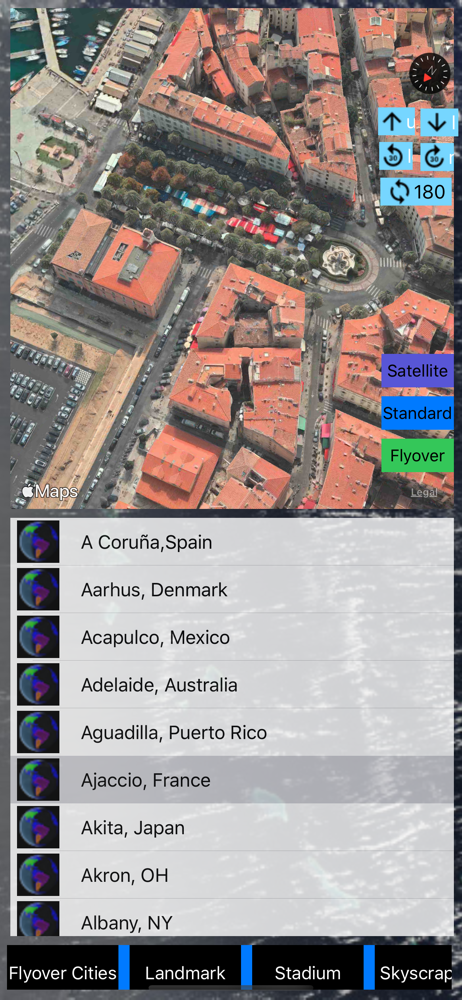
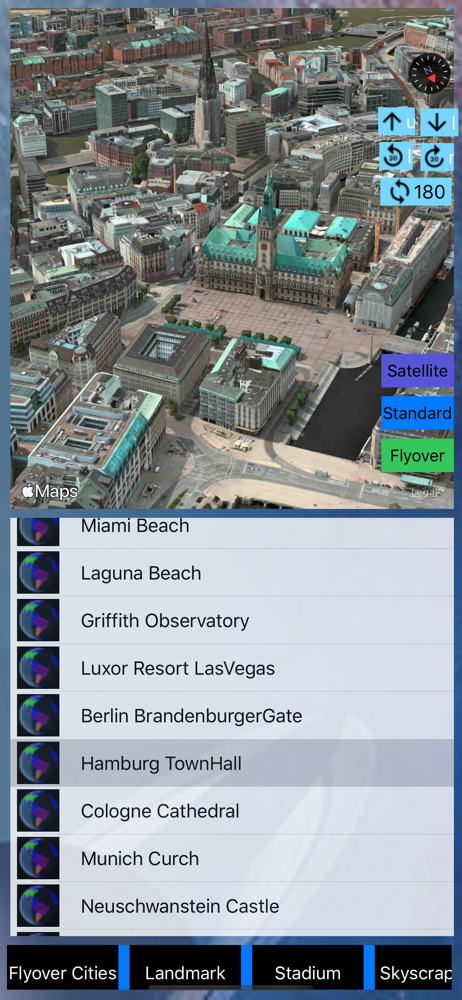
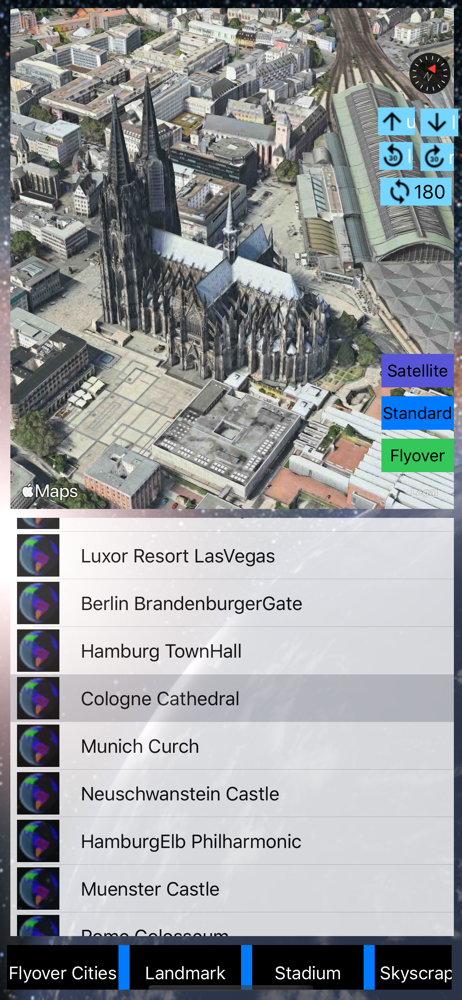
I admit, this app now has the potential to be the best on the market for 3D/flyover maps. Firstly, it works and is lightning fast - great improvement! The categories are well thought out and organized nicely. With a little more tweaking, I'd be ready to give it six stars out of five. Why do I withhold one star? 1. The arrows and rotate buttons eat up space and are totally useless since I can do those motions with my fingers. 2. The "color buttons" (if they are buttons) serve no purpose. 3. The background behind the buttons and "viewer" keeps changing. (Why?) It's distracting. And most importantly, 4. The gorgeous view is limited because I can't make it full-screen. In this app I am only permitted about 50% viewing area. I'd love to be able to increase to full-screen and/or tap away the menu. In all, I appreciate the increasing effort of the developers.
In the past, 3D Modeling requires state-of-the-art computing machines and advanced graphic programming for a building or object. With Apple Map flyove...