Check the acquisition promise
Read the store headline, screenshots and description. What problem is the app promising to solve?
Study the storefront ↗
Yoshinobu Sonoda · iOS
Explore the ad evidence, study the storefront, and build your next acquisition hypothesis.
01 / Creative research
Read the store headline, screenshots and description. What problem is the app promising to solve?
Study the storefront ↗Explore apps with direct store-link matches. Compare their hooks and formats without assuming the same approach works here.
Browse observed advertisers ↗Store rankings and revenue estimates describe market context. They do not establish ad spend, conversions or ROAS.
Review the market context ↗02 / Storefront & product
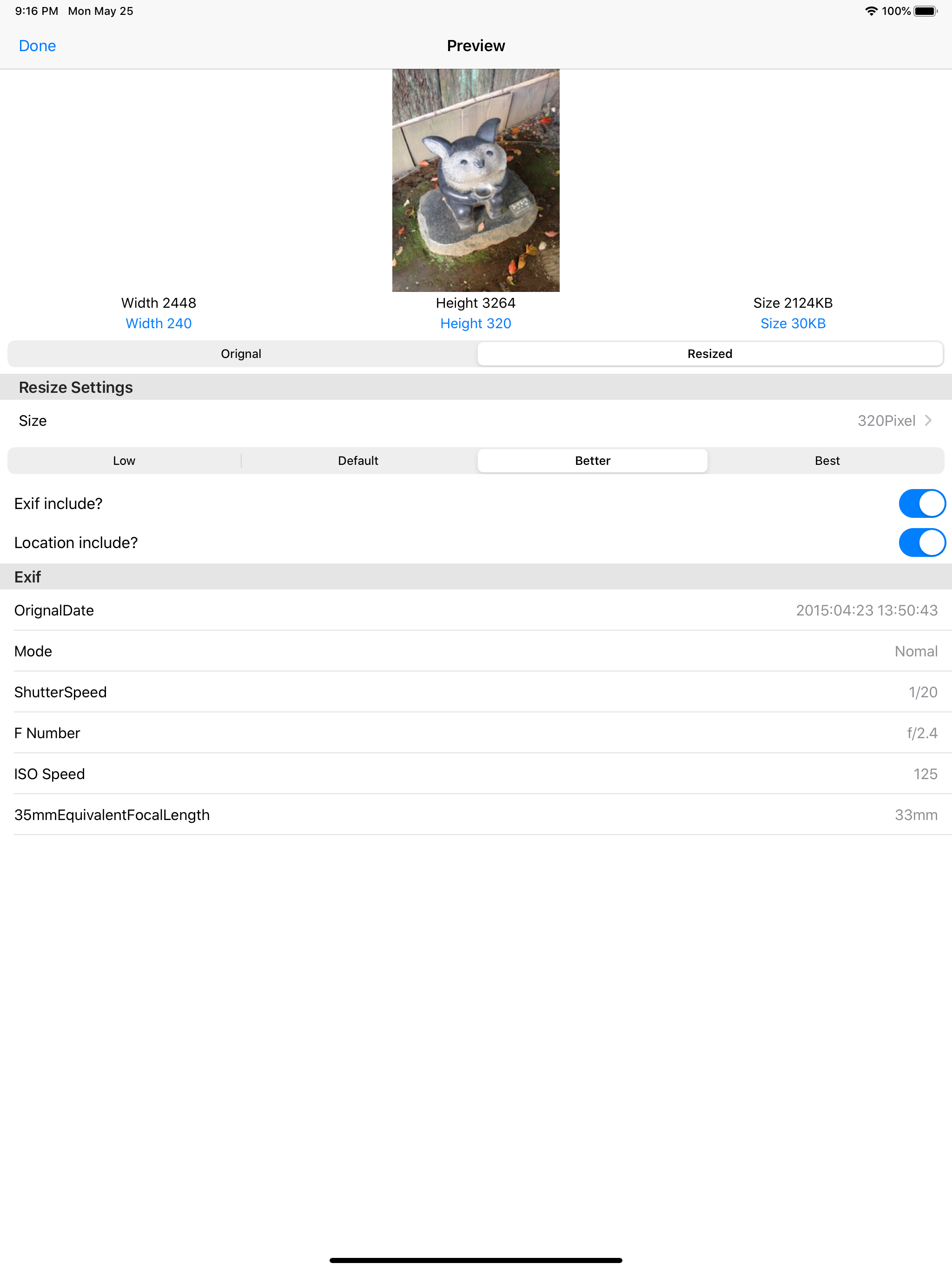
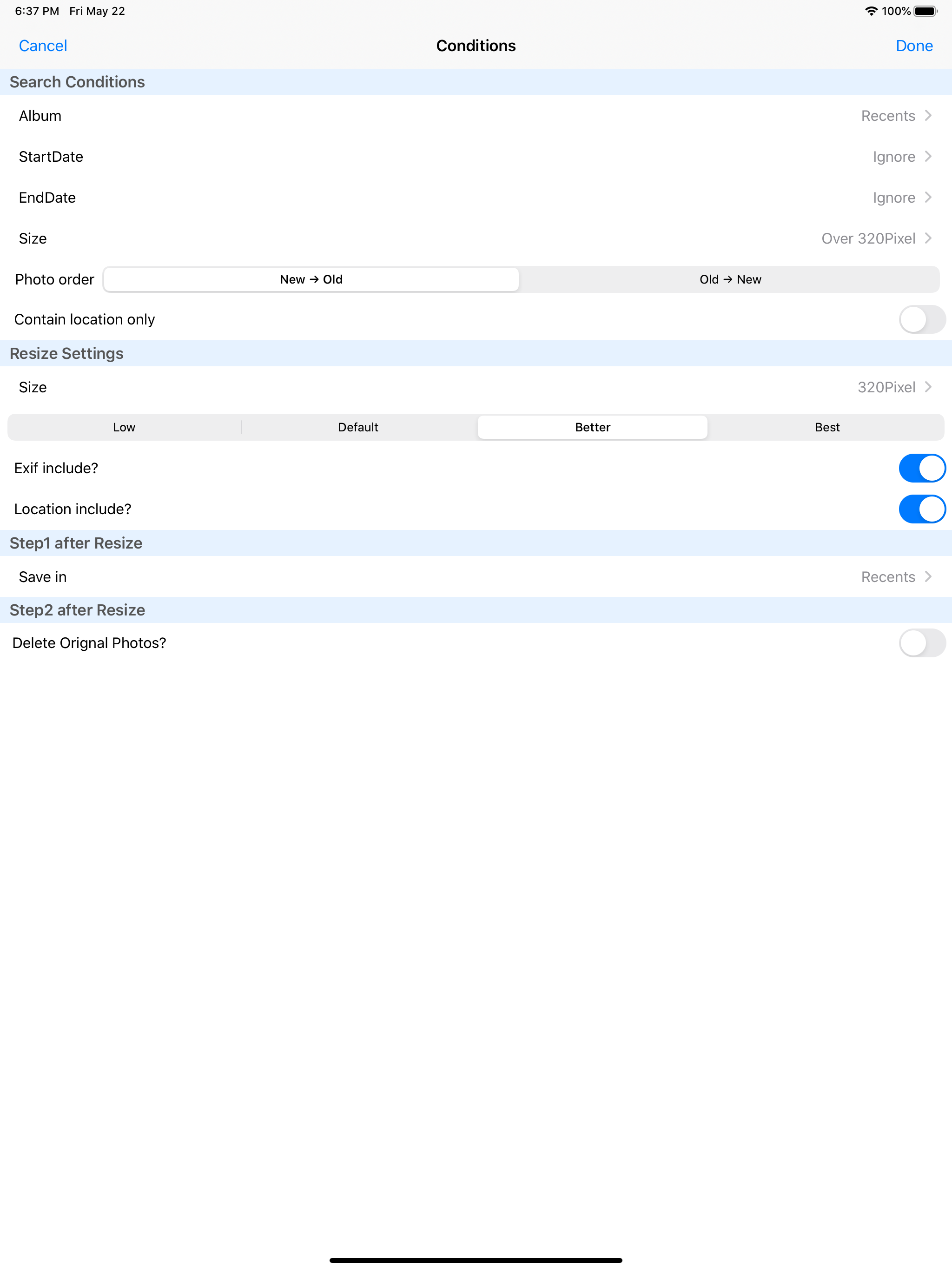
Study the product story and store experience behind the acquisition funnel.


03 / Market context
Keep revenue, downloads and store rankings separate from advertising performance.
Thank you so much, y’all. NO ADS!!! I was looking for something that was just plain and simple - no ads every time - that made the big difference. I got situated and bam, got it down. Kudos to this app and the people behind it.
The app works well, but it is more expensive than other similar apps. It has some nice features. It is definitely worth looking into if you need a photo resizer. If you don’t often need to resize photos, you can use the free version, but you have to see and watch a lot of advertising.
I needed an app to help me for work to resize a lot of photos so then I can print them into a PDF format. Very happy I found this app!! - Drew
One-action operation, batch resize multiple photos! Also it is to be able to remove bulk original photo at the same time! Savings capacity of the devi...
| Name | Price | Type |
|---|---|---|
| Support Developer | $2.99 | One-time |
| Remove Ads | $14.99 | One-time |