
Check the acquisition promise
Read the store headline, screenshots and description. What problem is the app promising to solve?
Study the storefront ↗
Singtel Idea Factory Pte Ltd · iOS
Explore the ad evidence, study the storefront, and build your next acquisition hypothesis.
01 / Creative research
Read the store headline, screenshots and description. What problem is the app promising to solve?
Study the storefront ↗Explore apps with direct store-link matches. Compare their hooks and formats without assuming the same approach works here.
Browse observed advertisers ↗Store rankings and revenue estimates describe market context. They do not establish ad spend, conversions or ROAS.
Review the market context ↗02 / Storefront & product
Study the product story and store experience behind the acquisition funnel.


03 / Market context
Keep revenue, downloads and store rankings separate from advertising performance.
Ok I was pretty excited to use the eSIM Tourist plan when I got to Singapore but after spending nearly 3 hours trying to get stuff set up I would definitely say this experience is terrible, I did manage (I think) to get things working on my phone but still have no idea how I can sign into the app now to check things because the number assigned doesn’t work in the app. There’s nothing in the FAQ’s or Set Up Guides on how to do this. Please be aware if you’re on an iPhone you have to manage a ton of different configs in your phone both for the network but also for your messages (each contact you have to select which network to use to send). Just trying to figure out what number I was assign was ridiculous and involved attempting to figure it out meant making calls and texts to various people in a trial and error process. I work in tech and consider myself pretty advanced with stuff like this but wow what a waste of time. Oh and Caveat Emptor…every time to change a config you’ll need to power off and on the phone for it to set and then move to the next one.
I was also frustrated with registration process but everything ended up working fine for my Singapore Singtel SIM card!
Purchased a prepaid Singtel hi! SIM which included instructions for how to register and activate the SIM. Initially I didn’t have the option to “Register new SIM card” but called the customer service line and they quickly advised me to check that I was on a Singapore WiFi network and did not have any VPN active. I deleted then re-downloaded the app and the issue was resolved.
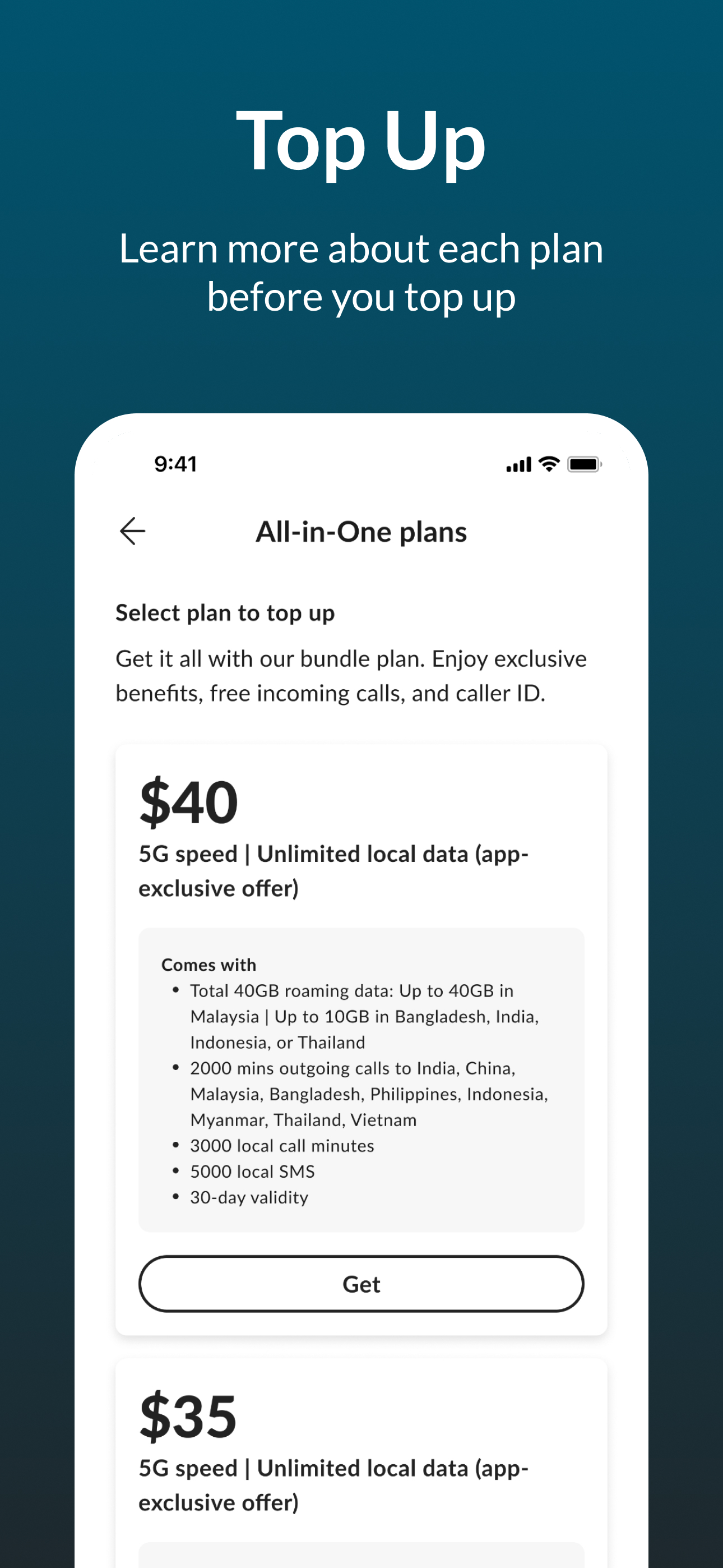
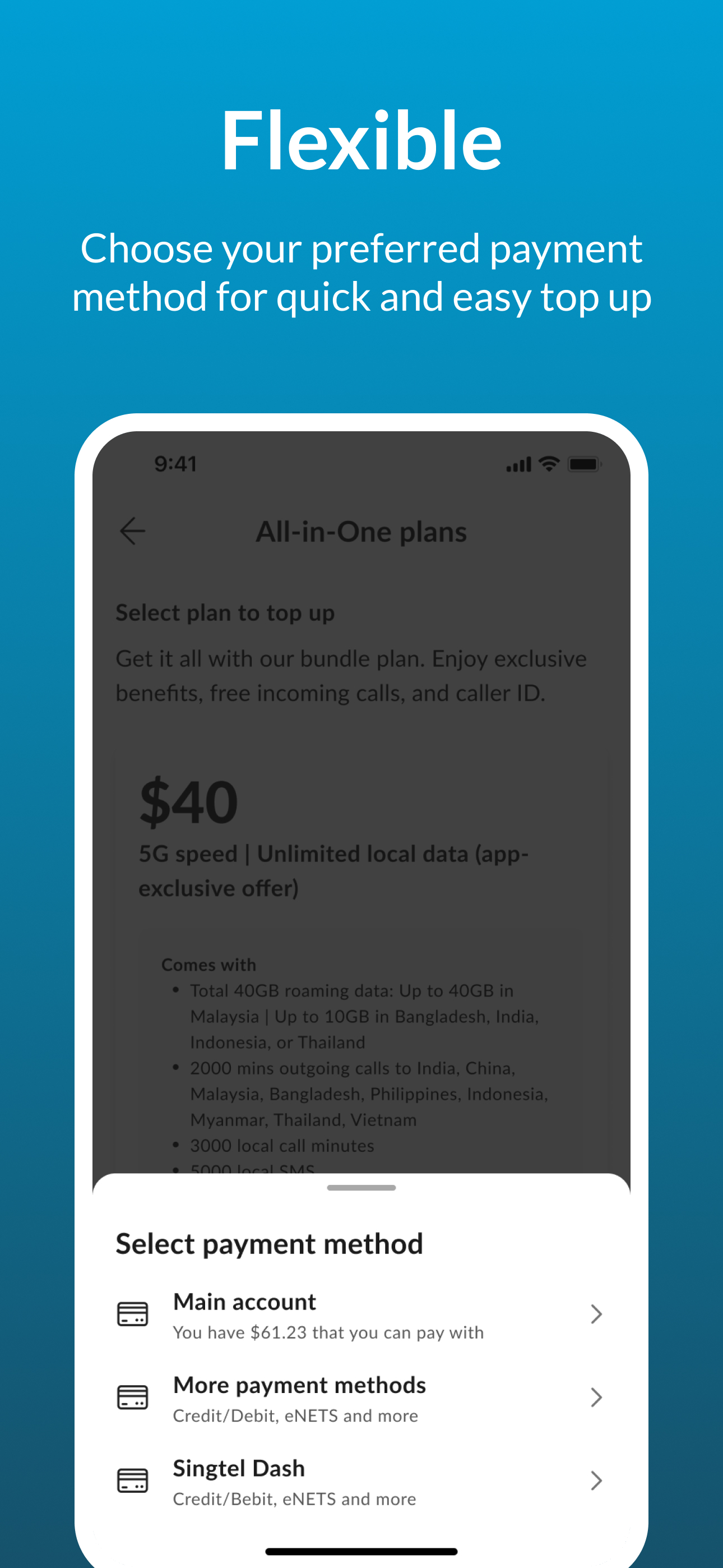
hi!App is the one-stop app for all your Singtel Prepaid needs with no data charges. Get the best deals and redeem rewards at your fingertips! Use hi!...


