Check the acquisition promise
Read the store headline, screenshots and description. What problem is the app promising to solve?
Study the storefront ↗
Procon Analytics, LLC · iOS
Explore the ad evidence, study the storefront, and build your next acquisition hypothesis.
01 / Creative research
Read the store headline, screenshots and description. What problem is the app promising to solve?
Study the storefront ↗Explore apps with direct store-link matches. Compare their hooks and formats without assuming the same approach works here.
Browse observed advertisers ↗Store rankings and revenue estimates describe market context. They do not establish ad spend, conversions or ROAS.
Review the market context ↗02 / Storefront & product
Study the product story and store experience behind the acquisition funnel.

03 / Market context
Keep revenue, downloads and store rankings separate from advertising performance.
Easy to email them and get automated response but it takes days for person to respond. Even after a person responds it’s days to get problems solved.
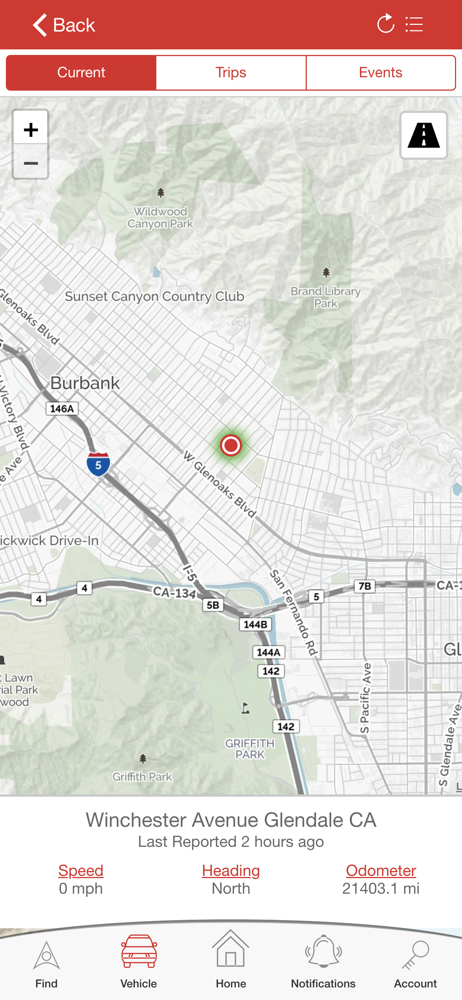
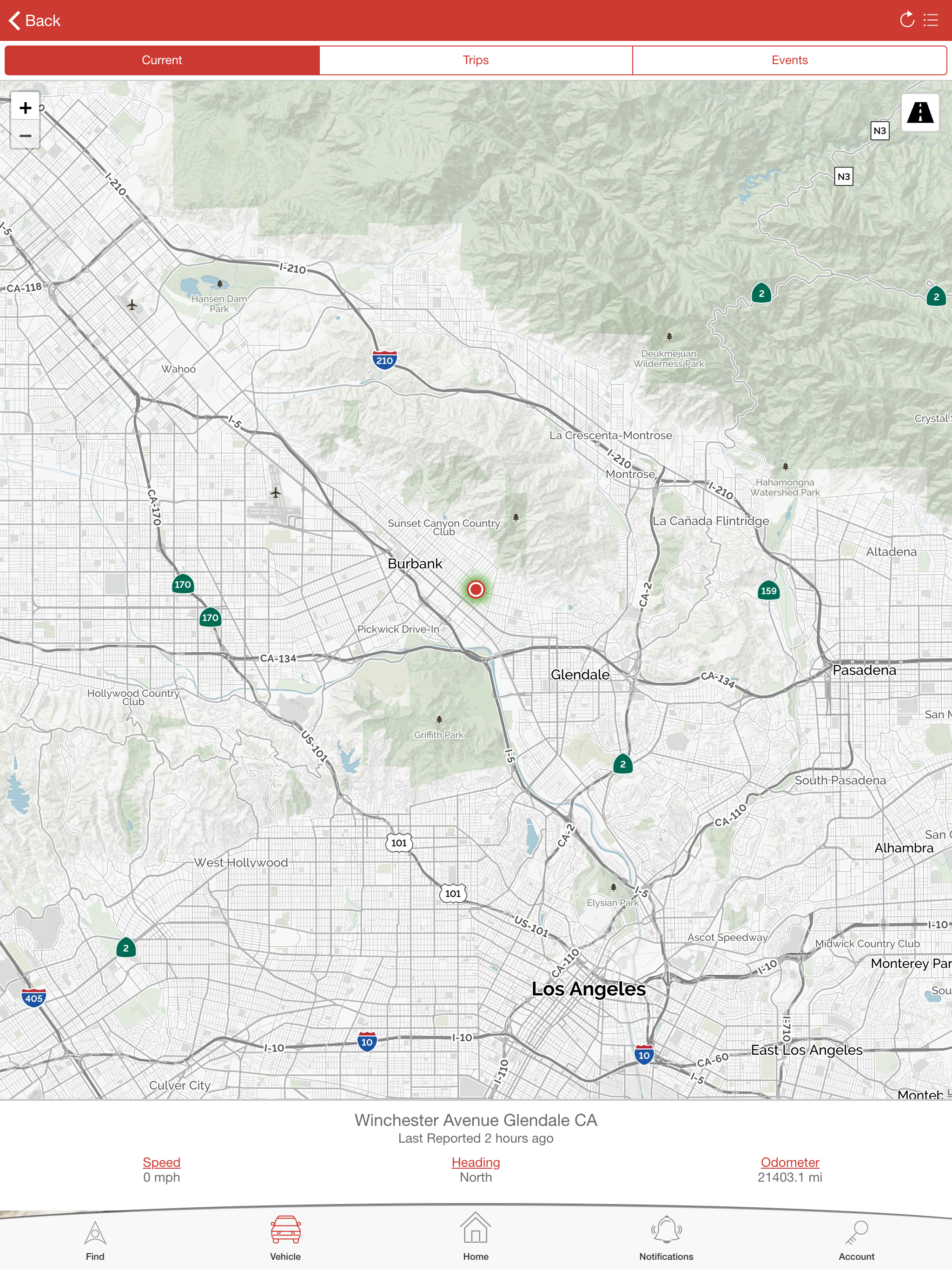
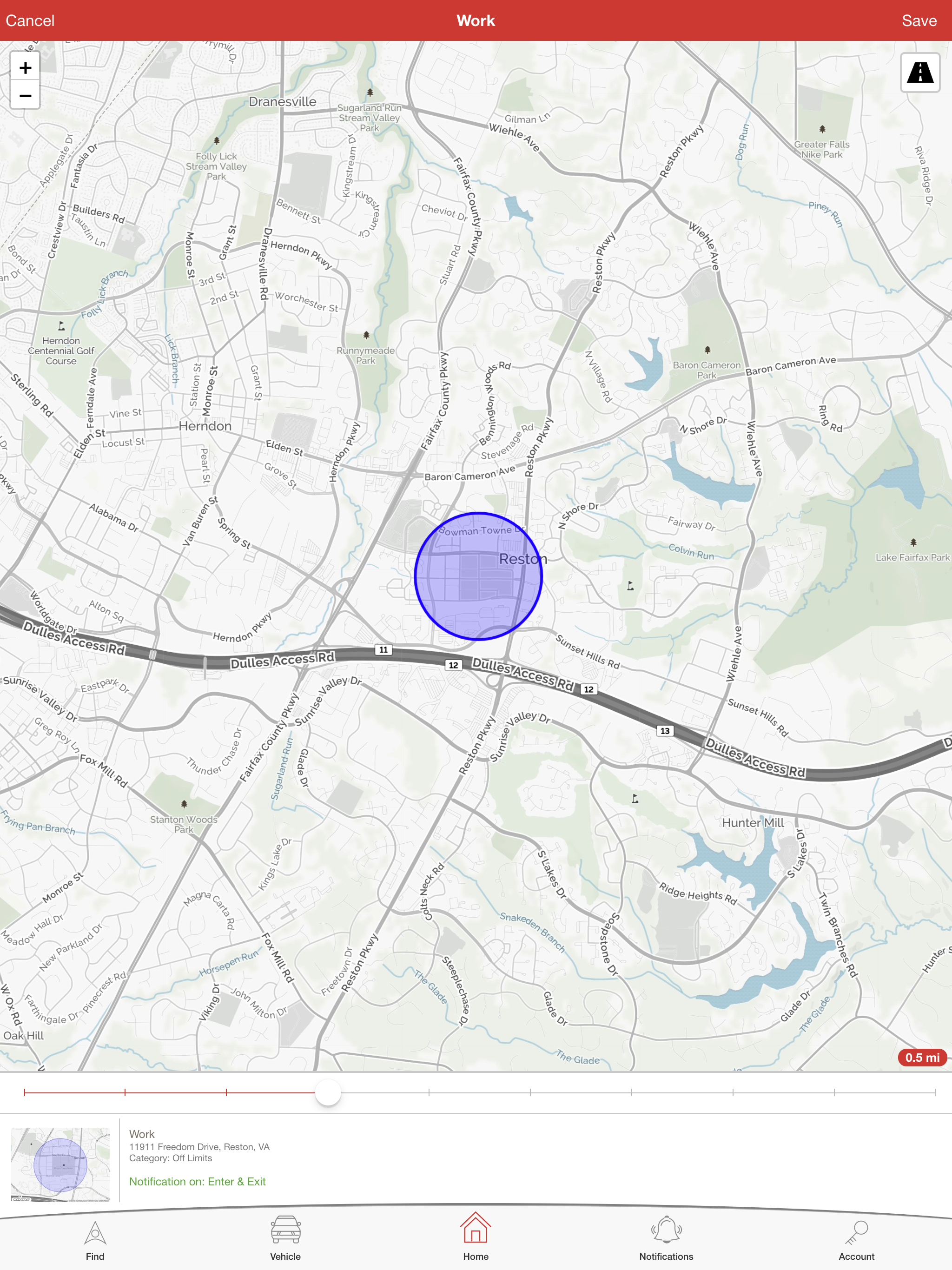
My dealership sold me on this as I could track my vehicle in almost real time. The app hasn’t updated the location of my car in over four months. The last time this happened I had to submit a contact request on the website because there isn’t a customer service number. After a week of back and forth emails the app worked for all of a week before stopping again. This app is garbage and I’m sad that I paid a premium for it with the purchase of my new car.
Bottom line...Do not buy! Most recently, not sure if it was an app update or what but I am receiving security alert massages three or four times a day and I don’t have the notification turned on. Sometimes the vehicle will be parked and I will get an alert. I can see the vehicle on the security cameras and no one is around it or has been for hours. Since I purchased this system over a year ago the vehicle location is hours behind. I have been at my office for 5 hrs and the vehicle location still shows the vehicle is at my house. The Trip function is sketchy. Looks like it only show where the vehicle has stopped. So the lines from point to point are just straight lines. Does not show the actual routes taken to each point. Also tapping on the Refresh swirl icon does not update the location or trip.
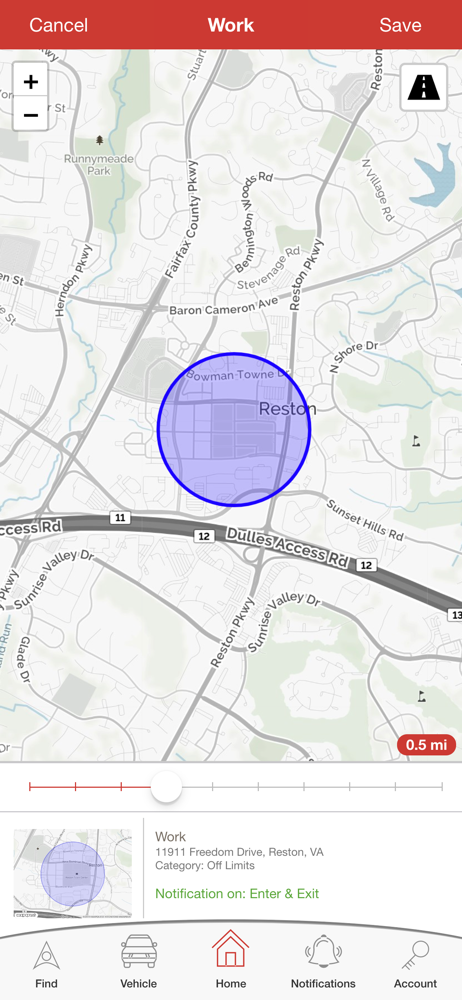
The Pursuit SVR app for iOS allows you to view the last known and historical locations of your Pursuit SVR device equipped vehicle as well as configur...