
Check the acquisition promise
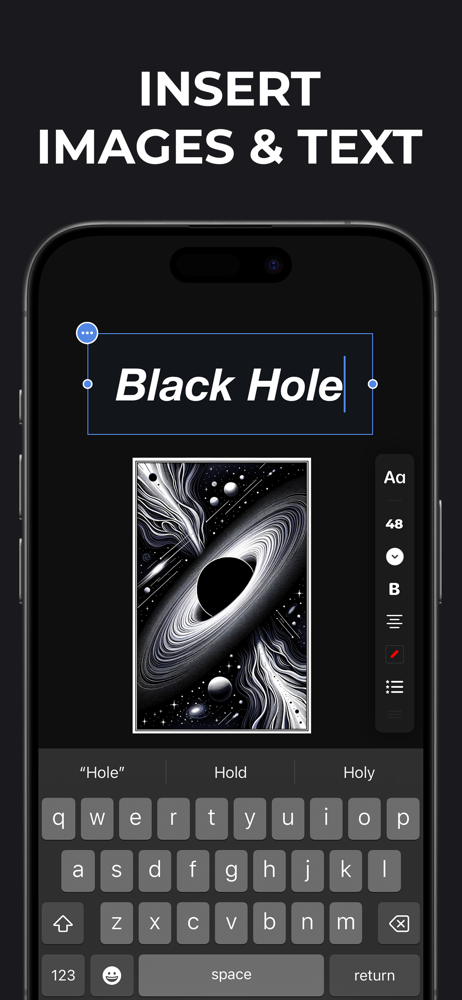
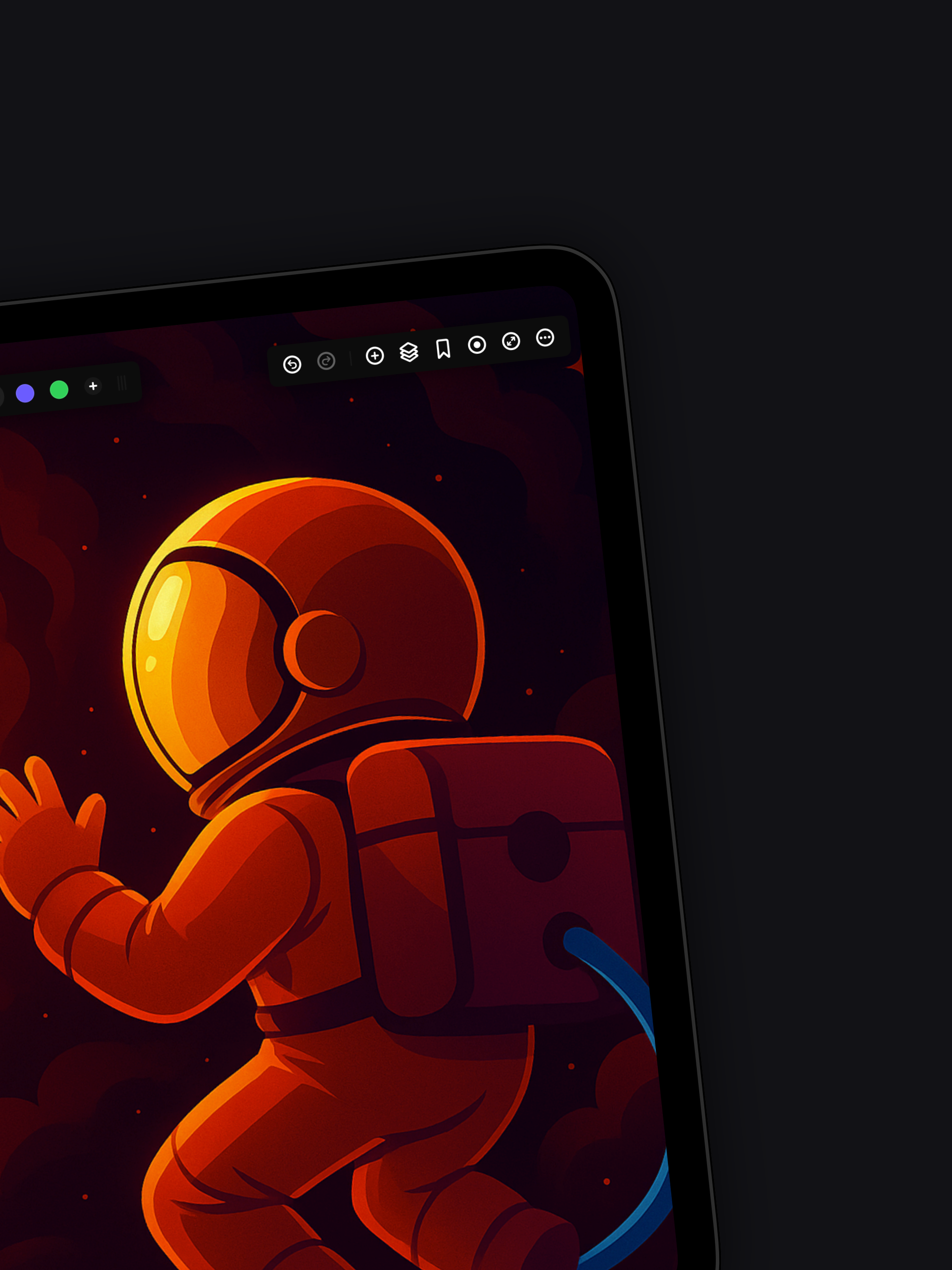
Read the store headline, screenshots and description. What problem is the app promising to solve?
Study the storefront ↗
Appycron Interactive e.K. · iOS
Explore the ad evidence, study the storefront, and build your next acquisition hypothesis.
01 / Creative research
Read the store headline, screenshots and description. What problem is the app promising to solve?
Study the storefront ↗Explore apps with direct store-link matches. Compare their hooks and formats without assuming the same approach works here.
Browse observed advertisers ↗Store rankings and revenue estimates describe market context. They do not establish ad spend, conversions or ROAS.
Review the market context ↗02 / Storefront & product
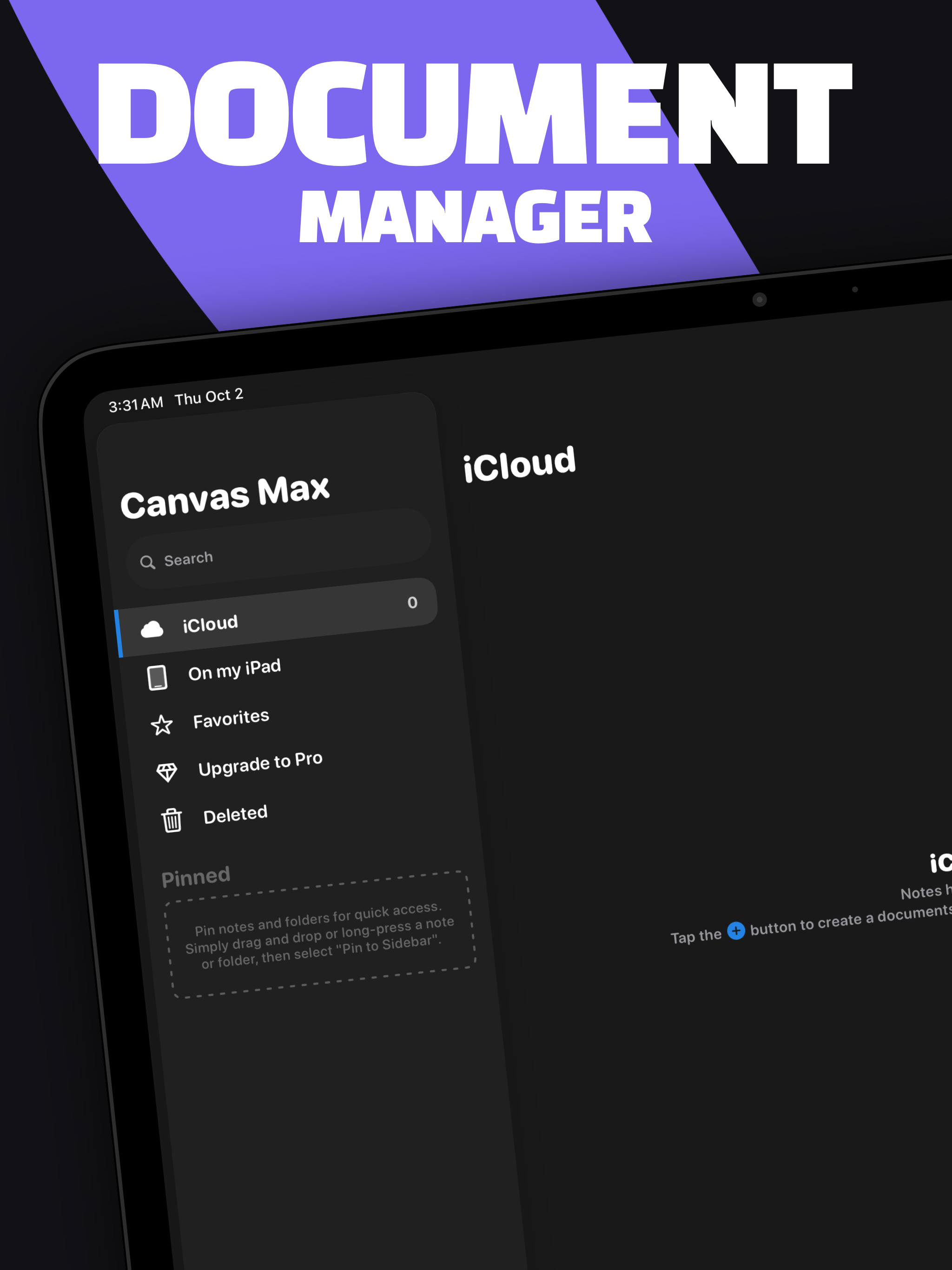
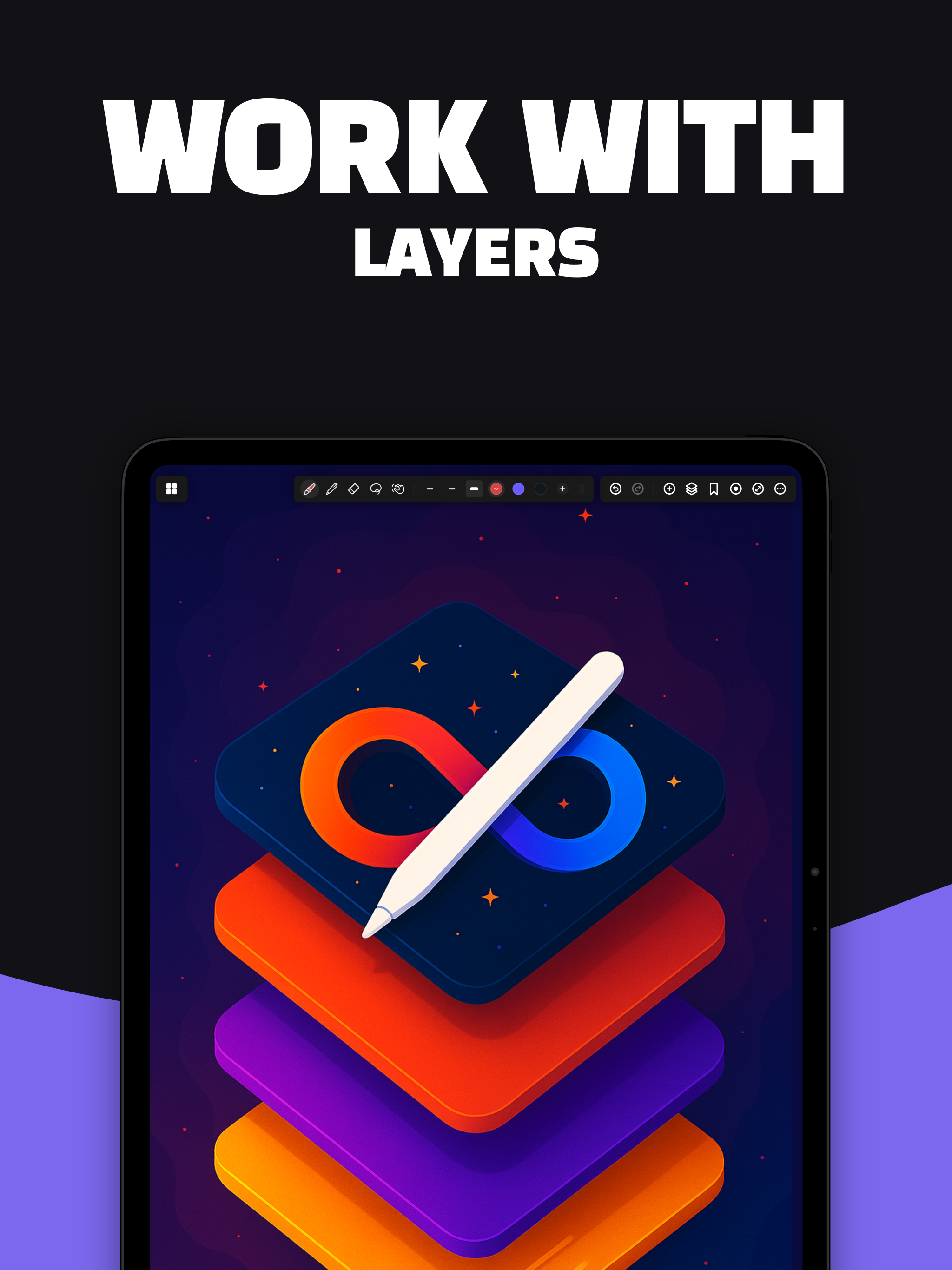
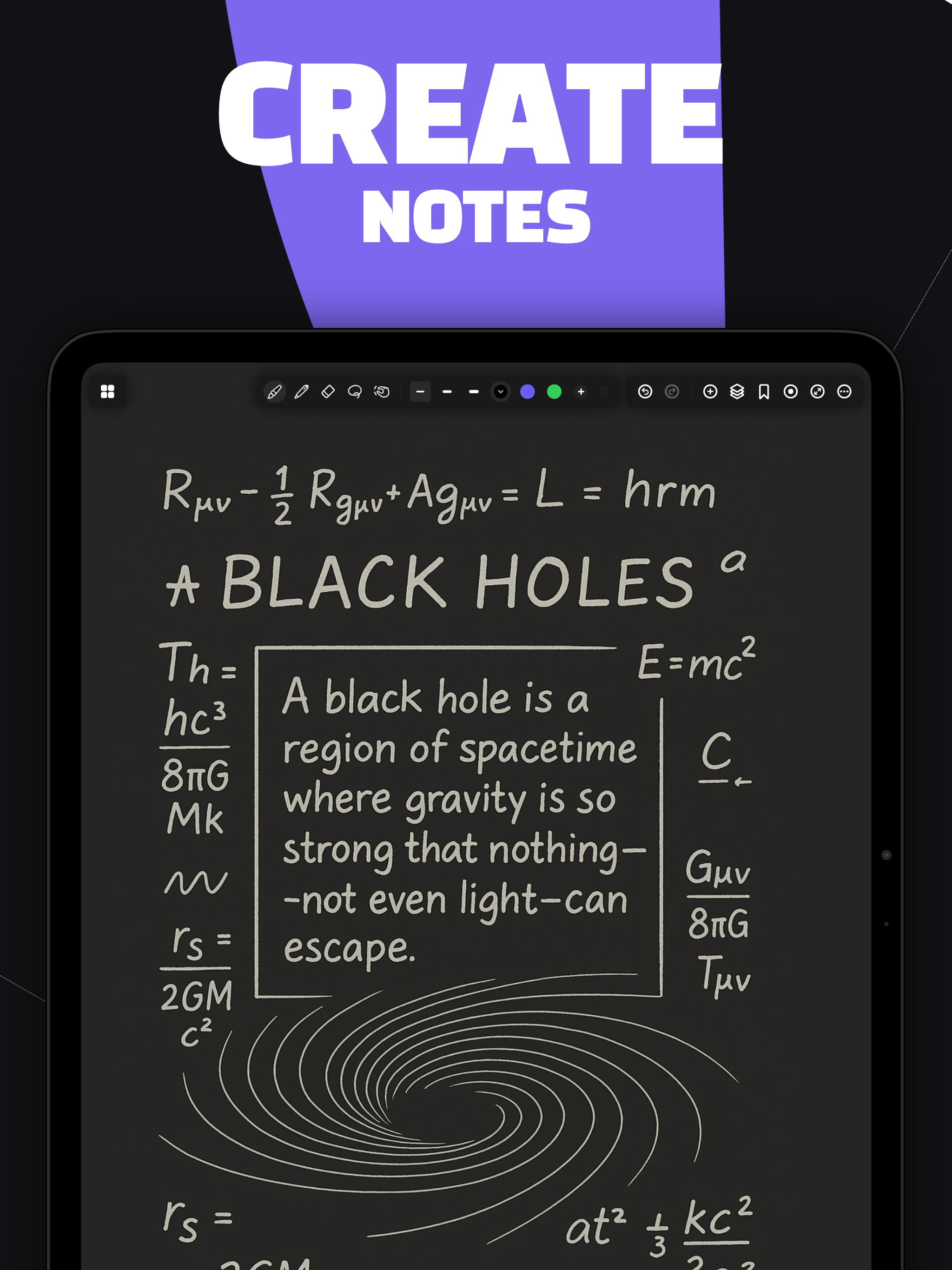
Study the product story and store experience behind the acquisition funnel.


03 / Market context
Keep revenue, downloads and store rankings separate from advertising performance.
I like this app a lot, it makes mindmapping and planning much easier since I’m not longer limited by page space. I appreciate the introduction of a lasso tool over the prior rectangular selection tool. It’s very useful, *when it works*. One of the previous major UI updates that changed the look and format of the app also kind of completely broke it for me. It used to be worse, but the app still crashes frequently whenever I attempt to use the lasso tool or export my canvas. This also causes me to lose a portion of my session unless I exit and re-enter the canvas beforehand to force a save. I have to take off 2 stars for that since it ruins a lot of the functionality, was not an issue prior to the update, and is overall very irritating. I don’t particularly mind the UI update, a lot of the bugginess of it seems to have been fixed (minus the major crashes), but I would appreciate functionality taking priority over appearance in the future. I will amend my review if it improves. As for minor nitpicks: The difference in size between the thinnest lines and the middle thickness lines (in both the pen tool and the brush tool) is rather disproportionate. The middle size is much closer to that of the thickest size, so I’m either stuck writing with thin lines or lines that are way too thick. More variation in the pen sizes would be nice, a selection of 4-5 sizes from the current thinest size to the current maximum thickness would be appreciated since there isn’t enough good in-between sizes. Also I’d like it if touch gestures could be added, just the ability to assign certain actions (undo, redo, toggle between eraser and last tool, etc.) to 2-,3-, and/or 4- finger taps. It’s minor, but it would improve the experience a bit.
This app is very worth it. It is cool and mesmerizing, and gets the creativity out. It was only 7$, unlike some which are 10$. Though it is great, there are flaws that make it a 4-star. When zooming in, it takes a second to load in, before you can zoom in some more. Next, the tools are limited, and the only setting you can change is the color and size. This makes it hard to draw smooth, strait lines. Maybe you could add more variety, and have a brush with stability?
It has room for growth. But it's a great app already. I'm rating 5, because it works as well as or better than the competition Endless Paper. An edge it has over the competition is project file management. Which I absolutely need because I need to be able to draw from the smallest art to the largest art so i need to start with a new canvas for every art. When I'm done I love that I can copy paste the group into another larger project. Competition has no support for multiple files, nor intent to support it it seems, so I stopped using it long ago. I'm glad I found Infinite Paper, and I have begun some projects again. It also seems that Infinity Paper is less buggy and faster on my old 12.9 inch iPad Pro than the competition app, and updates seem to come almost daily. Feature Suggestions I have: - Renaming Layers - Locking Layers - Background layers should be lower on the list of layers and not higher to follow convention of all other multi-layer design apps. - Procreate style Undo/Redo shortcuts (and remove undo redo icons from palette). - two-finger-double-tap to undo - three-finger-double-tap to redo - bigger color palette shortcut buttons - more color palette shortcuts (8 to 10 would be great) - allow users to reorganize palette icons would be great. - I would prefer to move and resize a selected group of objects by draging and pinching the selected object, rather than by moving the canvas. - Grouping objects - Conservative eraser (that won't delete an entire object, but only the portion touched by the eraser. - Drag and Drop from Procreate will not have transparent background (not sure if it's a Procreate or Inifinity Paper limitation) Bug: drawings on lower layers appear on top of higher layers, until I move the canvas. Question: Is there a better way to report bugs and discuss feature requests?
With Canvas Max, not only can you sketch, illustrate, and design on an infinite canvas, but you also have the power to zoom infinitely. Dream big, as...
| Name | Price | Type |
|---|---|---|
| Monthly PRO | $4.99 | Monthly |
| Yearly PRO | $14.99 | Yearly |
| Full version | $14.99 | One-time |
| Full Version | $24.99 | One-time |


