Check the acquisition promise
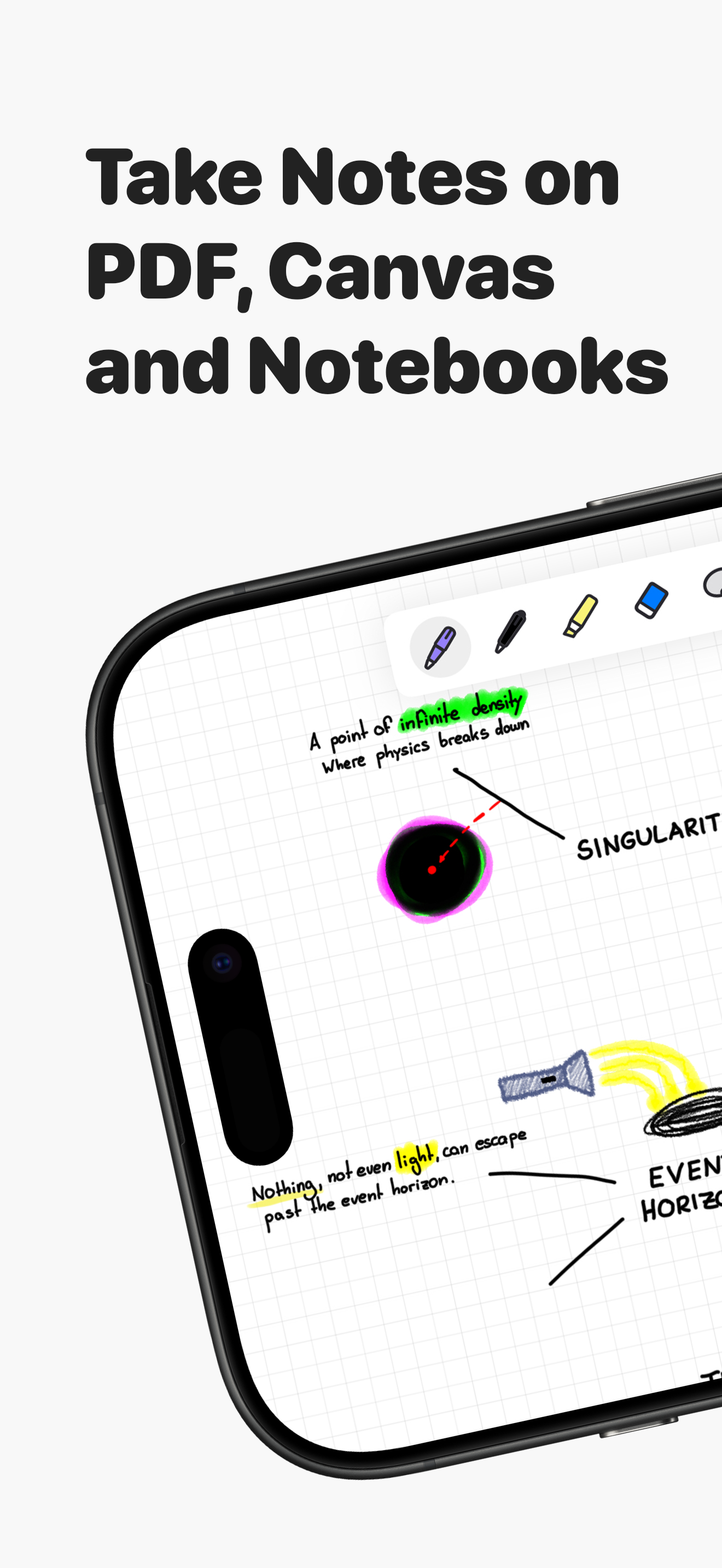
Read the store headline, screenshots and description. What problem is the app promising to solve?
Study the storefront ↗
Appycron Interactive e.K. · iOS
Explore the ad evidence, study the storefront, and build your next acquisition hypothesis.
01 / Creative research
Read the store headline, screenshots and description. What problem is the app promising to solve?
Study the storefront ↗Explore apps with direct store-link matches. Compare their hooks and formats without assuming the same approach works here.
Browse observed advertisers ↗Store rankings and revenue estimates describe market context. They do not establish ad spend, conversions or ROAS.
Review the market context ↗02 / Storefront & product
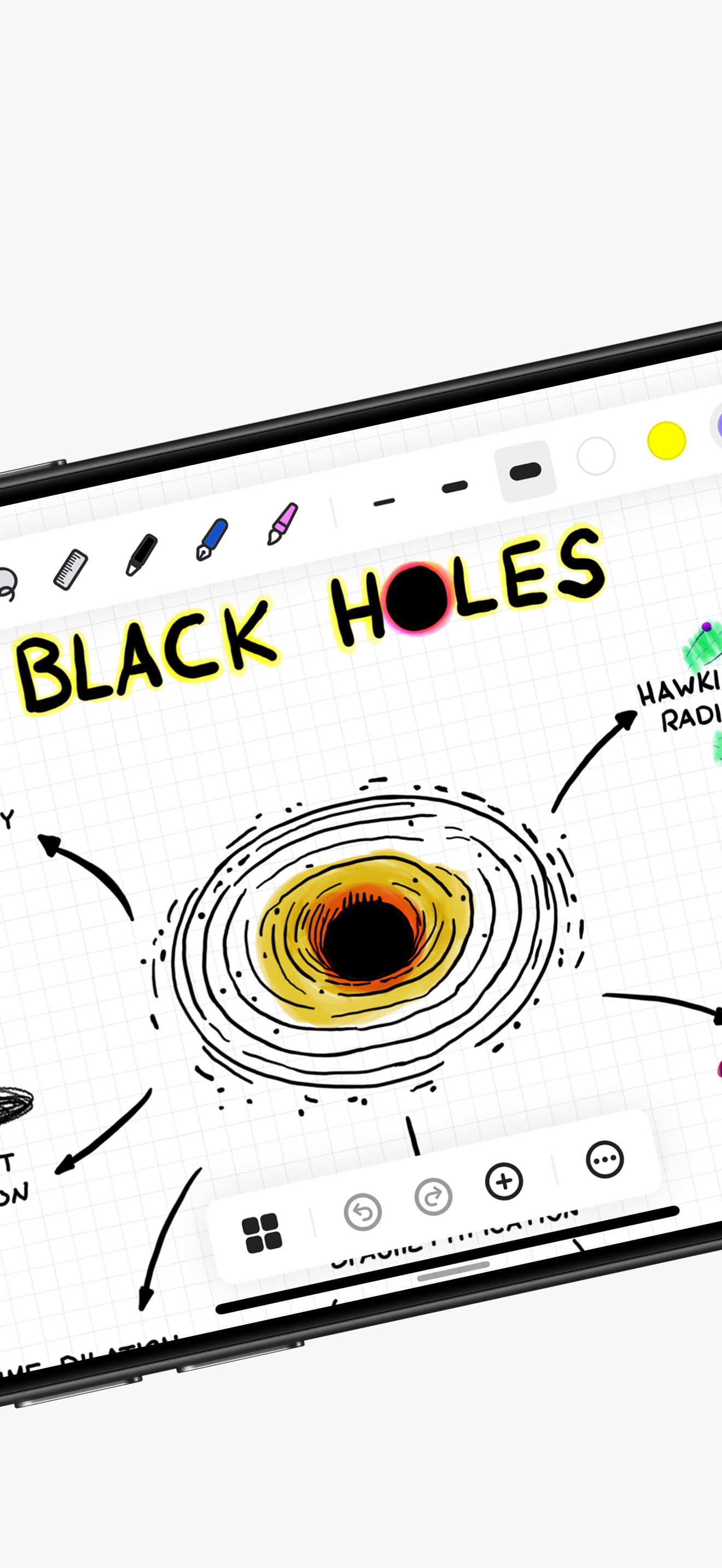
Study the product story and store experience behind the acquisition funnel.



03 / Market context
Keep revenue, downloads and store rankings separate from advertising performance.
This is a very impressive and easy to use notebook app. I love how it’s designed and how many options it has for different things you can use it for. You can create any notebook imaginable and organize it into categories and folders, add pics and just do all sorts of things if you’re into writing with your pen on your iPad. I love it how it seamlessly syncs with my iPhone where I can see all the notes and memos I wrote on my iPad. If you’re into any type of note taking on your digital device then you should definitely check out this gem of an app.
I just downloaded this app and I already love it. I am currently using GoodNotes for school as I am still in high school. As much as I love this app I probably won’t be switching mid semester. I love the customization that this app offers. However there are a few things I would add. 1. I would like to be able to slide left and right to get to different pages. So if there was a way to change the way the page turns that would be great. 2. Next I would add another ruled template with the blue and red lines/borders. Kind of like in an actual notebook. 3. I would love to see the cover of my notebook when I pin it. I use different colors for different subjects and when I pin them I would love to see the cover. 4. On a side note when I use the ruler tool I can’t see the actual ruler.
I’m going to start this off with the fact that I don’t write reviews unless I’m truly blown away. And man am I thoroughly enjoying this app. I like how there is no pen smoothing which makes this feel like I’m truly writing on a digital notebook. The infinite canvas is so awesome and super responsive. I love how there is no bloat, and you can feel it. I’ve imported PDF’s and marked them up, took notes and bounced between pages and folders without hiccups, and the app is truly super easy to use. Coming from Goodnotes where there are subscription costs, built in AI, and more things to bog down my note taking, I truly notice the speed difference using this app. Battery drain is non existent outside of the normal use too! It didn’t over heat after a full day of writing, importing, scratching up different pages and exporting, where I’ve noticed that on Apple notes, Goodnotes, Notability and so on. This is now my new daily driver app for school and work full stop. The integration with iCloud storage means my notes are with me everywhere I go and it’s SO FAST. I truly can’t express the speed difference between this app and others. Clean UI, great writing experience, no bugs, and great templates. What more could I ask for out of a note app? Download this app if you want to enjoy taking notes on an iPad 💪🏼
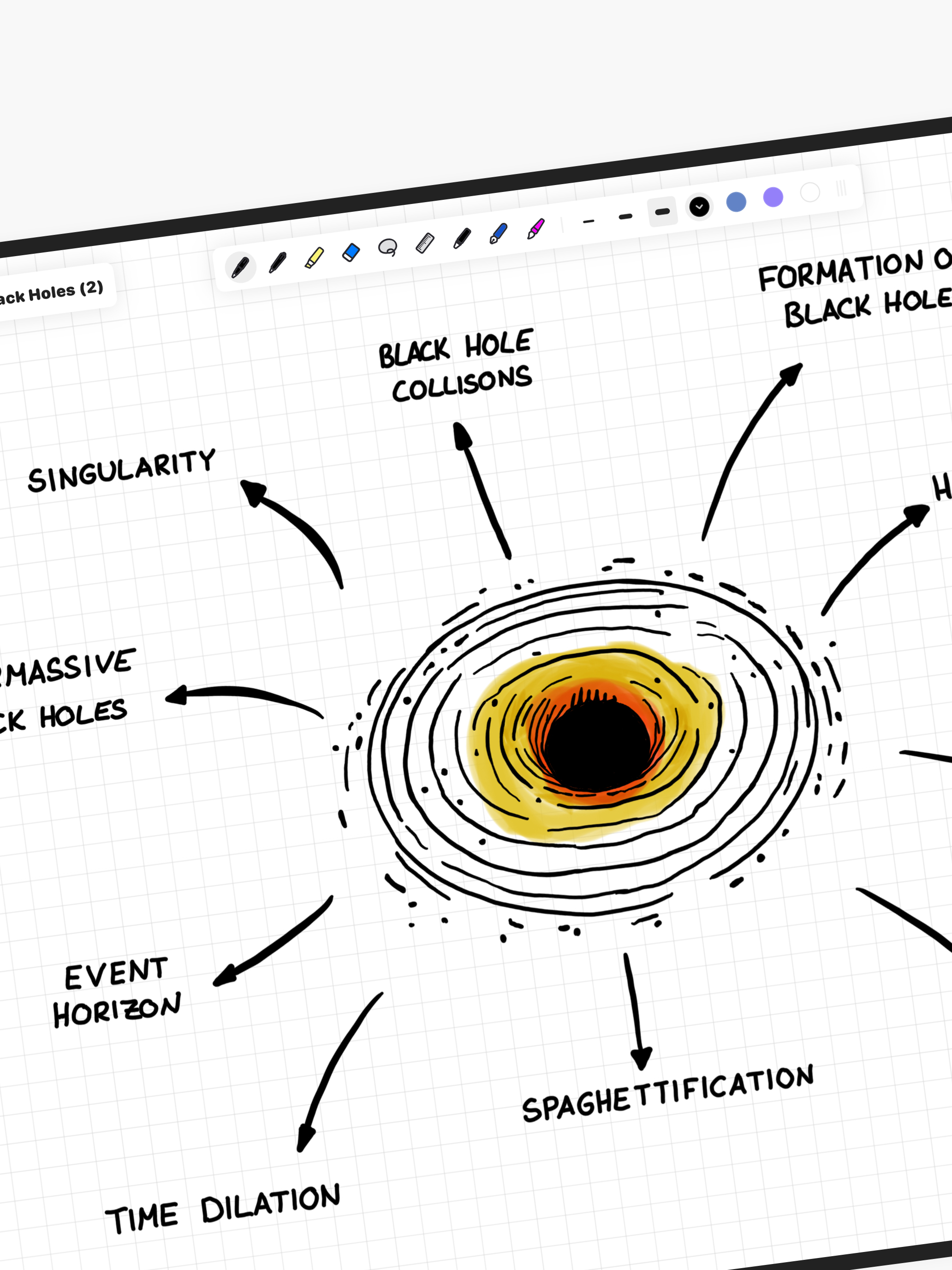
Notedrafts is a note taking app that lets you write and organize your thoughts across different types of documents. Whether you're marking up a PDF, w...
| Name | Price | Type |
|---|---|---|
| Unlimited Notes | $5.99 | One-time |
| Unlimited Notes | $9.99 | One-time |
| Unlimited Notes | $29.99 | One-time |
| Unlimited Notes | $39.99 | One-time |
| Unlimited Notes | $69.99 | One-time |