
Check the acquisition promise
Read the store headline, screenshots and description. What problem is the app promising to solve?
Study the storefront ↗
VeprIT · iOS
Explore the ad evidence, study the storefront, and build your next acquisition hypothesis.
01 / Creative research
Read the store headline, screenshots and description. What problem is the app promising to solve?
Study the storefront ↗Explore apps with direct store-link matches. Compare their hooks and formats without assuming the same approach works here.
Browse observed advertisers ↗Store rankings and revenue estimates describe market context. They do not establish ad spend, conversions or ROAS.
Review the market context ↗02 / Storefront & product
Study the product story and store experience behind the acquisition funnel.



03 / Market context
Keep revenue, downloads and store rankings separate from advertising performance.
My only concern is that it does not seem to use AI for increasing a File’s dimensions. Apple said that I had a developer’s response to my comment, but I don’t see one. In any case, AI for increasing file sizes would be helpful, the other thing that would be helpful, is the ability to move the crop box when doing a bulk resize. In other words, for some images I would want to crop out the bottom in others I would crop out the top, for others I would place a crop box in the middle, and take a little bit off the top and bottom… It would be good to have the ability to adjust that during the bulk resize. size. All things considered, it’s a very good app. The price increased suddenly, grandfathering in previous users would be a more reasonable approach.
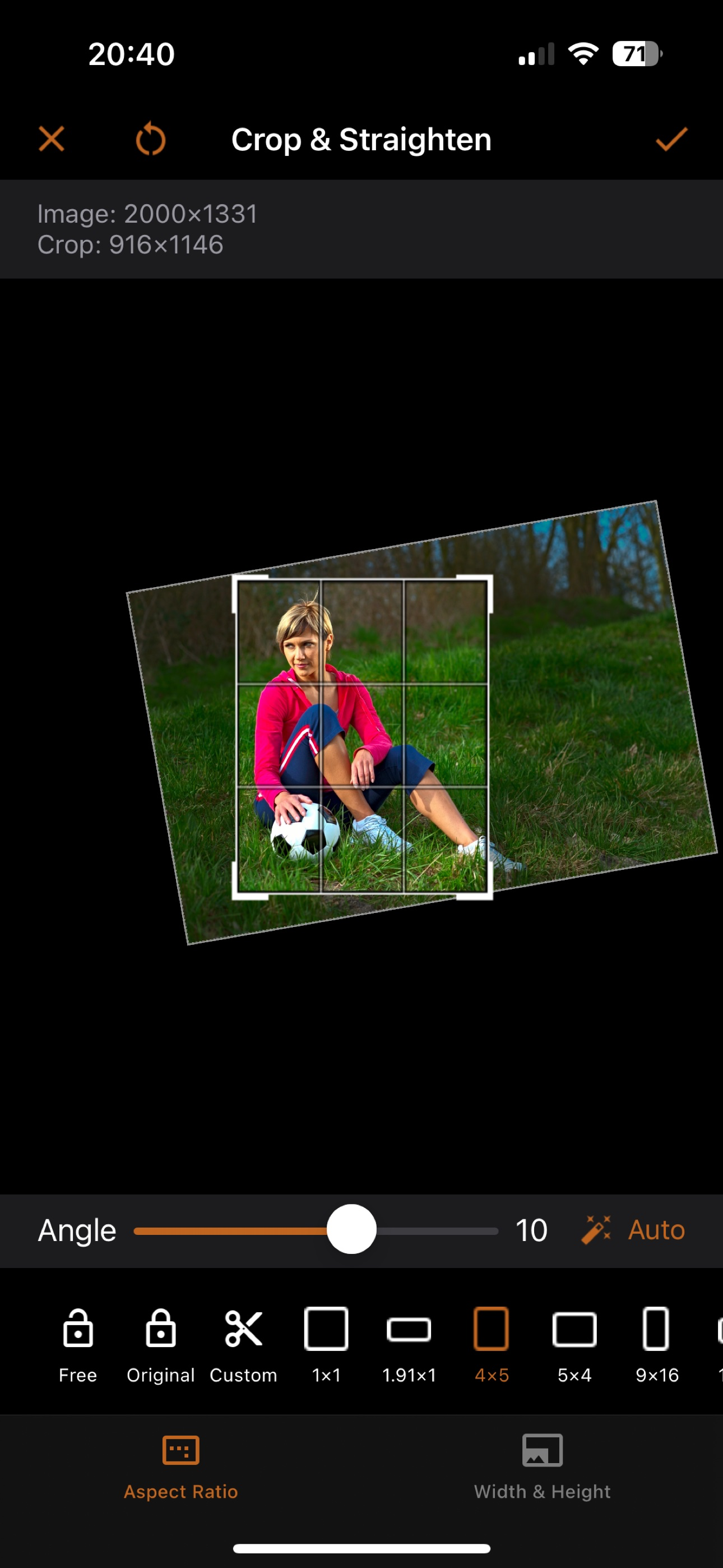
Helped me In a clutch. I couldn’t figure out how to work some other popular apps without watching a too long tutorial. This app is literal straight to the point! Converted crooked images to the size I needed FAST! A MUST HAVE FOR ANY STUDENT, parent helping their student, and professional!
I’ve been using iOS and related apps for about ten years, and I learn something new every year. ISize by VeprIT works. I’m happy with it. It converts and resizes graphic files to other graphic formats and resolutions you select. You can convert about 5 files for free, then it asks you to either get a one year subscription or buy an unlimited, forever version for a fixed price, for about the cost of two one-year subscriptions. I bought the forever version. I suddenly had to convert a couple of dozen graphic files as I created them in another app, for use with a program that only accepted one format—jpg (jpeg). I can now adjust outgoing file size and resolution and convert files into numerous mainstream formats (nope, I don’t know how many). I just had to get these newly created files converted today, to meet a deadline. It works well. User interface is simple, but slightly clunky—practice with it, to get the full capability, but in 2-minutes, you will know enough to make simple conversions. Maybe 30-minutes or so will cover most possible uses. I think it is worth the money.
iSize: Advanced Image Converter Effortlessly resize, crop, transform, and print your photos with precision. Edit metadata, prepare images for social m...
| Name | Price | Type |
|---|---|---|
| iSize weekly | $4.99 | Weekly |
| iSize weekly | $4.99 | Weekly |
| iSize Yearly | $19.99 | Yearly |
| iSize Yearly | $19.99 | Yearly |
| iSize Forever | $49.99 | One-time |


