
Check the acquisition promise
Read the store headline, screenshots and description. What problem is the app promising to solve?
Study the storefront ↗
HSBC Global Services (UK) Limited · iOS
Explore the ad evidence, study the storefront, and build your next acquisition hypothesis.
01 / Creative research
Read the store headline, screenshots and description. What problem is the app promising to solve?
Study the storefront ↗Explore apps with direct store-link matches. Compare their hooks and formats without assuming the same approach works here.
Browse observed advertisers ↗Store rankings and revenue estimates describe market context. They do not establish ad spend, conversions or ROAS.
Review the market context ↗02 / Storefront & product
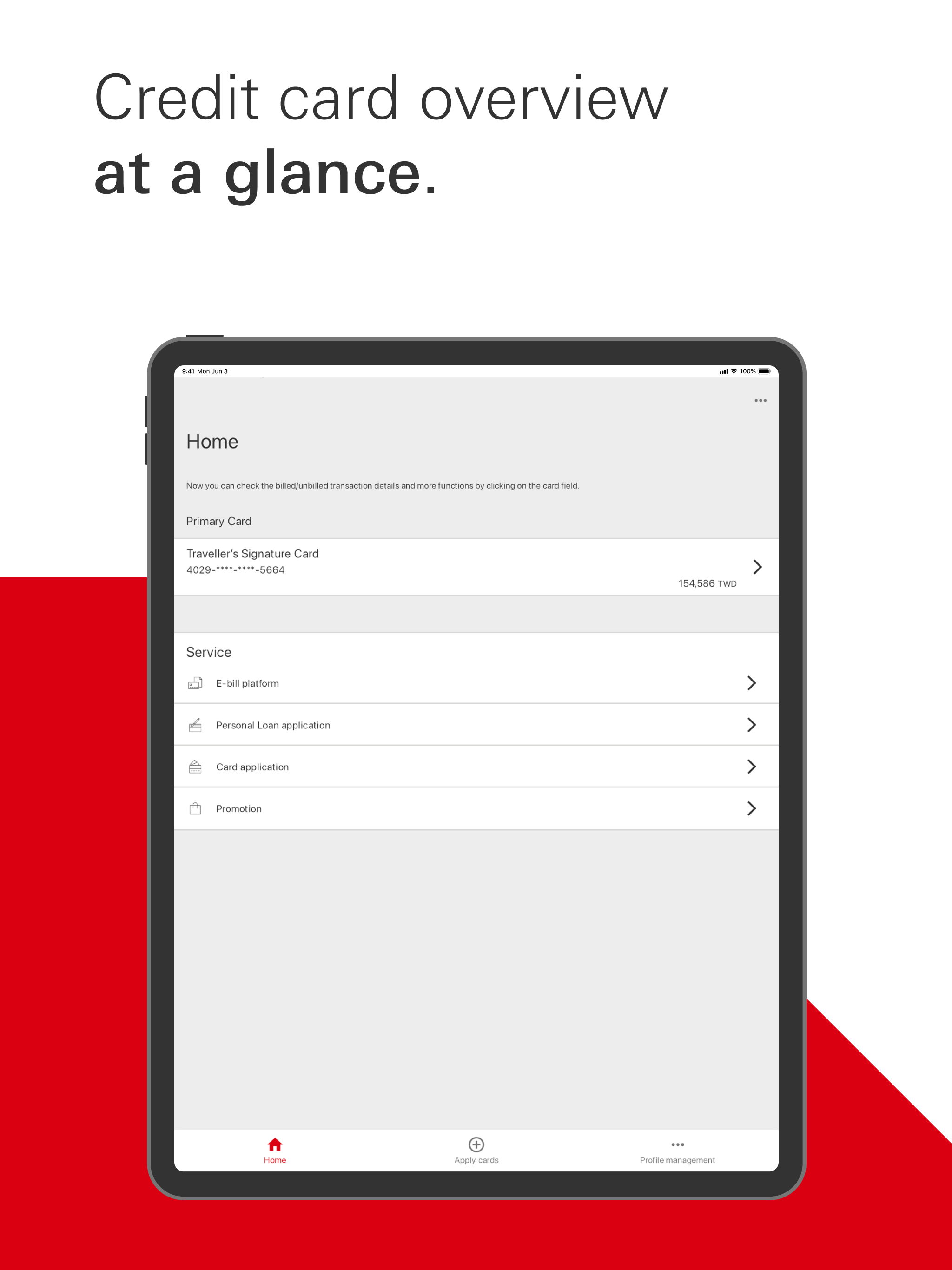
Study the product story and store experience behind the acquisition funnel.



03 / Market context
Keep revenue, downloads and store rankings separate from advertising performance.
版面乾淨,跟其他家比起來不會有太多資訊干擾,閱讀起來算清楚
Worst banking app I’ve ever used. this app can’t schedule the payment. User will need to download the other HSBC app or login the website version for the credit card payment. Such an useless app
It serves its purpose (I guess), but a couple of things could be done to improve it DRAMATICALLY!: 1) like HSBC HK - integrate HSBC TWN credit card app into the HSBC TWN banking app so an all-in-one app can be used. 2) since I know #1 is likely never going to happen (I’d LOVE to wrong on this) I’ll suggest another, VERY BASIC, feature that I have on ALL my other banking apps - please enable the HSBC TWN credit card app to display current un-billed charges. Currently I can see ONLY charges/transactions that have already been billed on my latest statement….would be MUCH better to be able to see ALL transactions - billed and in-billed - in chronological order. Even “pending” charges that are still in process of posting seems possible, as (like I said above) 100% of all my other banking apps where I also have credit cards are a) integrated into a single app, and; b) all credit card transactions - billed, un-billed, in-process, etc) are shown. Thank you!
Keeping your device secure: HSBC recommends that you only install apps from official app stores or install your own anti-malware software to protect y...


