
Check the acquisition promise
Read the store headline, screenshots and description. What problem is the app promising to solve?
Study the storefront ↗
HomeStreet Bank · iOS
Explore the ad evidence, study the storefront, and build your next acquisition hypothesis.
01 / Creative research
Read the store headline, screenshots and description. What problem is the app promising to solve?
Study the storefront ↗Explore apps with direct store-link matches. Compare their hooks and formats without assuming the same approach works here.
Browse observed advertisers ↗Store rankings and revenue estimates describe market context. They do not establish ad spend, conversions or ROAS.
Review the market context ↗02 / Storefront & product
Study the product story and store experience behind the acquisition funnel.
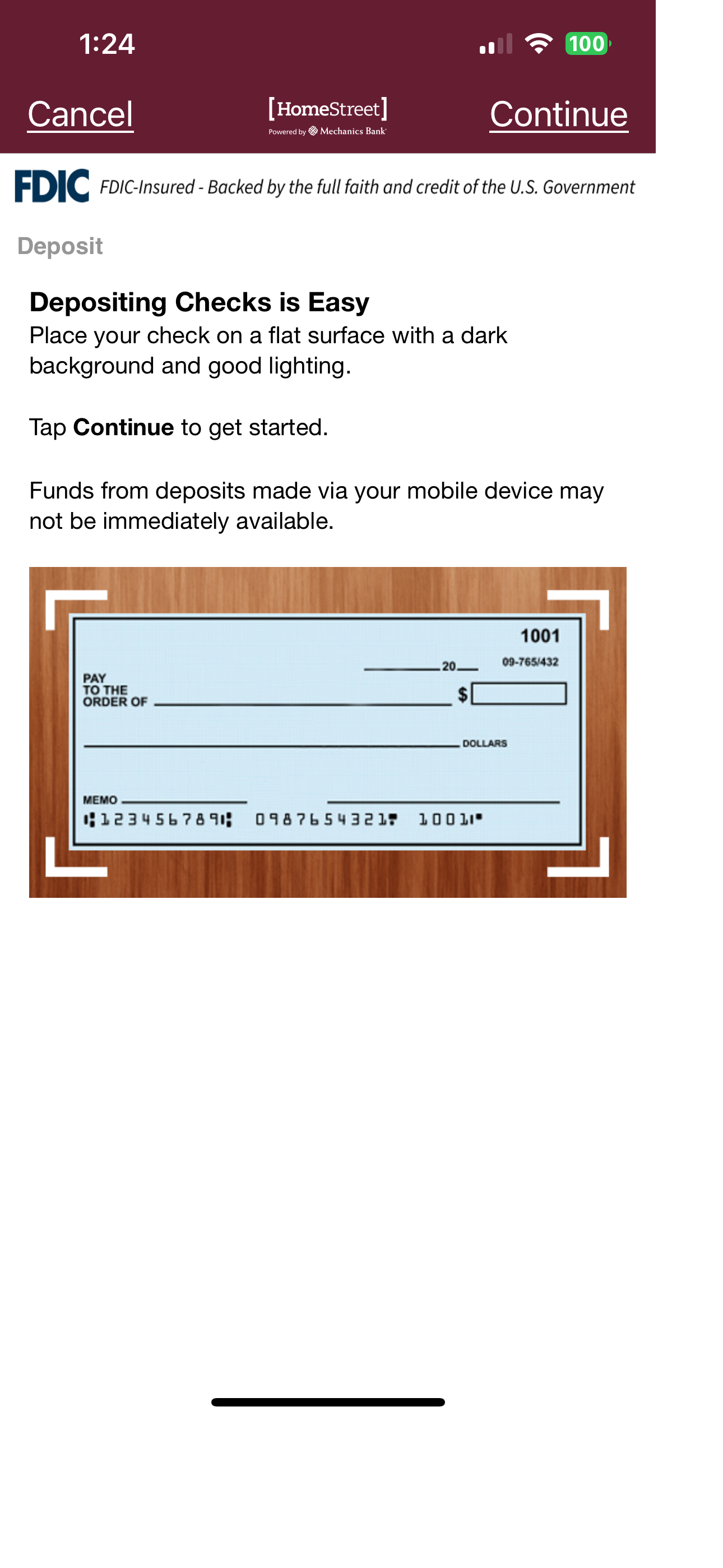
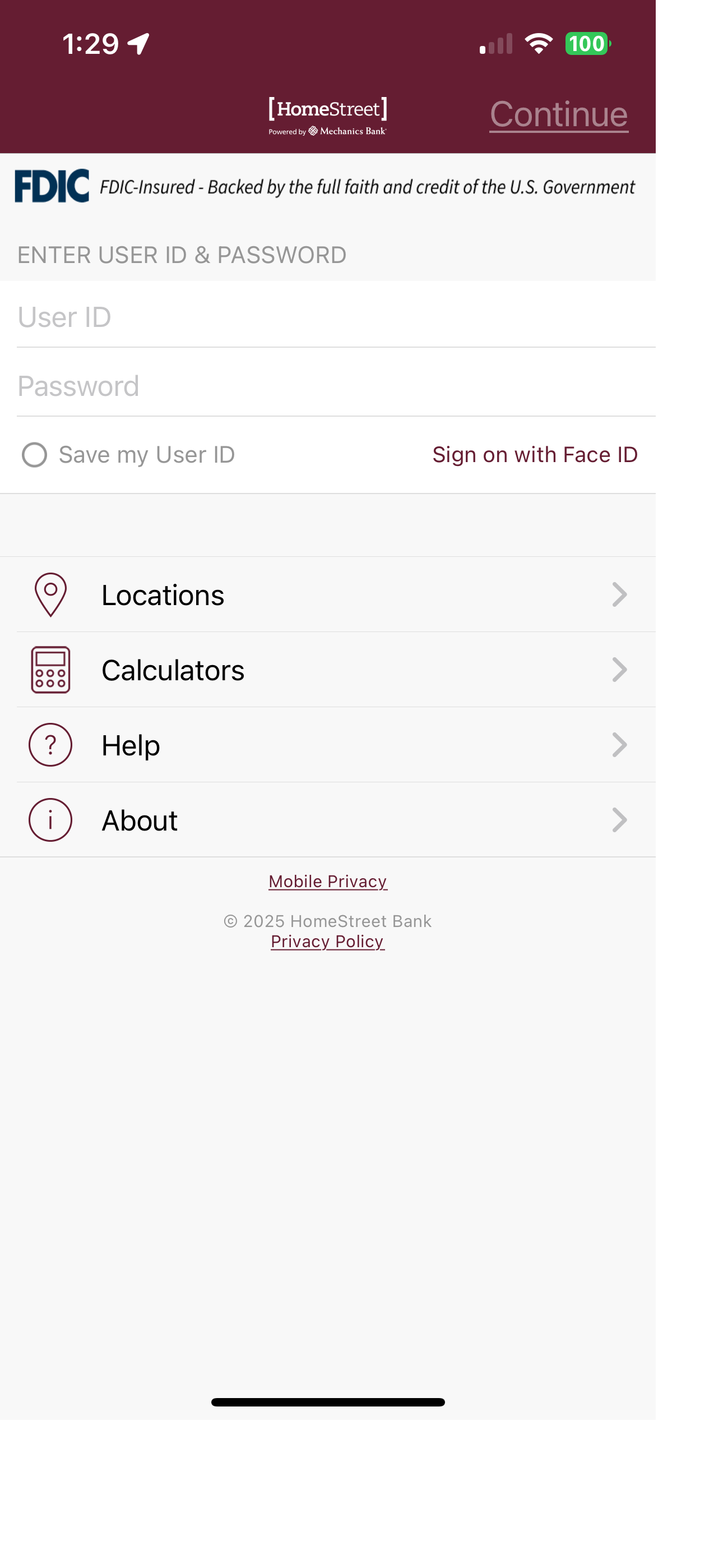


03 / Market context
Keep revenue, downloads and store rankings separate from advertising performance.
I love the app for ease of transferring money with multiple accounts, but there are two changes to the app that could be changed to make a HUGE difference. One is to allow us to name our accounts in the app. Previously the app would label accounts by the account type which was one way to make it easier to quickly identify which account is which. This feature has since been removed. It would help immensely to be able to give these accounts personalized name such as “joint” or “bob’s checking”. The other big feature I would love so see is the ability to add notes to transactions. This would just make keeping track of transfers and purchases much, much easier. The lack of those features has made us make many mistakes transferring money to wrong accounts, or just not being sure why a transfer was made looking back at statements.
I have had this bank along time I’ve had other banks for many many years and I have to tell you this is the best bank that I ever have had they take care of you they are there for you there polite the people in the branch are friendly and very helpful customer service on the 800 number they are great as well. I recommend this bank to everybody I just love them
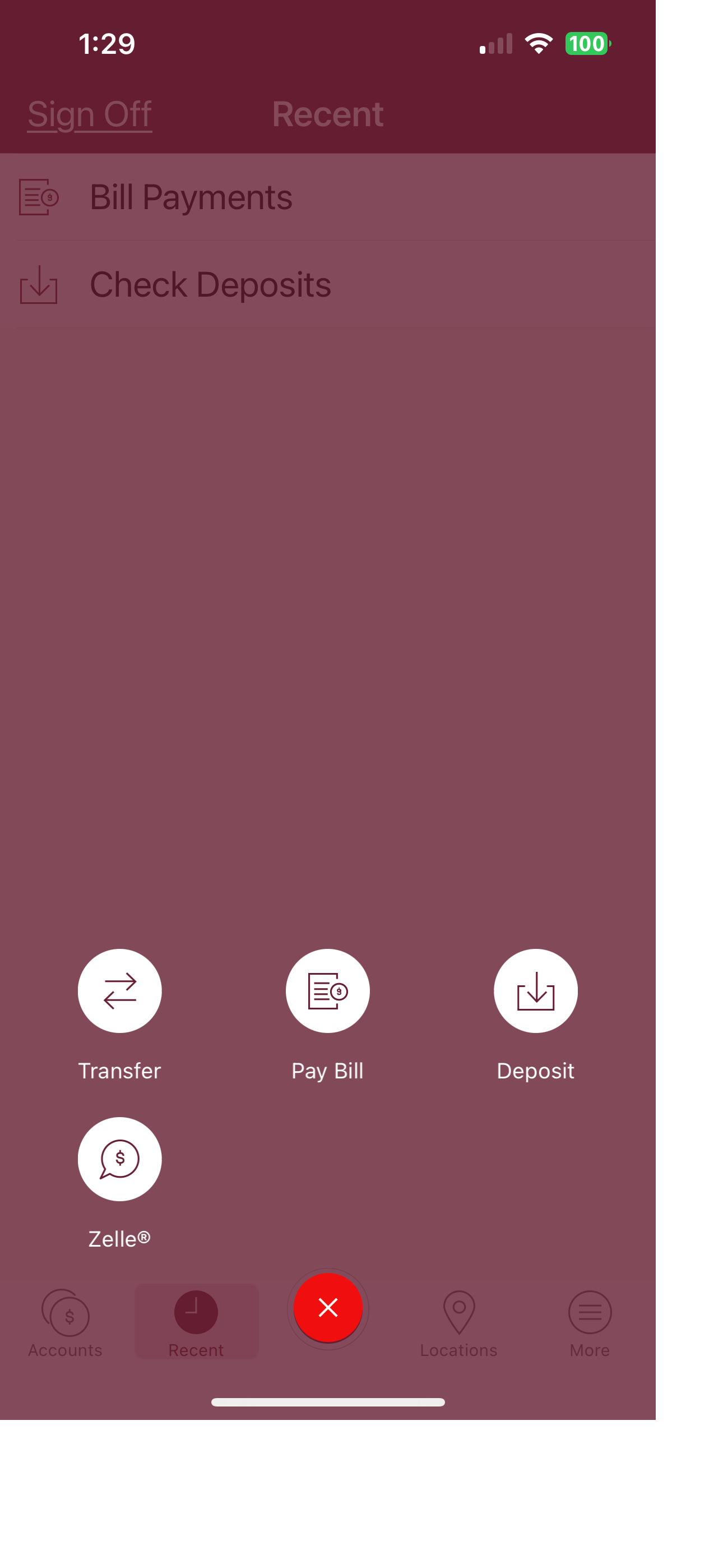
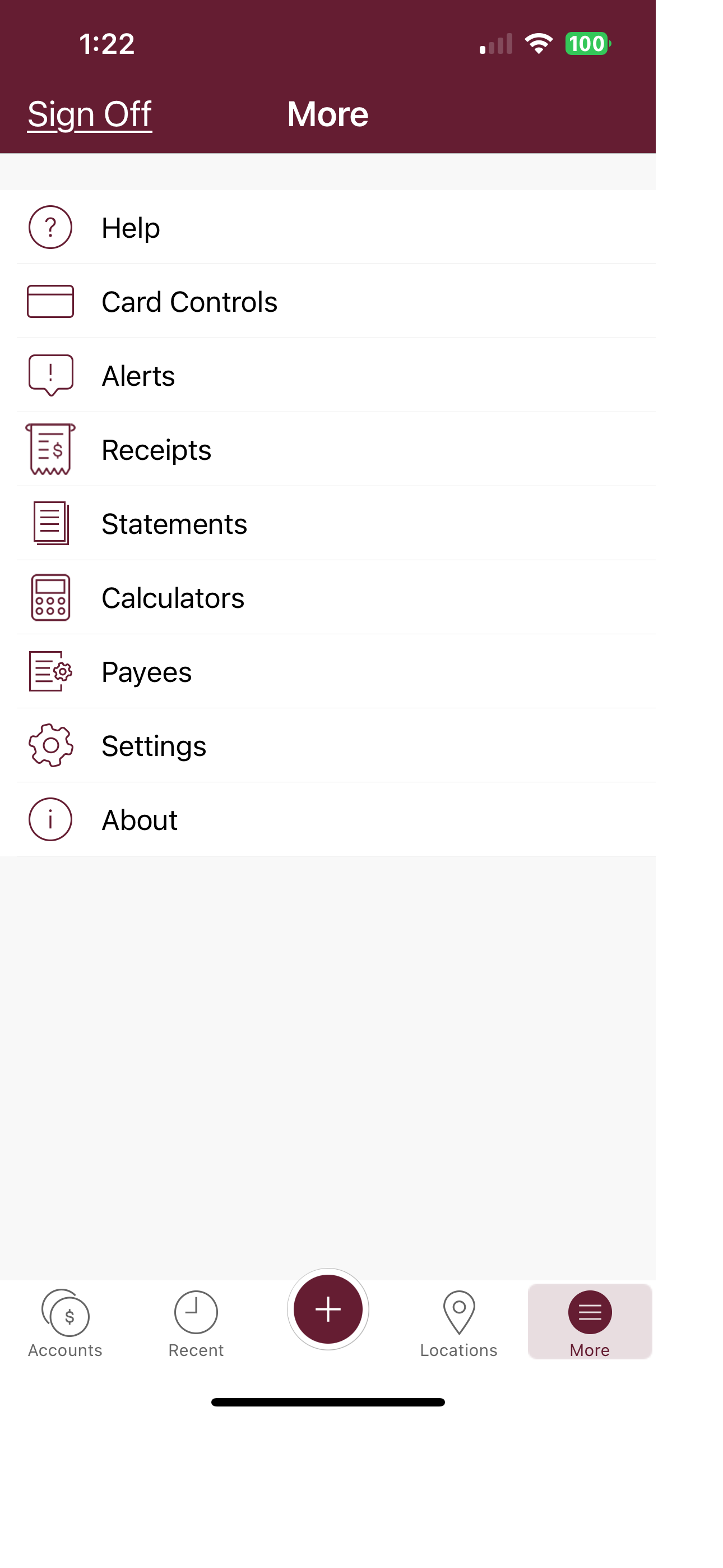
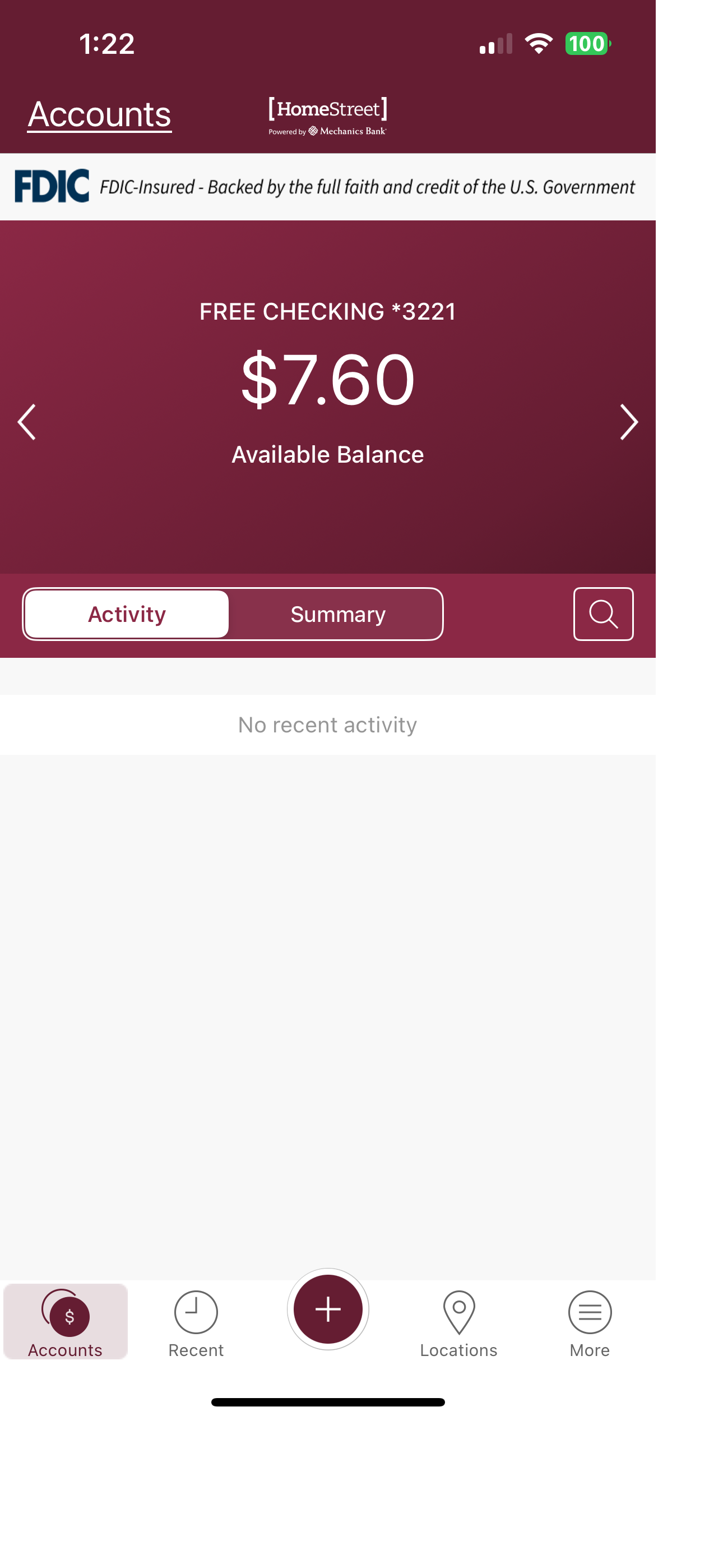
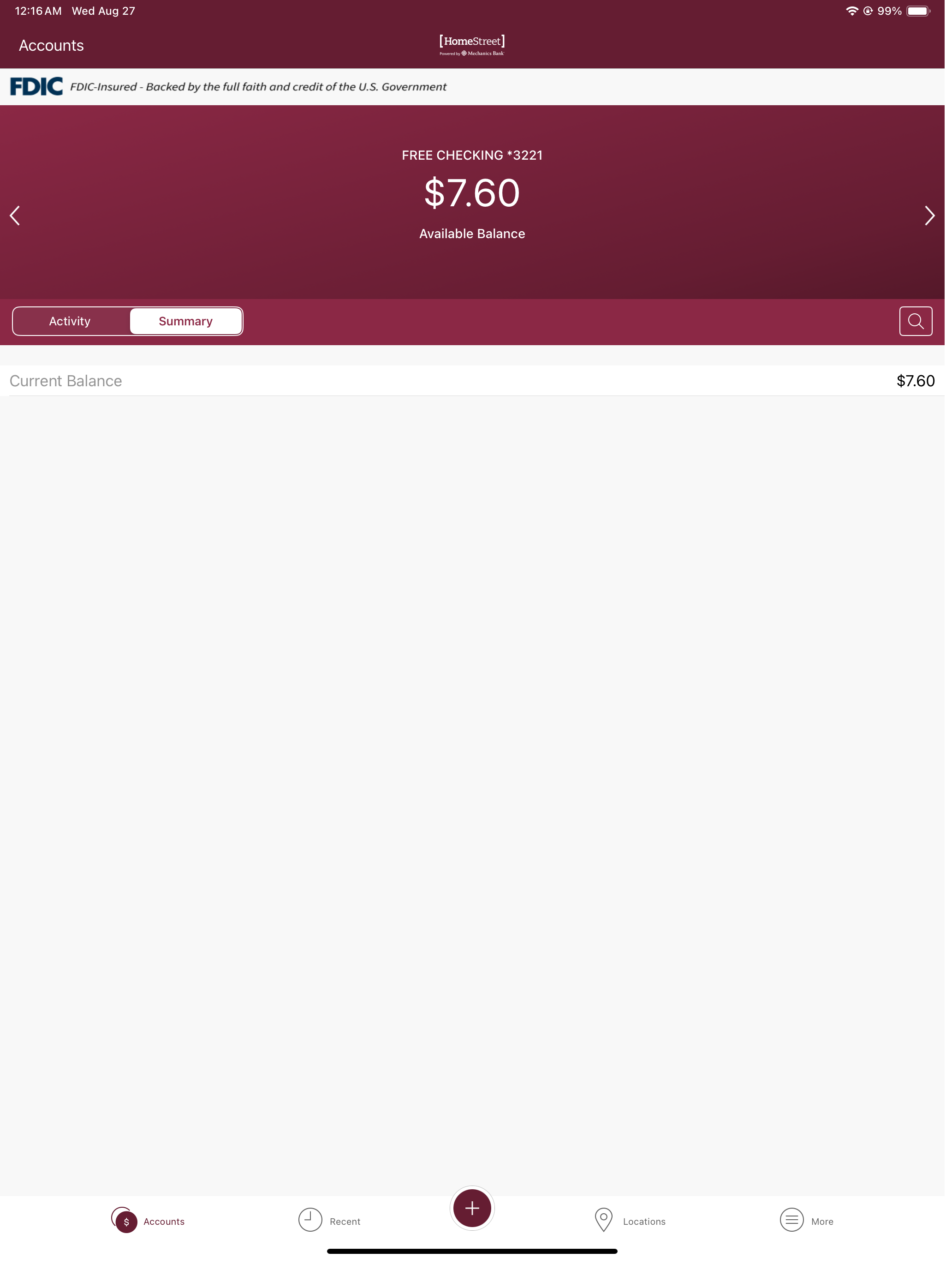
The app lets me do all the basics like deposits, transfers, viewing past activity. I think it’s worth having on my phone but there are some weird things about the user interface. Almost every app on the planet uses the “hamburger menu” in the upper left - the three vertical lines stacked on top of each other. But not this one. There’s a big + symbol on the bottom. How am I supposed to know that I tap a + in order to do common tasks that have nothing to do with “adding” anything to my account? It’s weird and lame but once you figure it out, it works as expected.
Start banking wherever you are with HomeStreet powered by Mechanics Bank Mobile Banking! Available to all HomeStreet powered by Mechanics Bank online...


