
Check the acquisition promise
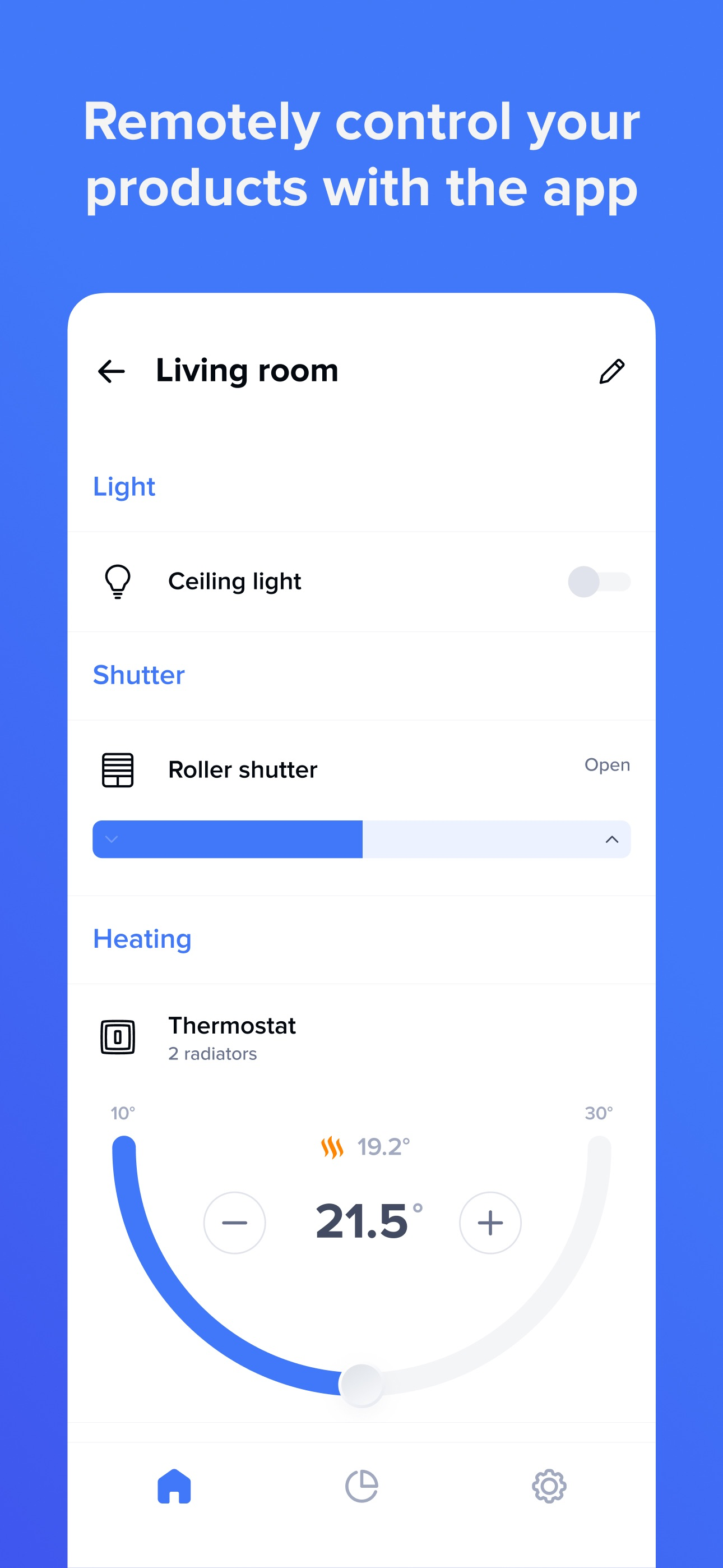
Read the store headline, screenshots and description. What problem is the app promising to solve?
Study the storefront ↗
Legrand - Netatmo – Bticino · iOS
Explore the ad evidence, study the storefront, and build your next acquisition hypothesis.
01 / Creative research
Read the store headline, screenshots and description. What problem is the app promising to solve?
Study the storefront ↗Explore apps with direct store-link matches. Compare their hooks and formats without assuming the same approach works here.
Browse observed advertisers ↗Store rankings and revenue estimates describe market context. They do not establish ad spend, conversions or ROAS.
Review the market context ↗02 / Storefront & product
Study the product story and store experience behind the acquisition funnel.





03 / Market context
Keep revenue, downloads and store rankings separate from advertising performance.
Overall this app works well, and is a decent replacement for the old Netatmo app. But there’s one issue that I wish they would resolve. When viewing the current state of the thermostat, you’re presented with the time that the next scheduled program change will happen. This is great, except that it’s always in my local time zone. I really need to know what it is in the local time zone of the house (5 or 6 hours ahead). All other times (e.g. when programming the schedule) are displayed in the local time zone of the house. Ideally I could select whether to use my time zone or the house’s time zone on the status screen (programming etc. should always be local to the house), or if the app detects that the time zone I’m in is different to that of the house, it shows me both (that would be very neat and unambiguous). I remotely help my mum control the thermostat as she’s not very tech savvy, so having to do the maths can be confusing at times.
I have had the Legrand Radiant Smart Gateway and a few Switches and Outlets for a few weeks. The app does a good job for adding the switches into HomeKit. However, there are some BIG caveats. 1) When adding a switch, there is no way to define what ‘type’ of switch you are adding. Typically, in the home app, you can select from Switch, Light, or Fan. However, these are being added through the Bridge(Gateway), and the ability is not there to change this setting. 2) Automations are VERY slow to respond. Actual response time for the accessory is fast, however, my experience thus far is that it takes upwards of 3-4 seconds for automations to respond to the switch/outlet being controlled. I can only contribute this to the hub/gateway and the additional ‘hop’ of the communication. As a reference, my Radiant Wi-Fi switches do not have this type of response time issue. I’m hoping that both of these issues can be worked out. I have reached out to Legrand support and have not heard back, thus am leaving this here to try and have these issues addressed, or at the very least, looked into. Other than that, the app works great. Thank you!
I have just got controls for the rolling shutters on my apartment windows. There are 8 windows, which for easy identification are numbered 1 to 8 as one moves around the flat in a clockwise manner, so shutters should be similarly numbered. The controls were installed in that same order. When I identified everything on the app, I found that arbitrary (as far as I can see) numbers had been assigned to the rolling shutters, thus 4, 6, 2, 8 for the main room, 1 for a bedroom, 5 for another room, and the main bedroom had to get identified as “other” (apparently the system can’t accept that there may be be more than one bedroom...), with shutters 3 and 7. My attempts to edit to get something that works for me got nowhere. When I go to control things in the main room, the shutters are presented in numerical order - which would be great if that actually corresponded to their positions. In fact, I have to write myself notes to know that what comes first in the main room, numbered 2, actually corresponds to window 3, not window one, or even 2.... Aaaaarrrrrrrgggggghhhhhh!!!! Please make it possible to label things intelligently.
Legrand Home + Control is designed for: LEGRAND RADIANT WITH NETATMO AND ADORNE WITH NETATMO SMART SWITCHES & OUTLETS Manage lights and pow...


