Check the acquisition promise
Read the store headline, screenshots and description. What problem is the app promising to solve?
Study the storefront ↗
Lionheart Software LLC · iOS
Explore the ad evidence, study the storefront, and build your next acquisition hypothesis.
01 / Creative research
Read the store headline, screenshots and description. What problem is the app promising to solve?
Study the storefront ↗Explore apps with direct store-link matches. Compare their hooks and formats without assuming the same approach works here.
Browse observed advertisers ↗Store rankings and revenue estimates describe market context. They do not establish ad spend, conversions or ROAS.
Review the market context ↗02 / Storefront & product
Study the product story and store experience behind the acquisition funnel.






03 / Market context
Keep revenue, downloads and store rankings separate from advertising performance.
So, I’ve been adding weight and body fat % data to MyFitnessPal off and on since 2015. But only since late 2022 has Apple allowed connection to that app to import data, and it only imports weight, not body fat %. The reason for this, I presume, is the field labeling. Apple spells out Percentage, while MFP uses Body Fat %. So it doesn’t import because the field names don’t match. So I went to MFP,reports, export, and downloaded all of my data. It emailed me a zip file with three files, one of which was Measurements. Opened it up with excel on my iMac desktop (desktop and documents set up on iCloud) and edited the BF% field to match the Apple category of Body Fat Percentage. Then went trough my Apple health data history and compared data points to the CSV to remove duplicate weight and BF% measurements from the CSV. That BF data was stuff I typed into MFP and Apple Health on the same day, so it was very few items. Then I erased all the weight data in the CSV that had been synced through MFP since late 2022. Closed and saved to desktop. Opened Health CSV import, reviewed directions, clicked import. Selected file via browse, and in seconds, done. Checked Apple Health, all there!! Perfection!
I have been reliably taking my weight with a Wyze scale for months, but somehow the health app integration got turned off a few days after I had it on. Turning the sync back on only recorded data that is recorded from then onward. My past data was stuck in the cloud able to sync to the Wyze app but not the Health app. I used the Wyze spreadsheet export feature and converted that to a CSV. Initially it didn’t work well because of extra descriptive rows. Once I removed those extra rows and updated the date format to separate month, day, and year with / instead of periods, I was able to import successfully. I was pleased to see CSV Import show up on the list of destinations for AirDrop which simplified updating the file iteratively until it was revised to be compatible. My only real complaint is an overlapping text issue during the import wizard (like page title and first item overlapped). You could scroll the page to separate the overlapping text and then read it, but it looks very buggy by default.
I wanted to get data from my Freestyle Libre (a continuous glucose monitoring system) into Health. My process is a bit involved but it looks like this: Use Tidepool on my computer to upload data from the device to Tidepool cloud. Export Tidepool data to JSON Transform the JSON to a simple CSV file with a column for time and a column for the value with a quick and dirty Ruby script. (The steps of downloading the JSON and transforming could be automated in a single step pretty easily. Also, if you use the Freestyle Libre app you can export a text file of these readings directly; assuming you’re brave enough to install the lousy Freestyle Libre app on your computer) Then I can open the CSV in this app and it maps the columns perfectly. One thing this app handles that other CSV import apps don’t seem to handle is that I can have multiple readings per day by using string time stamps in ISO8601 format. This is super handy as my CGM is giving me readings constantly throughout the day. Its handling of duplicate time stamps is... inelegant. Basically it will pop up with a warning telling you that you need to first delete all health data this app has exported, then import the whole file again. Seriously? In the time it took to make the video explaining those steps the developer could have added logic to the app to gracefully handle that situation. Also, I have to tell the app every time how to parse out the CSV. I’m generating the same formatted CSV every time; ideally there would be a way to save it as a preset. And barring that, I wish they would have made the process of mapping columns to data types more elegant. The setting of start/end times is a nice step by step process but after that you have to navigate into each column, pick your type, then use the Cancel and back buttons to navigate back out. But, it gets the job done.
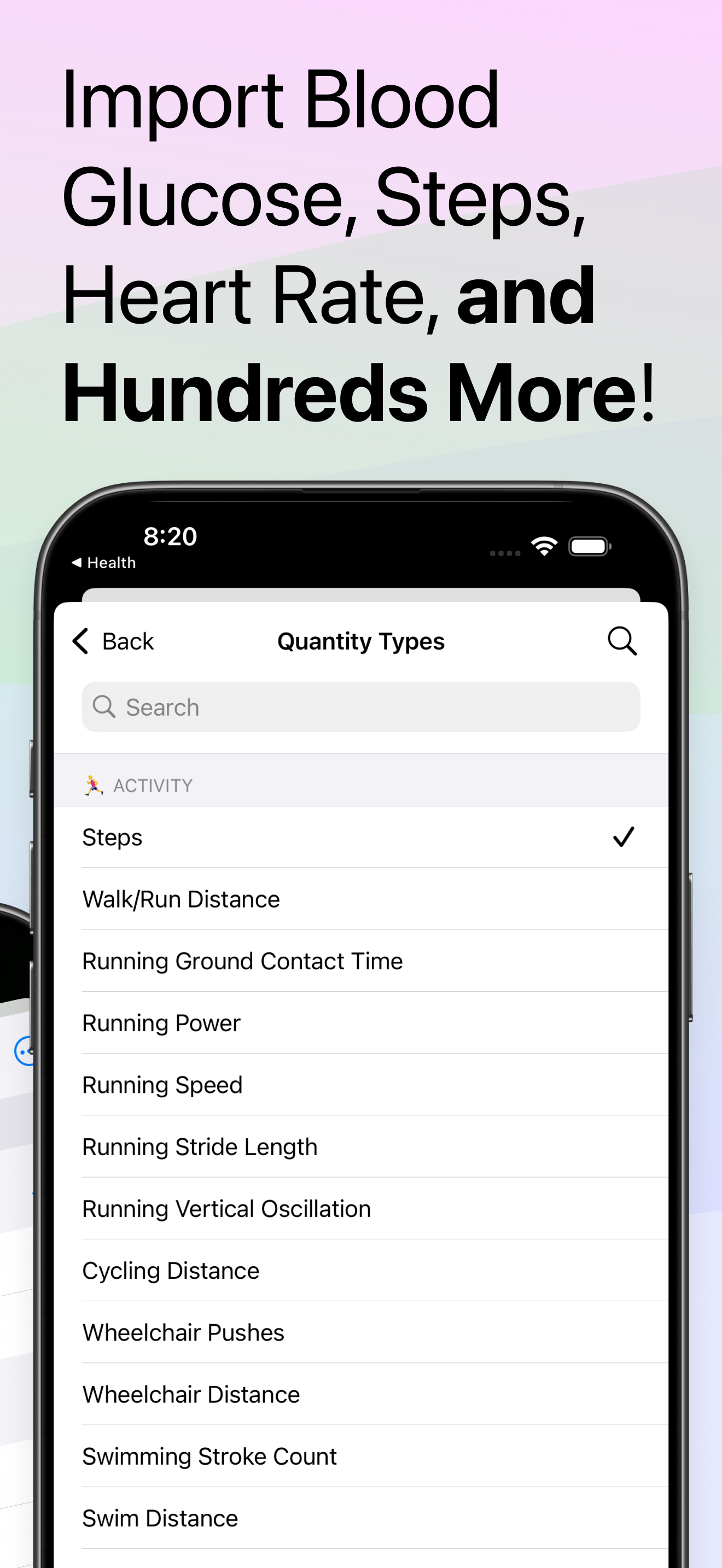
Health CSV Importer is the easiest, fastest, and most reliable way to import your CSV data into Apple Health. Battle-tested with millions of data poin...
| Name | Price | Type |
|---|---|---|
| Monthly Tip | $0.49 | Monthly |
| 2 Buck Chuck | $1.99 | One-time |
| The Fiver | $4.99 | One-time |
| Monthly | $4.99 | Monthly |
| Pay-As-You-Go (Weekly) | $4.99 | Weekly |
| Annual Tip | $4.99 | Yearly |
| The Hamiltonian | $9.99 | One-time |
| Annual | $19.99 | Yearly |
| Moolah-LAH! | $19.99 | One-time |
| Lifetime Access | $49.99 | One-time |