
Check the acquisition promise
Read the store headline, screenshots and description. What problem is the app promising to solve?
Study the storefront ↗
appyhapps.nl B.V. · iOS
Explore the ad evidence, study the storefront, and build your next acquisition hypothesis.
01 / Creative research
Read the store headline, screenshots and description. What problem is the app promising to solve?
Study the storefront ↗Explore apps with direct store-link matches. Compare their hooks and formats without assuming the same approach works here.
Browse observed advertisers ↗Store rankings and revenue estimates describe market context. They do not establish ad spend, conversions or ROAS.
Review the market context ↗02 / Storefront & product
Study the product story and store experience behind the acquisition funnel.



03 / Market context
Keep revenue, downloads and store rankings separate from advertising performance.
Hands down the best and only one you should buy. This app is $3.99 and should cost more but hopefully the developer doesn’t see that part. Other apps are expensive and I spent more on app than on Fitbits and the others are useless. Other apps just sync a lump some pf steps. This apps syncs them at the time they actually happen. Also, with GPs workouts, this apps syncs the map. This app maps fitbit seems like a native apple device. It syncs when your fitbit is syncing. I wish I can do multiple accounts but maybe in the futre
Edit: deleting the app, restarting the phone & reinstalling this app fixed this problem I have setup a health sync from Fitbit to Apple health for heart rate, sleep, steps and oxygen saturation. However, Apple Health shows that this app has permissions to write only sleep. It has read permissions for everything else. I have disconnected and reconnected the heart rate sync from Fitbit to Apple health, but it does not ask for additional permissions to write to Apple health
I needed to sync my food and nutrition stats from apple health to Fitbit and the data coming over isn’t completely accurate. There are some calories that are “uncategorized” when showing up in the Fitbit app making my macros off. What I really want is to be able to sync my nutrition data from the LoseIt! app to Trainerize. That’s a huge market hole if you’d like to do that please!! But for now I’m going from LoseIt -> Apple Health -> HealthSync -> Fitbit -> Trainerize. Trainerize connects to Apple health but won’t pull the nutrition data from it :( Anyways, the data is correct in Apple health but not in Fitbit so I can only assume it’s this app. If the macros/nutrition facts of the foods themselves could be synced, I think that would solve the problem. From a software dev to another, thank you and plz fix this soon! <3
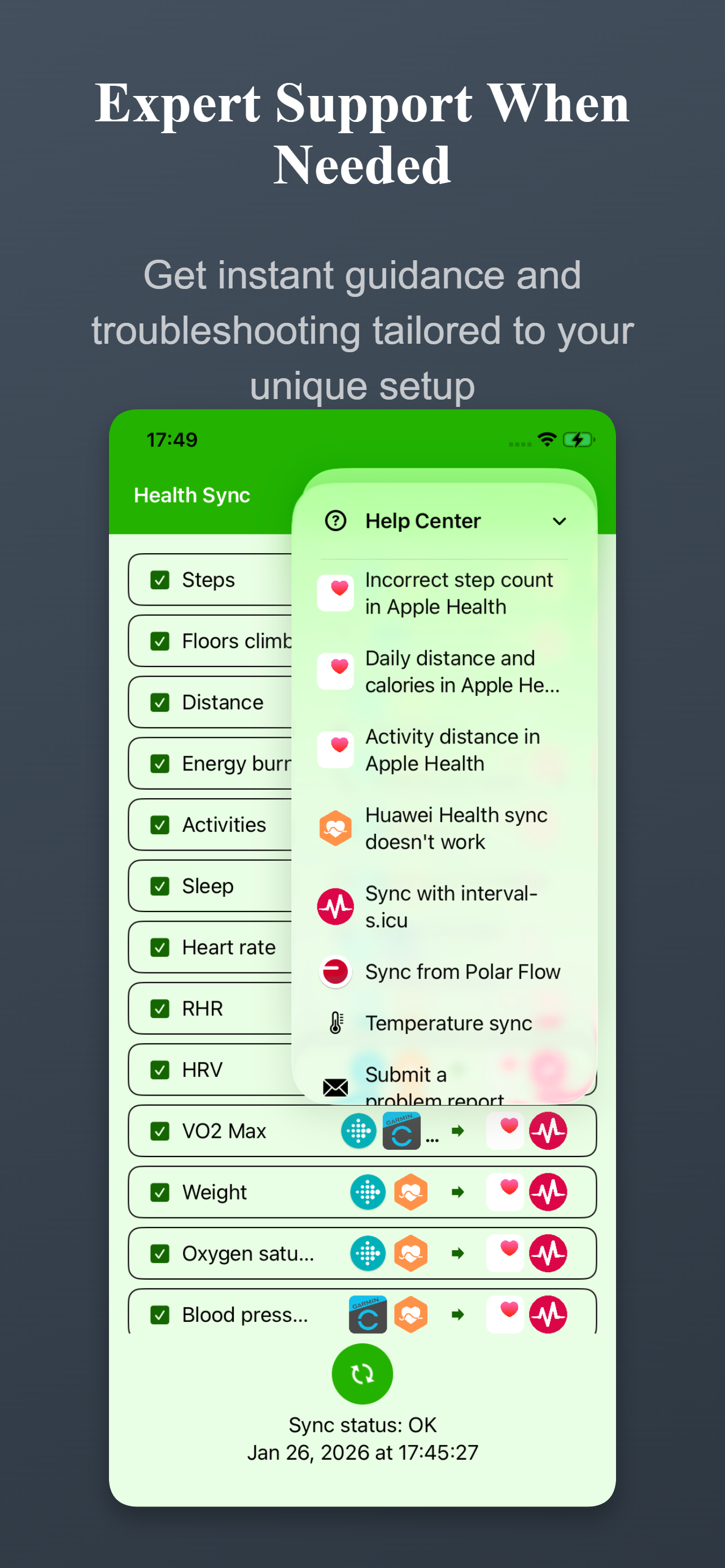
Health Sync seamlessly syncs your data between health and fitness platforms. • SYNC FROM: Apple Health, Coros, Google Health (Fitbit), Garmin Connect...
| Name | Price | Type |
|---|---|---|
| No-Expiration License | $3.99 | One-time |


