Check the acquisition promise
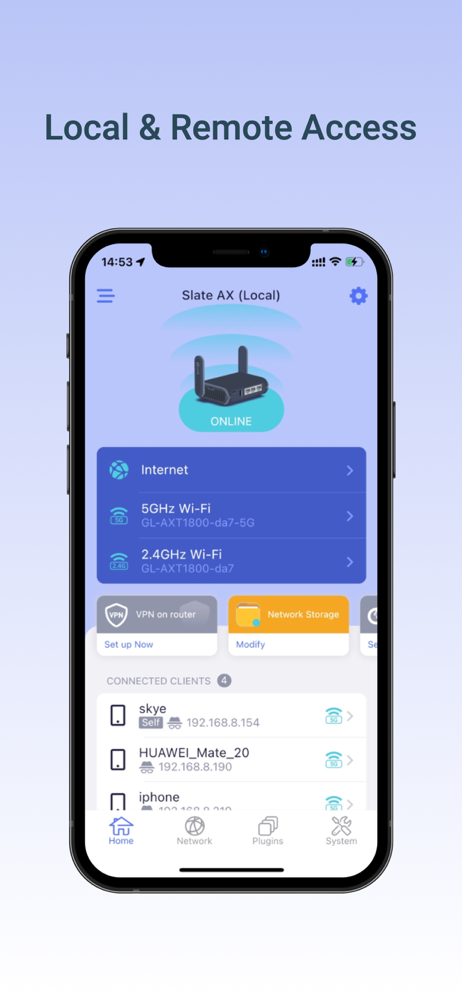
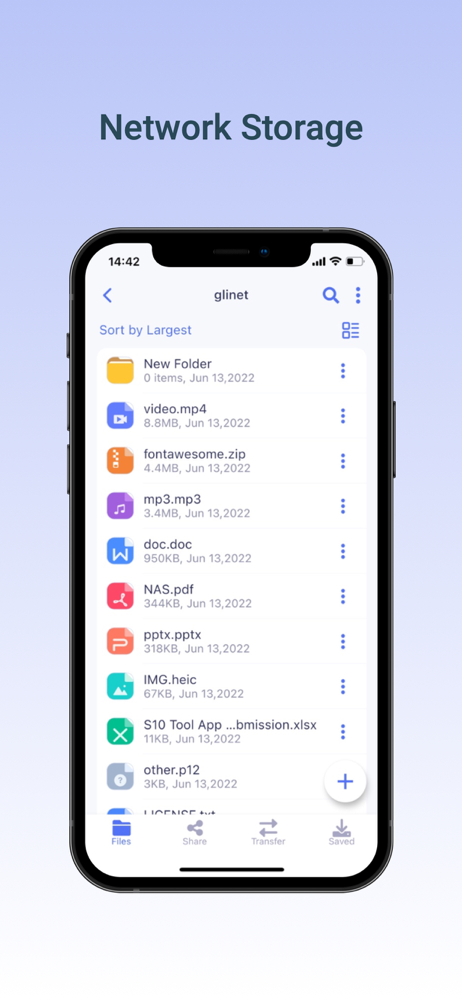
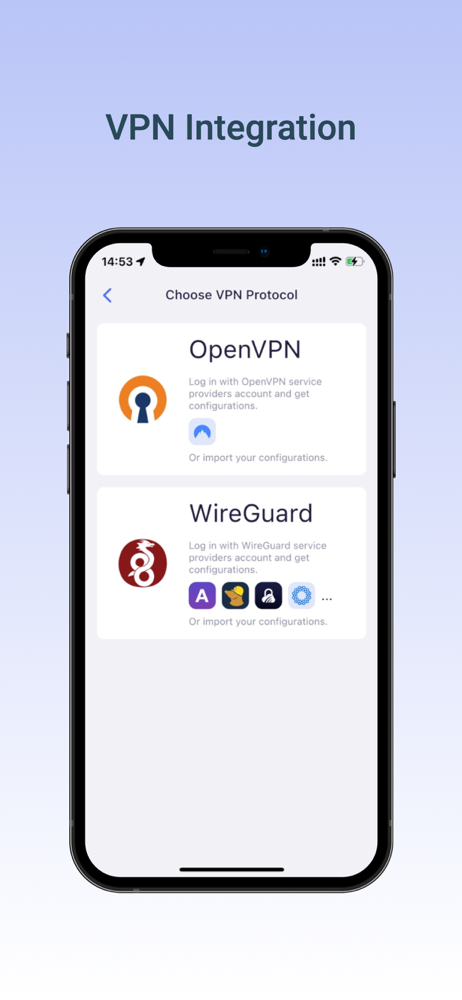
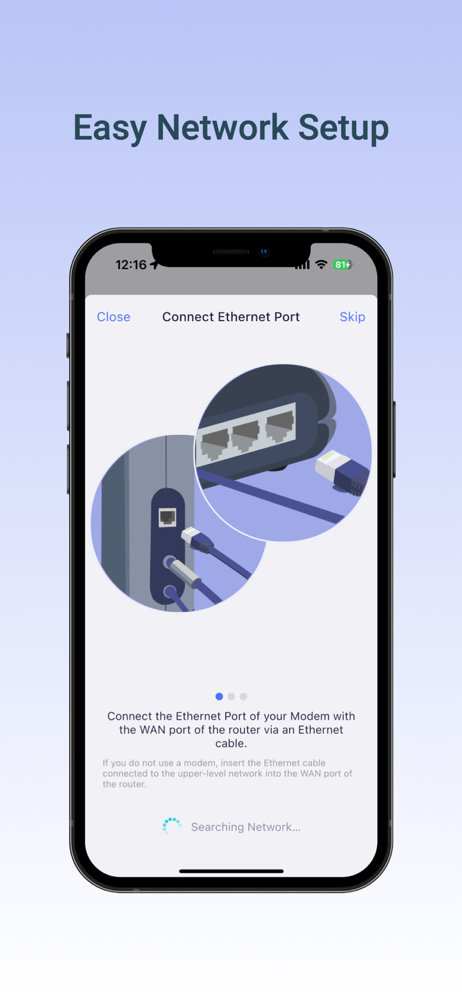
Read the store headline, screenshots and description. What problem is the app promising to solve?
Study the storefront ↗
GL Technologies (HK) Limited · iOS
Explore the ad evidence, study the storefront, and build your next acquisition hypothesis.
01 / Creative research
Read the store headline, screenshots and description. What problem is the app promising to solve?
Study the storefront ↗Explore apps with direct store-link matches. Compare their hooks and formats without assuming the same approach works here.
Browse observed advertisers ↗Store rankings and revenue estimates describe market context. They do not establish ad spend, conversions or ROAS.
Review the market context ↗02 / Storefront & product
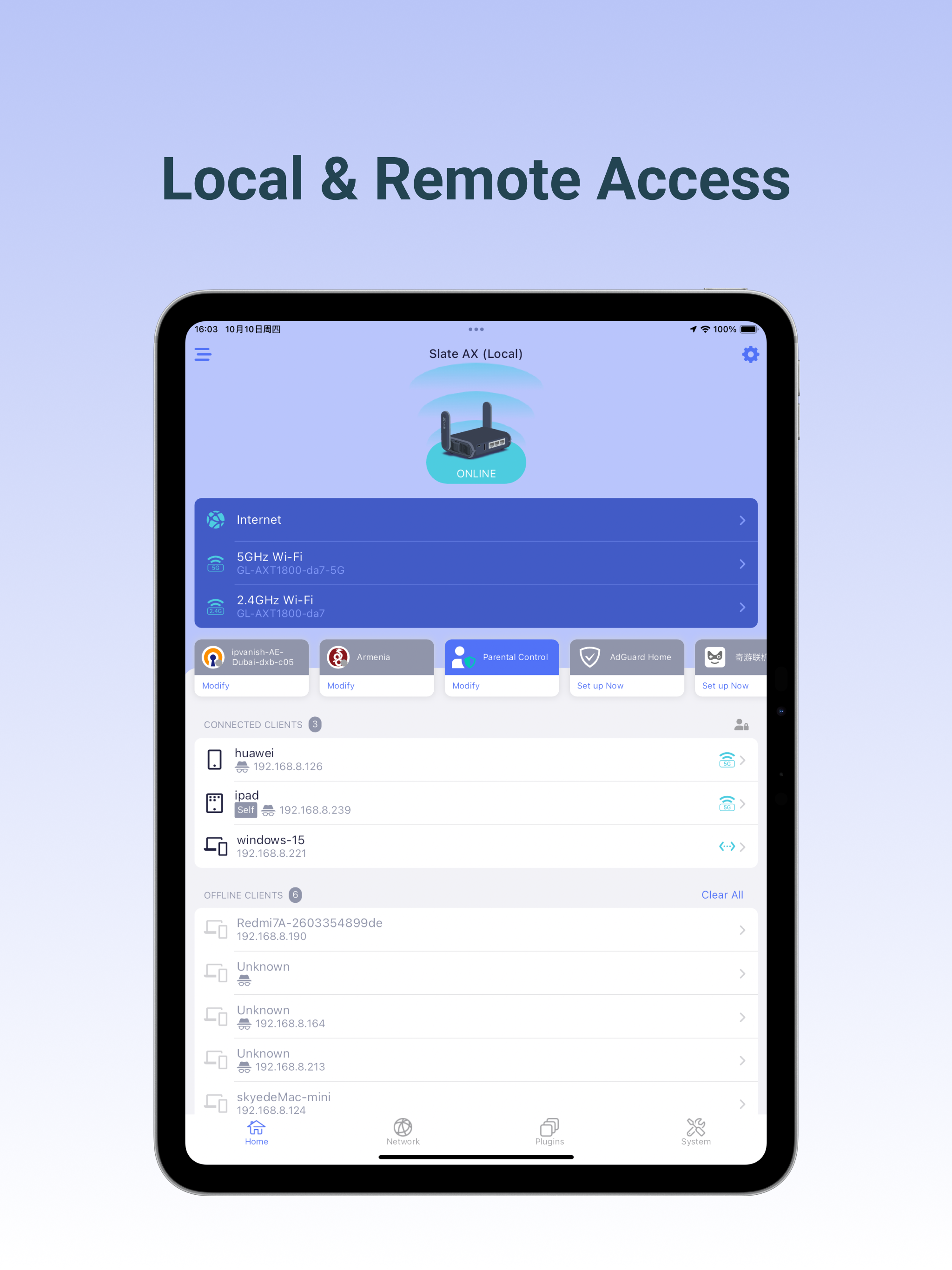
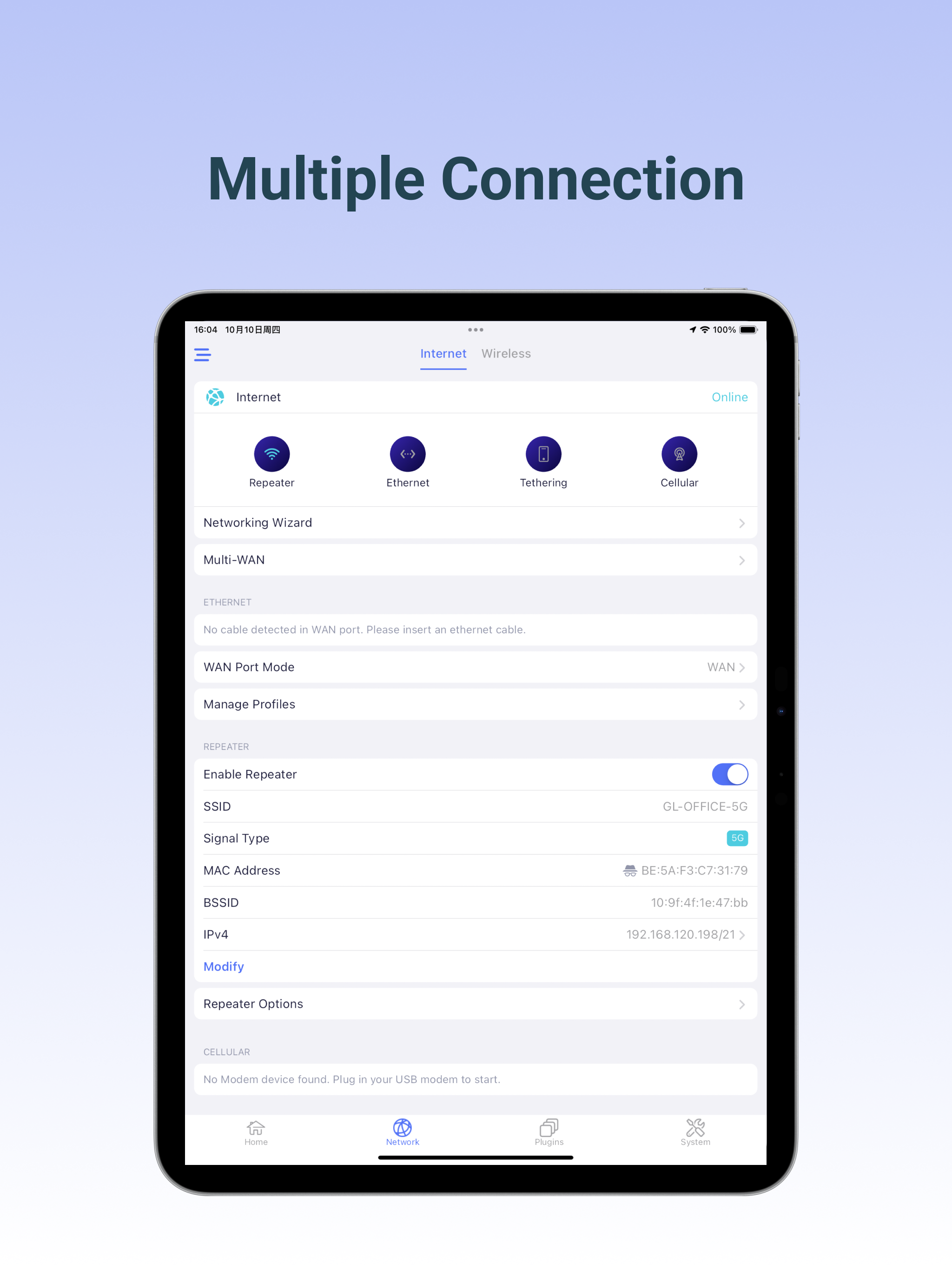
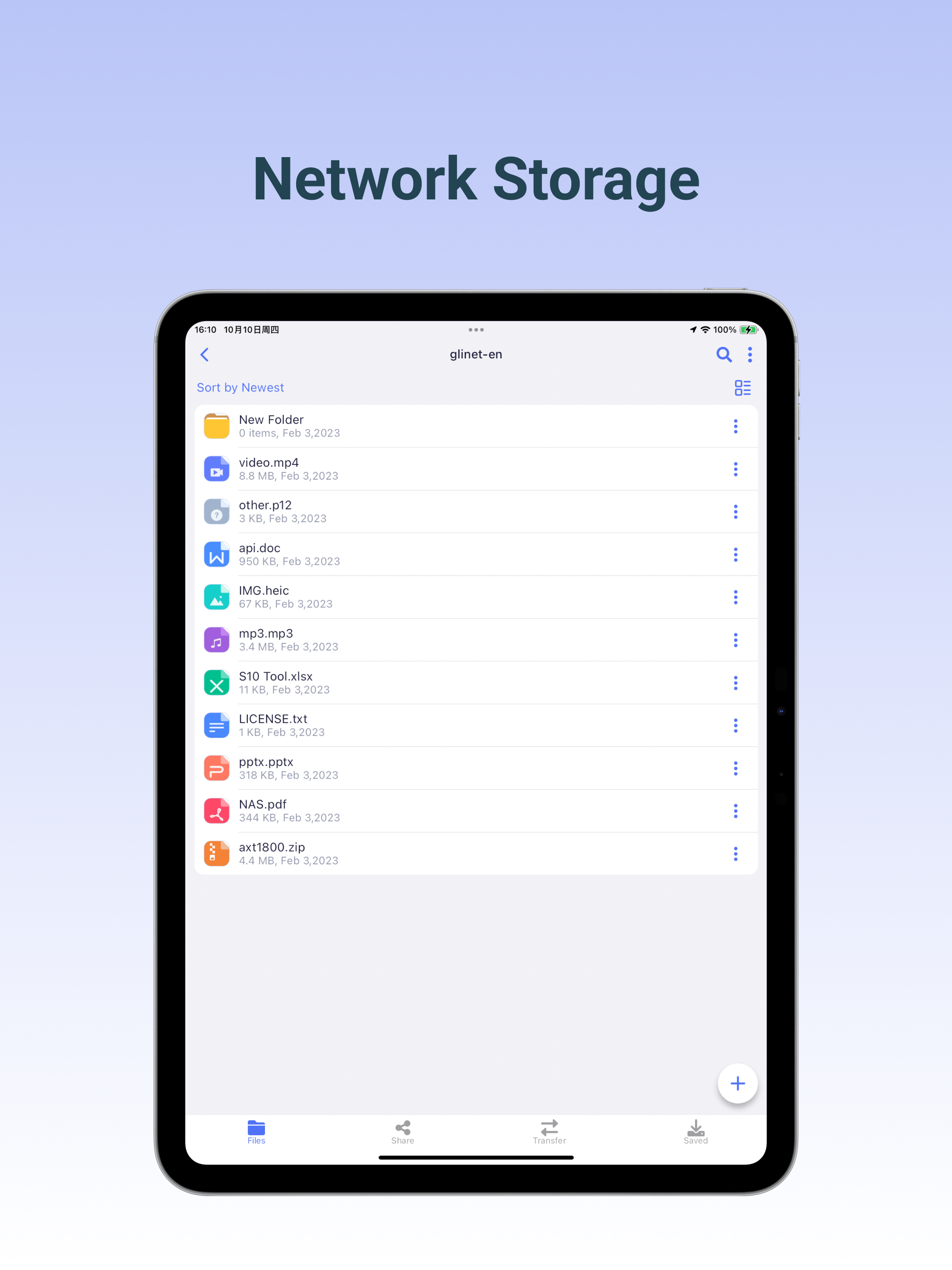
Study the product story and store experience behind the acquisition funnel.

03 / Market context
Keep revenue, downloads and store rankings separate from advertising performance.
GLI updated this application, it used to be so good, now it won’t even find my router and will not allow me to proceed with it in any way.
I almost didn’t download the app based on the negative reviews, but I’m glad I did. It has all the settings I can foresee one needing and it’s all a lot easier to use than trying to do the web interface from your phone. Simple things like changing the SSID and password for the router are readily available, as are the VPN settings. Overall I think it’s definitely worth it. Especially if you travel frequently and will be connecting your router to other WiFi.
Really like the app, good UI and functionality to setup router from scratch or adjust common configuration settings! I’d like to see one very key functionality in the future, pretty much a reason I bought the router - travel. If only the app could automate the most common common workflow dealing with captive portals and internet connection.. Today it is totally up to a user and app isn’t helping at all, and even confused me as I was expecting it offer some help. Something like this would be awesome: - router and app should detect if there are internet issues and detect captive portals automatically - then router needs to prohibit clients from connecting to the outbound internet for security; disable DNS settings, AdGuard and VPN - then iOS app would prompt in a separate window to deal with captive portal, similarly how MacBooks and iPads and iPhones do today - alternatively offer an option to import MAC address (the only reliable option in my experience so far) - once connection to the internet is established, enable back all the DNS, AdGuard and VPN settings and after that enable clients to access the internet securely. Something like this would make this the best secure travel router friendly to everyday users!
Setup GL.iNet routers with version 3.201 and above. The GL.iNet Mobile app gives you convenient access to your router’s features anywhere and anytime...