Check the acquisition promise
Read the store headline, screenshots and description. What problem is the app promising to solve?
Study the storefront ↗
Synology Inc. · iOS
Explore the ad evidence, study the storefront, and build your next acquisition hypothesis.
01 / Creative research
Read the store headline, screenshots and description. What problem is the app promising to solve?
Study the storefront ↗Explore apps with direct store-link matches. Compare their hooks and formats without assuming the same approach works here.
Browse observed advertisers ↗Store rankings and revenue estimates describe market context. They do not establish ad spend, conversions or ROAS.
Review the market context ↗02 / Storefront & product
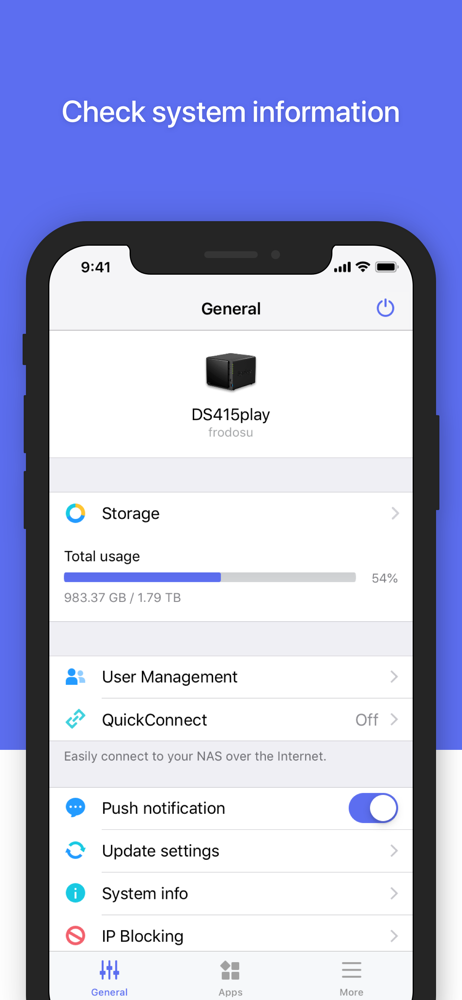
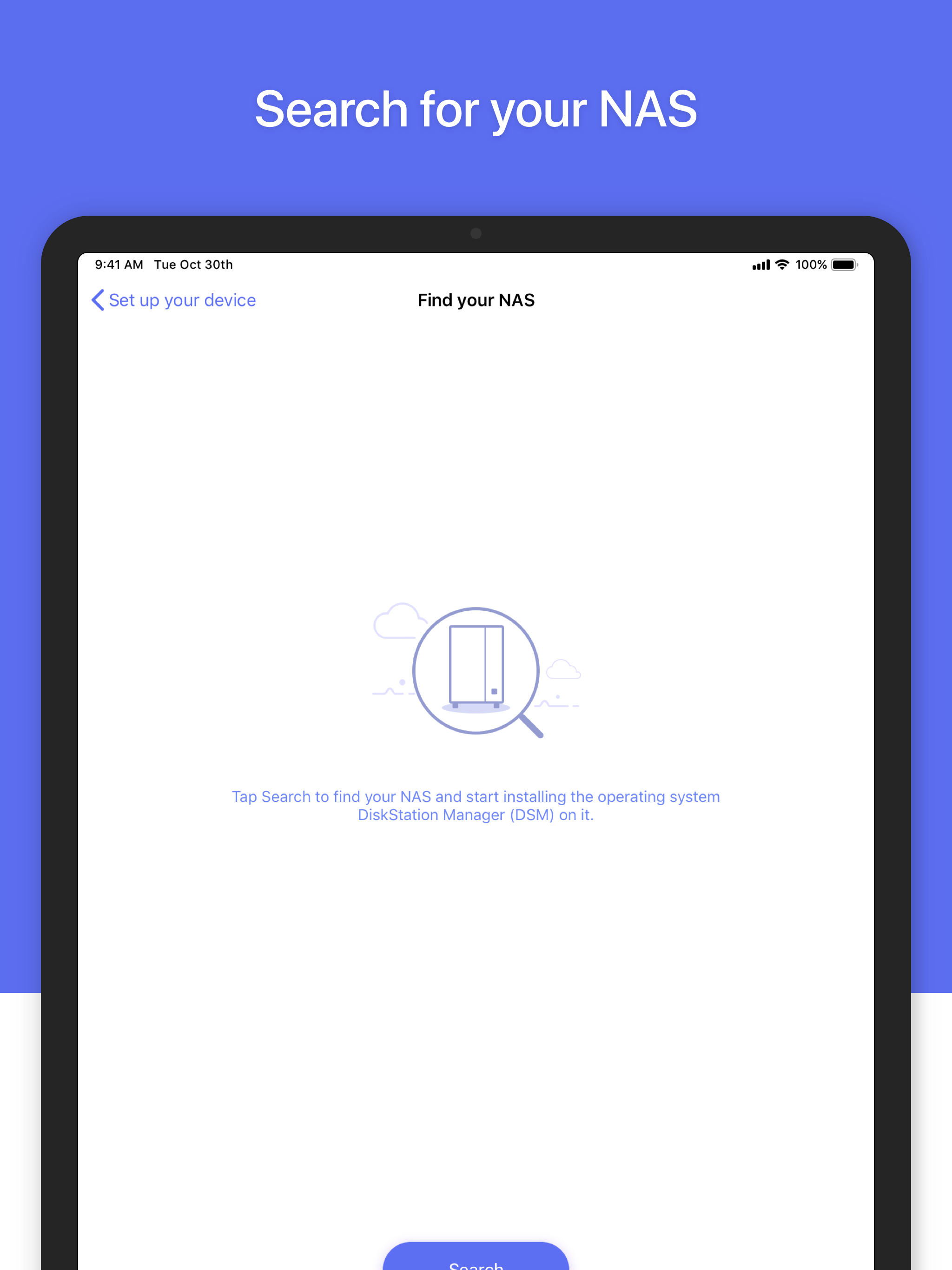
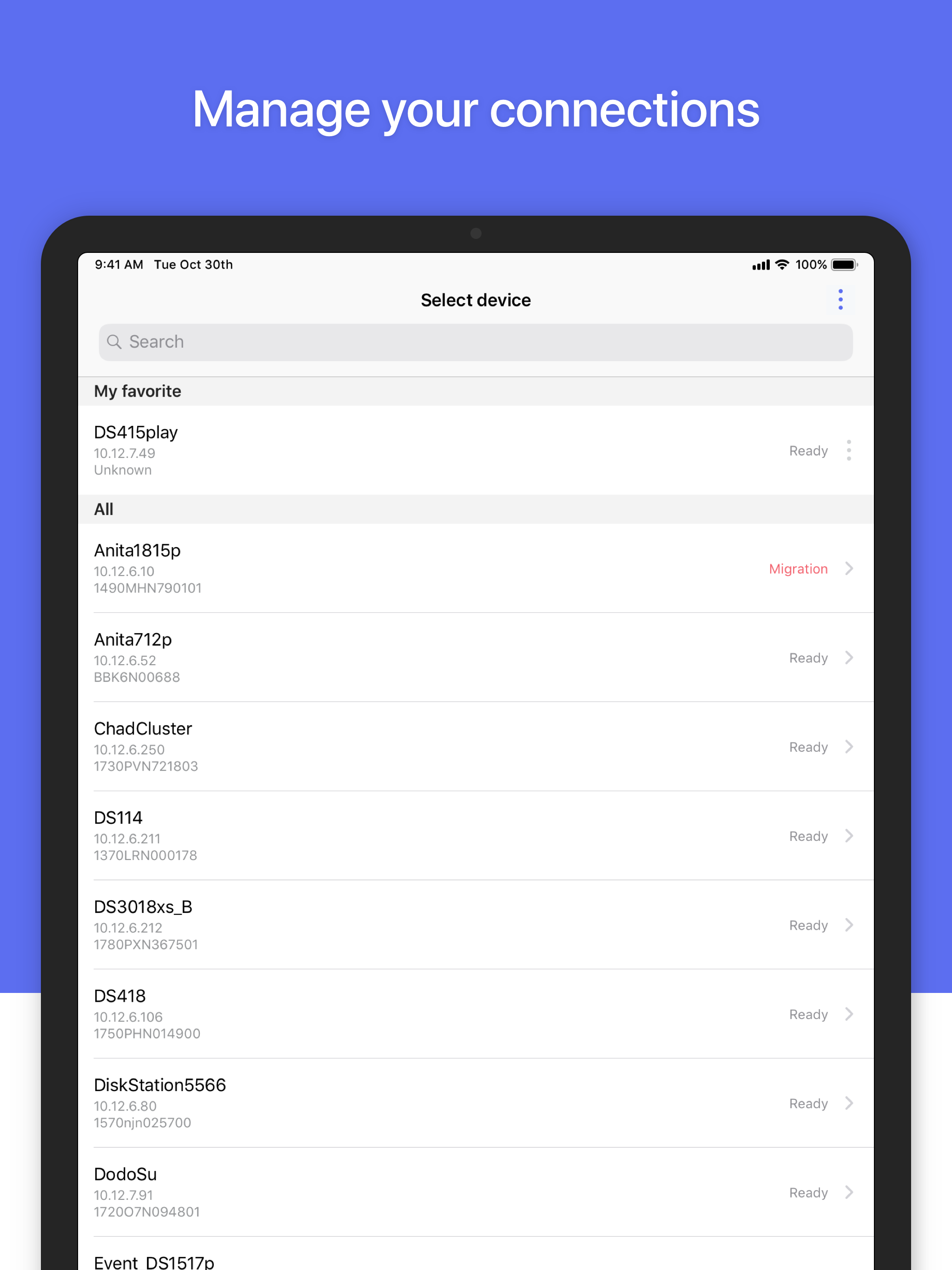
Study the product story and store experience behind the acquisition funnel.




03 / Market context
Keep revenue, downloads and store rankings separate from advertising performance.
Suddenly the app has really bad navigation problems recently. For example, I can’t get Package Center to display properly and so I can’t download apps to the server using my phone. The Package Center window is either too tiny where you can’t see the text or it blows up super huge but then won’t let you scroll up and down or sideways when you go to search use the search bar. The window just gets stuck. What a drag because the app would be so great if it fully worked. There also is not an option to use the app in Landscape mode like in other desktop remote systems (portait mode is so difficult to use). It would be a big game changer if they updated the app to include optional landscape.
The new iPad version of DSM Mobile is a bit strange. The DSM desktop is larger than the iPad screen. Top-level DSM windows can’t be moved or resized on the DSM Mobile desktop, so parts of a window may be off-screen, making vital parts of a DSM app’s GUI inaccessible. My previous review concluded that the iPadOS app was therefore useless, but I have found a workaround. If you tap on the DSM window’s full screen decoration, the program (File Manager, Package Manager, and so on) will completely fill the DSM desktop space as bounded by the iPad’s screen, and will recompute its geometry correctly for that space. Therefore, all of the program’s controls will be laid out within the space, and will be accessible. I don’t find that to be as intuitive as being able to resize and move desktop windows, and to scroll those windows’ contents horizontally and vertically, but the one-window-at-a-time full screen model is completely usable; I just need to get used to it. The GUI of the iPhone iOS app is significantly different, and its lack of support for landscape mode encourages the use of the built-in tools rather than an attempt to do any work in desktop mode.
Since you can’t do things like fully operate packages from the mobile version you need to open desktop mode. Unfortunately I can’t get it to work in landscape mode and I also can’t zoom in and out so it’s difficult to use. The biggest thing that needs to be fixed is that it zooms in when you touch a text field (and brings up the keyboard) but there’s seemingly no way to zoom back out after.
*You must own a Synology NAS to run this app, and be running the latest DSM 6.0 or above version to get the complete set of features.* DS finder allo...