
Check the acquisition promise
Read the store headline, screenshots and description. What problem is the app promising to solve?
Study the storefront ↗
海龙 李 · iOS
Explore the ad evidence, study the storefront, and build your next acquisition hypothesis.
01 / Creative research
Read the store headline, screenshots and description. What problem is the app promising to solve?
Study the storefront ↗Explore apps with direct store-link matches. Compare their hooks and formats without assuming the same approach works here.
Browse observed advertisers ↗Store rankings and revenue estimates describe market context. They do not establish ad spend, conversions or ROAS.
Review the market context ↗02 / Storefront & product
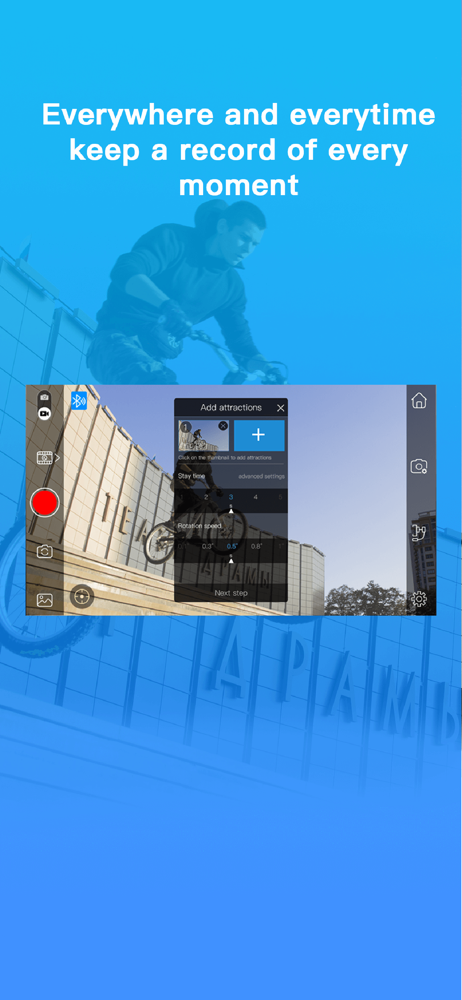
Study the product story and store experience behind the acquisition funnel.


03 / Market context
Keep revenue, downloads and store rankings separate from advertising performance.
This app seems to control a lot of different brands. That’s tough on the developer because each company can have different hardware quirks in their models. The app has some cool features but face tracking just gives up sometimes and it will randomly twist in some weird direction for no reason. After spending a day with the app and my new gimbal I took a walking video with my $2 selfie stick and it was just as good. Deleting the app and returning the gimbal. Maybe it works great with other brands but I have a COMITOK L7C Pro and it doesn’t work reliably.
I used the app today while filming some open houses I lost a 8 minute footage from the app including having another video being cut in half, I made sure the app was recording both times I get home and the videos are known where to be found this is ridiculous Im also having the same problem someone left a review of 5 years ago where the Bluetooth connects and in the camera in app says mobile not connected which I’m suspecting may the reason I lost my footage, apparently they have intentions on improving their app I will no longer use it and will now use my native camera I wouldn’t recommend it if you don’t want to loose your photos and videos
The app works wonderfully for a while but, now I have a problem. I turned on my Gimbal pro and connected it to my iPhone 7. The app said my phone is connected to my Gimbal pro but, the blue tooth symbol on the app said I wasn't. I tried taking pictures and switching to video by only using the Gimbal pro. However, it didn't work I tried to use the app to connect to it once again but, it said I am already connected. The blue tooth symbol continued to show that I wasn't connected on the app. As I went to settings on my iPhone it said I was connected. The Gimbal pro is brand new but, it won't connect correctly while using the Gimbal pro app. The app tells me that I'm connected and not connected at the same time. I looked in the manual but, there is nothing about blue tooth other than telling me what app to use. Can someone please help me with this issue?
Features: 1. Fast connect your stabilizer. 2. Real-time synchronize device information, working status, battery and modes etc. 3. To achieve the intel...


