
Check the acquisition promise
Read the store headline, screenshots and description. What problem is the app promising to solve?
Study the storefront ↗
Raethan Christian Supatan · iOS
Explore the ad evidence, study the storefront, and build your next acquisition hypothesis.
01 / Creative research
Read the store headline, screenshots and description. What problem is the app promising to solve?
Study the storefront ↗Explore apps with direct store-link matches. Compare their hooks and formats without assuming the same approach works here.
Browse observed advertisers ↗Store rankings and revenue estimates describe market context. They do not establish ad spend, conversions or ROAS.
Review the market context ↗02 / Storefront & product
Study the product story and store experience behind the acquisition funnel.




03 / Market context
Keep revenue, downloads and store rankings separate from advertising performance.
The version of the app that you get for free is very cute and thought out. The color choices are nice, the course option is great, the calendar is a nice feature and so is the class schedule. You can add your own images to your id and other things as well which is very nice. There are a few issues I have that others might encounter. For starters you are only allowed to enter in three courses for free, otherwise you’ll need the plus version. This is pretty inconvenient since you’d never think that a core feature would be locked behind a paywall. Not only that, but the advertisement that shows for Folderly+ when you run out of courses promises you “unlimited courses” but when searching further it only says it’ll offer an additional 3+ courses. This difference does not make me want to buy the subscription, because what will I truly be getting? I understand money needs to be made, so I hope that when more plus features roll out, they’ll at least consider making more courses available. Another issue is the scrolling for start and end times. It’s quite buggy and you need to hit a very specific spot in order to get your proper time. It’s not life changing but certainly is annoying. Lastly, there is no way to look at your class schedule in full during the weekends (that I am aware of, if there is it is very unclear as to how anyone would be able to access it). Again, not life changing, but I don’t want to wait two whole days just to see my class schedule and customize it. It is a cute app overall, but you’re only getting 7 benefits overall with the free version (unlimited to-do list, 3 courses, the calendar, the schedule, and custom images).
Ever since I saw a video from one of the developers, I believe, about this app on my TikTok fyp a couple years ago, I’ve downloaded and constantly loved and used it. It runs amazingly, so smooth and it’s such a beautiful app. I love incorporating it in my day-to-day and for school and work tasks. When I saw that I had a chance to support the app by purchasing Folderly+ I bought it without blinking or even knowing the benefits. The team behind this app continues to update and fix bugs and problems all the time and add amazing new details and things to the app. I could not recommend this app enough. I downloaded this before the app was even compatible with iPad! So to see how far the app has come makes me so happy. Lots of love.
Firstly, I want to thank the devs and designers for this app! It’s so easy to navigate, and the designs make it so fun to set up your own schedules and to-do lists. Definitely a lot more user friendly than notion, in my opinion at least. However, there is one thing I hope will be adjusted in the future, and that’s the time frame for the scheduling tab! The scheduling tag works at a week-by-week basis, so you can only add events for that week. This is completely understandable since the app is mainly targeted towards students (such as myself), who are looking to plan out their weekly classes/meet-ups. However, since I have a job, I was looking to map out/add work events for the entire month of august, which was restricted by the week-to-week planning system. Perhaps I’m having trouble navigating the app, but this was the main thing I noticed, and I though that there might also be some other students who prefer to plan their entire month out too- not just for a work, but also for study sessions, finals, midterms, club events, etc. Of course, I don’t think this detracts from my enjoyment/impression of the app, rather it’s a small wish on my end. Again, thank you to the devs for the great app!
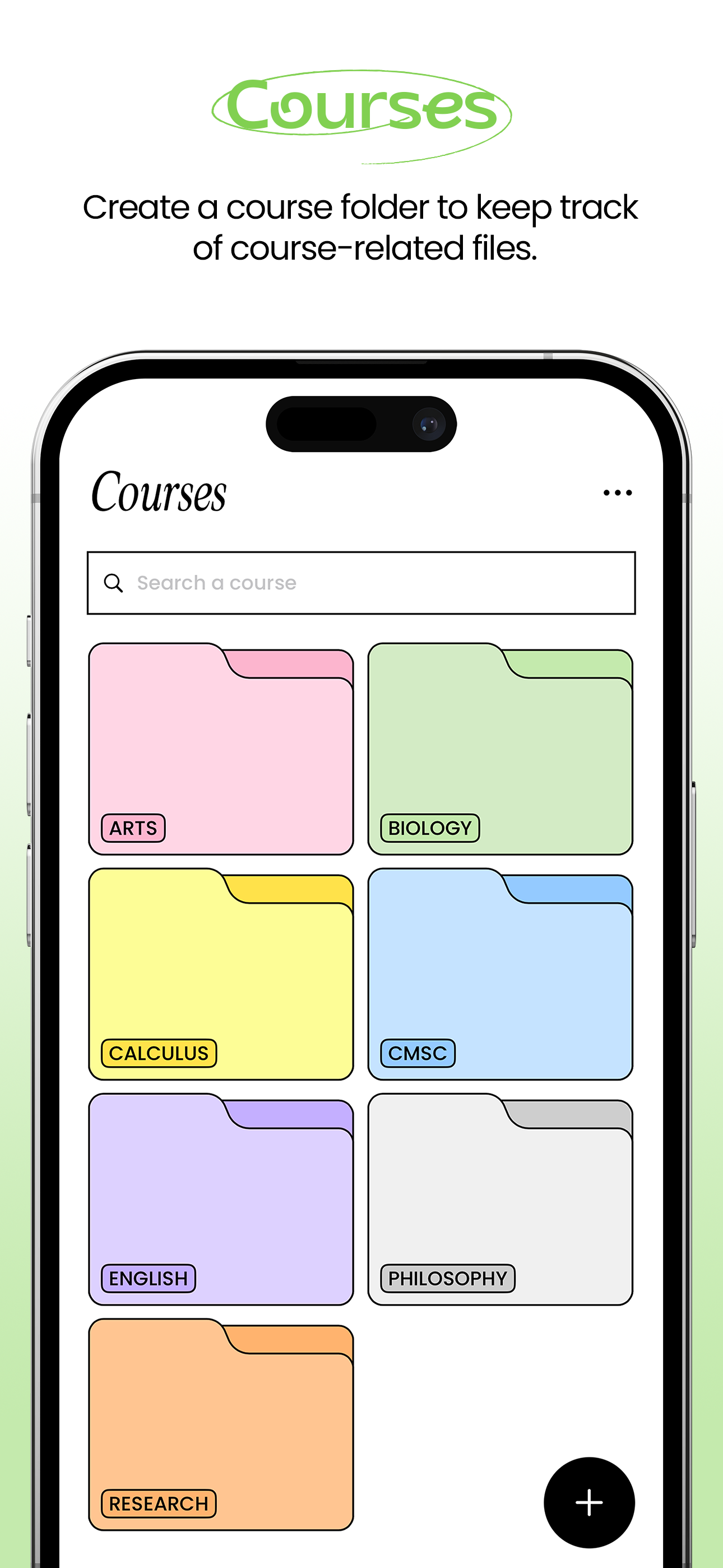
Features ID Card - Create your custom ID Card! Select from a variety of logos or upload your own to make it uniquely yours. To-do List - Stay organ...
| Name | Price | Type |
|---|---|---|
| Color Picker | $2.99 | One-time |
| Folderly Plus (Monthly) | $3.99 | Monthly |
| Calendar Sync | $4.99 | One-time |
| Subto-dos | $4.99 | One-time |
| Folderly Plus (Monthly) | $5.99 | Monthly |
| Folderly Plus | $14.99 | One-time |
| Upgrade: Plus to Family | $14.99 | One-time |
| Folderly Plus (Yearly) | $19.99 | Yearly |
| Folderly Plus (Yearly) | $29.99 | Yearly |
| Folderly Family | $29.99 | One-time |


