Check the acquisition promise
Read the store headline, screenshots and description. What problem is the app promising to solve?
Study the storefront ↗
Stratospherix Ltd · iOS
Explore the ad evidence, study the storefront, and build your next acquisition hypothesis.
01 / Creative research
Read the store headline, screenshots and description. What problem is the app promising to solve?
Study the storefront ↗Explore apps with direct store-link matches. Compare their hooks and formats without assuming the same approach works here.
Browse observed advertisers ↗Store rankings and revenue estimates describe market context. They do not establish ad spend, conversions or ROAS.
Review the market context ↗02 / Storefront & product
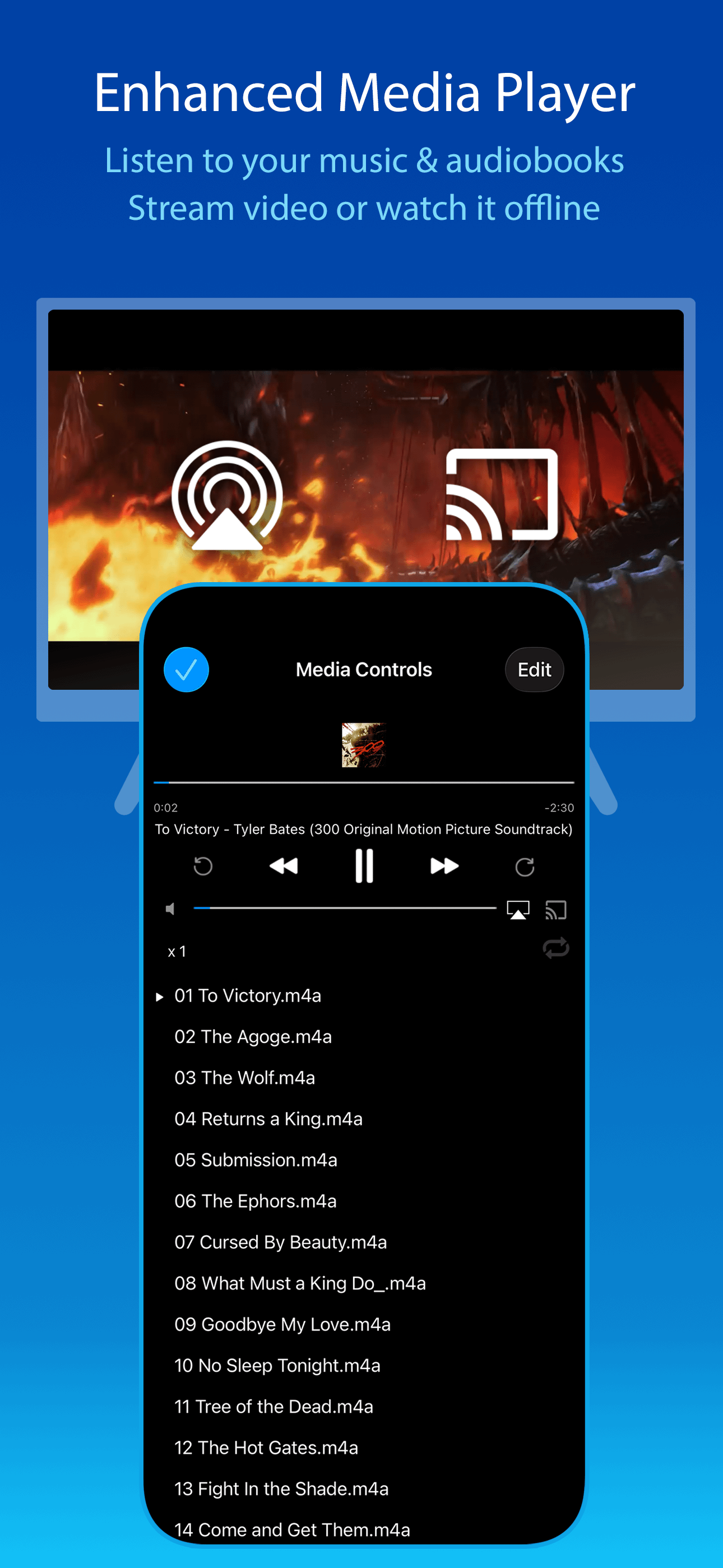
Study the product story and store experience behind the acquisition funnel.


03 / Market context
Keep revenue, downloads and store rankings separate from advertising performance.
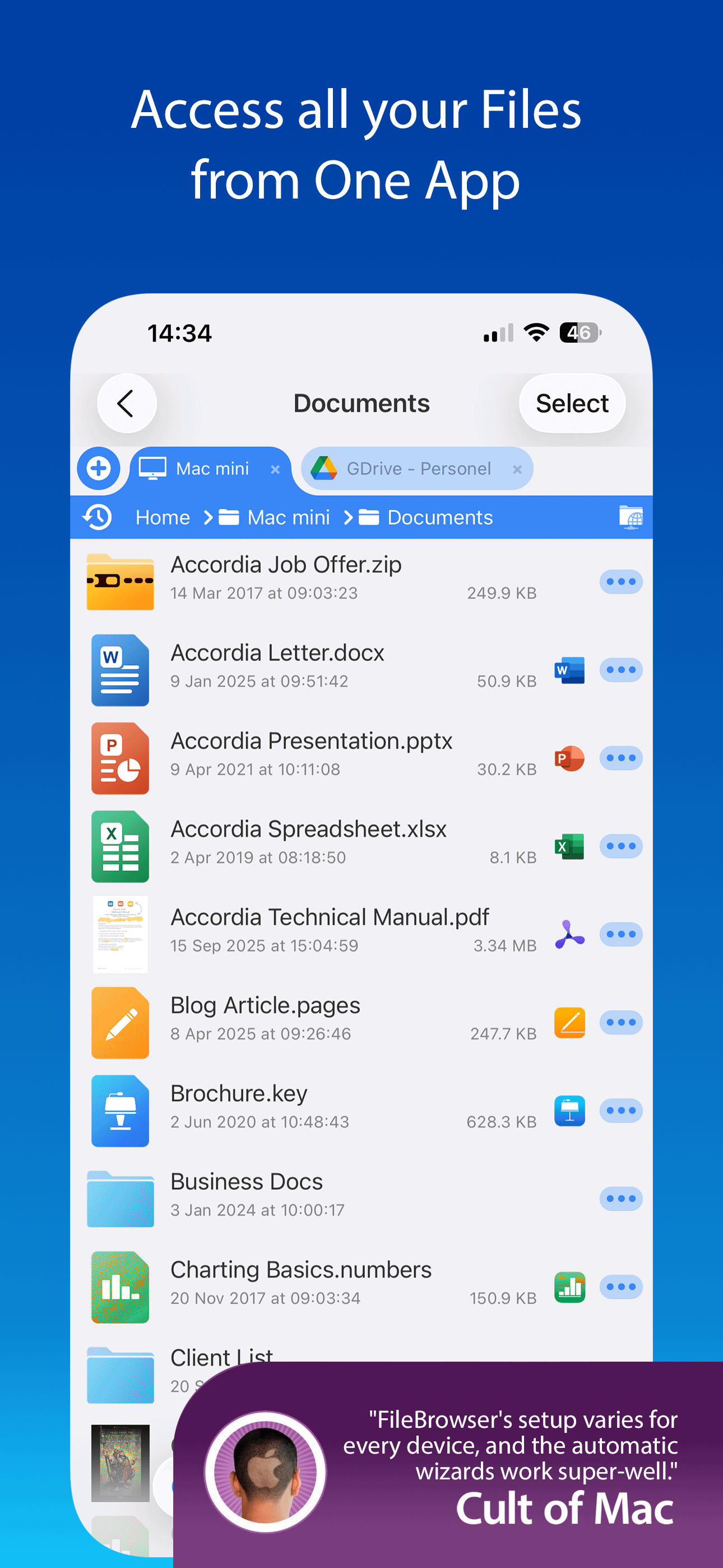
I’m new to Apple products. I bought an iPad Air 3. I was having learning curve problems. I couldn’t get files moved to where I wanted, causing me a lot of grief. I tried many file managers, The one that came with the IPad was just about worthless for my needs. After a month and a half of fooling around with different apps, finally FB file manager answered all my file transferred needs. This app has just about every file transfer function anyone needs. I turned on the operational hints to help me navigate through the options. I was able to connect two NAS servers and get my videos easily transferred from an attached USB flash drive into an email as an attachment with very little trouble. I take my hay off to the FB app developers. I would recommend this to anyone looking for a solid file management app. Good Job!
This app offers a host of features that make file management from anywhere a breeze. The suite of options lives within an interface that is clean and intuitive. I use this app frequently to transfer files between my computer and phone, watch movies, and more, and I can say that it is well worth the price. Even having used this app for a little over a year, I can only find two real issues with it: one, there is no way to transfer a bunch of pictures and videos to your camera roll at once; instead, you have to save each one by one. This makes sharing photos tedious and time consuming, but should be an easy fix for future updates. And two, the integrated video player feels clunky. The skip forward/backward buttons can’t be configured, and they snap to the nearest keyframe of video. This means that you could press the button to rewind 1 second and end up many seconds back, or even a few seconds ahead of, where you were before. Additionally, the video scrubbing bar sometimes doesn’t show up and is very sensitive when it does. And the subtitle font is readable but gargantuan, and it cannot be changed is settings. A dedicated video player - even the one built into the Photos app - can work around these limitations if they are too bothersome. I don’t mean to discourage anyone from buying this app, I only want to offer ways to further improve it Edit: clarity
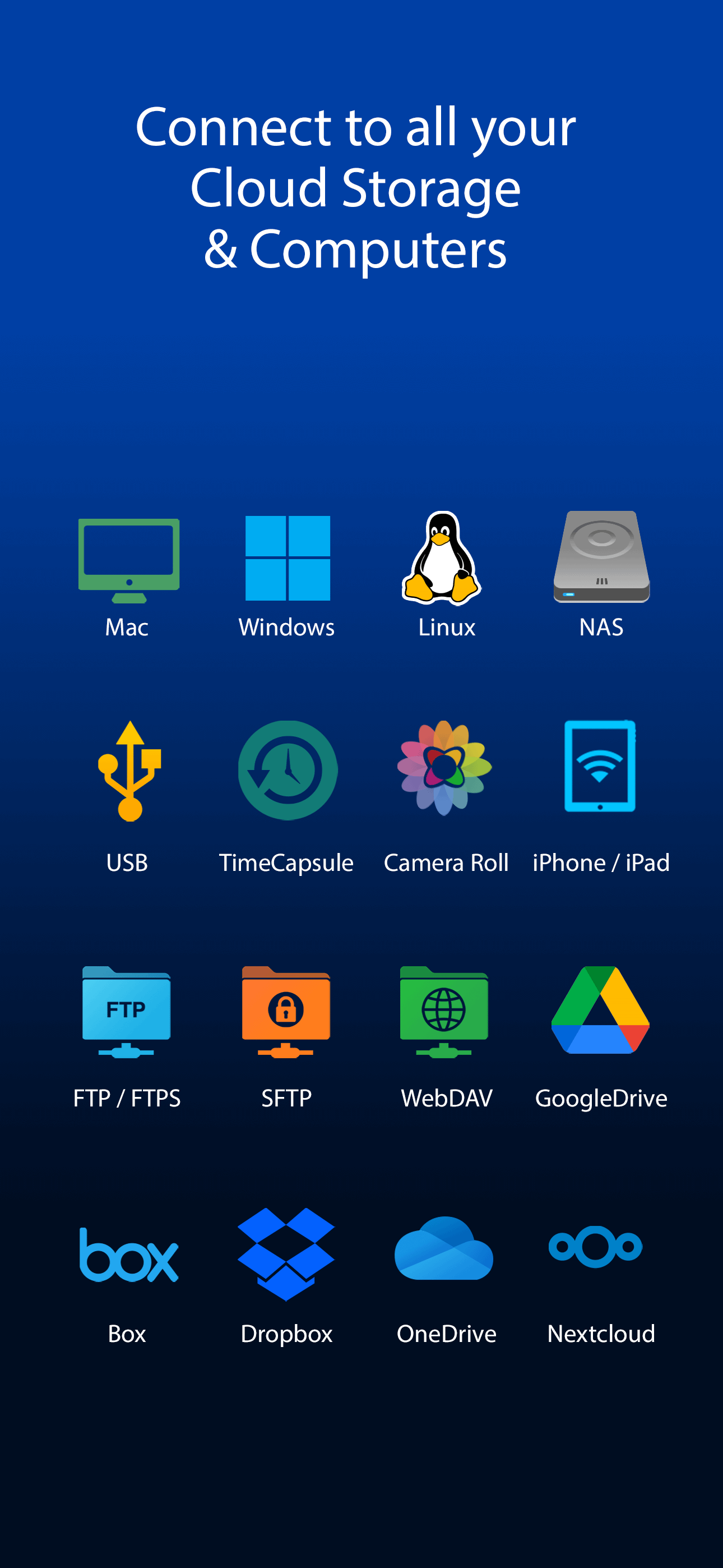
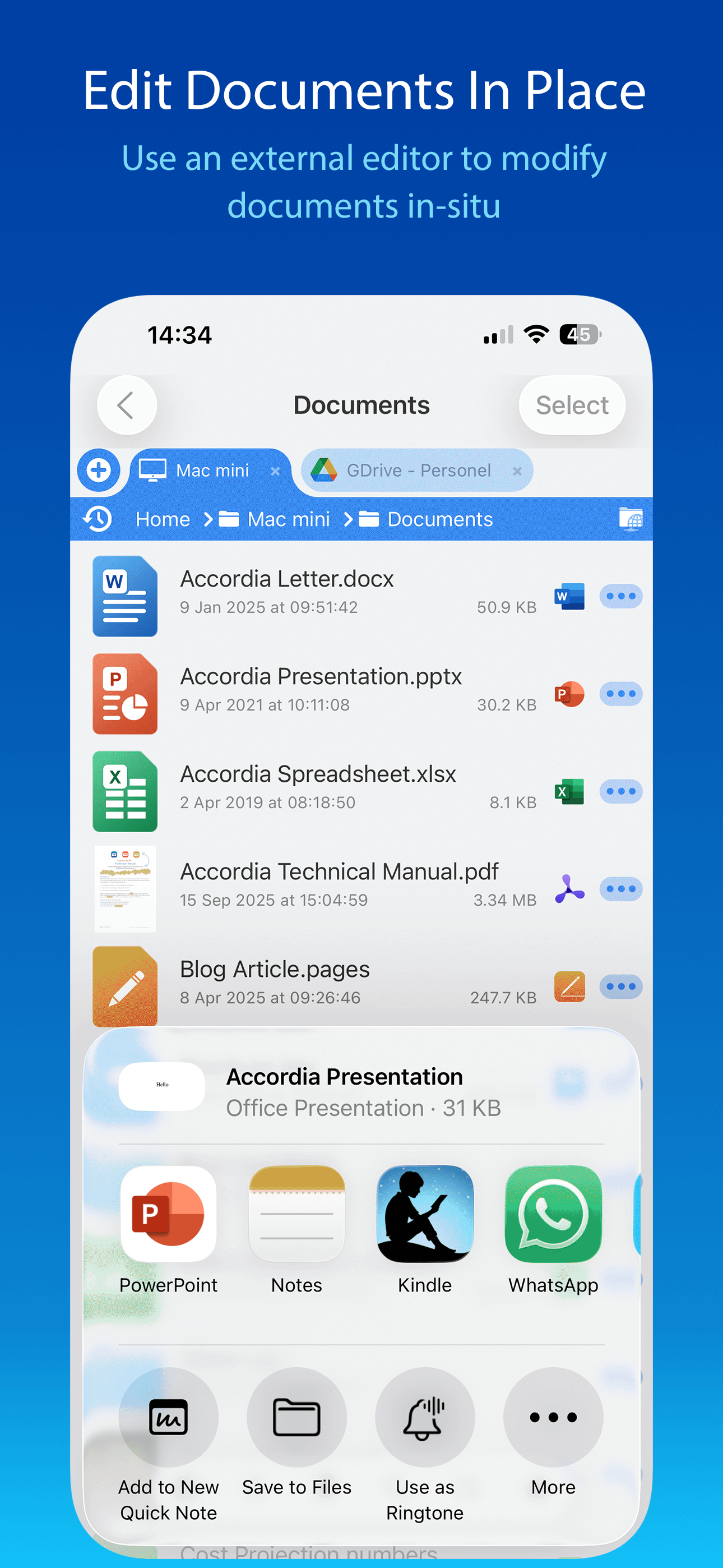
I have been using this app for years. Recently I belatedly found that I could also access the files on my PC. So right in front of me I have access to my network server, my PC, and my Dropbox files. It is interesting that photos on the iPad show up as actual files within FileBrowser that can be treated as any other file instead of having to go to the more limiting iOS Photos app. FB also has a built in server which allows other devices to exchange files with you independent of platform, such as a PC. Outstanding attention to functionality! Here is where I have been very surprised. Apple introduced their Files app recently, iOS 11. It is their first attempt at a file manager. It is limited. What is interesting is that when users want to open a file from within an app like Pages, their new file manager opens where the file can be selected. FileBrowser shows up as a selection. If you make that selection, when FileBrowser is running, you have access to all the locations for files that you have when you are in that this FB app. The locations are displayed as directories. This includes files on the PC, online storage like Dropbox, and your network servers. This is quite an enhancement for the Apples Files app. So I can open a file on my PC from within Pages or other iOS apps. This is very nice indeed!
Use your iPad or iPhone to connect to your home computers, network drives and cloud storage. Easily upload/download/copy files and folders from one lo...


![File Explorer & Player [Pro]](https://is1-ssl.mzstatic.com/image/thumb/Purple221/v4/12/39/27/1239275c-7f6b-5de7-a32f-02ae938f116f/AppIcon-0-0-1x_U007emarketing-0-8-0-85-220.png/150x150bb.jpg)