Check the acquisition promise
Read the store headline, screenshots and description. What problem is the app promising to solve?
Study the storefront ↗
Stratospherix Ltd · iOS
Explore the ad evidence, study the storefront, and build your next acquisition hypothesis.
01 / Creative research
Read the store headline, screenshots and description. What problem is the app promising to solve?
Study the storefront ↗Explore apps with direct store-link matches. Compare their hooks and formats without assuming the same approach works here.
Browse observed advertisers ↗Store rankings and revenue estimates describe market context. They do not establish ad spend, conversions or ROAS.
Review the market context ↗02 / Storefront & product
Study the product story and store experience behind the acquisition funnel.

03 / Market context
Keep revenue, downloads and store rankings separate from advertising performance.
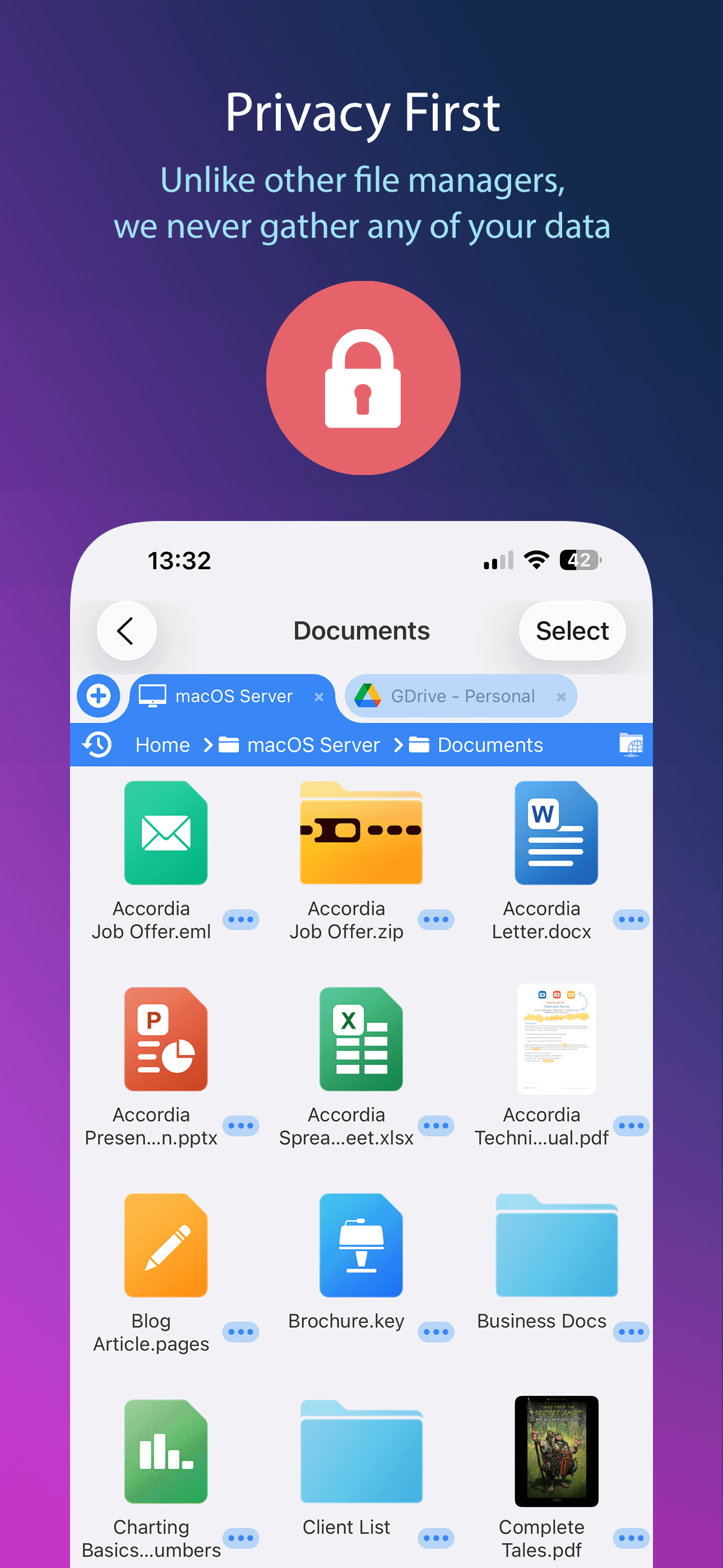
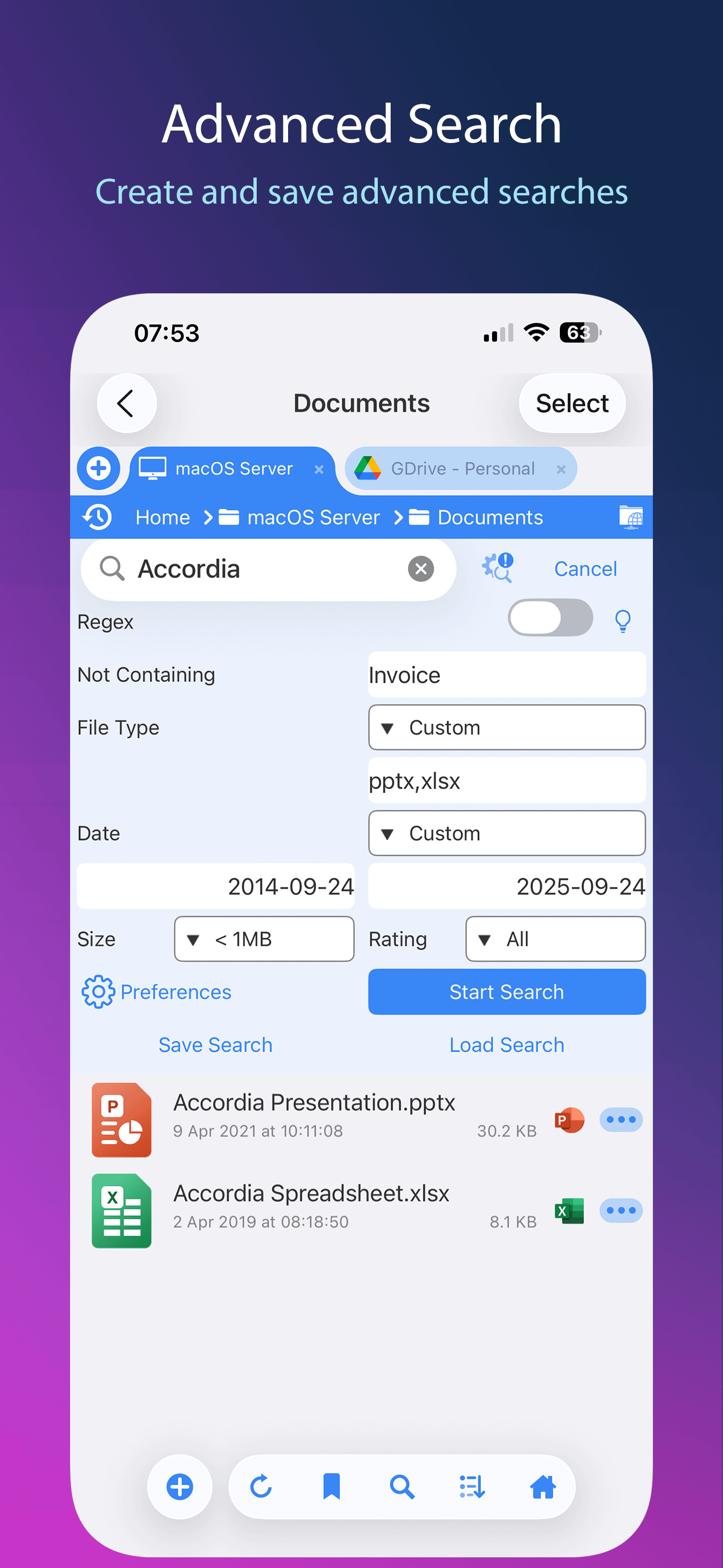
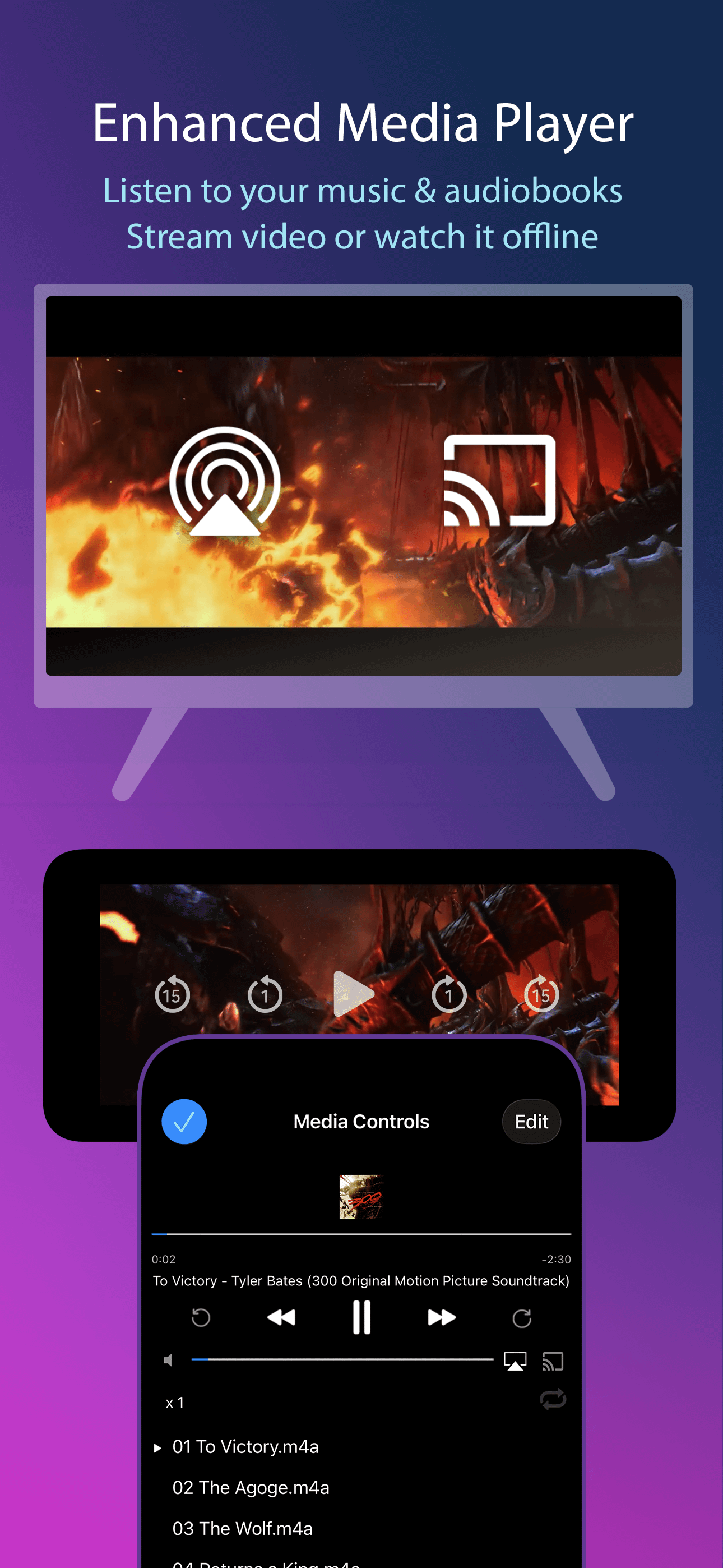
The reason I am switching from the Files app is because files that have not been touched for a while need to be downloaded again in order to preview. So I was trying out different file manager alternatives, and this one is one of the few that takes my list. I would say that it has the best explorer than the others. It is the only one that allows you change the size of file and folder thumbnails. It also allows you to set thumbnail images to videos, which is a very impressive feature. Even the video viewer has a realtime scrub feature. And the design of the file manager feels very welcoming and right at home. There is a breadcrumb navigation tree for easier navigating, a history menu, and adding folders with large storage space is very easy and can be done quickly. With competitors such as Documents, it can be quite a hassle. Now there are a couple of issues. One is that it takes a long time for files to process when there are large amounts inside a folder. The thumbnail preview can take a long time to display, and I cannot view the files. There is a long wait. I have other suggestions that are not criticisms, but just personal preferences. Compared to other alternatives, there are more options for viewers. Like in the default image viewer, I see that the thumbnail images are below, but I like an approach where you can scrub through in a flipbook fashion. (I animate.) I would also like a playlist feature in the video viewer. One last thing is that I would like an option to group files. This is one thing that the Files app gets right. Maybe have options to group by name, tag, type, and etc.
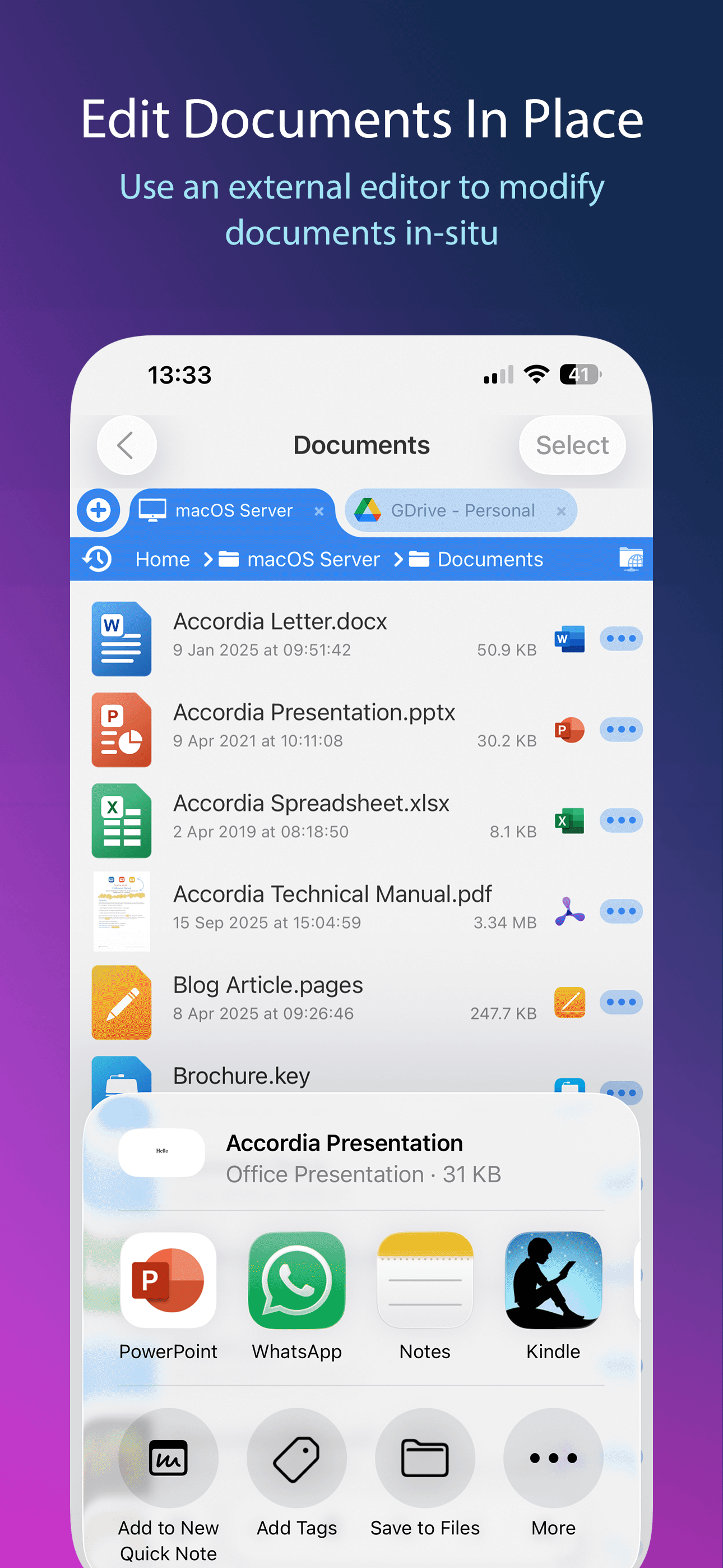
Upgraded to sub to get .mp4 viewer etc too. I normally hate subscriptions but this "Go" version of their file browser lets me see how videos work (I'll buy the full one soon so I don't have a sub). Testing from Windows shares, it needs SMB2 (or SMB3) like this app has. Some apps that claim SMB might only do SMB1 and modern Windows hates that and will just sit and spin on connection. This program is great and fast, I can select files in the viewer with a checkbox on the picture screen, rename files, move them. Haven't tested copying from PC to cloud but I'm sure it'll be a nice tool to sort/clear out my Dropbox folders while sitting on the throne for downtime. Only thing I might improve is a lossless jpeg rotate and crop (I scan all my mail, papers, receipts into a network PC) so cleaning, rotating and sorting is the thing I haven't automated so it falls behind and I need a handy fast tool like this to sort it all in those quick 5 min pauses in the day. Second thing, video viewer is nice, dials down to 0.1x speed for near frame by frame. The 1s fwd/row works only once, the 15s is handy for TV commercials (also use PlayOn recorder) and works all the time. Weird big PAUSE icon fills the middle of the screen anytime the progress bar is on.
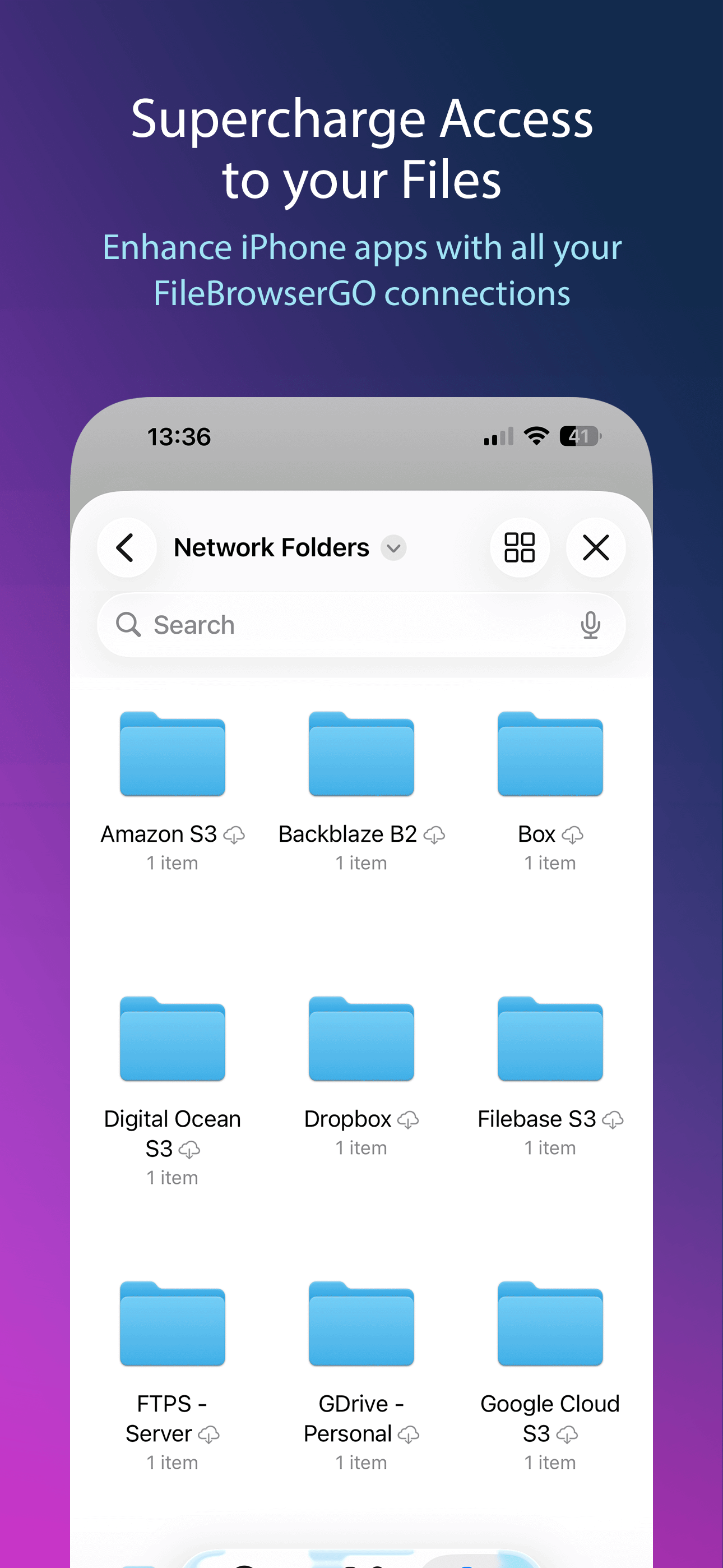
This is nearly everything that I could have hoped to look for in an app to make my network drives as seem as if they’re integrated into iOS. The next step would be to integrate a messages extension so that files can be navigated and shared from the app. I don’t see this being much of a problem, considering that there are other drive services who offer that. Also, I am not sure if it is a limitation of an SMB share, or the program. The need to continue and open the app to authenticate the drives and then return to the Files app is a bit clunky. Hopefully this is something that can be fixed in future releases. Keep up the good work! 👍🏼👍🏼👍🏼
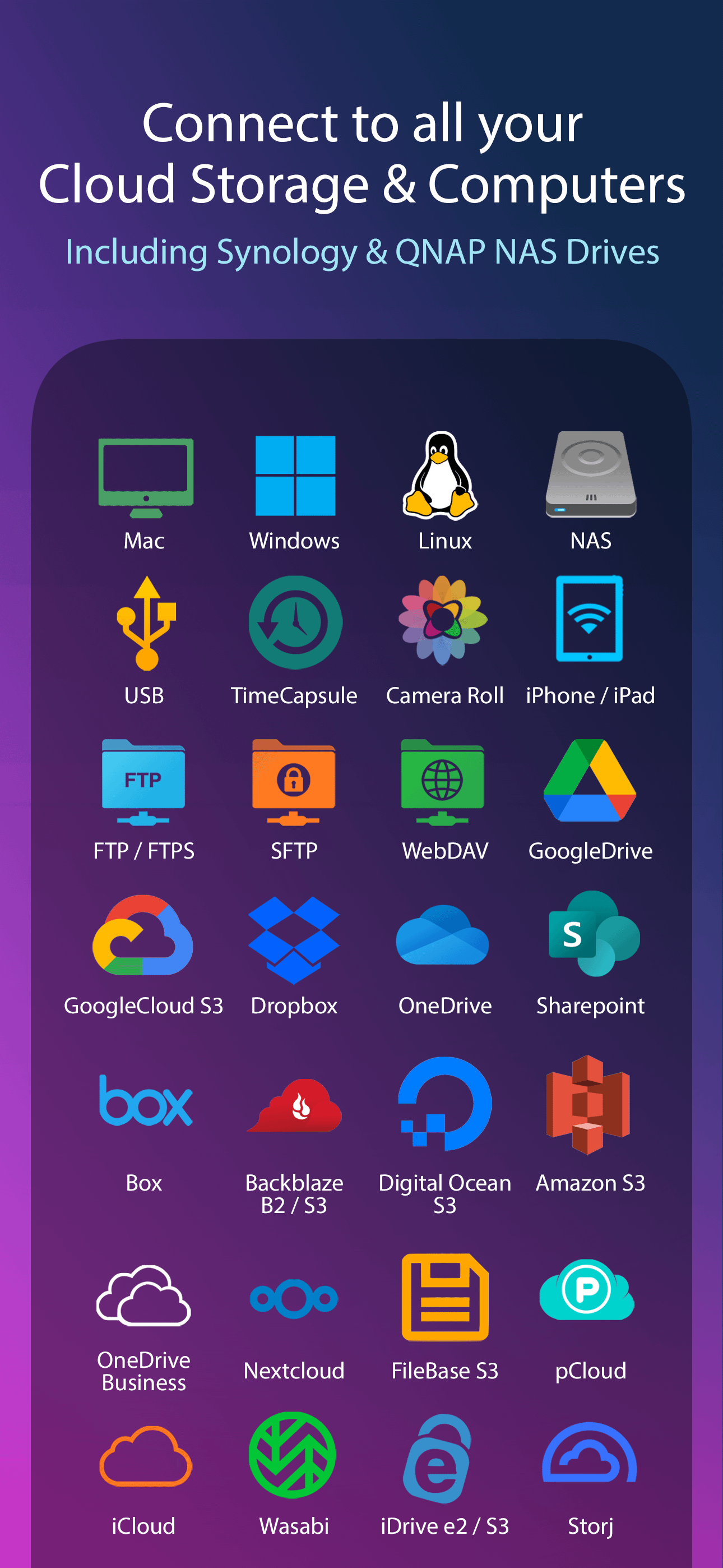
Try FileBrowserGO and let it change the way you use your iPad or iPhone to connect to your home computers, network drives and cloud storage. *** File...