Check the acquisition promise
Read the store headline, screenshots and description. What problem is the app promising to solve?
Study the storefront ↗
Big Pineapple LLC · iOS
Explore the ad evidence, study the storefront, and build your next acquisition hypothesis.
01 / Creative research
Read the store headline, screenshots and description. What problem is the app promising to solve?
Study the storefront ↗Explore apps with direct store-link matches. Compare their hooks and formats without assuming the same approach works here.
Browse observed advertisers ↗Store rankings and revenue estimates describe market context. They do not establish ad spend, conversions or ROAS.
Review the market context ↗02 / Storefront & product
Study the product story and store experience behind the acquisition funnel.



03 / Market context
Keep revenue, downloads and store rankings separate from advertising performance.
I would like to sit down and take the time to talk about this 5 Star Design app! The Developer has put a great deal of Hard work Time Sweat and yes Love into the Coding of this software! For you myself and our family it’s easy to set up and use! If in your busy schedule you are taking the time to read this I hope you will Download this Unique Outstanding Design App now! Don’t wait or put it off you won’t be sorry! ( really ) well time for me to move on so they say with that thought I want to Thank the Developer for putting this app out here for all of us! I truly truly appreciate and Tip my Hat to you Mr. Developer for a great Idea that you gave with your Heart! Thanks 🎩 .
I specifically bought and downloaded this app because I am trying to avoid automatically viewing LinkedIn profiles in the app when I click on a link for one in safari (a work related issue). For a while, I would be asked if I wanted to open the link in the app, I would simply hit cancel, and I would be able to view the page or profile from safari. Eventually that prompt stopped appearing altogether, and any time I clicked a link in safari it would automatically open in the LinkedIn app. Looking for a way to resolve this, I downloaded this app. I enabled it through settings/extensions as instructed, and immediately I am encountering the same issue— clicking a link in safari takes me to automatically viewing the linked page from within the app. I’ve seen the developers be very helpful with issues in previous reviews, so I am hoping for some guidance here.
I HATE popups and I HATE ads. To be honest, I'm not really noticing much of a difference after a couple of days with Banish. Mostly, I see "login" popups on sites such as forums, social media, etc.. You know, the popups that happen after you scroll a bit and are in the middle of reading something. Disabling Java temporarily in Safari will kill the ads, but this also kills most websites or changes the layout drastically. Hopefully this is because I'm on iPadOS 16.1.1 and maybe a future update to Banish will help. I only surf on an iPad and with Safari. I would pay much more than three bucks for an anti ad/anti-popup extension that is Safari-centric and continuously updated. The market is ripe for such a product! I'm concurrently using other anti-ad & anti-popup extensions, but nothing seems to kill the "I'm in the middle of reading" popups that have an extremely negative effect on the user experience. It seems like it gets harder every year to keep popups out of my attention span. Bummer. To be fair, maybe I misunderstood what Banish is meant to do.
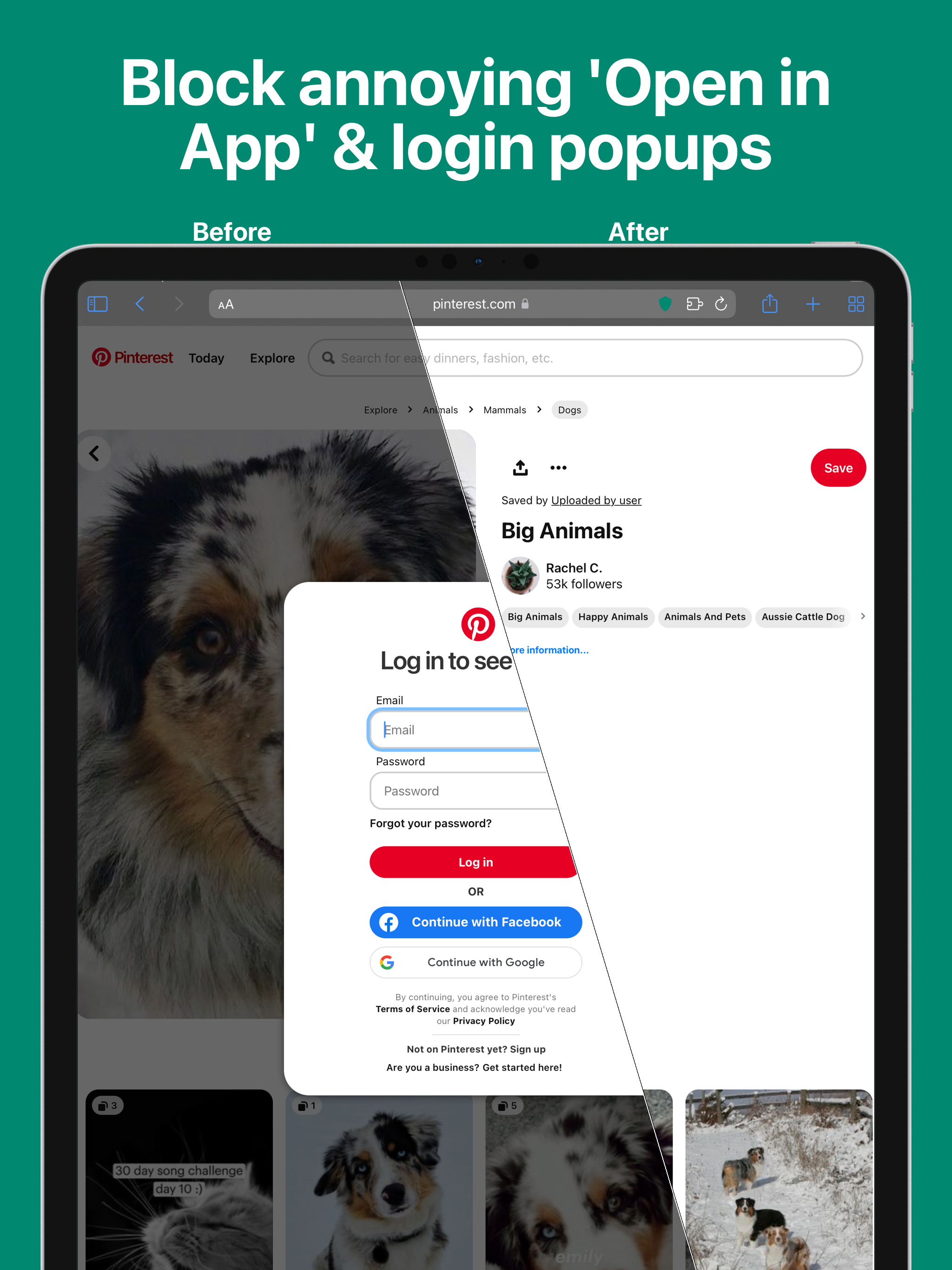
BANISH. The #1 Safari Extension to block annoying 'Open in App' popups & other dark patterns on the web. “Banish does one thing and does it well: it...