Check the acquisition promise
Read the store headline, screenshots and description. What problem is the app promising to solve?
Study the storefront ↗
myice92 · iOS
Explore the ad evidence, study the storefront, and build your next acquisition hypothesis.
01 / Creative research
Read the store headline, screenshots and description. What problem is the app promising to solve?
Study the storefront ↗Explore apps with direct store-link matches. Compare their hooks and formats without assuming the same approach works here.
Browse observed advertisers ↗Store rankings and revenue estimates describe market context. They do not establish ad spend, conversions or ROAS.
Review the market context ↗02 / Storefront & product
Study the product story and store experience behind the acquisition funnel.


03 / Market context
Keep revenue, downloads and store rankings separate from advertising performance.
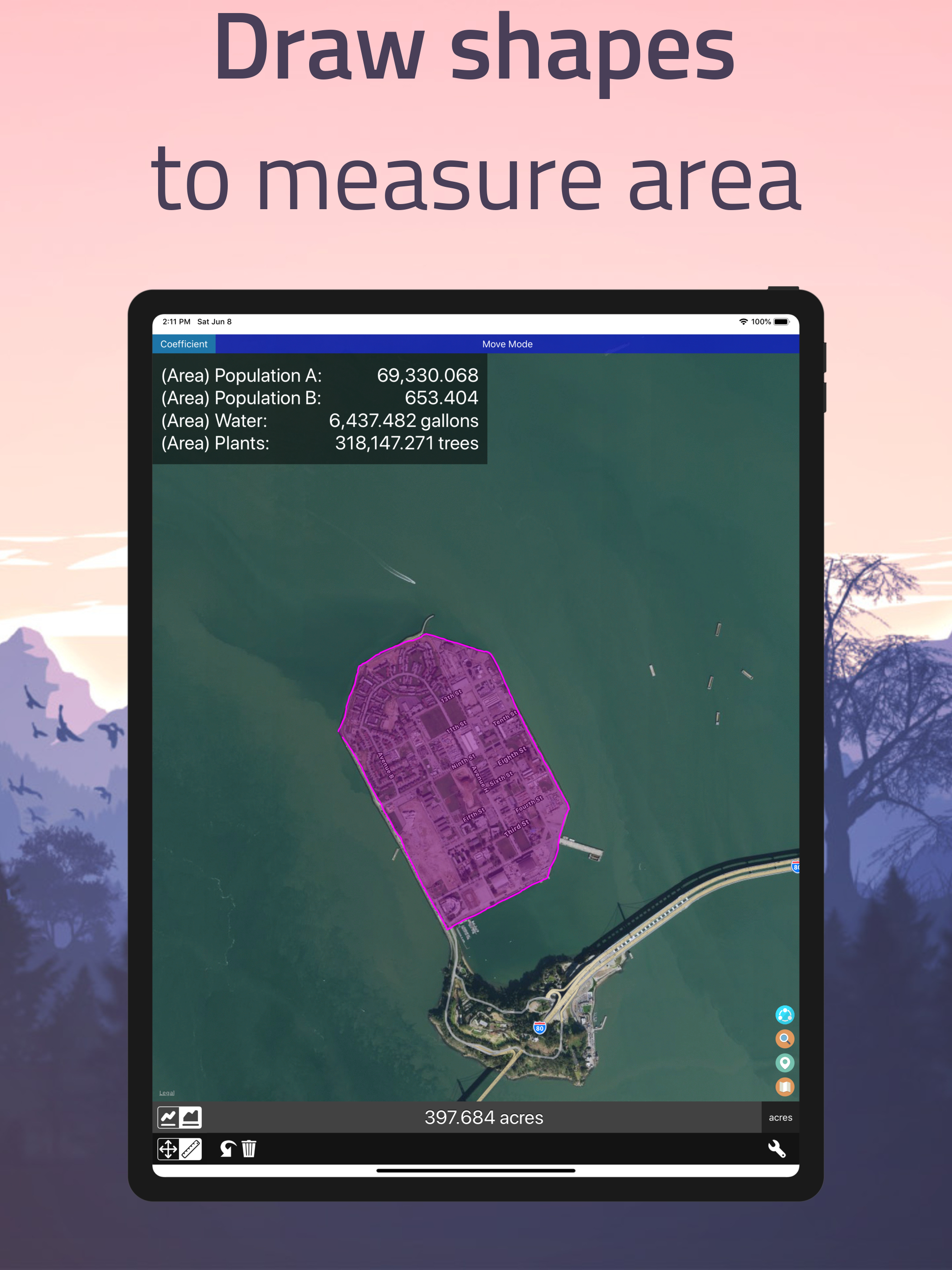
Was always trying to map out my runs on maps. Was thinking I should create an app that you can manually trace your route to get the mileage. Unfortunately/fortunately, this app already exists so I won’t be rich. But now I can easily map out new runs to know the distance, very impressed by the usability here.
I have always wanted to map out my walks or bike rides ahead of time, but trying to figure out how long my routes were was a google maps nightmare. Now I simply draw on a map and choose miles instead of meters and bam- I have my distance. This app is perfectly what I have been searching for!
This is how to use app on iPhone 8S to get VERY accurate readings. 1) Use a rubber tip stylus designed for a touch screen. DO NOT EVEN TRY TO USE YOUR FINGER. 2) Use the stylus and touch the bottom left until you see the word “Move” appear. You are now on the move screen. You can touch the Move screen with your fingers and move it around. You can pinch or separate your fingers to shrink or enlarge your field of view. On the Move screen find your starting location and enlarge it. 3) Switch to Measure screen. 4) Use the stylus to touch exactly where you want to start measurement to leave a 🔴 dot 5) Switch back to Move screen. 6) Enlarge or shrink your screen to put the starting red dot on one side of the screen and the ending point on the other side of the screen. 7) Switch the screen back to Measure mode. 8) Touch your stylus to the ending point. This will leave a Second red dot and a straight red line will appear which connects the 2 points. 8) At the bottom of the screen the a VERY accurate measurement will appear. You can use the stylus to click on and change the units sequentially, eg. meters, yards, feet, kilometers, miles. No need to go back and redo to connecting points to change units. 9) If you mess up no worry. You can just use your stylus and keep tapping the “BACK” arrow at bottom left of screen. 10) If you really mess up just use the stylus to touch the Trash Can icon at bottom left screen and start back at step # 1. Finally, the app DOES NOT WORK IN LANDSCAPE MODE. Bill W.
Introducing our enhanced distance measurement app! With added features such as area measurement and custom coefficients, this app takes accurate measu...
| Name | Price | Type |
|---|---|---|
| Plug Upgrade (Monthly) | $1.99 | Monthly |
| Plug Upgrade (6 Month) | $9.99 | Semi-Annual |
| Plus Upgrade (Annual) | $17.99 | Yearly |