Check the acquisition promise
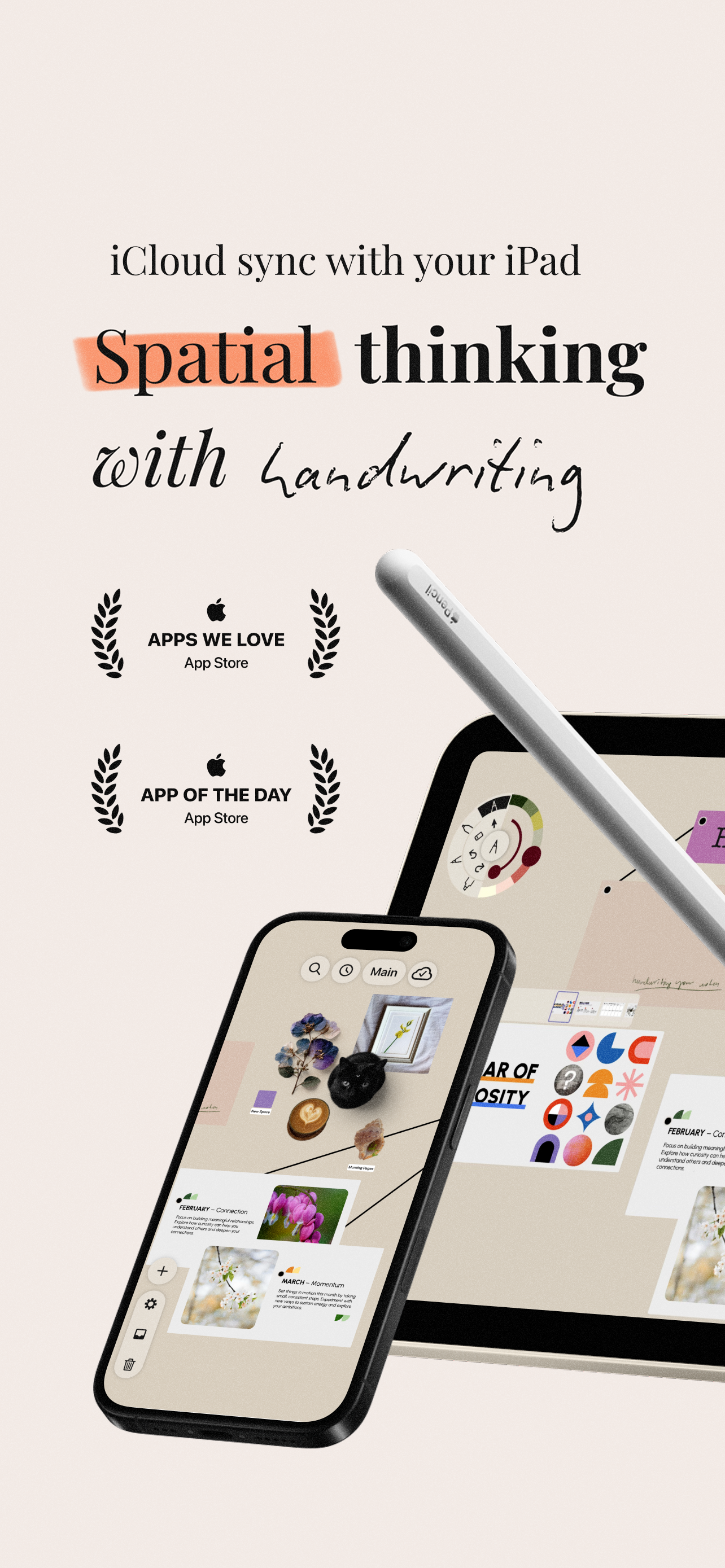
Read the store headline, screenshots and description. What problem is the app promising to solve?
Study the storefront ↗
Deft Works ApS · iOS
Explore the ad evidence, study the storefront, and build your next acquisition hypothesis.
01 / Creative research
Read the store headline, screenshots and description. What problem is the app promising to solve?
Study the storefront ↗Explore apps with direct store-link matches. Compare their hooks and formats without assuming the same approach works here.
Browse observed advertisers ↗Store rankings and revenue estimates describe market context. They do not establish ad spend, conversions or ROAS.
Review the market context ↗02 / Storefront & product
Study the product story and store experience behind the acquisition funnel.


03 / Market context
Keep revenue, downloads and store rankings separate from advertising performance.
I love it, but there needs to be basic things that need tweaking, like in PDFs, there is no back button (if you’ve pressed a link accidentally and you have no idea what page you were reading / working on, or the highlighter, which is gorgeous like the Apple Original tool, but cannot control opacity (at least none that I can obviously find in their controls), and the selection of items like stickers are rather finicky. Anyway, I purchased this app because it IS promising. I was hoping it would be a better version of liquid Text, better aesthetically. Anyways, I’ll keep an eye out for improvements.
I love this app. I purchased it after viewing the exquisite tutorial videos on the developers’ website and listening to a podcast interview with the user interface designer. I believe that the designer and the developer share a vision of what this sort of app ought to be and are making rapid progress toward their goals. I am not an elegant person but I appreciate quality tools. In this app I haul all my research onto my space and start writing on my screen with my Apple Pencil. If I need anything the app makes it easy to bring it to the workspace. This is a very intimate way to interact with the iPad and releases a lot of inhibitions I feel when using a keyboard and facing a blank screen. I love that I can tilt the “paper” while I write. This feature really helps an old left-handed scrawler like me. The latest update also offers left-handlers the option of moving the drawer and tools to the right side of the screen. Defter Notes helps me to do serious work in a way that I find appealing. I look forward to seeing where the developers take it, and they appear to be moving quickly. I offer an enthusiastic endorsement.
I really like how the interface gets out your way on this app, I feel like I am working on desk with an infinite filing cabinet. This app is like a well thought out hybrid of Sling Notes (sadly no longer available) and Corkulous. The ability to export any asset and/or complete note space to PDF is fantastic. The stacking feature is great for page collections and PDFs imported from my Concepts, GoodNotes and Notability notebooks and the web, allowing specific collection and reorganization in a free-form way. Looking forward to options for “bring your own” external cloud backup and syncing. The fact this doesn’t require use of a forced cloud service like Muse, is what makes this program a gem and makes me feel in control of my data, without a subscription. I hope the developers continue to improve this app as it could easily become the next “Must Have” for iPad.
Defter Notes is loved by academics, students, teachers, researchers, journal keepers, knowledge workers, designers, architects, engineers, writers, an...
| Name | Price | Type |
|---|---|---|
| Mini Supporter (Monthly) | $2.99 | Monthly |
| Monthly Plan | $2.99 | Monthly |
| Supporter (Monthly) | $7.99 | Monthly |
| Big Supporter (Monthly) | $29.99 | Monthly |
| Yearly Plan | $34.99 | Yearly |
| Lifetime Access - Welcome Offer | $44.99 | One-time |
| Lifetime Access | $59.99 | One-time |