Check the acquisition promise
Read the store headline, screenshots and description. What problem is the app promising to solve?
Study the storefront ↗
smalltech sarl · iOS
Explore the ad evidence, study the storefront, and build your next acquisition hypothesis.
01 / Creative research
Read the store headline, screenshots and description. What problem is the app promising to solve?
Study the storefront ↗Explore apps with direct store-link matches. Compare their hooks and formats without assuming the same approach works here.
Browse observed advertisers ↗Store rankings and revenue estimates describe market context. They do not establish ad spend, conversions or ROAS.
Review the market context ↗02 / Storefront & product
Study the product story and store experience behind the acquisition funnel.
03 / Market context
Keep revenue, downloads and store rankings separate from advertising performance.
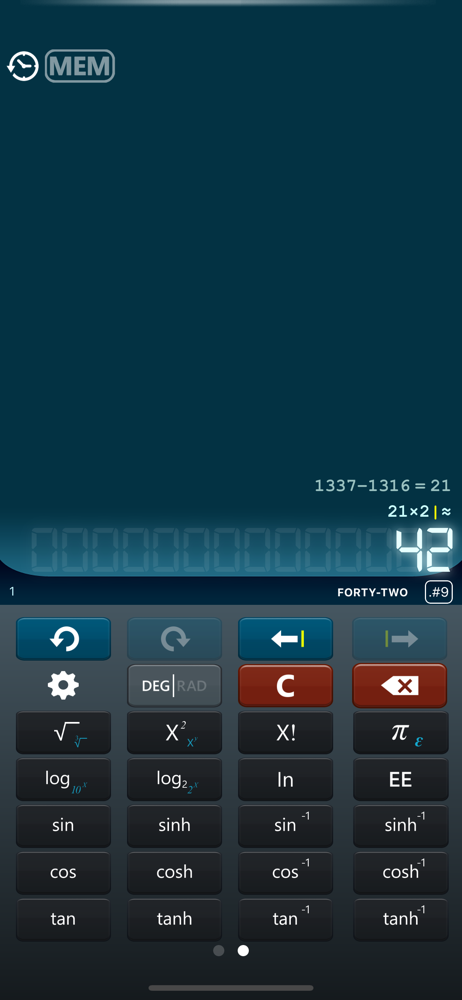
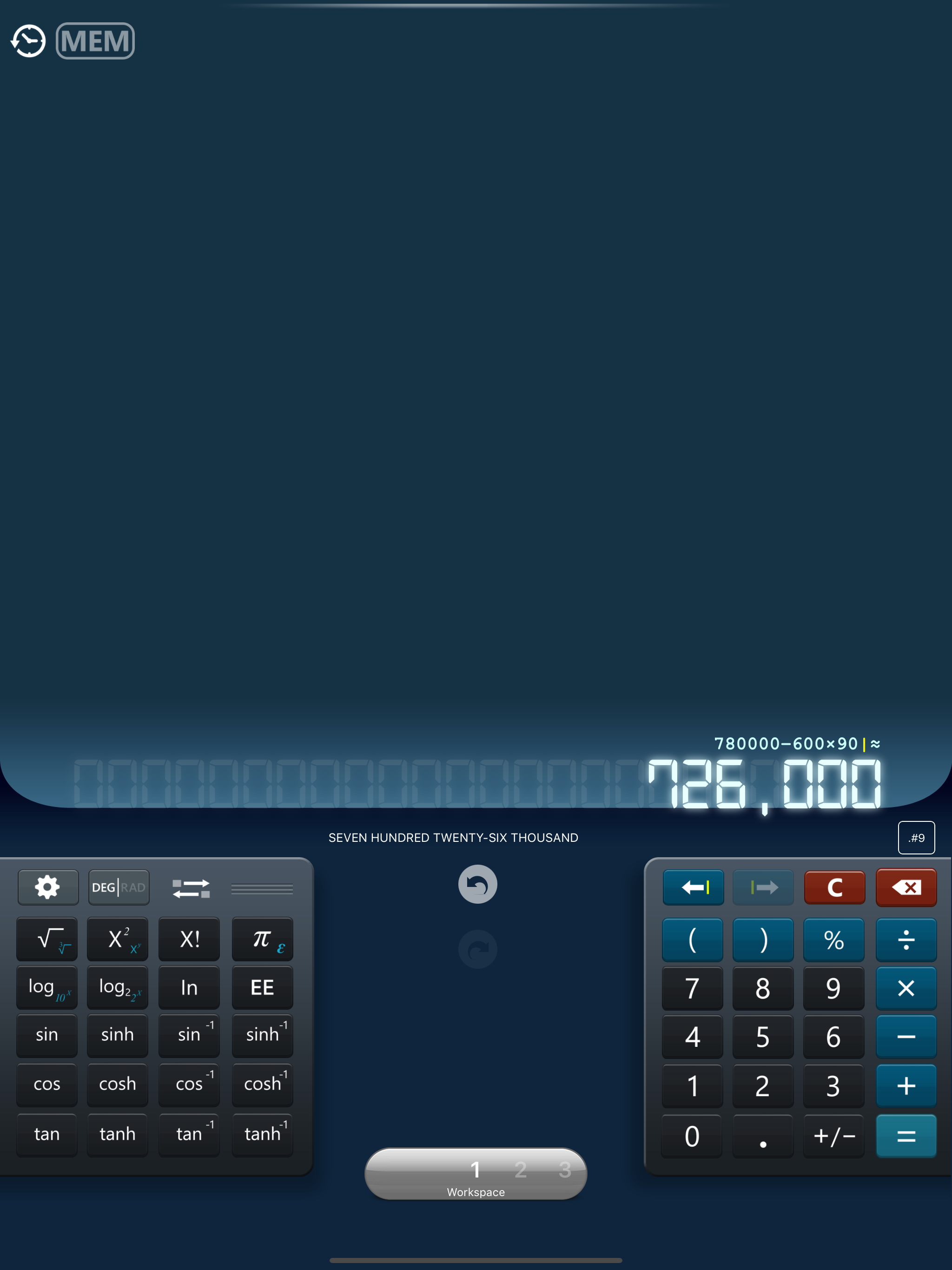
I like that it has heptics. Also that all figures remain in view (not deleted) everytime an action (+,*,etc) is used. It also keeps a history. The only thing that took me awhile to figure out was how to delete history. I had to press and hold on the clock at upper left corner and a drop down menu appeared. Has 3 workstations and very easy to read and use.
I use this calculator frequently and normally is pretty good if you are just doing 2 or 3 numbers calculations. The problem comes when you are doing longer calculations. To correct a number or just add a parenthesis to further develop the formula, you have to use the annoying arrows to go from end to beginning and back of your work; one click at a time is just too annoying. For this reason alone I would not buy the premium calculator to get rid of the equally annoying adds that keep popping up in the middle of your work. I do will have to say that the adds display has improved from a few years back and now you have a close button to close them faster. The arrows are so counter productive and analogue feeling that I may find another calculator app soon.
Got it a few years ago, great app when you need to see individual operations and or advance algebra with functions. You can go back and correct figures, re-calculate or see partial results that you need to add to other figures, for instance very helpful when I am using it to do calculations for budgeting where I have multiple categories with many items in each one of them. The only thing I don’t like very much is that buttons are too small and sometimes it is hard to clear the screen right away. Perhaps one way to improve this is to allow bigger buttons and hold and release keys for additional keys? Pop up adds I know are necessary but it will be nice to be able of choosing between them. Thanks!
- It is simple, easy to use and well designed - High precision engine - Result is displayed while typing the formula - Multiple undo - Switch between...