Check the acquisition promise
Read the store headline, screenshots and description. What problem is the app promising to solve?
Study the storefront ↗
Artur Darbinyan · iOS
Explore the ad evidence, study the storefront, and build your next acquisition hypothesis.
01 / Creative research
Read the store headline, screenshots and description. What problem is the app promising to solve?
Study the storefront ↗Explore apps with direct store-link matches. Compare their hooks and formats without assuming the same approach works here.
Browse observed advertisers ↗Store rankings and revenue estimates describe market context. They do not establish ad spend, conversions or ROAS.
Review the market context ↗02 / Storefront & product
Study the product story and store experience behind the acquisition funnel.
03 / Market context
Keep revenue, downloads and store rankings separate from advertising performance.
I’m just trying out the app for the first time and I’m impressed with its simplicity, accuracy, and variety of effects. One more filter I’d like to see would have the in-focus elements in color and the blurred parts in black and white. I’ve already found ways to approximate that, but it would be great to have a built-in one-click solution. Thanks, and keep up the good work!
All I needed is to be able to blur certain areas of different pictures, tried about 10 different apps including photoshop and all did not work, were complicated and I had to pay! With this app took less than a minute to figure out how to blur without reading instructions and it works beautiful!! For free!! Thank you developer! You should set up an option to donate
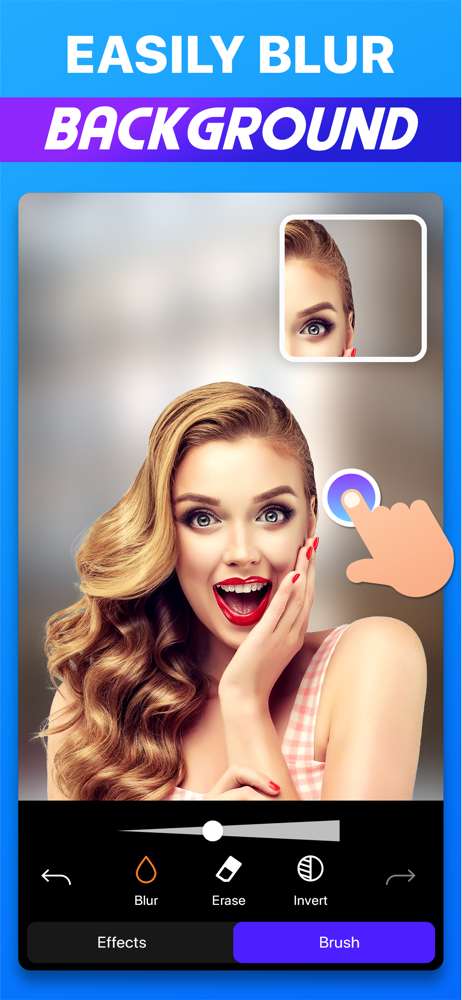
If you want a simple and easy to use photo filtering and blurring app then this is for you. Just import and image into the app and then you can apply many different filters to it. You can even add some blur to the image and give it that professional blur look. Overall this app was quite easy to use to edit images and I recommend.
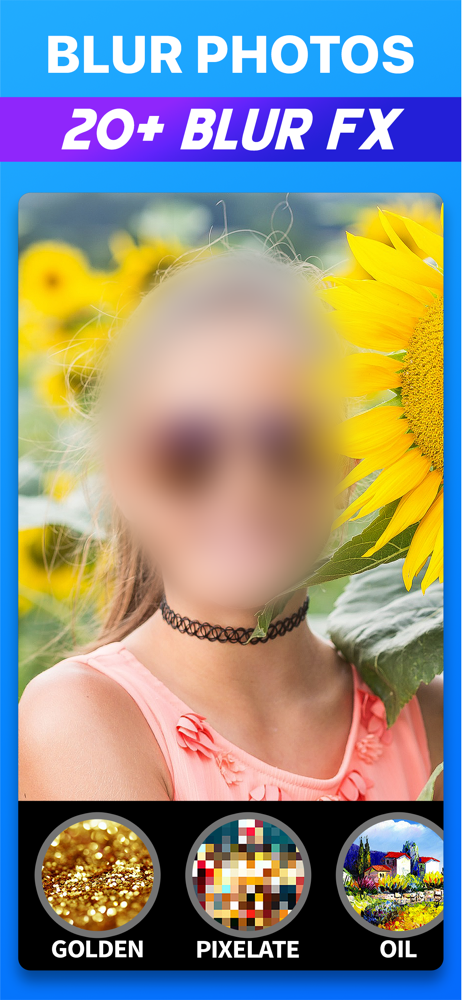
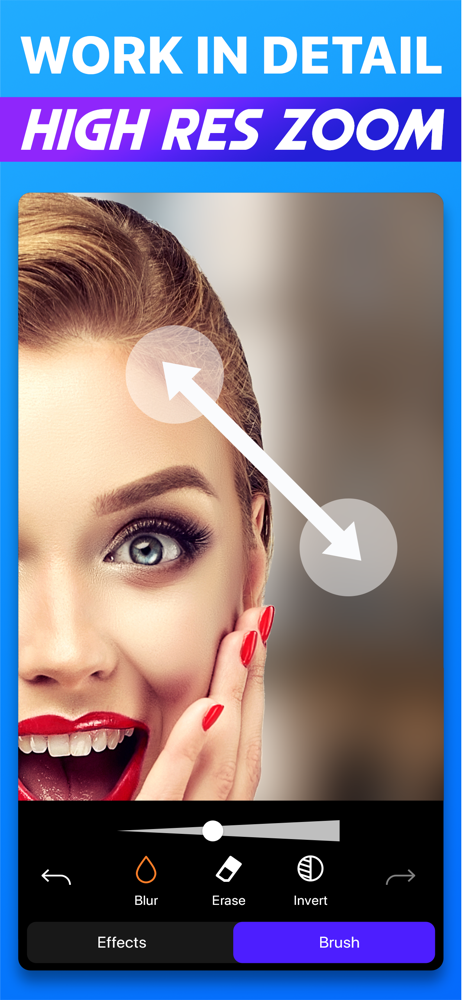
Easily blur backgrounds, faces, or any unwanted details that you don't want others to see. There are over 25 blur effects, and a lot of them are exclu...
| Name | Price | Type |
|---|---|---|
| Blur Photo Pro (Monthly) | $6.99 | Monthly |
| Blur Photo Pro (Annual) | $8.99 | Yearly |
| Blur Photo Pro (Annual) | $14.99 | Yearly |
| Blur Photo Pro (Annual) | $14.99 | Yearly |
| Blur Photo Pro (Annual) | $14.99 | Yearly |
| Blur Photo Pro | $14.99 | One-time |
| Blur Photo Pro | $19.99 | One-time |