
Check the acquisition promise
Read the store headline, screenshots and description. What problem is the app promising to solve?
Study the storefront ↗
Innostart Informatikai Fejleszto KFT · iOS
Explore the ad evidence, study the storefront, and build your next acquisition hypothesis.
01 / Creative research
Read the store headline, screenshots and description. What problem is the app promising to solve?
Study the storefront ↗Explore apps with direct store-link matches. Compare their hooks and formats without assuming the same approach works here.
Browse observed advertisers ↗Store rankings and revenue estimates describe market context. They do not establish ad spend, conversions or ROAS.
Review the market context ↗02 / Storefront & product
Study the product story and store experience behind the acquisition funnel.




03 / Market context
Keep revenue, downloads and store rankings separate from advertising performance.
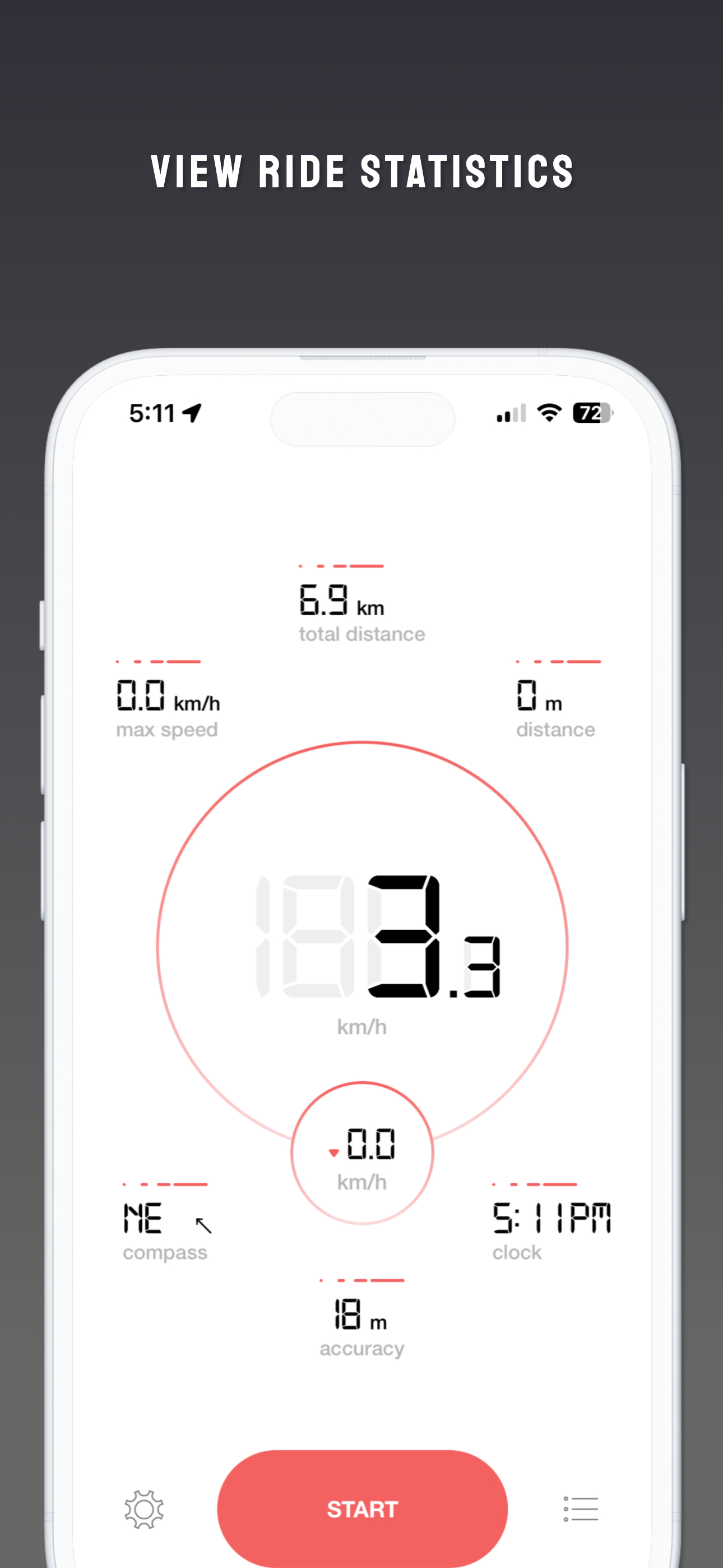
If you’re looking for a simple, easy fitness tracker to help you reach your goals, I recommend giving Bike GPS a shot. I have been using Bike GPS for nearly three years and I have had almost zero frustrations with it. It is a simple, streamlined, almost effortless app that does exactly what you want it to and has very little bloat or pointless “features” that bog it down. This is my essential app for tracking my rides. I want to say thank you to the dev team for making this no-nonsense app free to try, effective, and for also respecting users privacy by not collecting more data about users than necessary.
Bike GPS is actively supporting this app. A glitch in an update made the app close after loading. I contacted customer support and reported the problem. I got a response from Darren in customer support with a request for more details which were addressed by supplying a fix within a couple of days. After the update it was working with the exception of the current temperature (an option on the display). The next day I noticed that the app had a fix posted in the App Store. Everything is working fine now.
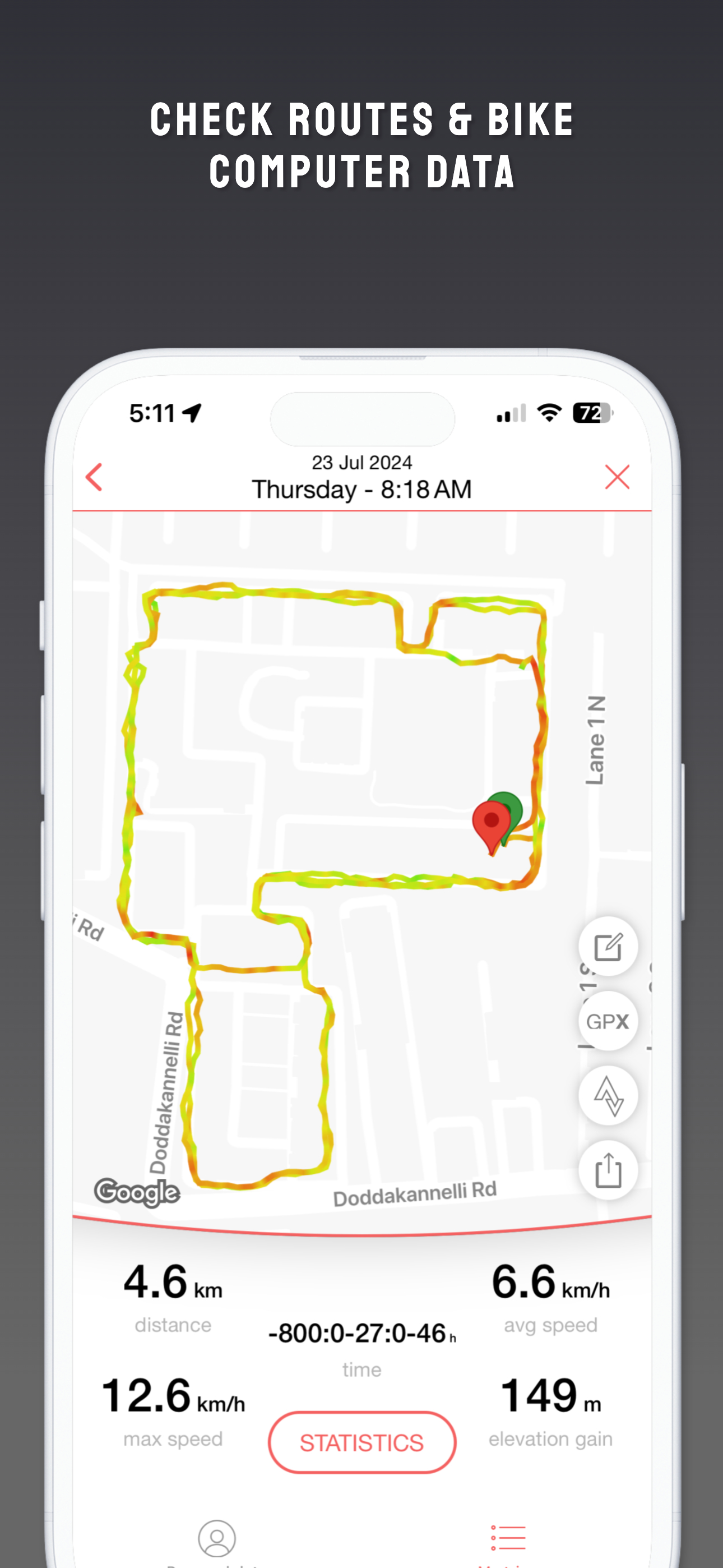
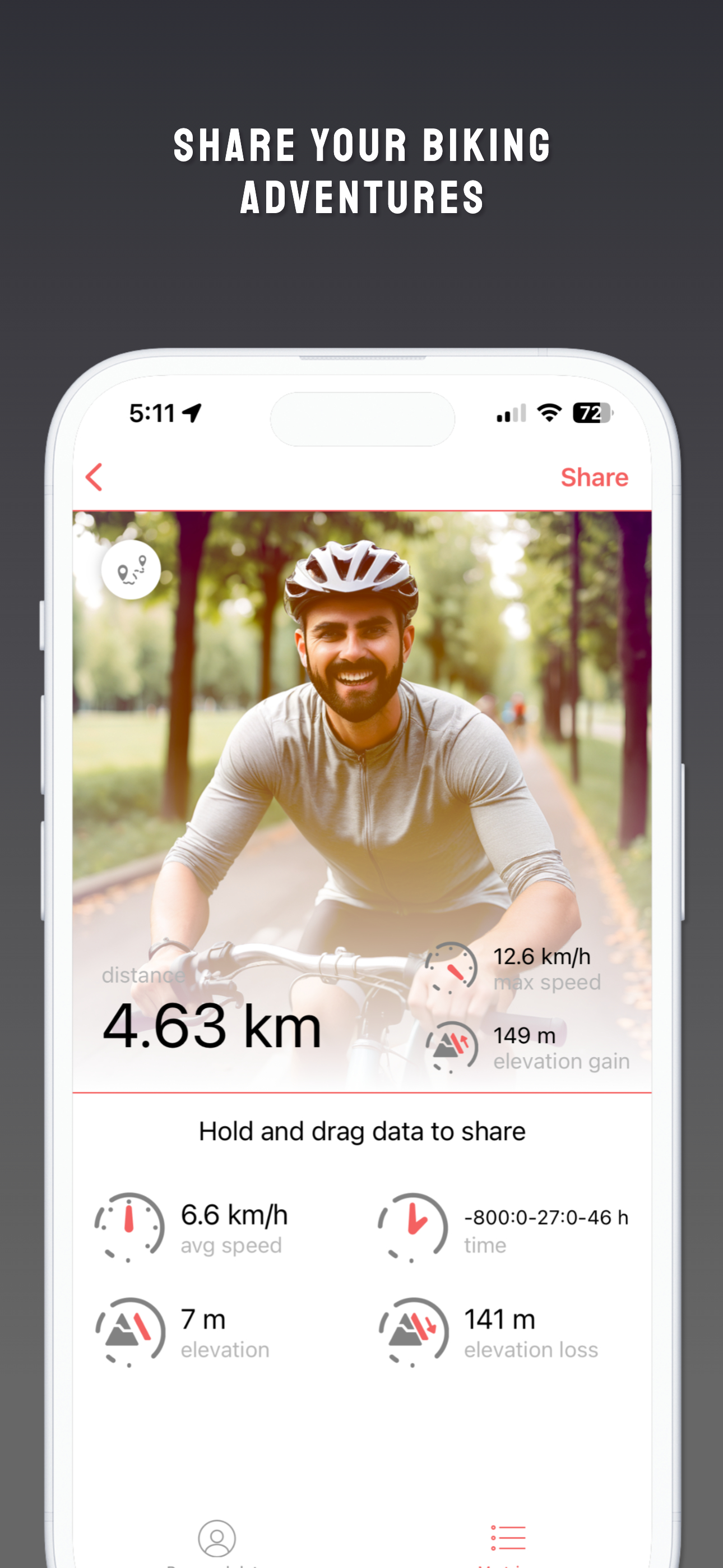
My wife downloaded this gem so she could track where she went, how far, and how fast. She liked it, so I downloaded it as well. I soon paid for it, because I like to reward excellent work and thought it would be cool to save all my rides. It’s fun to know my top speed without having to watch a speedometer at a time when I should be watching where I’m going. :-) We like to show each other where we’ve been if we ride by ourselves. I like that my phone can be in my pocket on the Lock Screen and still track my ride. I’d recommend this app to anybody who rides a bike, for the fun alone, but it would be even more useful to somebody who wants to progress. And buy it! Worth every cent.
"Enhance your riding experience with our intuitive and easy-to-use app. Bike GPS is available for all iOS devices and is packed with various useful f...
| Name | Price | Type |
|---|---|---|
| Monthly Plan | $4.99 | Monthly |
| BikeGPS Pro | $5.99 | One-time |
| Monthly | $7.99 | Monthly |
| Annual | $34.99 | Yearly |
| Annual | $34.99 | Yearly |
| Lifetime | $87.90 | One-time |


