Check the acquisition promise
Read the store headline, screenshots and description. What problem is the app promising to solve?
Study the storefront ↗
Amit Verma · iOS
Explore the ad evidence, study the storefront, and build your next acquisition hypothesis.
01 / Creative research
Read the store headline, screenshots and description. What problem is the app promising to solve?
Study the storefront ↗Explore apps with direct store-link matches. Compare their hooks and formats without assuming the same approach works here.
Browse observed advertisers ↗Store rankings and revenue estimates describe market context. They do not establish ad spend, conversions or ROAS.
Review the market context ↗02 / Storefront & product
Study the product story and store experience behind the acquisition funnel.





03 / Market context
Keep revenue, downloads and store rankings separate from advertising performance.
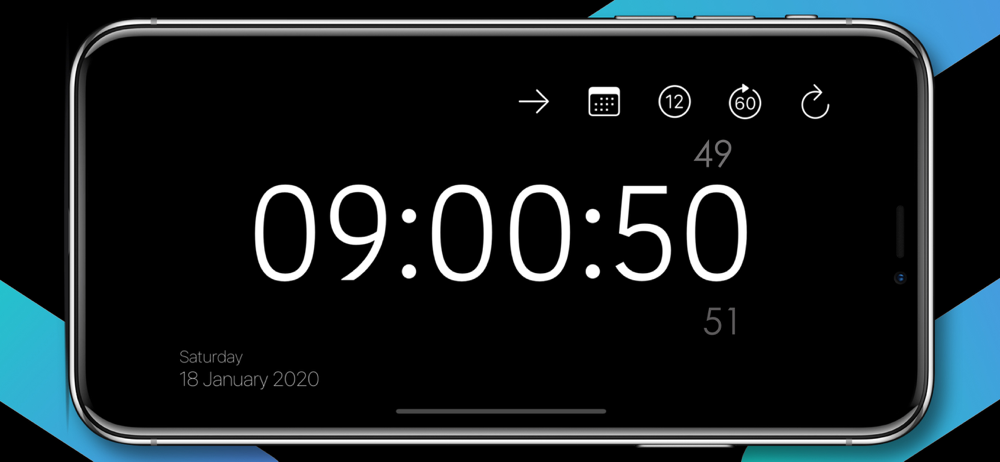
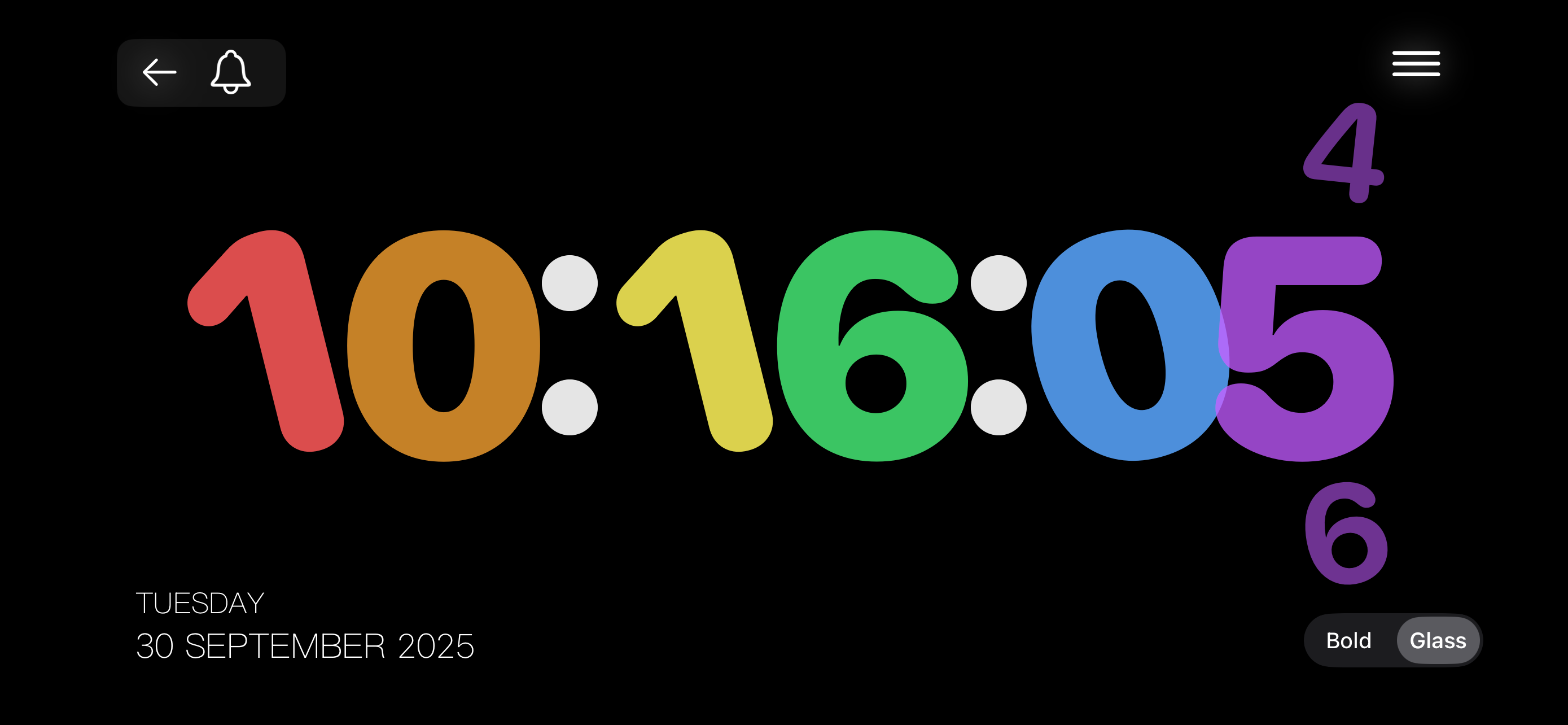
One of the best I’ve found for displaying hours, minutes, and seconds on a 2x2 widget. Only drawback is that it seems to have trouble displaying 12:xx:yy — sometimes it works but usually it leaves off the hours and just shows the xx:yy (or sometimes “1…”). I sent a message to the developer with screen shots, and received a reply that they would be looking into it. If they can fix it I will give them the 5 stars it otherwise deserves. (Note: This bug doesn’t seem to exist in the excellent full-screen display.)
Seems great so far, but sometimes I don’t want to the second counting and there is not an option for that. If I’m forced to give it a rating for my purposes right now, other than the seconds issue, I would give it a 4-5. I’ll give a 5 just because the Developer doesn’t deserve a bad review. However, again, it was annoying to be asked for a review every couple minutes or so, and it blocked the app. So give people a chance and don’t have that pop up so often. It honestly annoying. However, this app has great potential otherwise!!! 🙏🙏🙏
Yes this has one of the largest clock display digits that I've found (caveat I've downloaded many but certainly not every clock). Question 1: is it possible to have traditional dark characters on various light-ish or medium backgrounds? My eyesight does not do well with white letters characters on dark background. (Causes a kind of ghost image of the page/screen I was staring at.) Question 2: the method of touching the circular arrow to switch background themes works, but I guess until I know I've tried all it's impossible to know how many themes there are. Perhaps a paragraph about this somewhere would help. (Maybe such exists and I just missed).
Turn Your iPhone into Big Clock. Simple and beautiful Digital clock designed for Table Stand. App includes Features: · iOS 26 Interactive Widget, Sta...
| Name | Price | Type |
|---|---|---|
| Big Clock Pro. | $6.99 | One-time |