
Check the acquisition promise
Read the store headline, screenshots and description. What problem is the app promising to solve?
Study the storefront ↗
Jim Calvin · iOS
Explore the ad evidence, study the storefront, and build your next acquisition hypothesis.
01 / Creative research
Read the store headline, screenshots and description. What problem is the app promising to solve?
Study the storefront ↗Explore apps with direct store-link matches. Compare their hooks and formats without assuming the same approach works here.
Browse observed advertisers ↗Store rankings and revenue estimates describe market context. They do not establish ad spend, conversions or ROAS.
Review the market context ↗02 / Storefront & product
Study the product story and store experience behind the acquisition funnel.



03 / Market context
Keep revenue, downloads and store rankings separate from advertising performance.
This app is great to turn and old iPad into a clock. I would have given 5 stars if the settings held. I really want to turn off the seconds and plug in warning. Other than that, it looks great and is perfect for my needs.
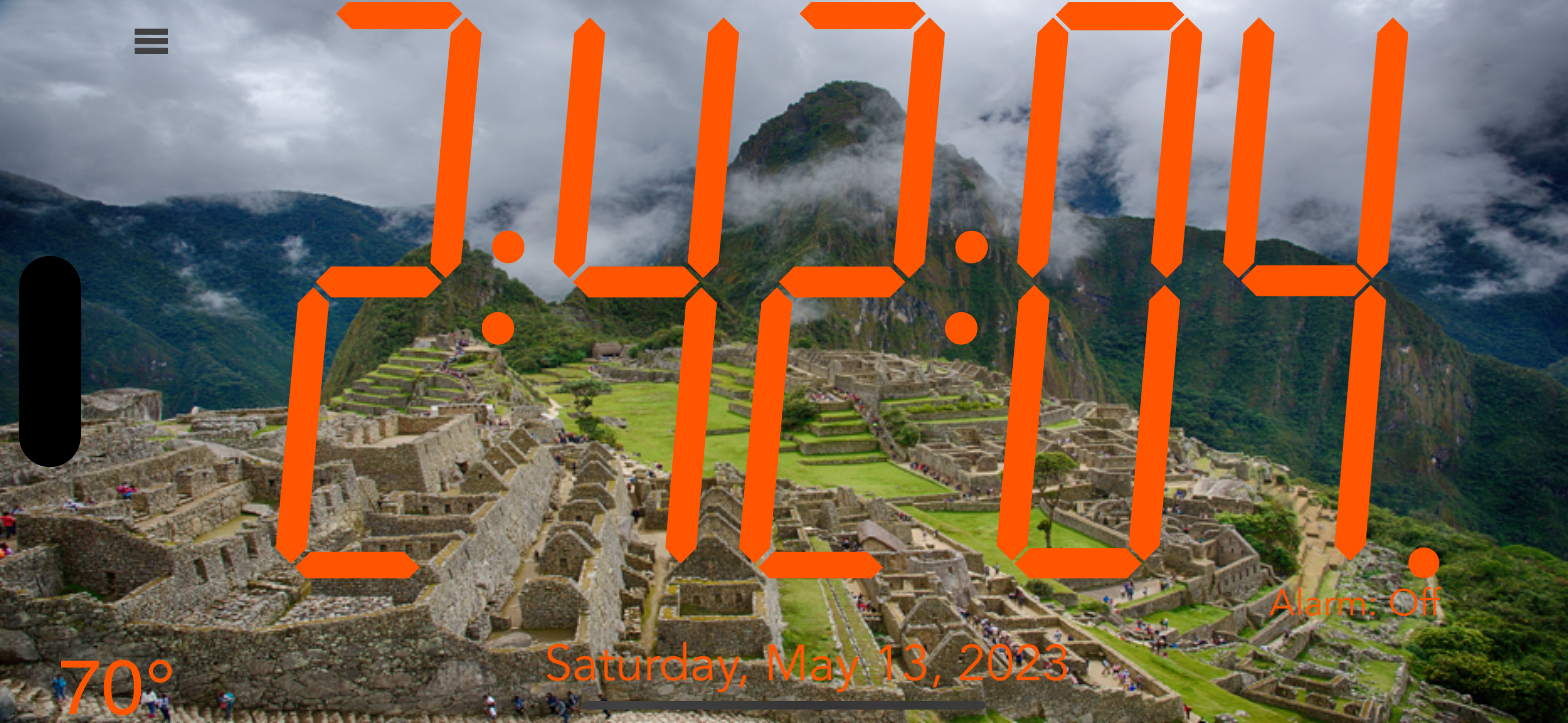
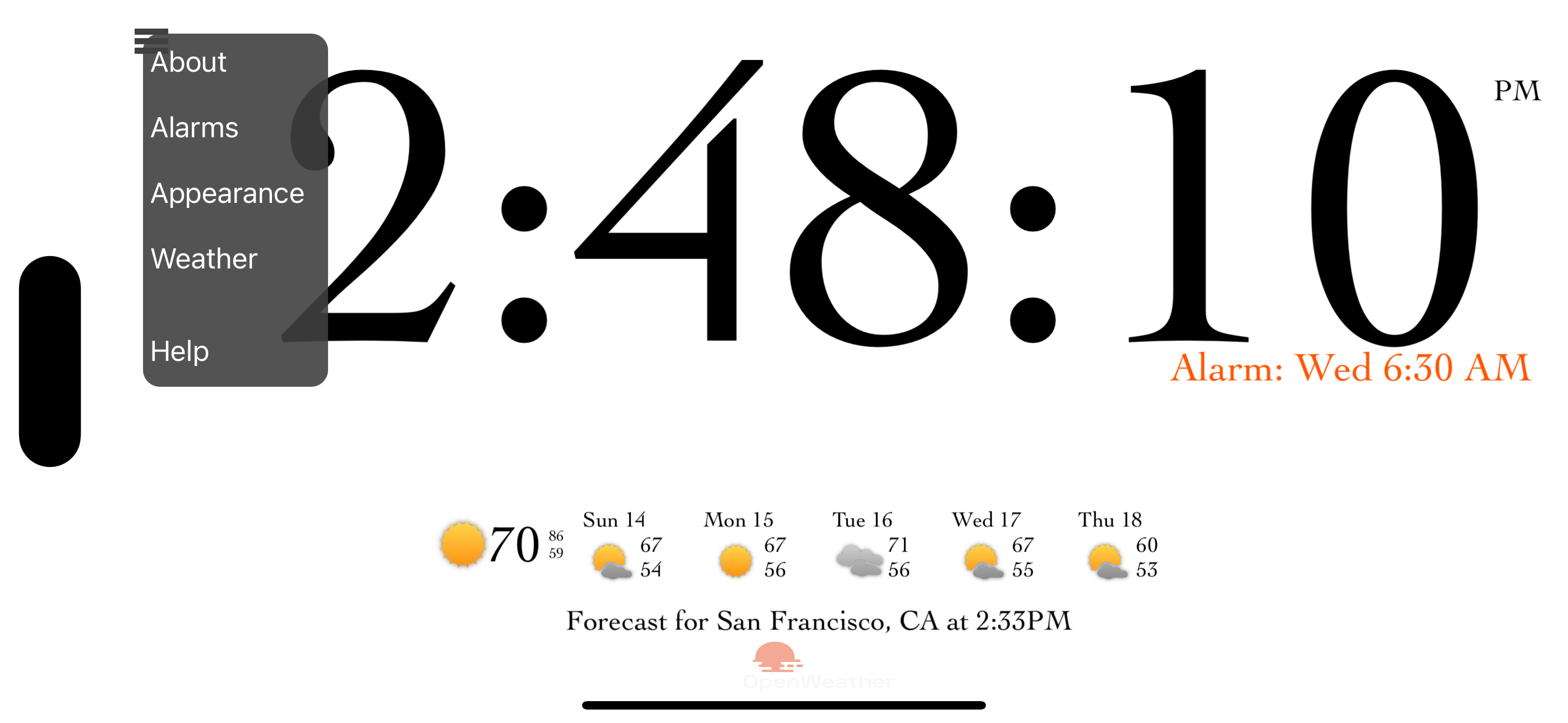
There are so many things I like about this clock. 1. Big easy to read numbers. My vision is 20:15, but when you first wake up, it takes a minute to focus. That’s not a problem with this clock. 2. Snoozing. On other clock apps and Alexa, the snooze button is a very small area. On this clock app, the whole face is the snooze button. Many clocks have a fixed snooze time. This app gives you a wide choice of snoozing times, and you can customize them for each alarm. 3. Compatibility. I use this on my iPhone 12 as my alarm clock. I also have it on a very old iPad with the inch wide connector. This is the only digital clock I could find that still runs on it. I use this as a wall clock in my ham radio shack/office. It’s a nice way to repurpose an otherwise useless piece of tech. 4. Weather. It nice to see a synopsis of the weather for the week. One thing that bugs me. If you have the weather showing, the current temperature does not seem to update. It may be something in my setup, but it happens on my all my devices. If you close it and restart it, it does update the current temperature.
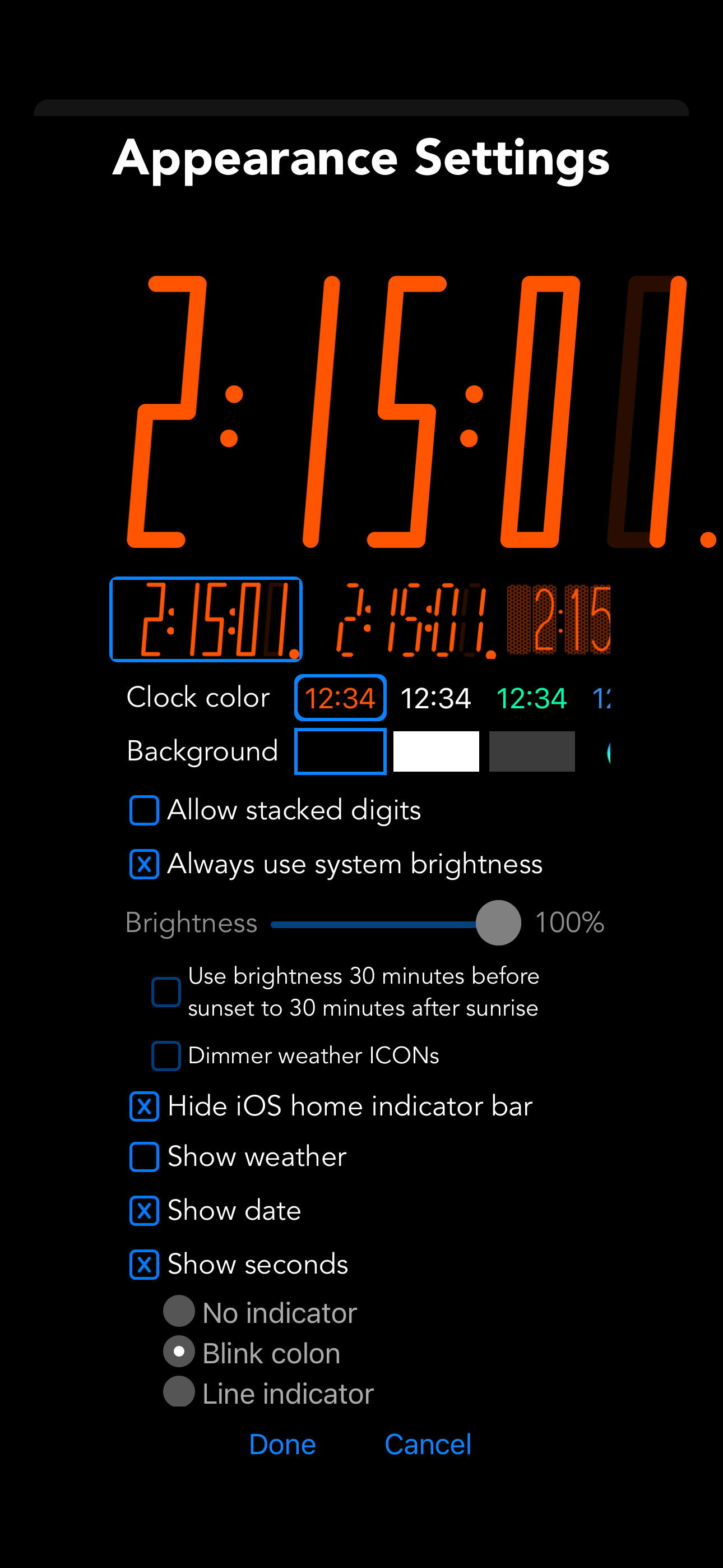
This app works well but has two problems that I frequently encounter: 1. The brightness settings don’t hold. I usually keep the display dim, but it frequently changes back to the brightest setting, which is disturbing when it suddenly lights up a very dark room. 2. The location of the menu and the spacing of the menu items are very close together, especially if you have large fingers. Plus the “Done” button at the bottom of the settings is too close to the bezel of a phone.
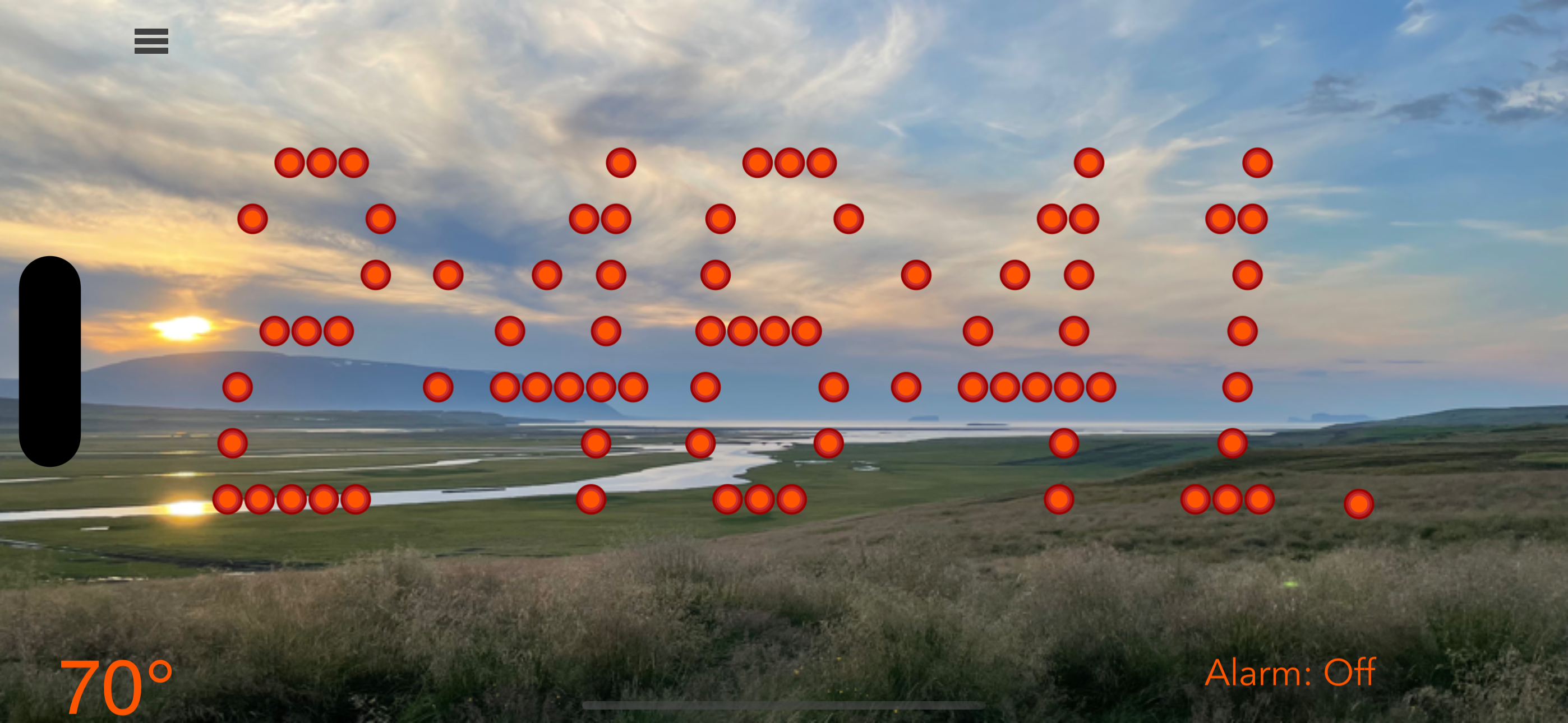
Do you ever have trouble reading the clock in the middle of the night? bnClock (big numbers clock) provides the largest numbers your iPhone or iPad wi...


