Check the acquisition promise
Read the store headline, screenshots and description. What problem is the app promising to solve?
Study the storefront ↗
David Steppenbeck · iOS
Explore the ad evidence, study the storefront, and build your next acquisition hypothesis.
01 / Creative research
Read the store headline, screenshots and description. What problem is the app promising to solve?
Study the storefront ↗Explore apps with direct store-link matches. Compare their hooks and formats without assuming the same approach works here.
Browse observed advertisers ↗Store rankings and revenue estimates describe market context. They do not establish ad spend, conversions or ROAS.
Review the market context ↗02 / Storefront & product
Study the product story and store experience behind the acquisition funnel.




03 / Market context
Keep revenue, downloads and store rankings separate from advertising performance.
This is one of the best clock apps in the store. Certainly the best for widgets. The only reason that it gets four stars is because the extensive widget options aren’t also available for the in-app nightstand/desk clock. As far as I can tell, just the flip clock is available in-app. Some more requests: Please make the date/time format customizable in app and/or by widget rather than fixed to the system setting. I’d really like to mix and match and make custom clocks that start with Monday instead of Sunday, or use French day abbreviations, or display d/m/y.
Lots of fun options for widgets with some surprisingly polished UI. I’m especially a fan of the metro widget — lovely color palette and design. Will be keeping an eye out for more widgets in future updates! A few feature requests (specifically for widgets): 1) More city options, or clearer text explaining the list. With some of the widgets it seems possible to select a nearby city then set a custom alt text with your actual city. This took me a moment to figure out, because my city wasn’t in the list. Strictly speaking the supported list of cities seem to be a standardized list of cities for specific time zones (which makes sense) but it’s not described that way. 2) Additional customizability for each widget style. For example, letting users pick between color palettes (including OLED pure black).
Looks nice but it doesn’t show up as a widget option at all!! I cannot find it under available widgets so it’s basically just an app you have to open to check the time…which is..er…dumb since the time is already showing on every phone screen. Update: ok so I don’t know what happened but after a day or so, I now see the widget options pop up and it is awesome. It is exactly what it says it is…a neat clock widget with plenty of options! I dig it!
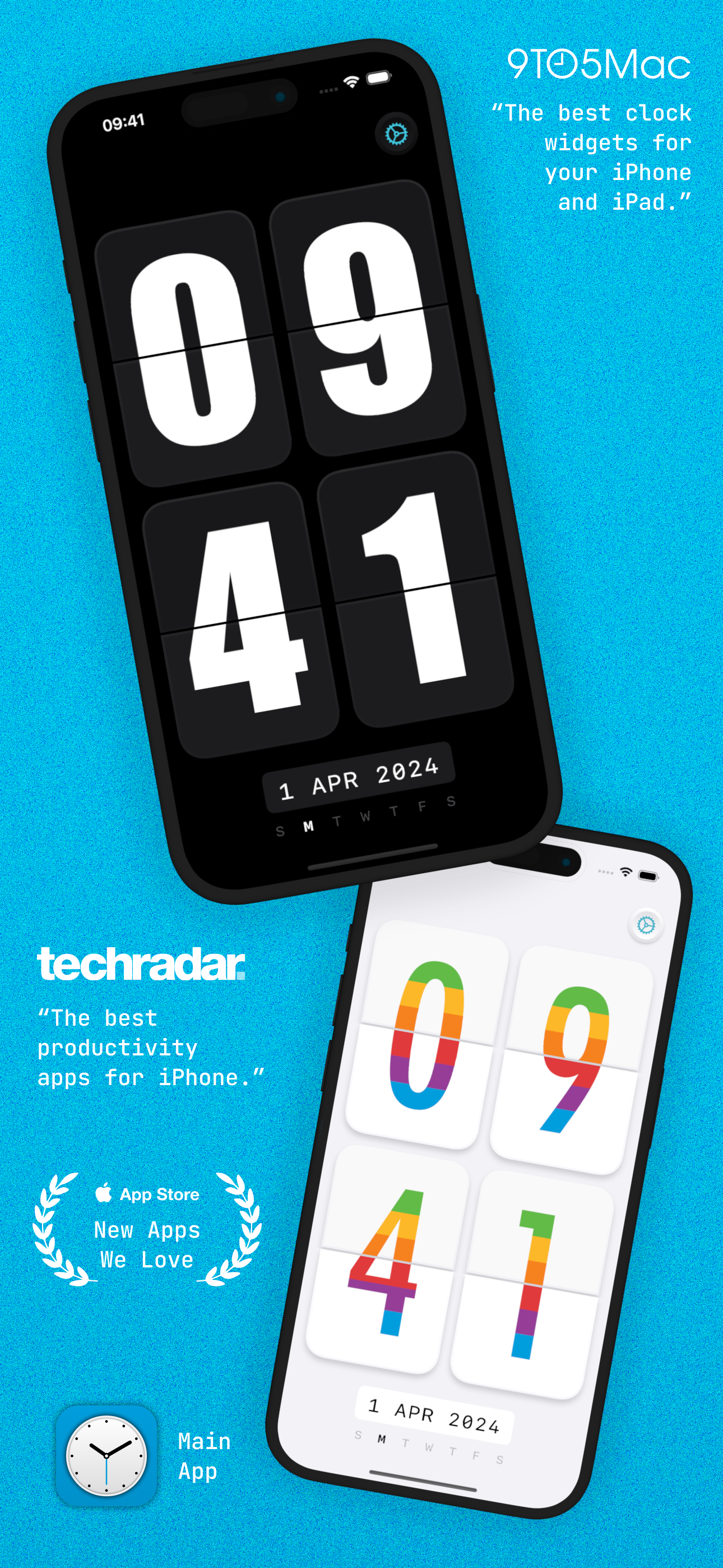
Add beautiful timepiece widgets to your Home Screen, Lock Screen, and StandBy mode with McClockface. McClockface provides a collection of playful wid...
| Name | Price | Type |
|---|---|---|
| Snack Sized Tip | $0.99 | One-time |
| McClockface Plus (Weekly) | $0.99 | Weekly |
| McClockface Plus (Monthly) | $1.99 | Monthly |
| Coffee Sized Tip | $1.99 | One-time |
| Lunch Sized Tip | $4.99 | One-time |
| McClockface Plus (Annual) | $6.99 | Yearly |
| Movie Sized Tip | $9.99 | One-time |
| McClockface Plus (Lifetime) | $14.99 | One-time |