
Check the acquisition promise
Read the store headline, screenshots and description. What problem is the app promising to solve?
Study the storefront ↗
Gil Osborne · iOS
Explore the ad evidence, study the storefront, and build your next acquisition hypothesis.
01 / Creative research
Read the store headline, screenshots and description. What problem is the app promising to solve?
Study the storefront ↗Explore apps with direct store-link matches. Compare their hooks and formats without assuming the same approach works here.
Browse observed advertisers ↗Store rankings and revenue estimates describe market context. They do not establish ad spend, conversions or ROAS.
Review the market context ↗02 / Storefront & product
Study the product story and store experience behind the acquisition funnel.



03 / Market context
Keep revenue, downloads and store rankings separate from advertising performance.
First off this app is really unique! So much potential! It seems to still be in active development so it’s not perfect . However… This app is incredibly generous I would describe it as a “Creative project manager” There is so much utility here! This is a tool I’ve been looking for! You get so many great tools for free! I definitely want to support this apps development. Suggestions: - When you upload a reference it gives you the ability to download it again. This is amazing. For your finished work I’d add the feature to download the framed version and the original file unedited as well! (Just like when you download your reference photos from the gallery) - adding the ability to place our own colors in the color mixer - ability to create a custom color palette in app similar to the color harmonies tool. - a gallery option so you don’t have to swipe to look through your completed gallery. (like a display of the pictures you can click, maybe even organize in folders) then you can display it in gallery mode with the picture frame or close up with the ability to view the description and other details in a digital menu. (Adding a switch from picture frame mode to a more digital interface would be cool and make it easier to admire your own work especially being able to zoom in) - adding a confirmation before you delete a project (The button is so close to the duplicate button. If someone’s finger slips their project would be ruined) Bugs I’ve encountered: - When you complete a work it doesn’t automatically go to the “completed” section! The completed section says 0 even when I added a “finished work”. - the app is a little laggy at times. - I feel the option for a more in depth tutorial showing how to use the interface would be good for many people! (for people who may not be as experienced with devices/ tech it may frustrate them!) - when you make a new project I have to open and close to app to access the new project which can be a bit frustrating. - after removing a project the screen doesn’t clear sometimes it just keep the project you just deleted open? I did this with one of the sample projects. I’ll update this review if I find anything else! Very amazing app I love what you’ve done this is perfect ⭐️
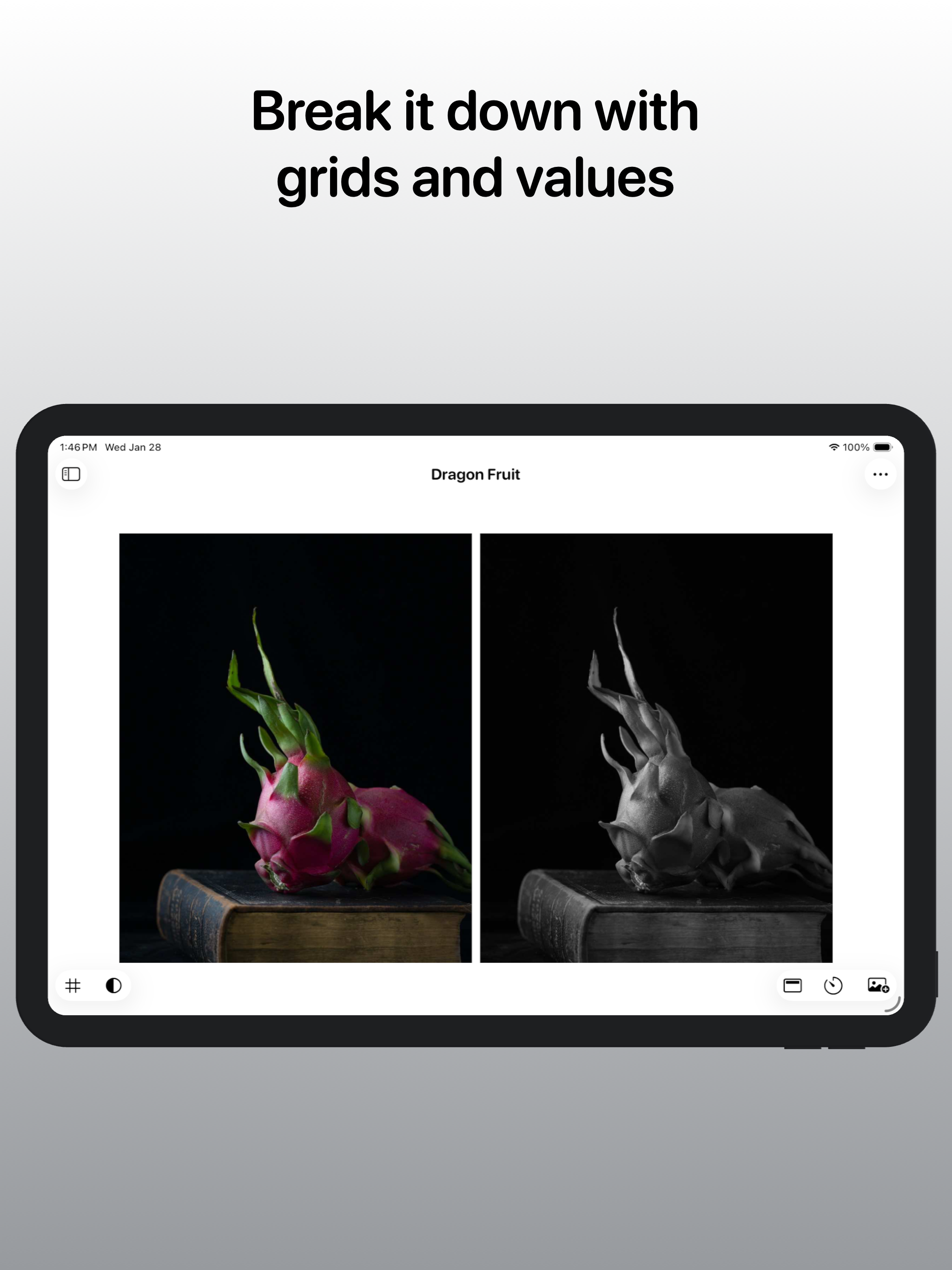
Artists Reference is made for painters, illustrators, and traditional artists who work with real materials, not pixels. It gives you the digital refer...
| Name | Price | Type |
|---|---|---|
| Lifetime Full Access | $14.99 | One-time |


