Check the acquisition promise
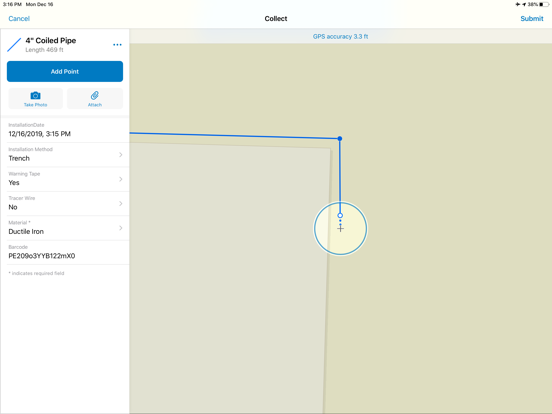
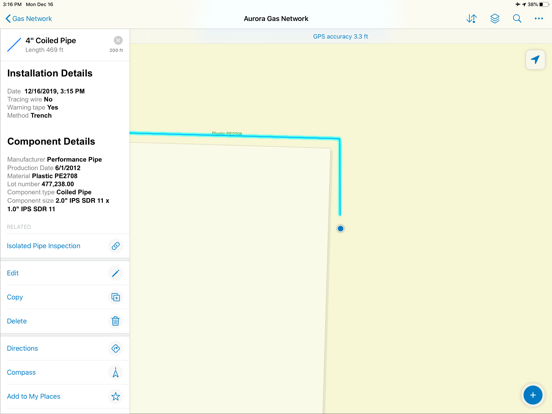
Read the store headline, screenshots and description. What problem is the app promising to solve?
Study the storefront ↗
ESRI · iOS
Explore the ad evidence, study the storefront, and build your next acquisition hypothesis.
01 / Creative research
Read the store headline, screenshots and description. What problem is the app promising to solve?
Study the storefront ↗Explore apps with direct store-link matches. Compare their hooks and formats without assuming the same approach works here.
Browse observed advertisers ↗Store rankings and revenue estimates describe market context. They do not establish ad spend, conversions or ROAS.
Review the market context ↗02 / Storefront & product
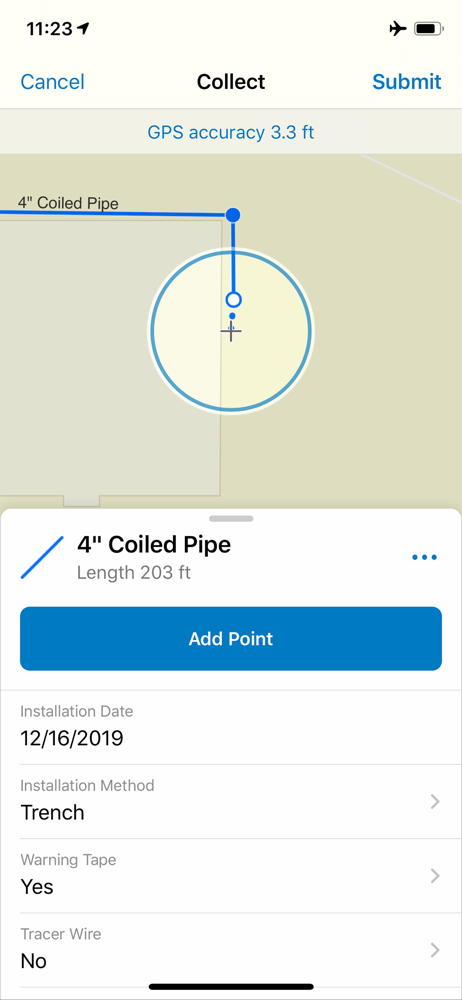
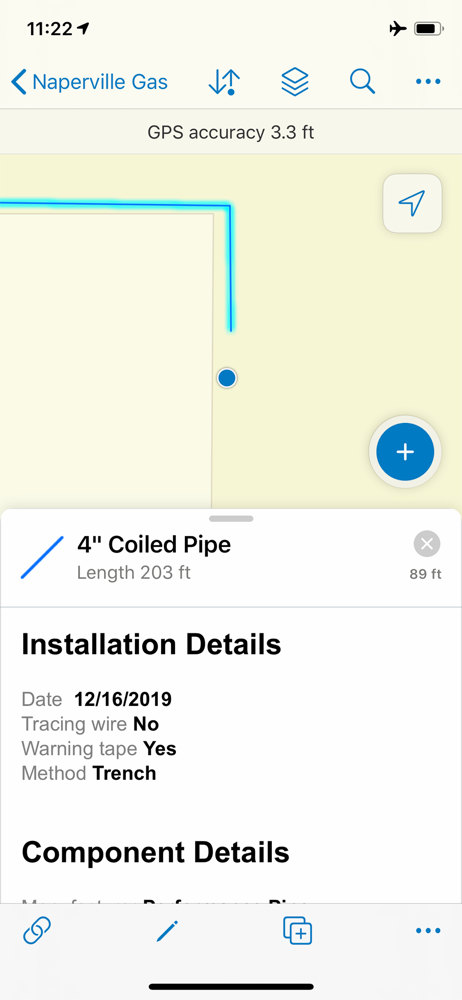
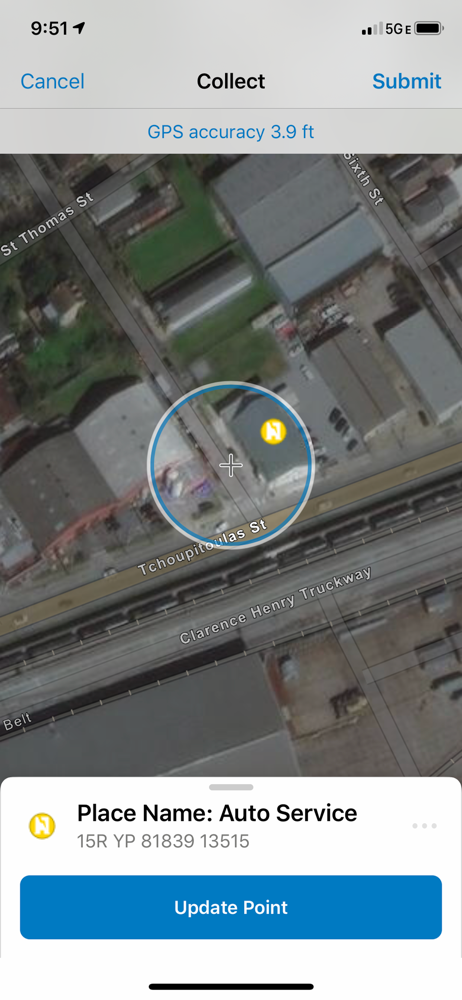
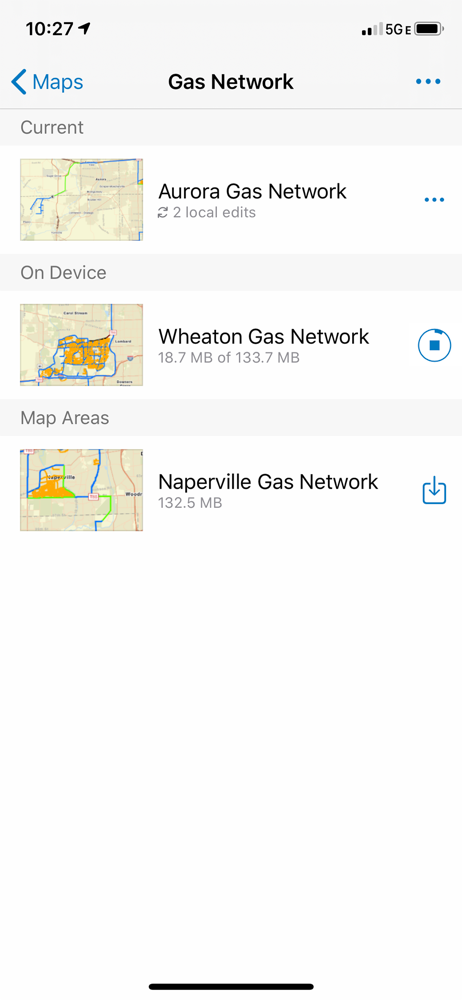
Study the product story and store experience behind the acquisition funnel.


03 / Market context
Keep revenue, downloads and store rankings separate from advertising performance.
There are usually no problems editing maps in the field, however I have been adding photo attachments to areas on our maps and the app crashes once every couple minutes while I do it. I can hardly work through it at this point, as it’s only happening more frequently. Please fix this issue.
1. Please add UTM coordinates. It is universal in my field. At this point, I need to take waypoints on another device. There are thousands of people that use UTMs for their data. If you want professionals to use this program, this is essential. 2. When looking at the map and clicking on an area, a drop down menu tells me what types of lines are there. I know what type of lines they are by looking at it; this is not the most important information. I want to see what I named it. To see that, I have to click on each one, scroll down and find the subfield. It is extremely inefficient and makes the maps much harder to read. 3. When making a polygon, I want to be able to pause streaming, go onto another feature to map, come back and continue streaming from the same spot.
First off, I’m a biologist and I use this app everyday for work on a large construction project. On any given day 20+ people log their daily activity using this app, for the most part it is incredibly effective and is instrumental in organizing all the relevant information we need to do our job. Although I’m not the one analyzing/compiling all of this data, I can imagine how this app has saved countless hours of work. All of this comes with quite a big “but”, the text boxes added from the most recent update are very frustrating to use. When the text box is filled with lots of content and the phone’s keyboard is open (which opens once you select the text box) it becomes literally impossible to scroll up or down or work on the other parts of my report. I can’t emphasize enough how unbelievably annoying this small bug is, and I hope that it can be fixed soon, because it’s driving me and my coworkers mad.
ArcGIS is available on your desktop, in a browser, and now on your iPhone or iPad. Easily capture new data and update existing GIS features in the fie...