
Check the acquisition promise
Read the store headline, screenshots and description. What problem is the app promising to solve?
Study the storefront ↗
Microsoft Corporation · iOS
Explore the ad evidence, study the storefront, and build your next acquisition hypothesis.
01 / Creative research
Read the store headline, screenshots and description. What problem is the app promising to solve?
Study the storefront ↗Explore apps with direct store-link matches. Compare their hooks and formats without assuming the same approach works here.
Browse observed advertisers ↗Store rankings and revenue estimates describe market context. They do not establish ad spend, conversions or ROAS.
Review the market context ↗02 / Storefront & product
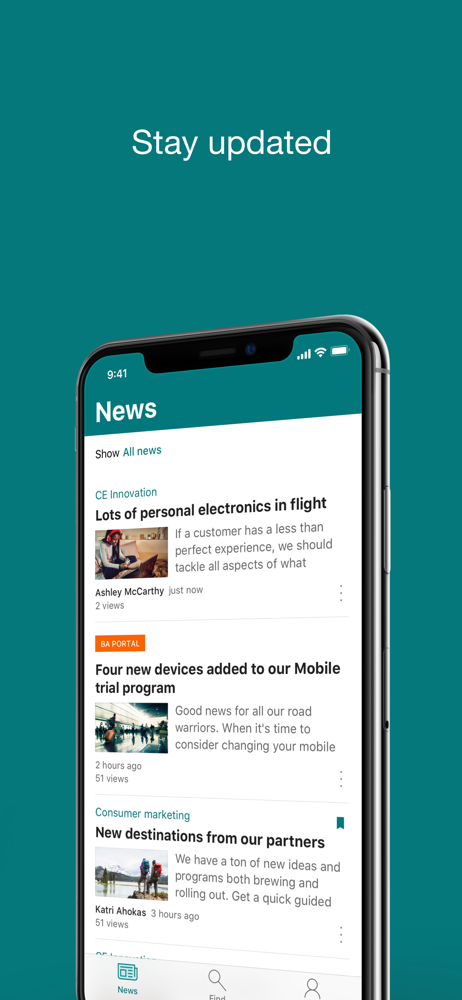
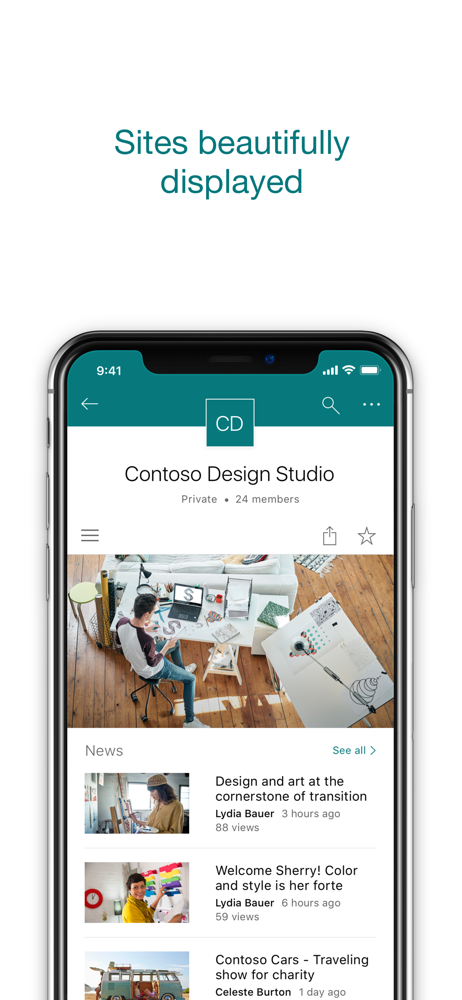
Study the product story and store experience behind the acquisition funnel.


03 / Market context
Keep revenue, downloads and store rankings separate from advertising performance.
So, I’ll start with the most annoying bug—having to re-sign in constantly—after every single action! Any time I save or switch screens, I have to sign in again. This has been going on for weeks, if not months, at this point. Release notes say devs have been working hard to improve the app, but I have a hard time believing that when they’re letting issues with something as fundamental and necessary as authentication persist for this long. Some other issues—the app is incredibly slow/sluggish and unresponsive. I never know if it’s just taking forever (normal functionality) or if it even registered my tap. Just like the web app currently (and for the last few months) there is a bug where lists become completely unresponsive and you have to change screens or refresh in order to interact with them again. Idk what that’s about. Incredibly annoying though! The app is clunky, the UI/UX is unintuitive and poor. I absolutely hate having to work in this app.
My company uses SharePoint. This is the first company I worked for that uses this for communication, tools, and information gathering. It’s a great and unique tool to have in every organization. Don’t know an answer to a question? No problem you SharePoint and you can look up any answer to a question that your direct supervisor might have for you. It also carries your personal information so if you need to change anything on your tax forms like your W-2, you can do that in about 30 seconds. I recommend this app to all organizations.
It’s annoying that you can’t force it to actually attach a file. It always sends a link but the problem is sometimes I want to send a real file and not actually send a link to someone outside of my company because where the files are being stored I don’t want anyone to ask for access to that location, and for legal purposes very often they need the file to be inside the email not a link to it Another issue is very often you can’t view the file names and a professional company you end up with quite long file names for files to cover for versions or legal turns and in SharePoint on the mobile, they basically all look the same because the file names get truncated, which makes what would be an awesome application, a nightmare to use
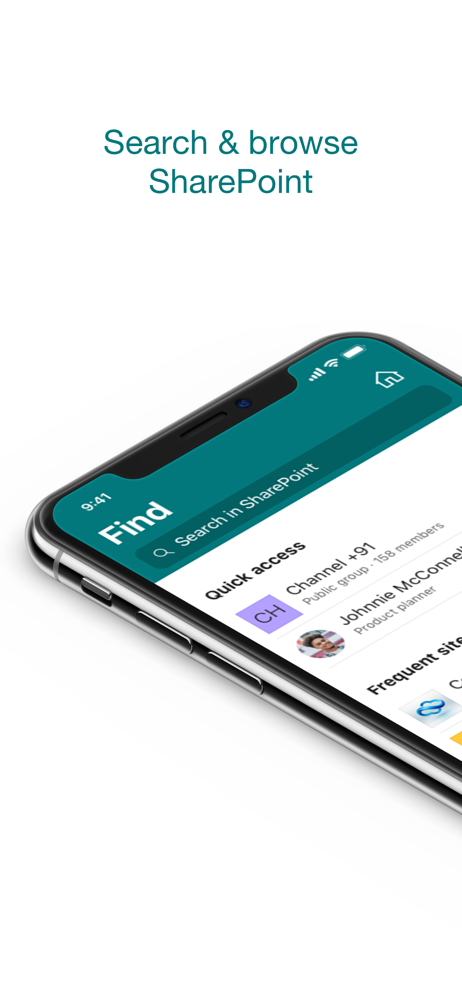
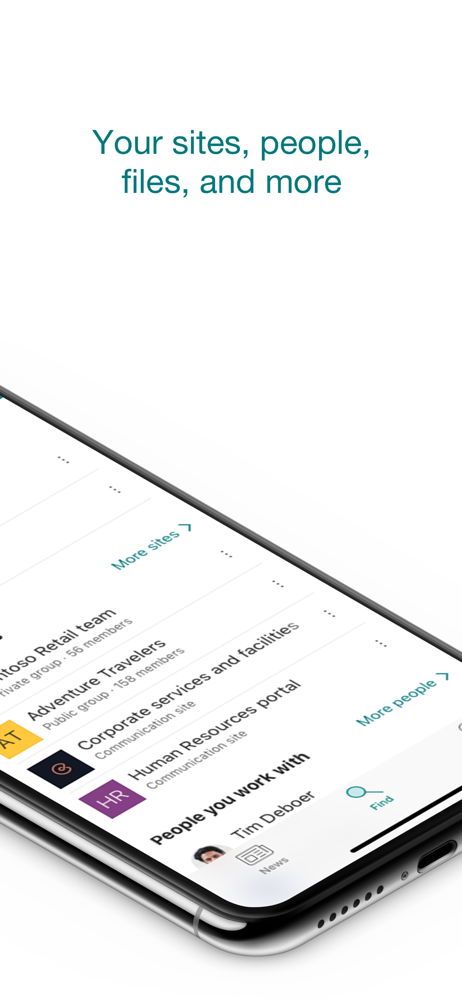
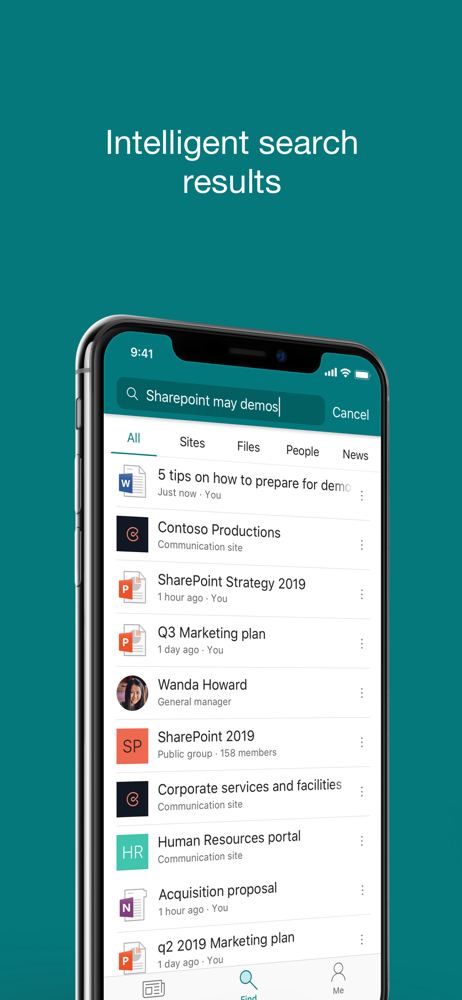
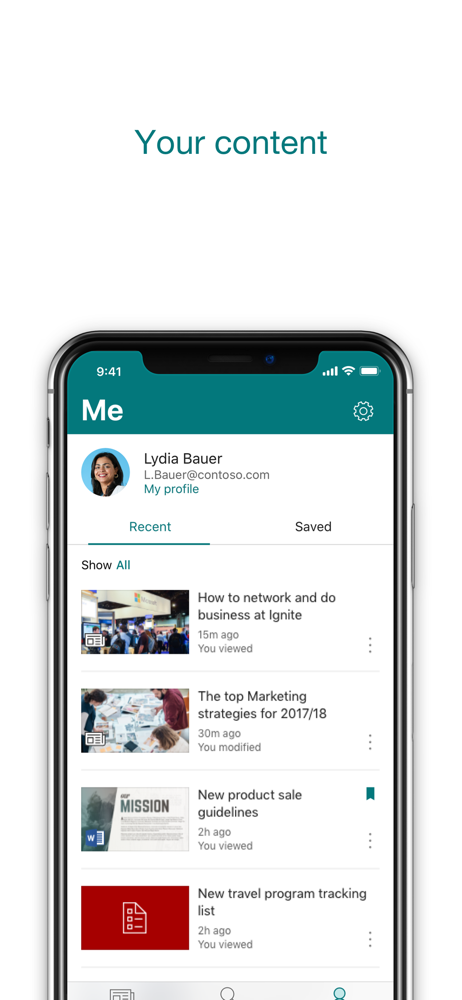
Find files, news, sites and people - personalized for you and your organization. SharePoint infuses AI into the mobile app experience to keep you focu...


