Check the acquisition promise
Read the store headline, screenshots and description. What problem is the app promising to solve?
Study the storefront ↗
Christian Selig · iOS
Explore the ad evidence, study the storefront, and build your next acquisition hypothesis.
01 / Creative research
Read the store headline, screenshots and description. What problem is the app promising to solve?
Study the storefront ↗Explore apps with direct store-link matches. Compare their hooks and formats without assuming the same approach works here.
Browse observed advertisers ↗Store rankings and revenue estimates describe market context. They do not establish ad spend, conversions or ROAS.
Review the market context ↗02 / Storefront & product
Study the product story and store experience behind the acquisition funnel.




03 / Market context
Keep revenue, downloads and store rankings separate from advertising performance.
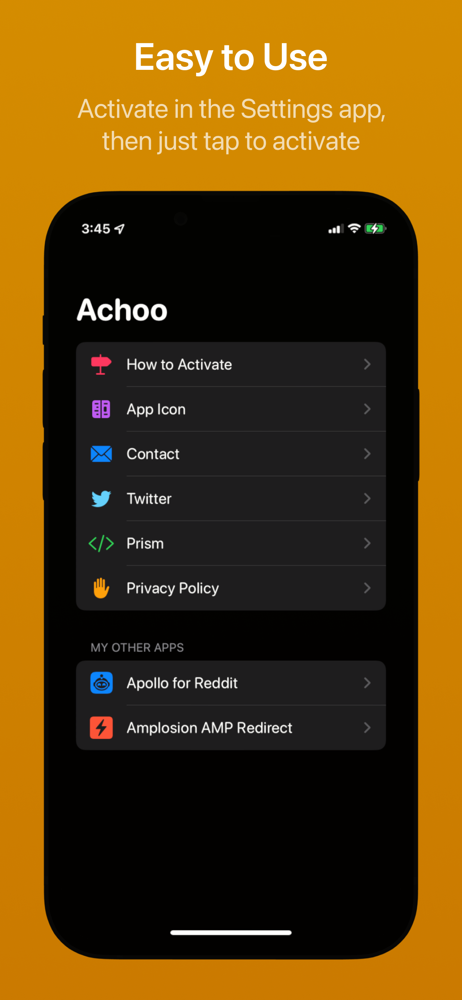
This extension does exactly what the description says, and nothing more. Inline HTML, CSS, JS only. Copy edits can only be made on-page, in a WYSIWYG-type editor. HTML, CSS, JS edits are not allowed, though they are implied in the description. This is not a replacement for the dev options that we expect on all modern desktop browsers. I hope that one day we have an ipad extension (or native tools) allowing this functionality without connecting iPad to a desktop computer. For now, this is not the solution I'm working for. Take the description at it's word and don't hope for any more, even standard, features.
This does exactly what I need it to do. It fast and easy to learn. One thing I think everyone could benefit from is being able to edit a photo as well. Being able to replace an image with another and continue editing the webpage would make this app even better! Overall I will be a lifetime user for sure.
Overall, this Safari extension ostensibly does what it says on the tin. But there are three downsides that should probably be aware of, which I’ve listed below in order from least bad to most bad: 1. It isn’t great that this extension doesn’t let you configure whether to show in light mode or dark mode—it only ever follows the system setting. 2. Unless I’ve missed it somewhere, it doesn’t seem possible to be able to trigger this extension from share sheets. Now, you might be wondering why you’d ever need to do that since this extensions available through Safari‘s extensions dropdown—but if you might ever be looking at a webpage within a Safari webview (such as a webpage that you’re looking at within the Twitter app), then you know that there’s no access to the Safari’s extensions dropdown within those sorts of webviews. 3. There’s no way to enable word wrap. Which might be kind of a dealbreaker since so many sites are procedurally generated these days. So for all but the most straightforward use cases, this downside may well be a dealbreaker. All that being said, this app has good bones and good promise. And if the developer might be able to resolve some of these downsides, it could easily become a five-star app.
Achoo allows you to easily view the HTML for the webpage you're viewing in Safari. It shows the HTML (as well as any inline CSS and JavaScript) with b...